Livestream Shopping App Mockup
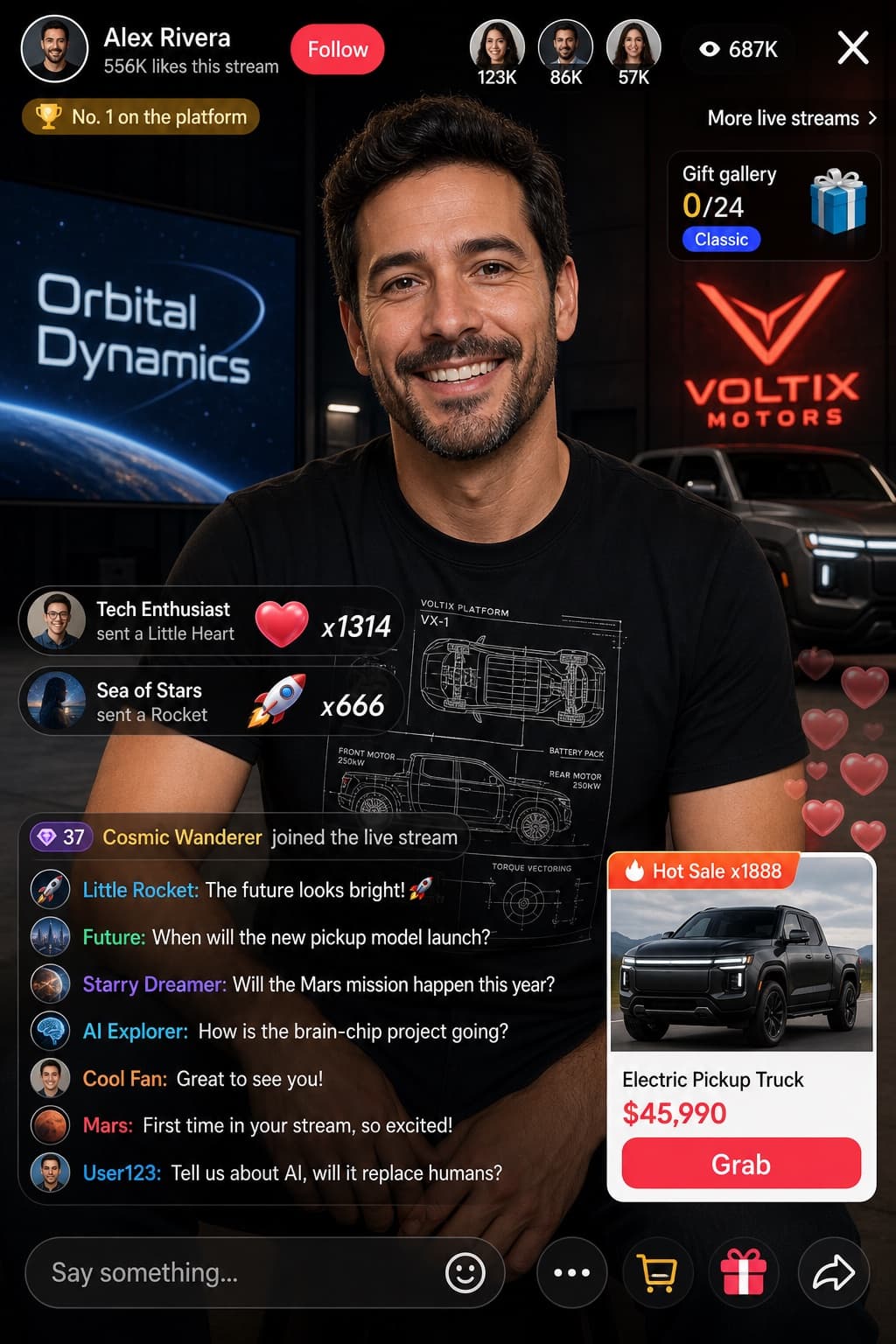
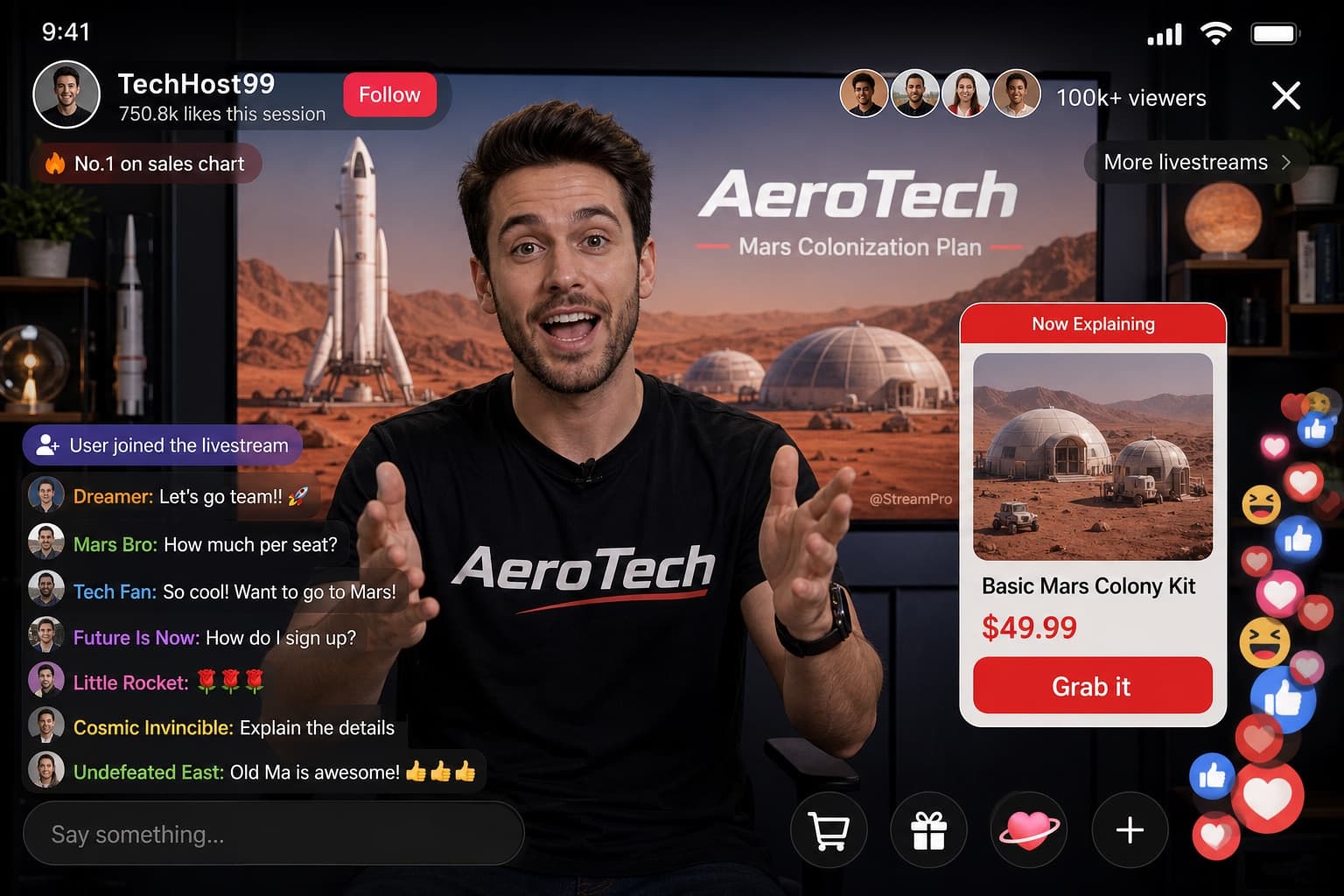
A mobile livestream e-commerce interface mockup showing a host presenting pajamas, complete with chat, product card, and marketing overlays.
Budget models do not render typography reliably; this case needs a higher tier.
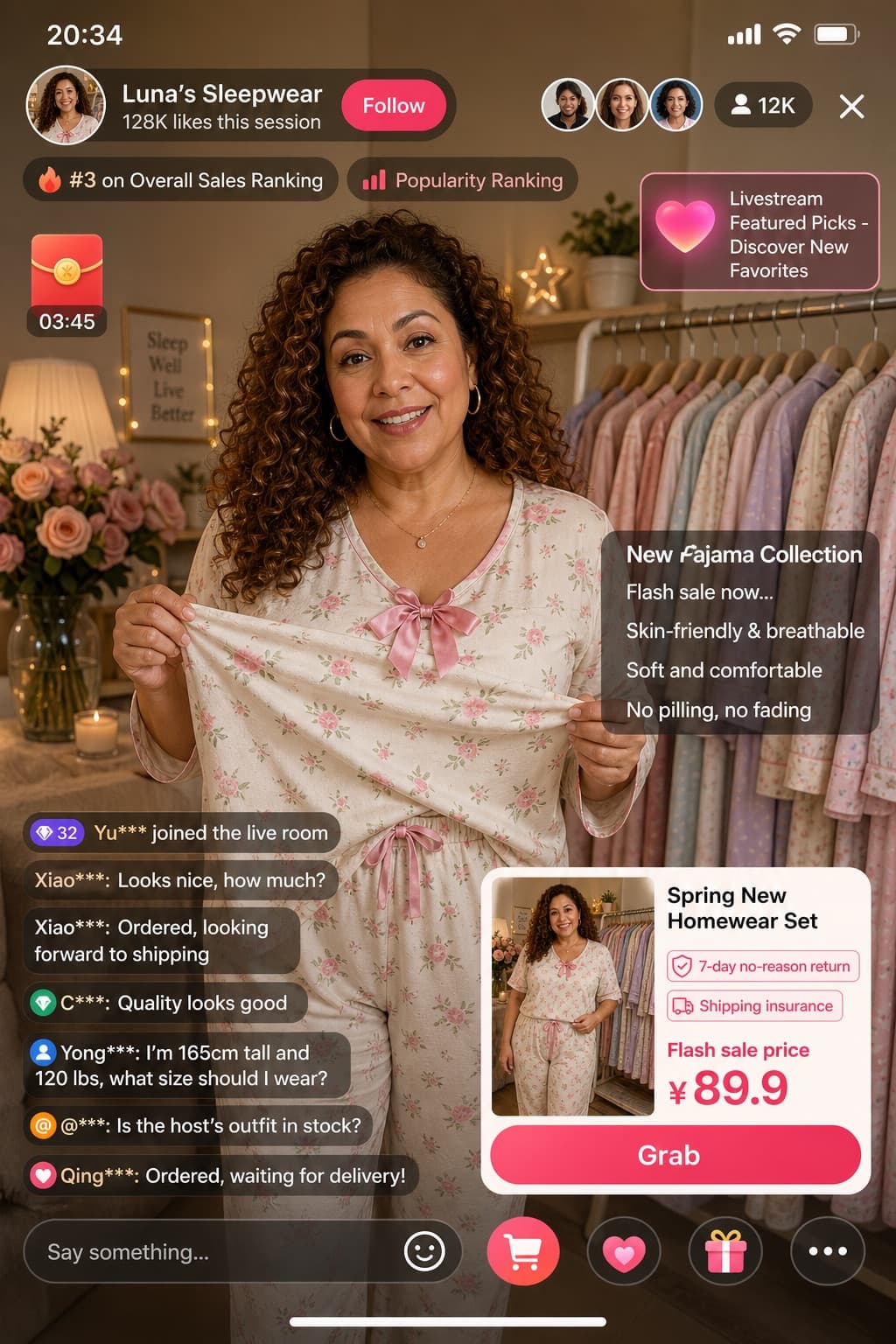
Image generated by us with gpt-image-2. Prompt by @linxiaobei888
Prompt
Create a mockup of a mobile live-streaming e-commerce app interface. Type: mobile live-streaming e-commerce interface mockup. Subject: a [PERSON_LOOK], wearing a light-colored floral pajama set with a pink bow, holding the pajama top outward to show the fabric texture; background is a cozy room with a clothing rack full of pajamas, flowers, and warm ambient lighting. UI layout details: Top bar shows the time '20:34', host info with the host name '[HOST_NAME]', stats reading '128K likes this session', and a 'Follow' button; viewer info shows 3 small avatars and a total viewer count of '12K'. Floating tags: two badges reading '#3 on Overall Sales Ranking' and 'Popularity Ranking'. Widgets: top-left shows a red envelope icon with a countdown timer '03:45'; top-right shows a floating heart icon with the text 'Livestream Featured Picks - Discover New Favorites'. Marketing text overlay positioned mid-right with five lines: '[MAIN_HEADLINE]', '[SUB_HEADLINE]', 'Skin-friendly & breathable', 'Soft and comfortable', 'No pilling, no fading'. Chat log positioned bottom-left with 7 messages: '32 Yu*** joined the live room', 'Xiao***: Looks nice, how much?', 'Xiao***: Ordered, looking forward to shipping', 'C***: Quality looks good', 'Yong***: I'm 165cm tall and 120 lbs, what size should I wear?', '@***: Is the host's outfit in stock?', 'Qing***: Ordered, waiting for delivery!'. Product card positioned bottom-right with a thumbnail miniature of the host, title '[PRODUCT_TITLE]', two tags reading '7-day no-reason return' and 'Shipping insurance', a price section reading 'Flash sale price ¥[PRODUCT_PRICE]', and an action button reading 'Grab'. Bottom bar has an input field with placeholder text 'Say something...' and 5 icons: smiley face, shopping cart, heart/gift, gift box, and three dots.
6 placeholders still empty. Copied as is, the generator will draw the brackets literally inside the image.
Editable variables
Change any value and the prompt rewrites above. Copy the finished result.
Name of the livestream host or shop displayed in the top bar of the interface.
Main marketing headline announcing the featured product in the overlay text.
Secondary headline indicating the sale status below the main headline.
Full title of the product shown inside the product card.
Numeric price value displayed in the flash sale price section.
Physical appearance, age, gender and ethnicity of the person featured as the livestream host, holding up the pajama top to show the fabric texture.
Generate the image here
With your own OpenAI key. Free for us, and what you spend is yours.
Kept in this browser only and sent straight to OpenAI's API: it never passes through a server of ours, because there is no server of ours in between. Check it yourself in the network tab.
Fill in the remaining variables before generating, or the model will draw the brackets.