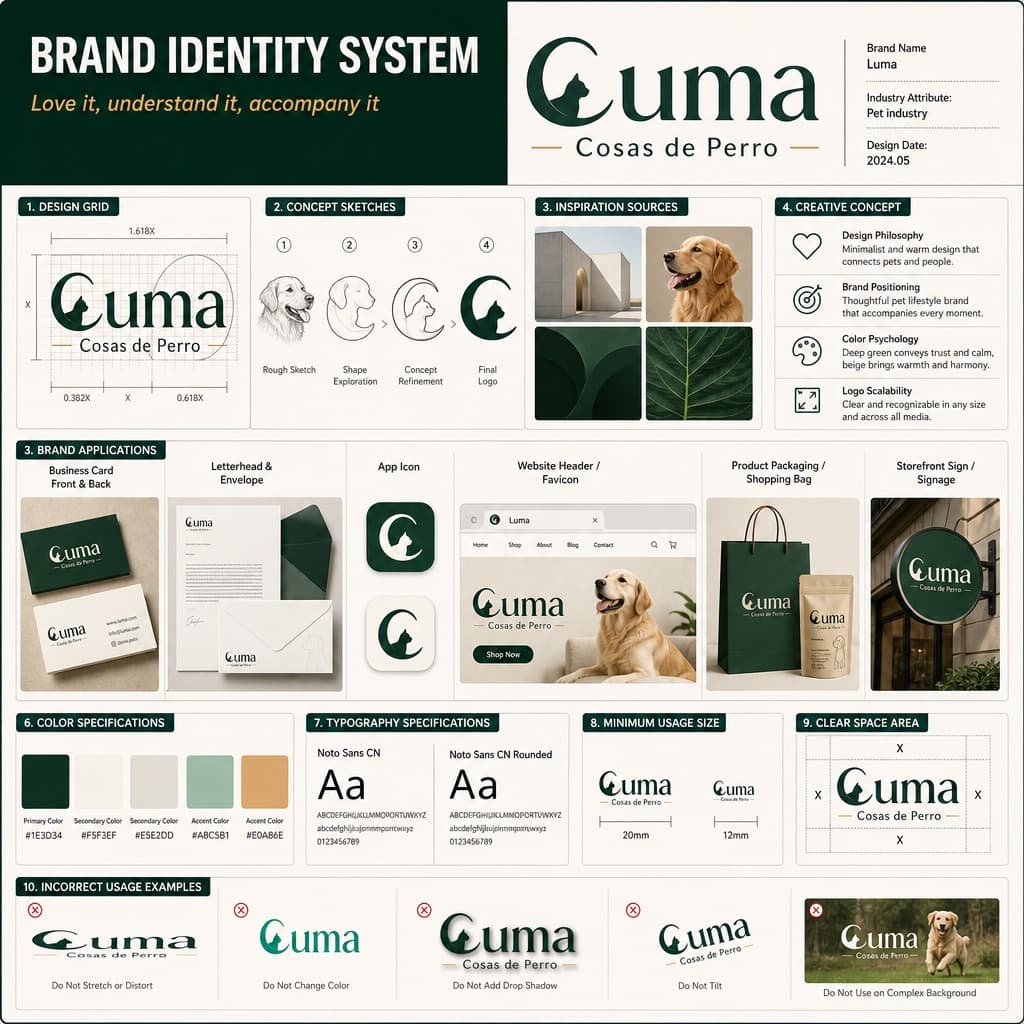
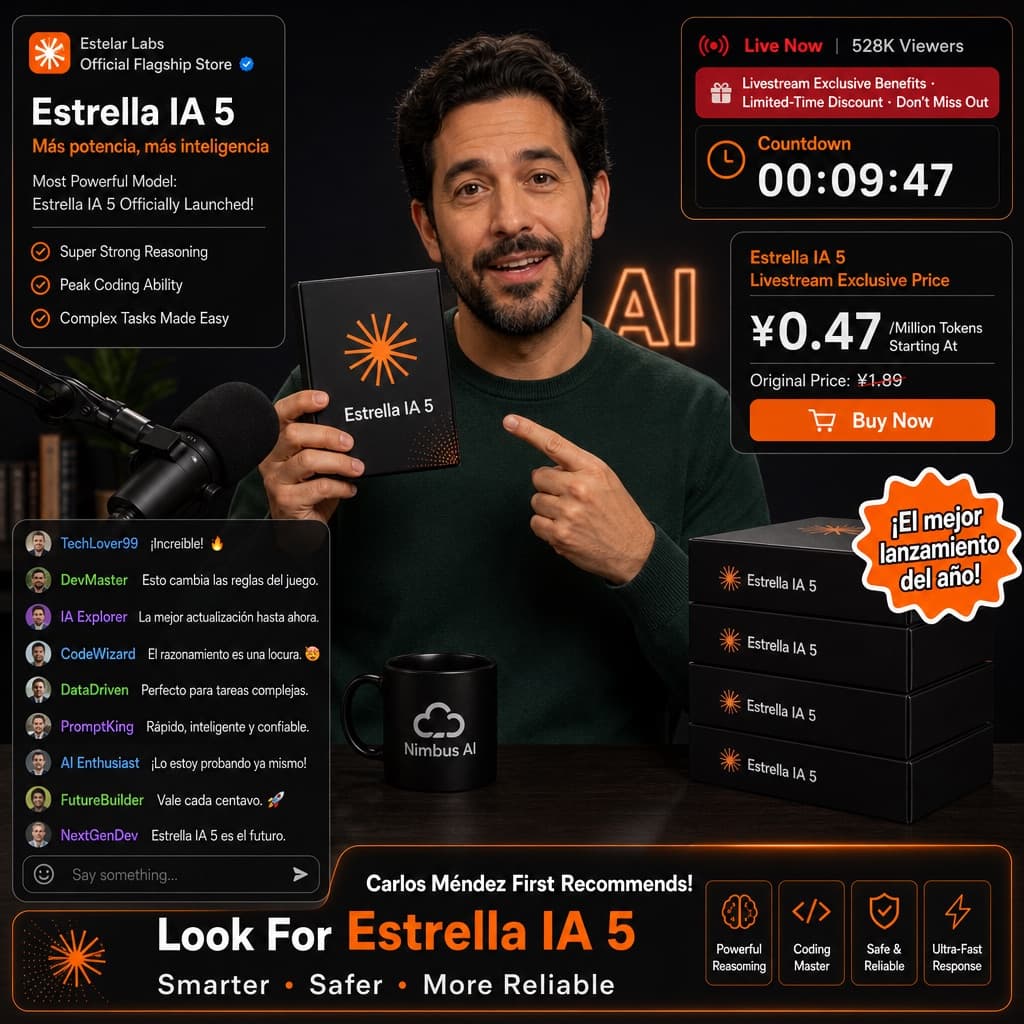
Livestream Shopping Interface Mockup
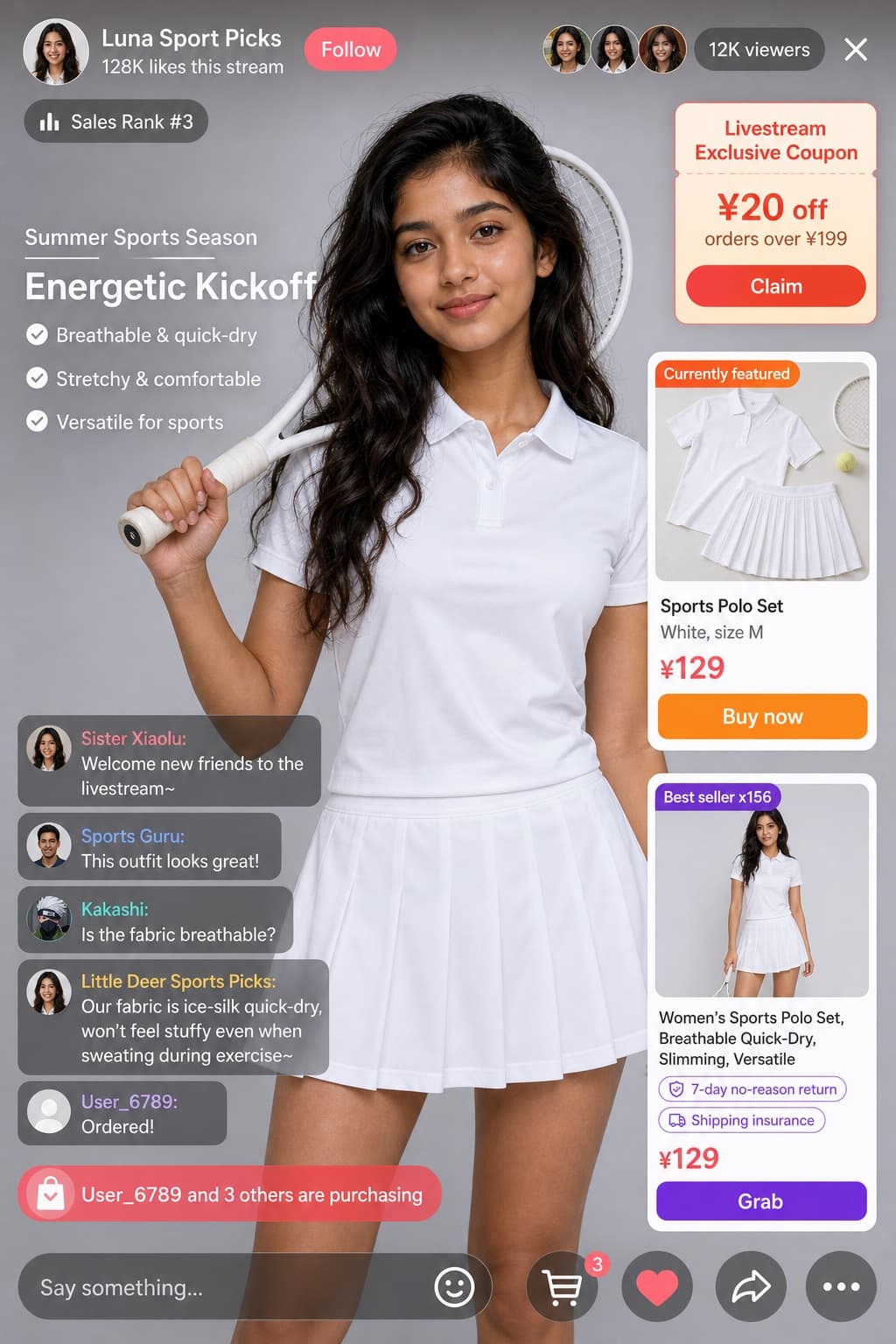
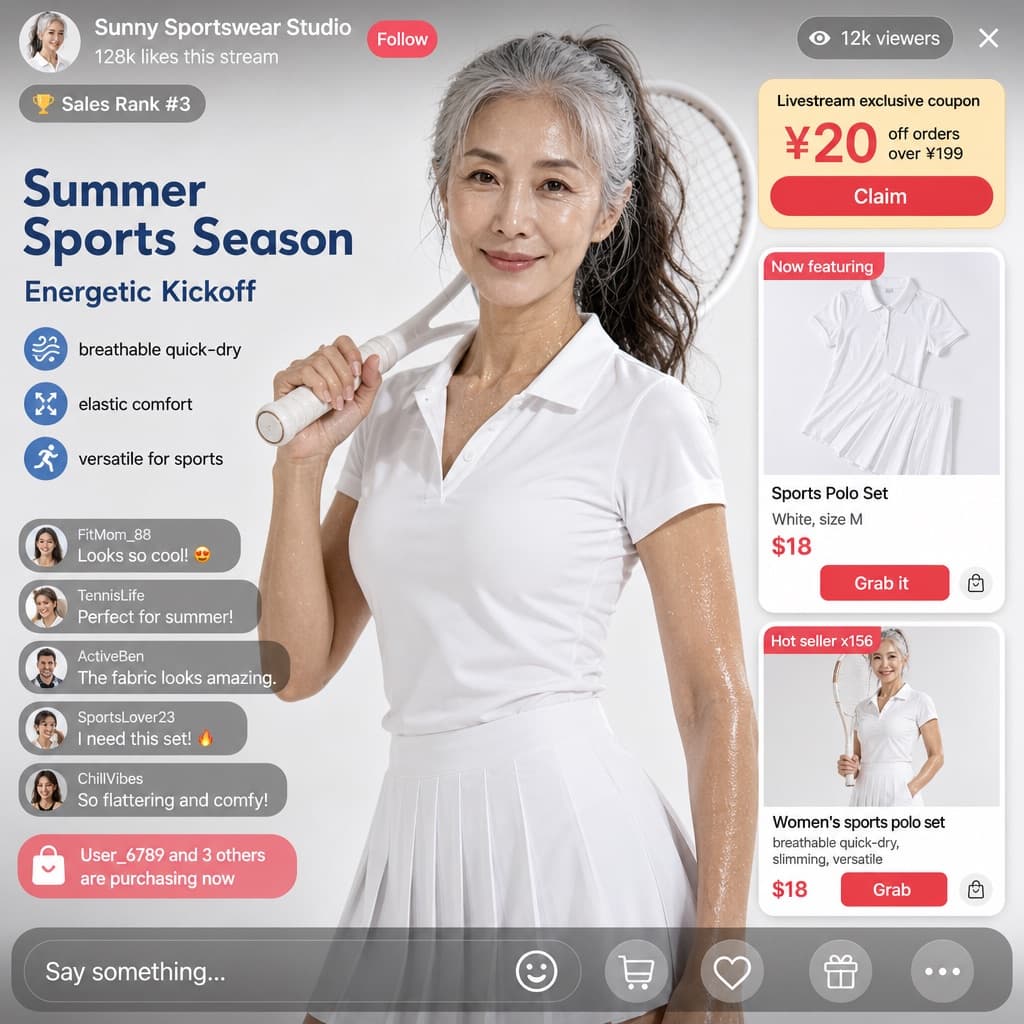
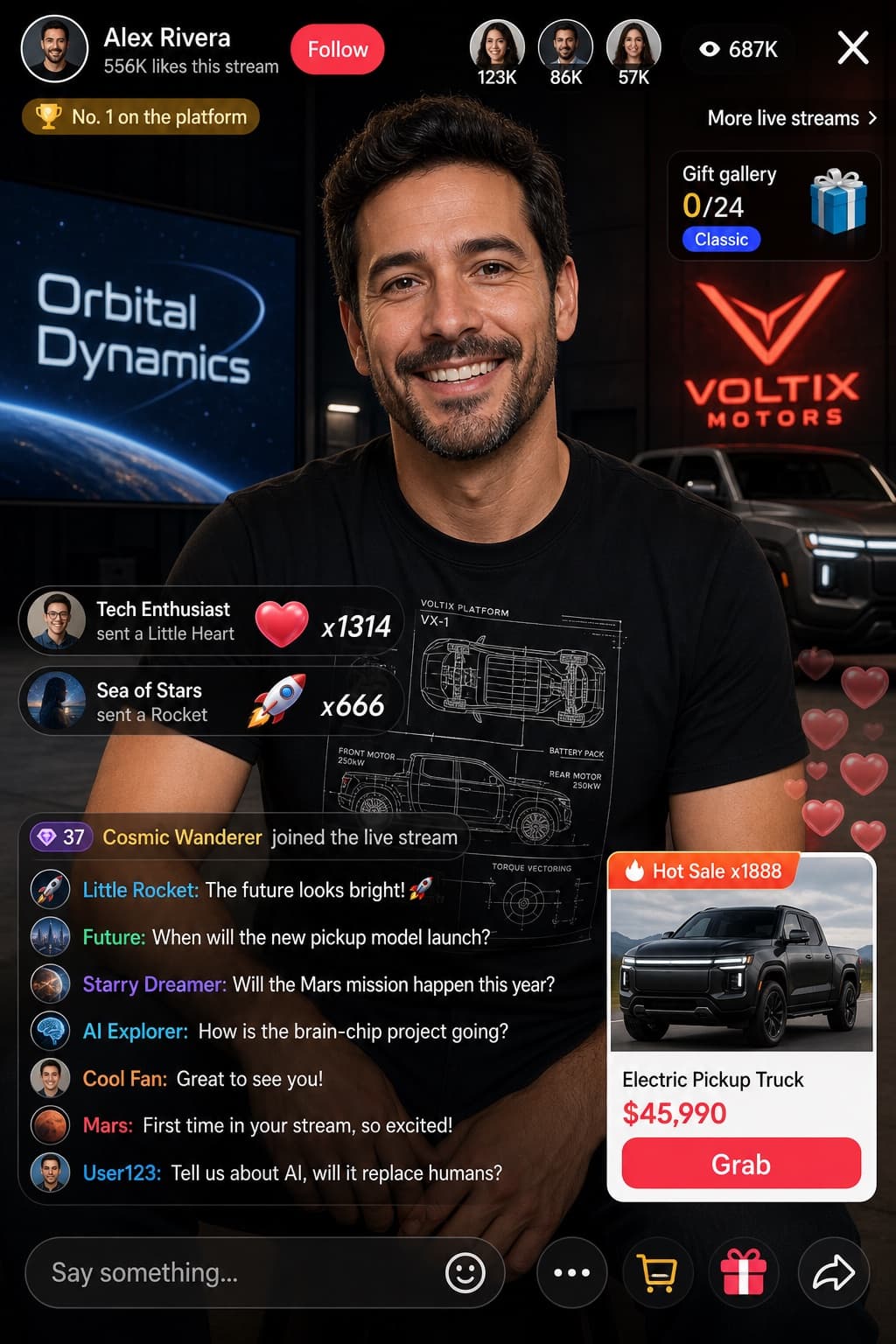
A realistic mobile UI mockup showing a livestream e-commerce broadcast with a host presenting a space-themed product and live chat overlays.
Budget models do not render typography reliably; this case needs a higher tier.
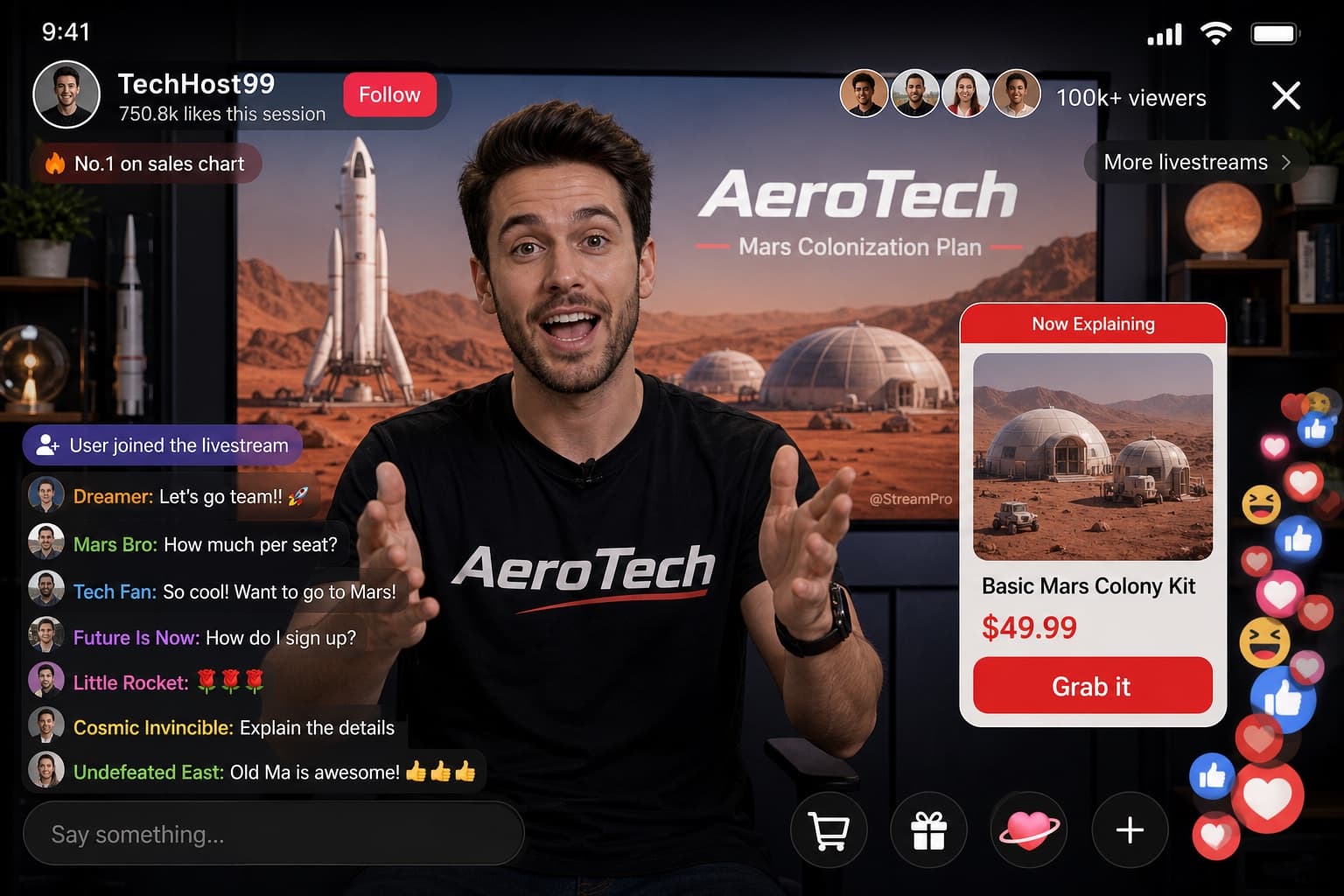
Image generated by us with gpt-image-2. Prompt by @JCutcut47692
Prompt
Design a realistic mobile livestream e-commerce interface mockup. The main subject is [PERSON], wearing a black t-shirt printed with the [BRAND] logo, gesturing enthusiastically toward the camera with both hands as if explaining a product. A small watermark reading '[WATERMARK_TEXT]' appears subtly on the screen. Behind the host, a large display screen shows a Mars landscape featuring a rocket and dome habitats, with the word '[BRAND]' and a secondary title '[BACKGROUND_TITLE]' rendered in [LANGUAGE] text overlaying the scene. The UI layout should include: a header showing the broadcaster's name '[BROADCASTER_NAME]', a stat line '750.8k likes this session', a 'Follow' button, viewer avatars with the text '100k+ viewers', a close 'X' icon, and tags reading 'No.1 on sales chart' and 'More livestreams >'. Include a mid-right product card labeled 'Now Explaining' showing an image of Mars dome habitats, with product title '[PRODUCT_TITLE]', price '[PRICE]', and a red action button reading 'Grab it'. On the bottom-left, add a chat overlay showing a join alert 'User joined the livestream' and seven scrolling chat messages, the top one being '[TOP_CHAT_MESSAGE]', followed by messages such as 'Mars Bro: How much per seat?', 'Tech Fan: So cool! Want to go to Mars!', 'Future Is Now: How do I sign up?', 'Little Rocket: 🌹🌹🌹', 'Cosmic Invincible: Explain the details', and 'Undefeated East: Old Ma is awesome! 👍👍👍'. At the bottom, include an input bar with placeholder text 'Say something...' and four icons: shopping cart, gift box, heart-shaped planet, and a plus sign. In the bottom-right corner, show floating reaction animations with a stack of hearts, thumbs-up, and laughing emojis rising upward. The overall style should look like a realistic, polished UI screenshot of a livestream shopping app interface, sharp typography, vibrant colors, and authentic app layout proportions, in portrait mobile aspect ratio.
10 placeholders still empty. Copied as is, the generator will draw the brackets literally inside the image.
Editable variables
Change any value and the prompt rewrites above. Copy the finished result.
The livestream host or presenter shown speaking to the camera.
The company or brand logo printed on clothing and shown on the background screen.
The watermark handle or username displayed subtly on the video feed.
The display name of the broadcaster shown in the header of the app.
The secondary title text displayed on the background screen, written in Chinese.
The name of the product being promoted on the product card.
The displayed price of the featured product, including currency symbol.
The top chat message shown in the overlay, including a username and short comment.
The language in which all on-screen text, titles, and labels within the image should be rendered.
Generate the image here
With your own OpenAI key. Free for us, and what you spend is yours.
Kept in this browser only and sent straight to OpenAI's API: it never passes through a server of ours, because there is no server of ours in between. Check it yourself in the network tab.
Fill in the remaining variables before generating, or the model will draw the brackets.