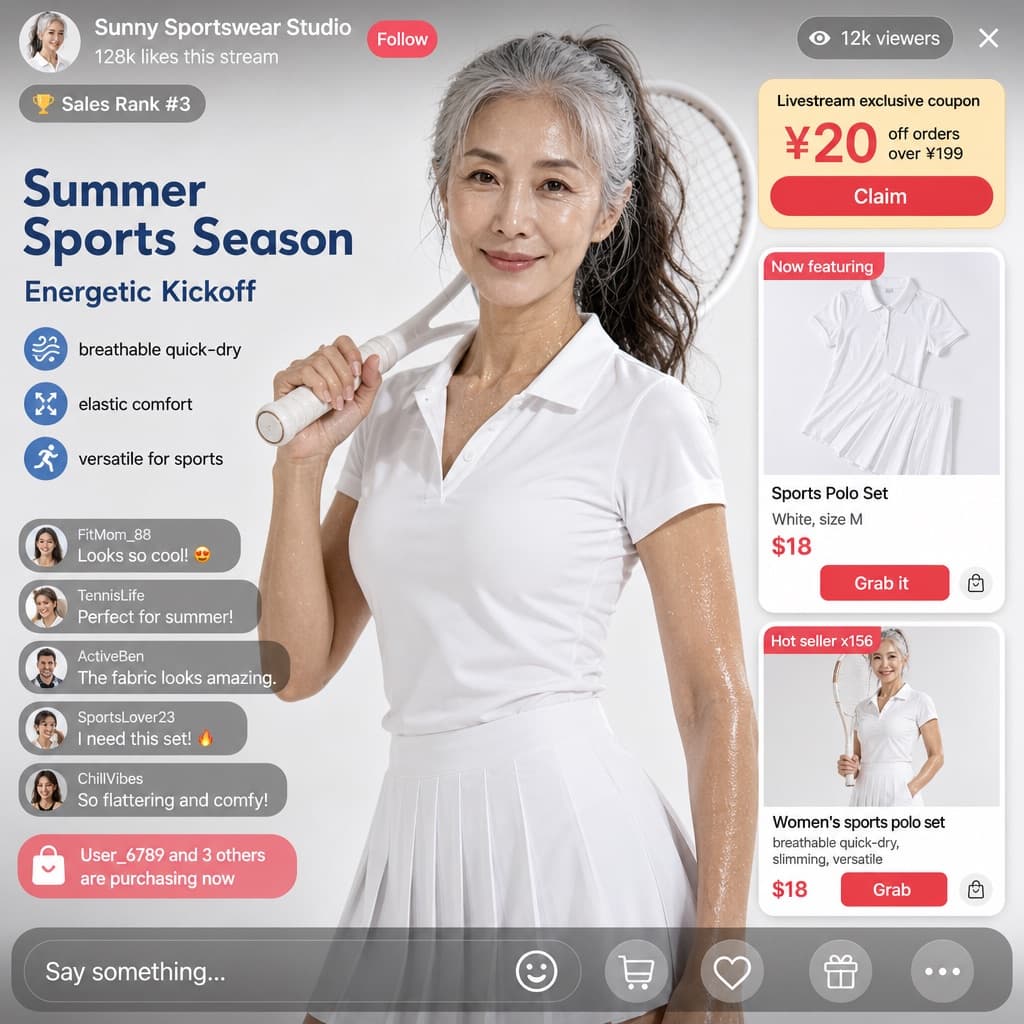
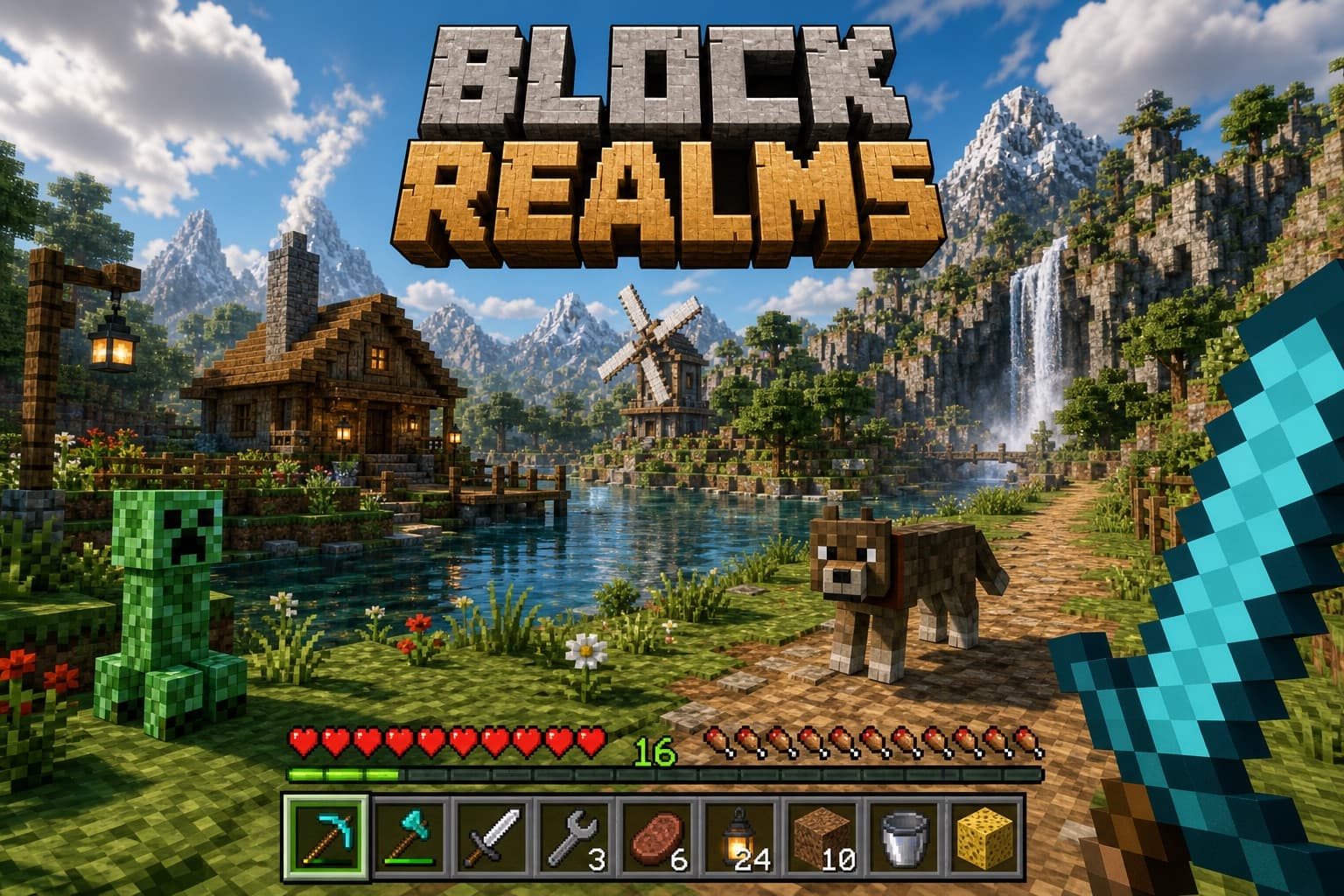
Live Streaming App UI Design
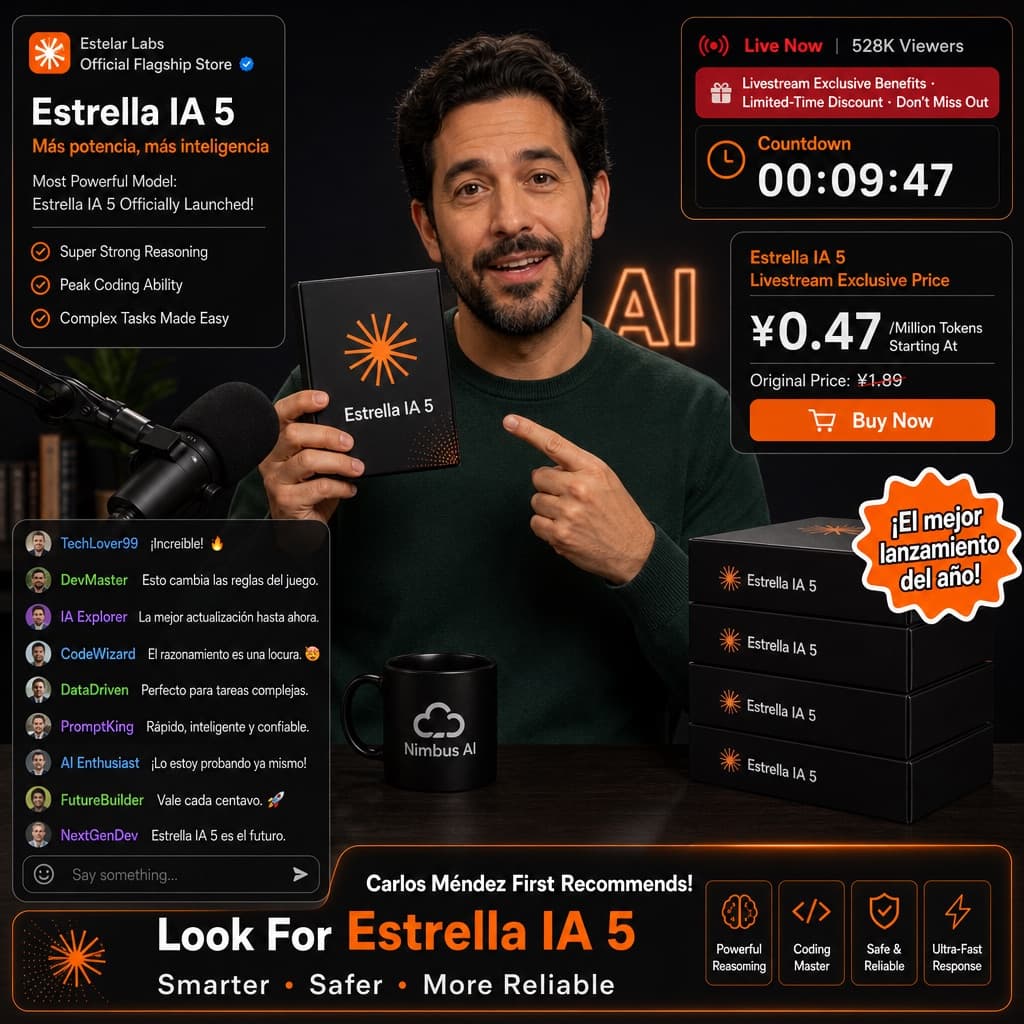
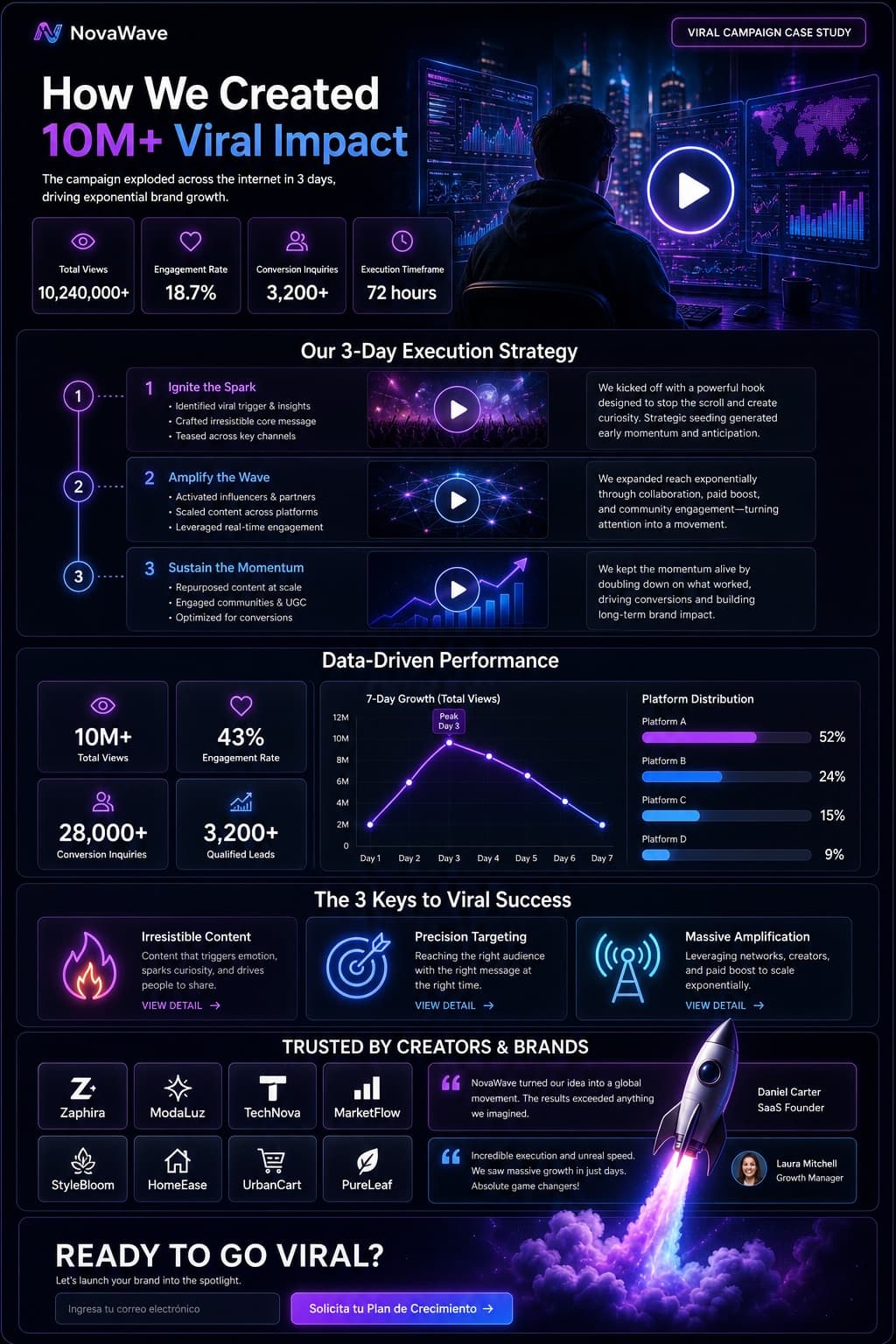
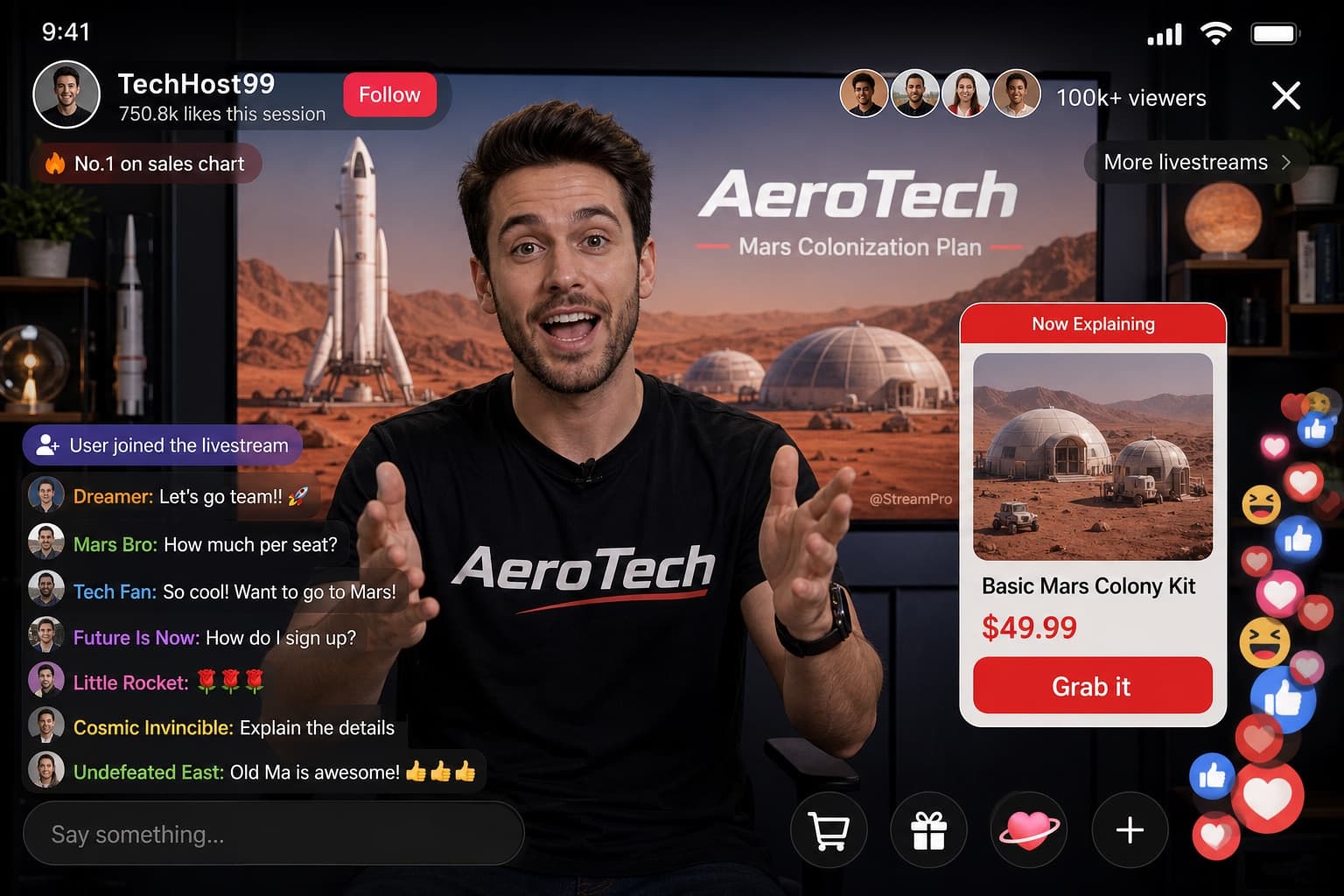
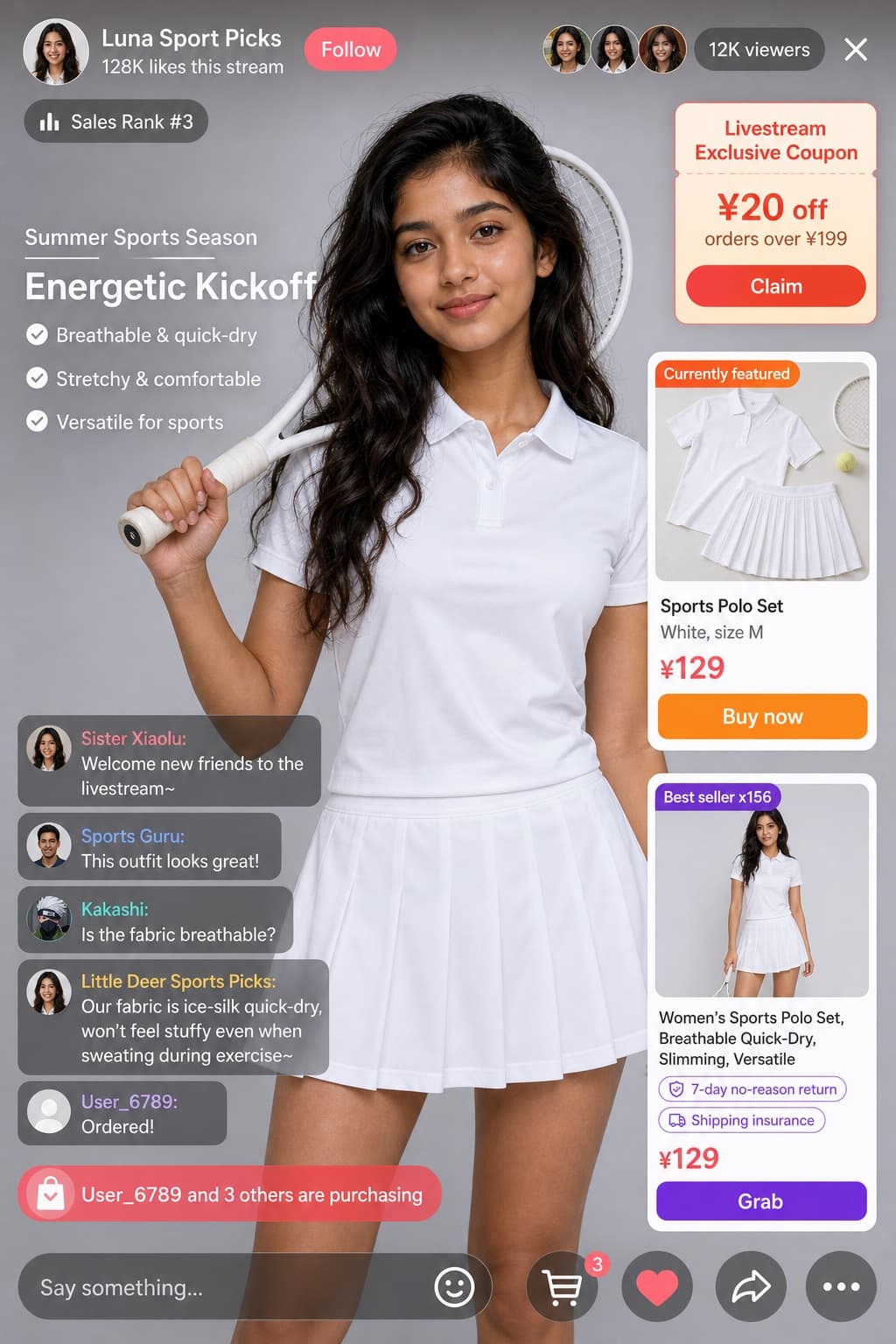
A detailed UI mockup of a live-streaming app interface featuring a tech host, gift animations, chat messages, and a product showcase card.
Budget models do not render typography reliably; this case needs a higher tier.
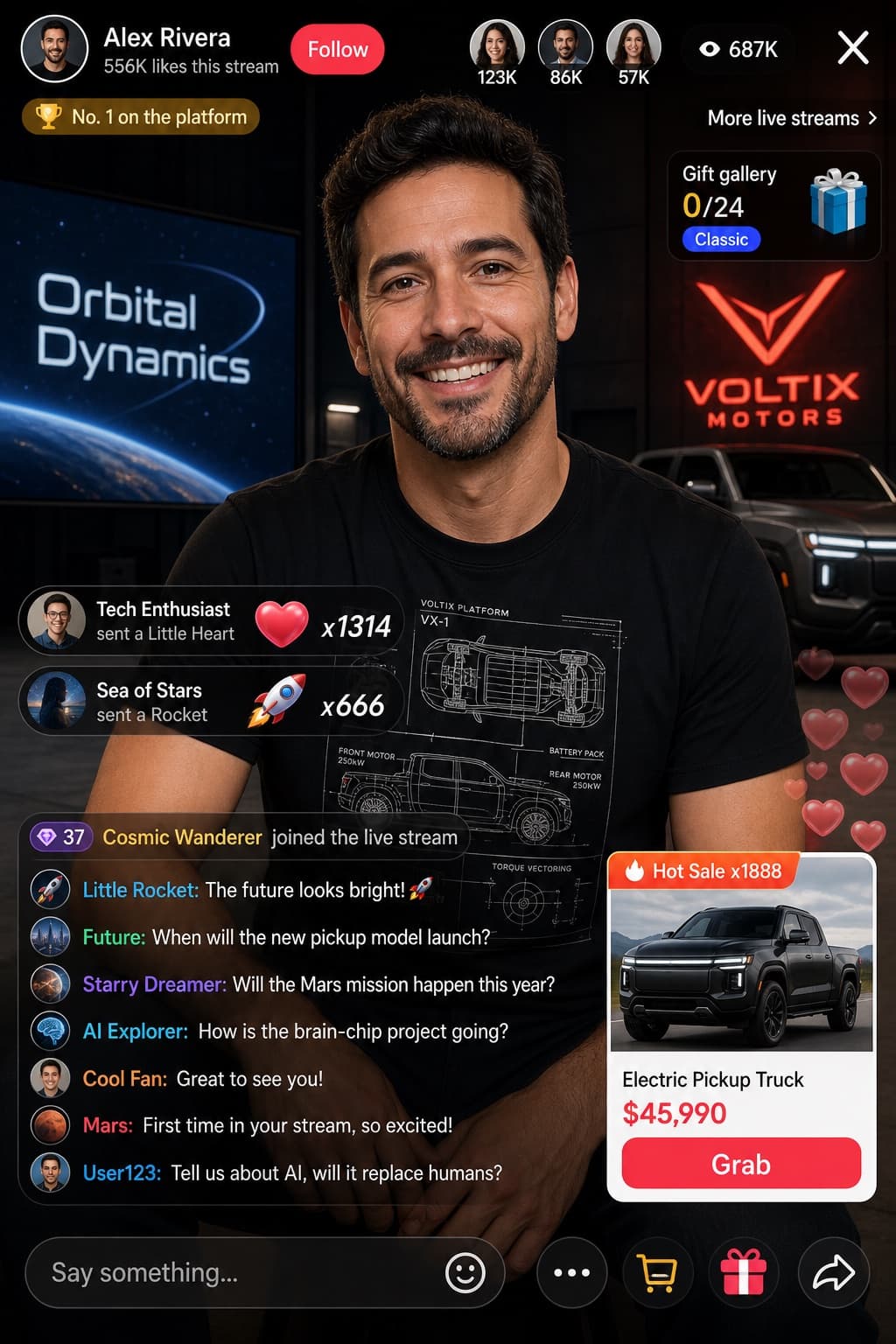
Image generated by us with gpt-image-2. Prompt by @sjbbxhz
Prompt
Design a portrait-orientation mockup of a live-streaming app UI. The main subject is a smiling [PERSON], wearing a black t-shirt printed with a white technical schematic graphic. The background shows, on the left side, a screen displaying the text '[BRAND_1]', and on the right side, a red '[BRAND_2]' logo alongside a dark parked car.

Overlay UI elements:
- Top header: host avatar and name '[PERSON]', subtext reading '556K likes this stream', red 'Follow' button; a gold coin rank badge reading 'No. 1 on the platform'; three top viewer avatars with counts '123K', '86K', '57K', a total of '687K' viewers, and an 'X' close button; on the right, links reading 'More live streams >' and 'Gift gallery 0/24' with a blue 'Classic' tag.
- Middle-left gift notifications (2 items): avatar 'Tech Enthusiast' with text 'sent a Little Heart', heart icon x1314; avatar 'Sea of Stars' with text 'sent a Rocket', rocket icon x666.
- Bottom-left chat panel: a system message with a level 37 badge reading 'Cosmic Wanderer joined the live stream'; below it, 7 chat messages: 'Little Rocket: The future looks bright! 🚀', 'Future: When will the new pickup model launch?', 'Starry Dreamer: Will the Mars mission happen this year?', 'AI Explorer: How is the brain-chip project going?', 'Cool Fan: Great to see you!', 'Mars: First time in your stream, so excited!', 'User123: Tell us about AI, will it replace humans?'.
- Bottom-right product card: an orange 'Hot Sale x1888' tag, an image of [PRODUCT_NAME], title '[PRODUCT_NAME]', price '[PRODUCT_PRICE]', a red 'Grab' button, and translucent floating hearts animating up the right edge.
- Bottom bar: an input field with placeholder text 'Say something...', and icons for smiley face, three-dot menu, shopping cart, gift box, and share.
7 placeholders still empty. Copied as is, the generator will draw the brackets literally inside the image.
Editable variables
Change any value and the prompt rewrites above. Copy the finished result.
Name and likeness of the live-stream host displayed as a generic public figure placeholder.
Background logo text shown on the left screen, representing a generic company brand.
Red logo shown on the right side of the background, representing a generic vehicle brand.
Title of the featured product shown in the bottom-right product card.
Price displayed on the product card, formatted with local currency symbol.
Generate the image here
With your own OpenAI key. Free for us, and what you spend is yours.
Kept in this browser only and sent straight to OpenAI's API: it never passes through a server of ours, because there is no server of ours in between. Check it yourself in the network tab.
Fill in the remaining variables before generating, or the model will draw the brackets.