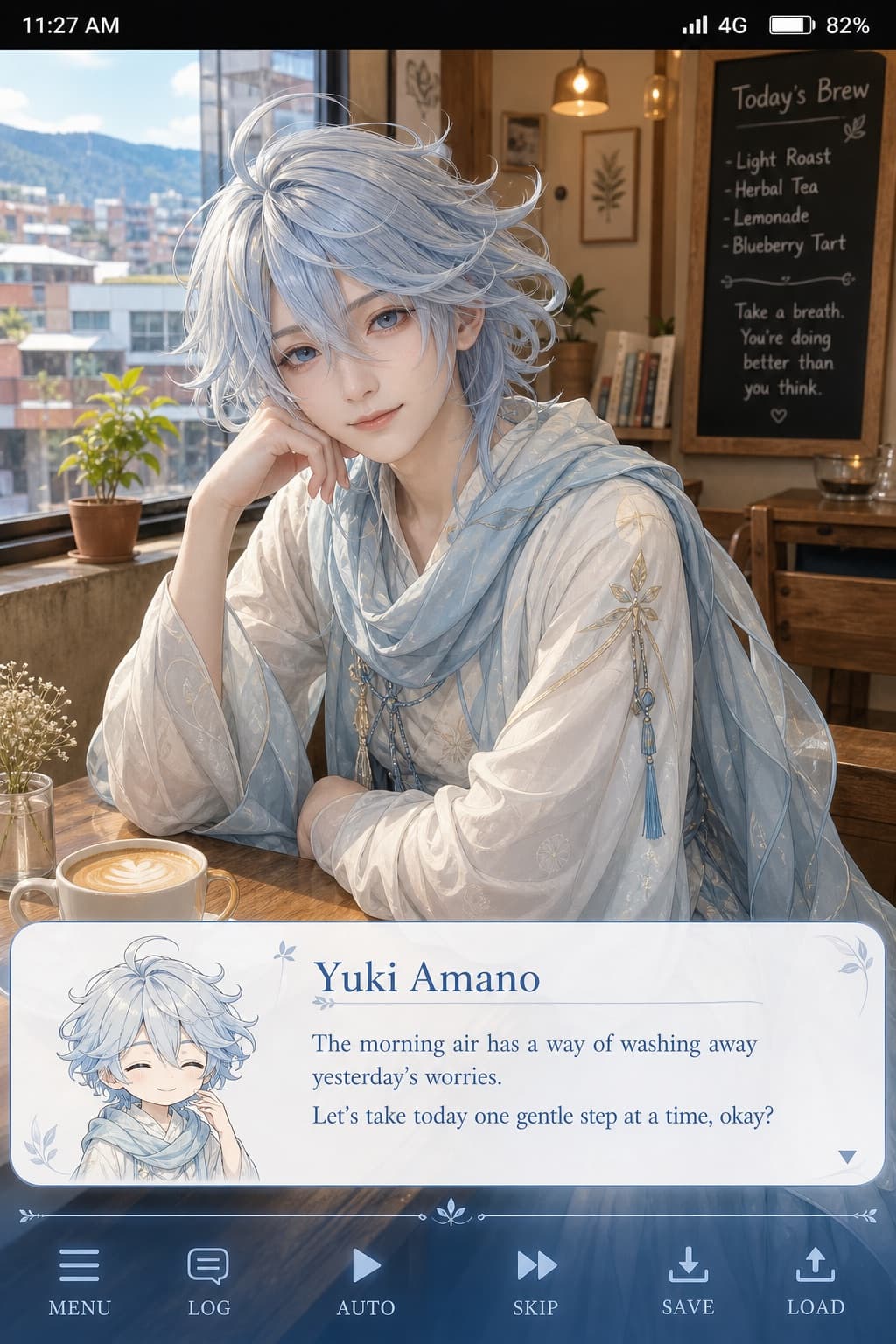
Gentle Anime Cosplay Phone Screenshot
A realistic cosplay portrait styled as a phone screenshot with a soft galgame dialogue box and gentle, healing-style dialogue text.
Budget models do not render typography reliably; this case needs a higher tier.
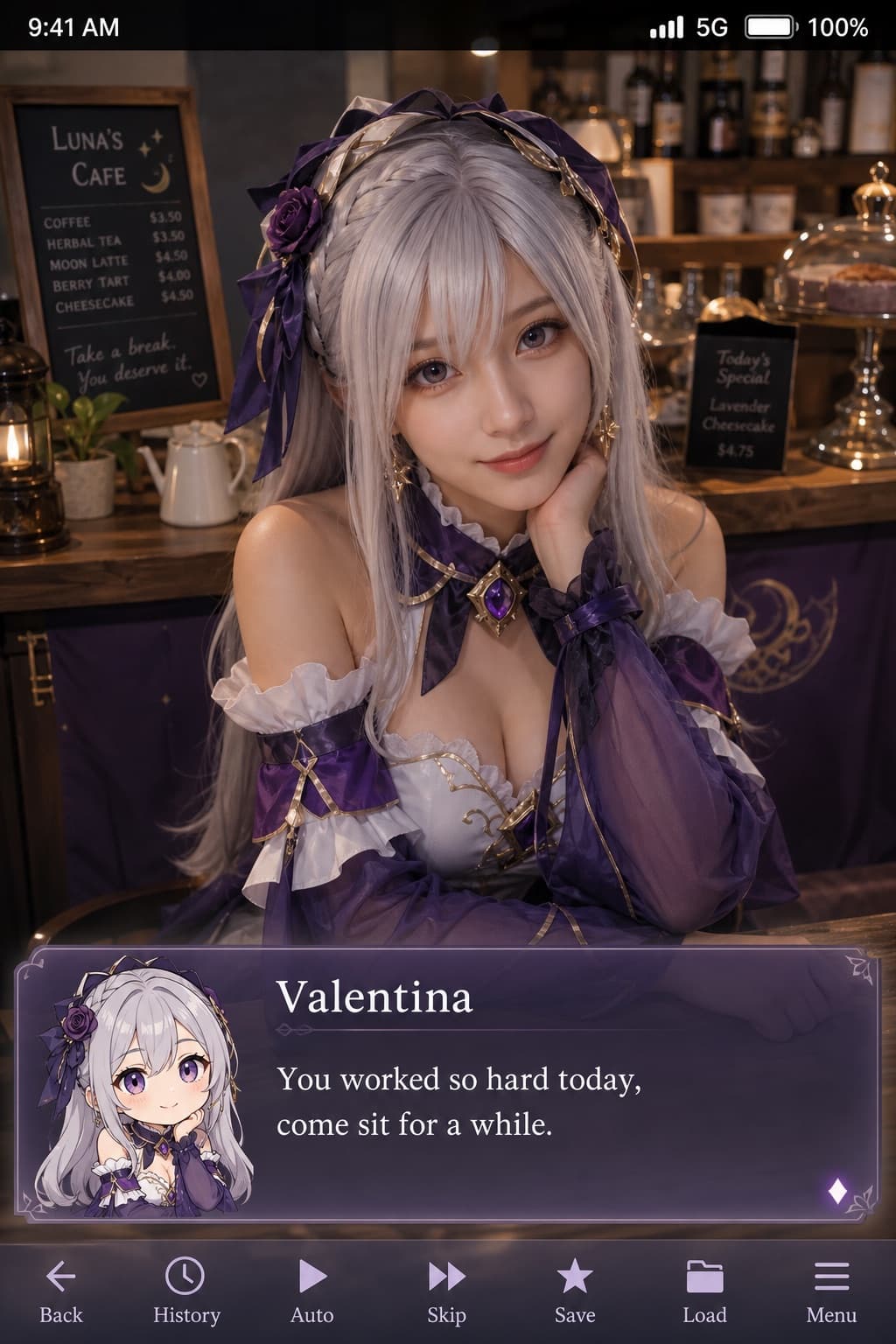
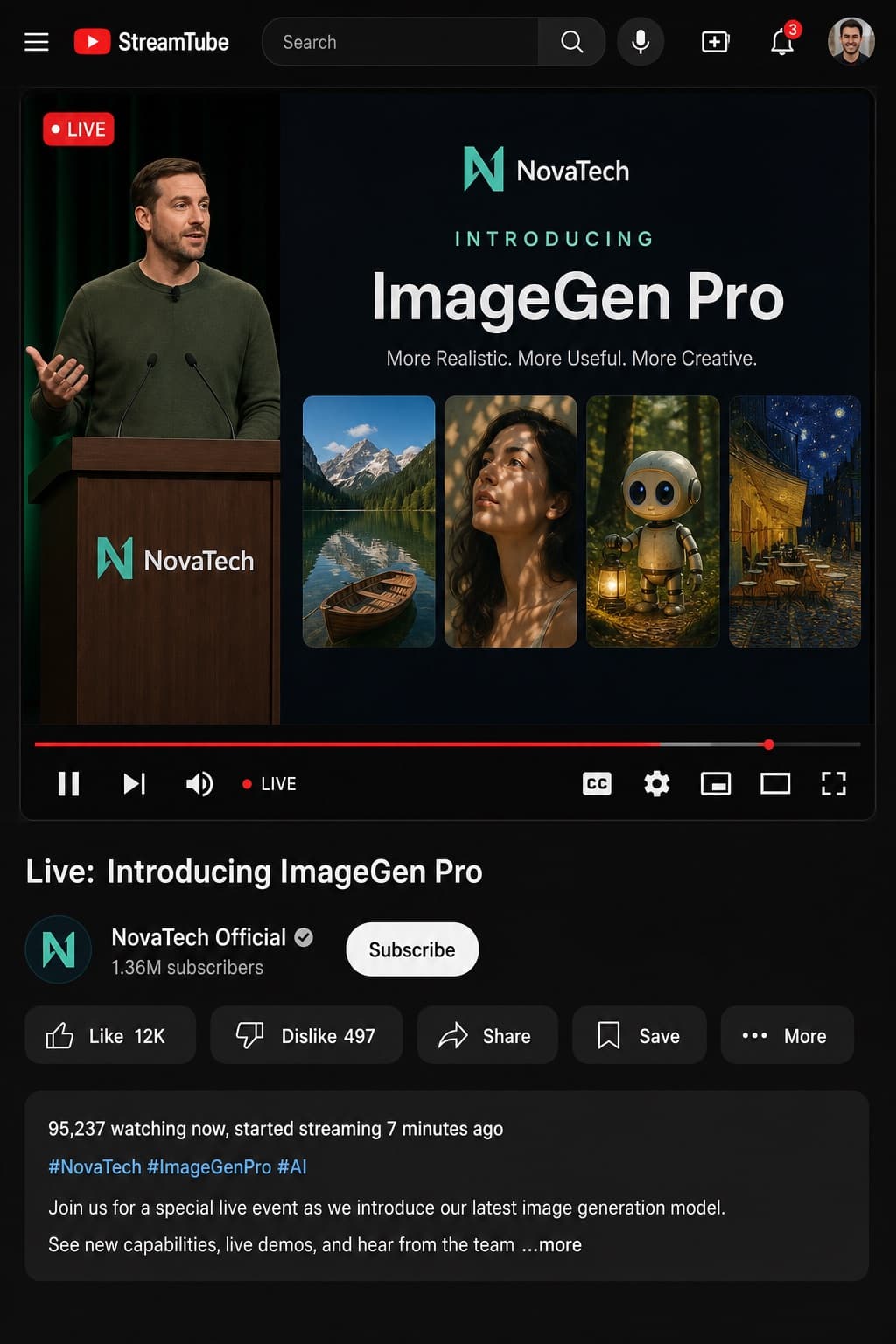
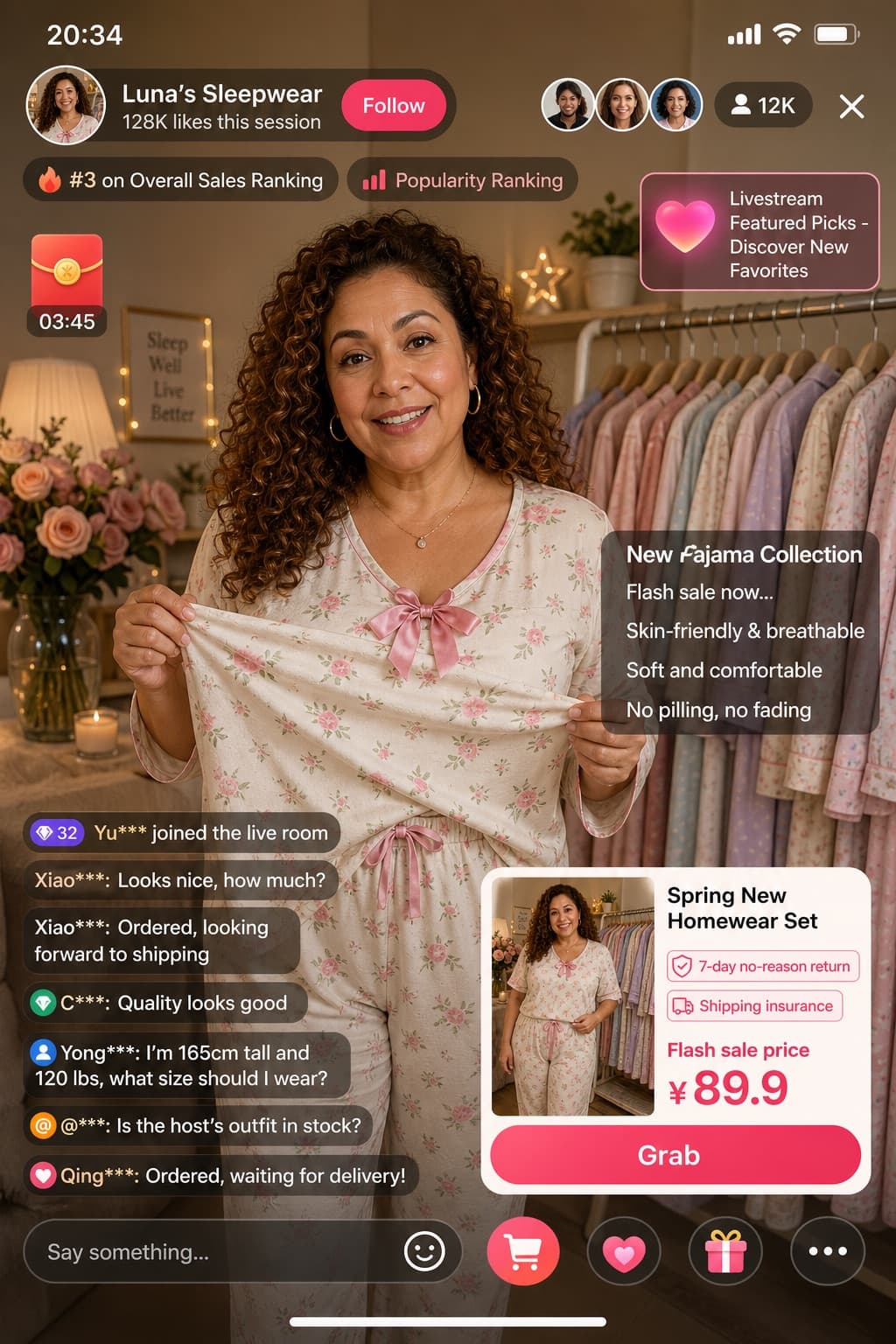
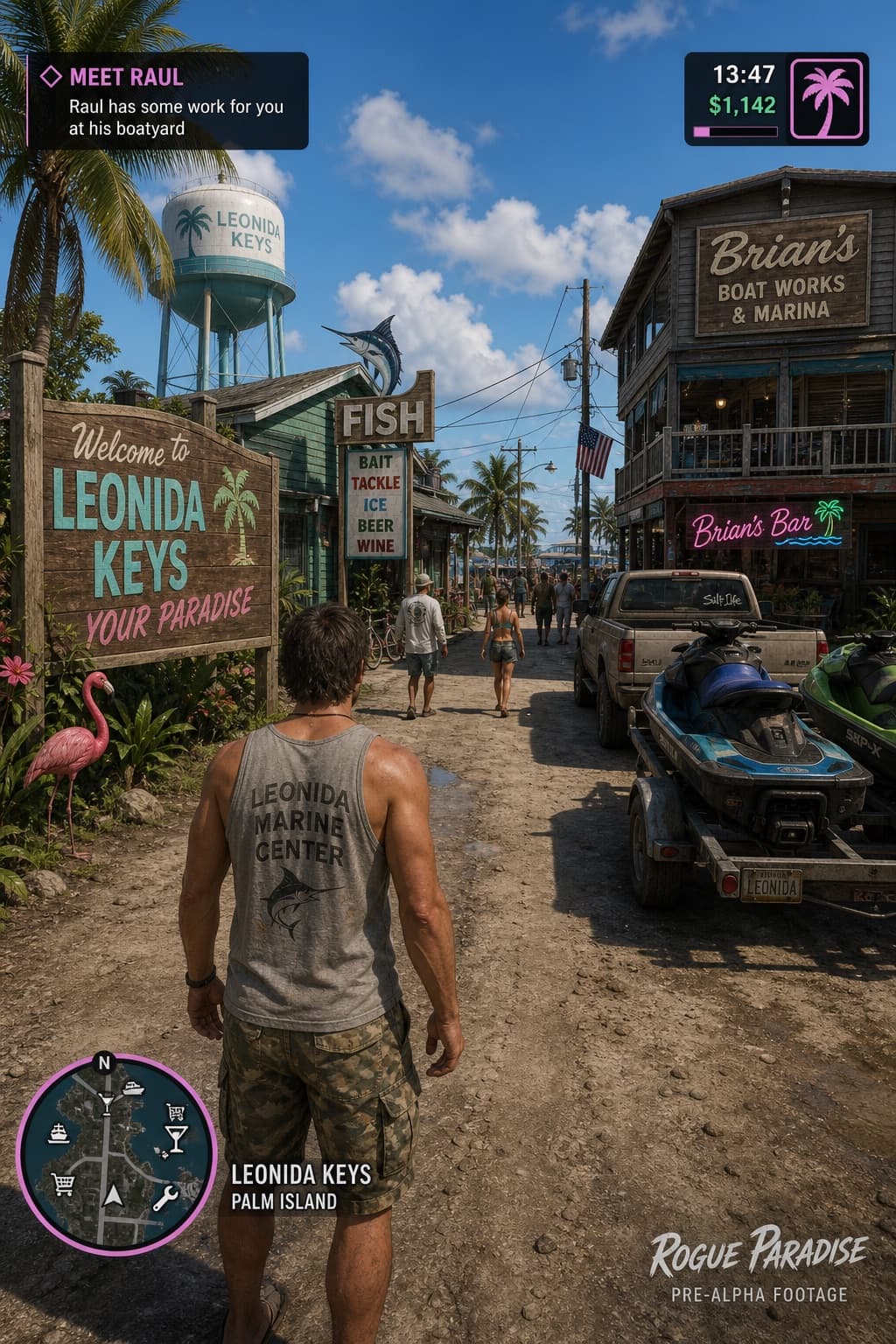
Image generated by us with gpt-image-2. Prompt by @Zoulinshen
Prompt
Generate a portrait-oriented mobile phone screenshot style image, with an overall aspect ratio close to 9:16. In the upper-center of the frame, place a real-life cosplayer portraying a 2D anime character named [CHARACTER_NAME]. The character should be rendered in a realistic style, but with facial features that subtly evoke an anime feel: delicate skin, slightly larger eyes, and a gentle expression looking directly at the camera. They are seated in a relaxed indoor setting, such as in front of a cafe counter or bar counter, with background props that fit the scene. At the very top of the image, overlay a mobile phone system status bar UI, including icons for time, battery, signal, and network, so the whole image reads as an authentic phone screenshot. At the bottom of the image, overlay a wide, semi-transparent galgame-style dialogue box: on the left side of the box, place a small anime or chibi (Q-version) avatar that matches the character shown in the photo; on the right side of the box, arrange the text so that the first line displays the same name, [CHARACTER_NAME], in a larger font, followed by one to two lines of dialogue in [LANGUAGE] reading [DIALOGUE_TEXT], written in a gentle, healing tone that fits the character's personality. Below the dialogue box, add a thin operation/control bar styled like a typical galgame UI. The overall style should be high-definition, richly detailed, softly lit, with a natural fusion of 2D anime aesthetics and real-life photography.
4 placeholders still empty. Copied as is, the generator will draw the brackets literally inside the image.
Editable variables
Change any value and the prompt rewrites above. Copy the finished result.
The name of the anime character being cosplayed, displayed both as the cosplay role and as the speaker name in the dialogue box.
A short line of Simplified Chinese dialogue, one to two lines long, written in a gentle and healing tone that matches the character's personality.
The language in which the in-image dialogue text should be written.
Generate the image here
With your own OpenAI key. Free for us, and what you spend is yours.
Kept in this browser only and sent straight to OpenAI's API: it never passes through a server of ours, because there is no server of ours in between. Check it yourself in the network tab.
Fill in the remaining variables before generating, or the model will draw the brackets.