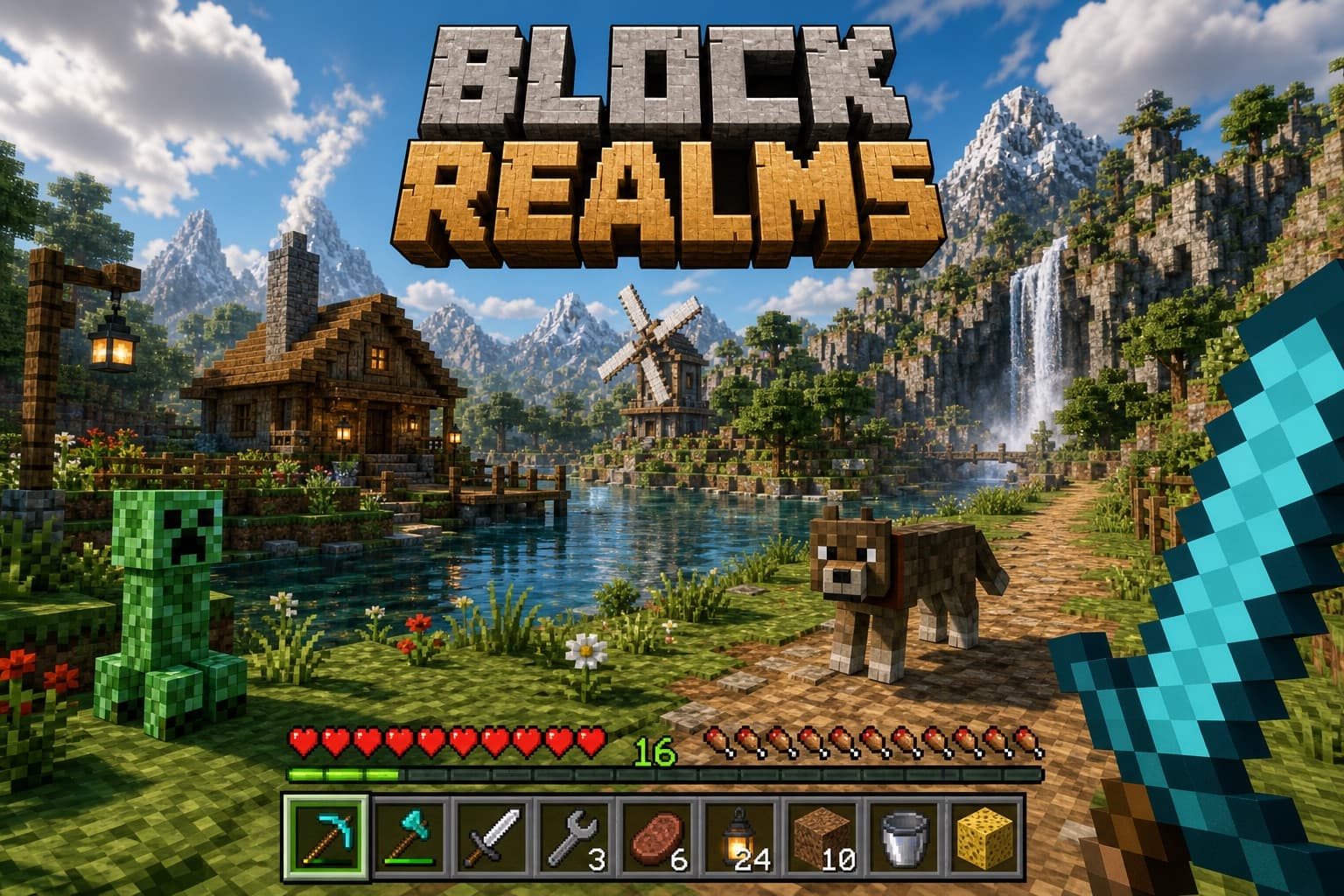
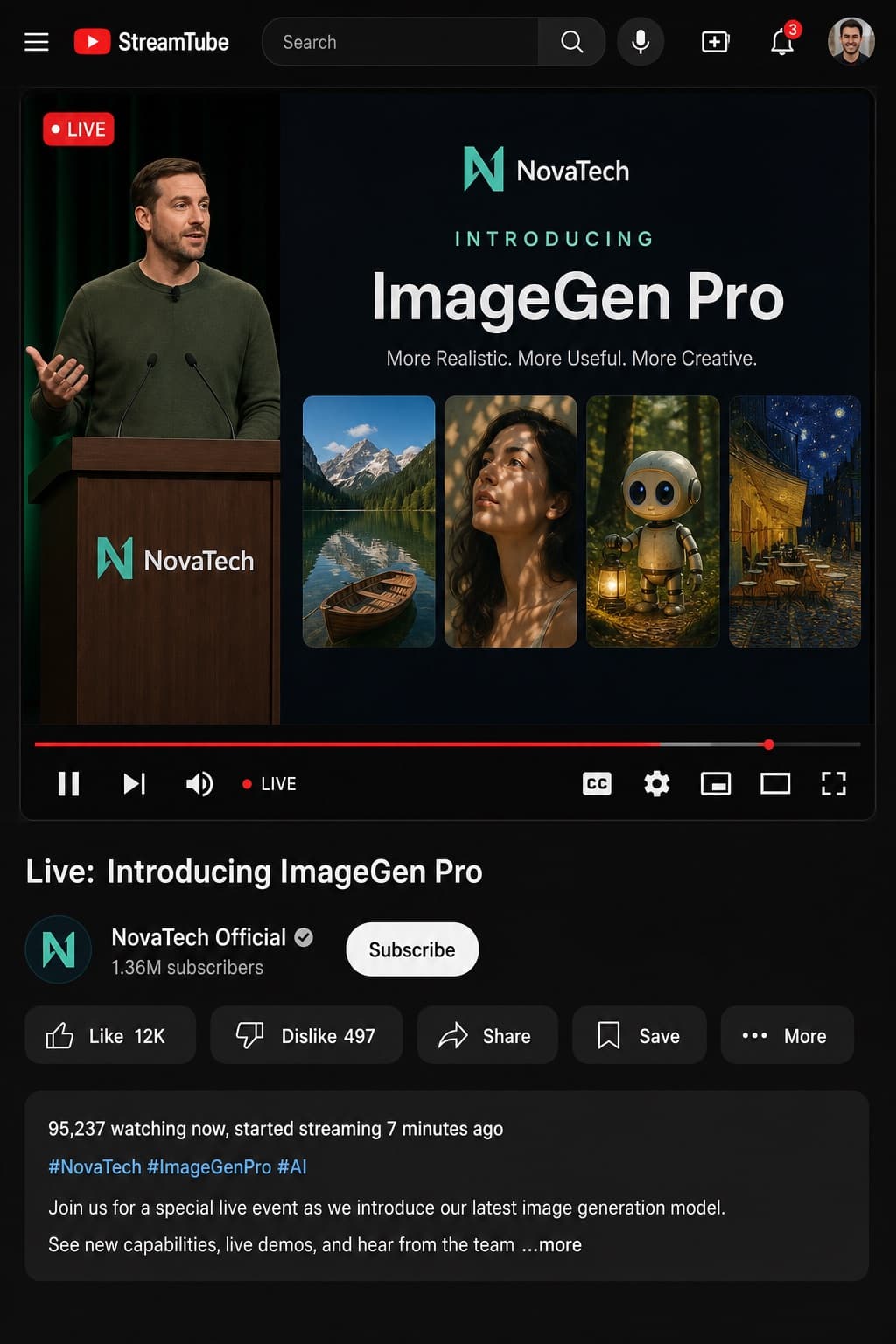
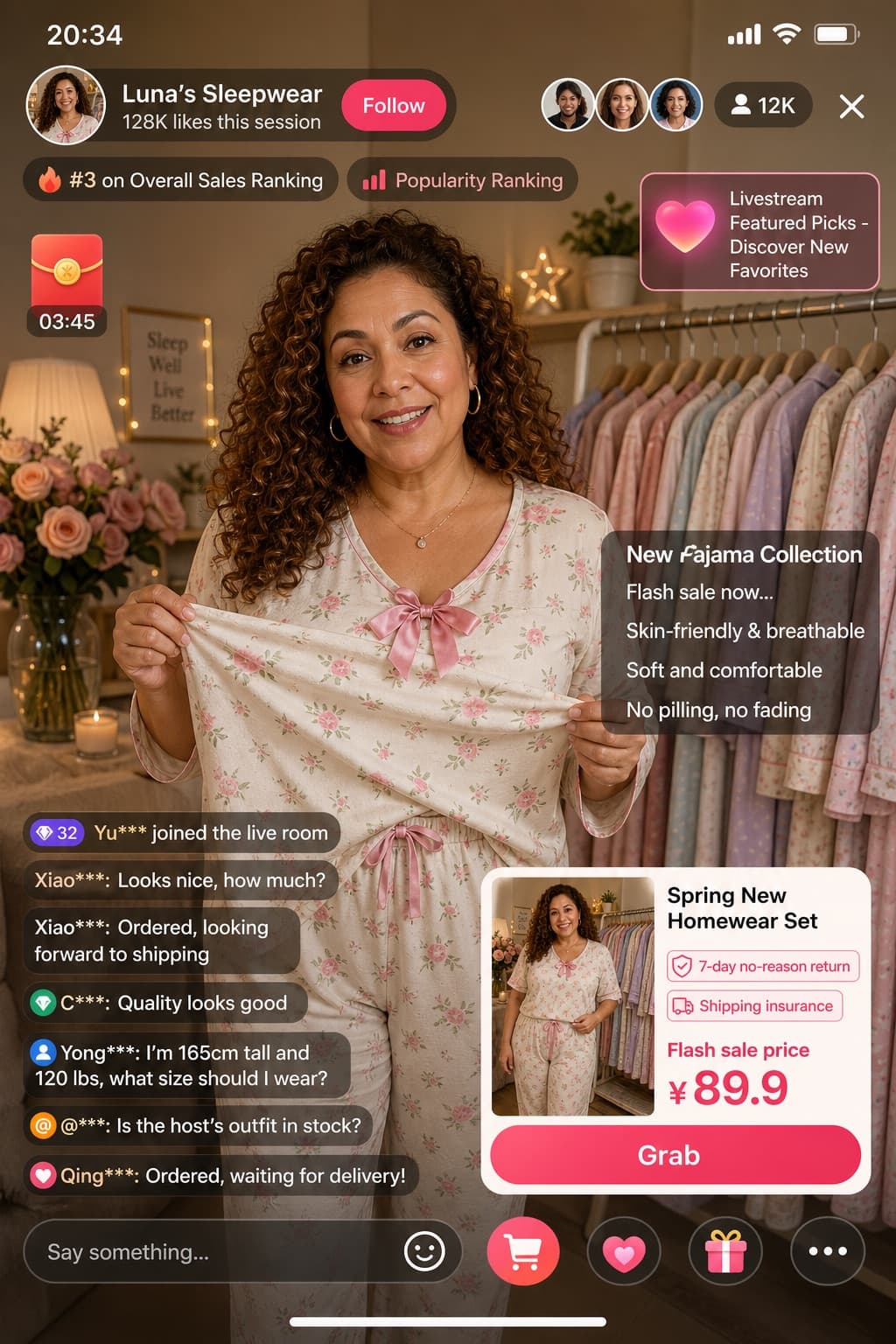
Cosplay Phone Screenshot Mockup
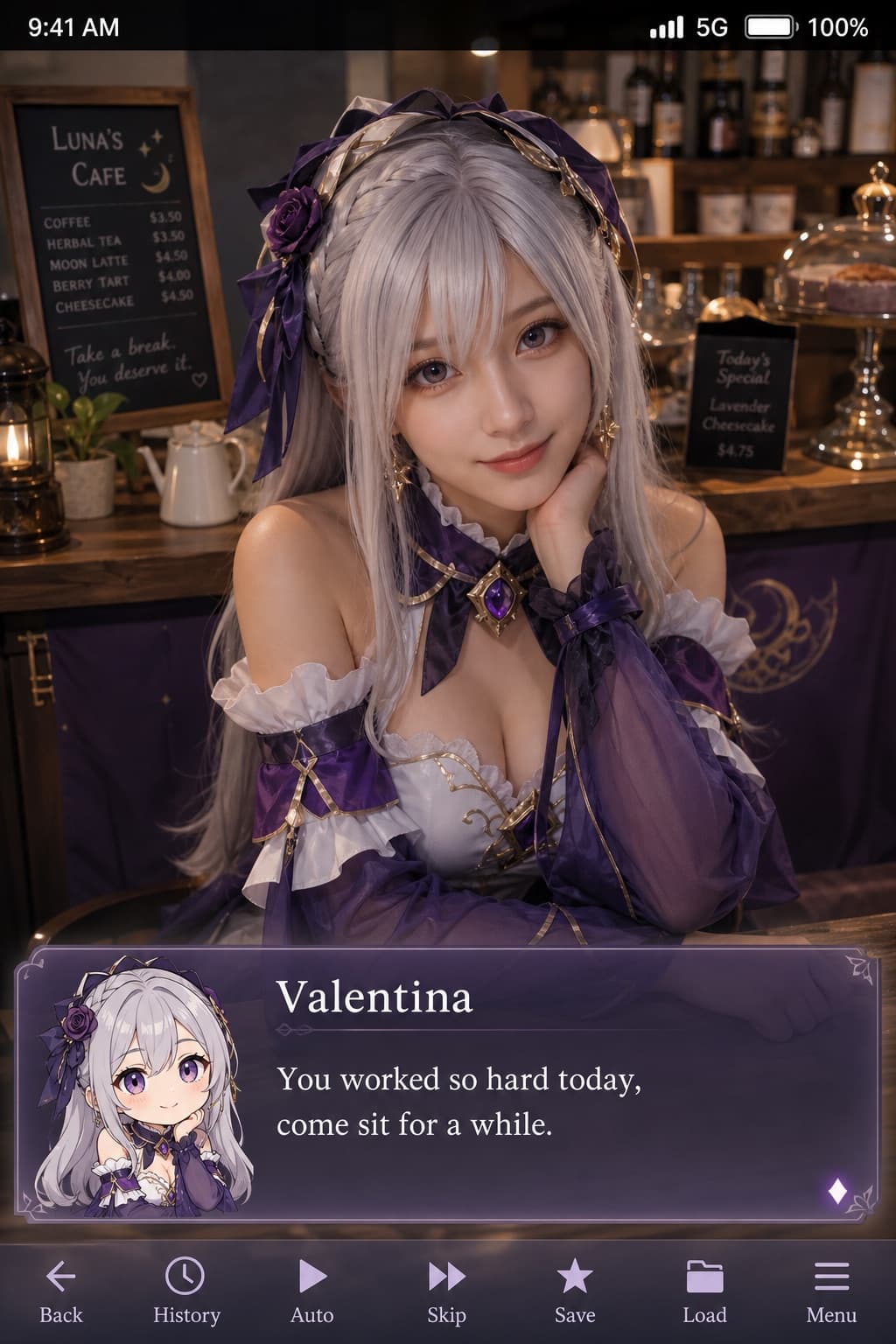
A realistic cosplay portrait styled as a phone screenshot, featuring a galgame-style dialogue box with character name and heartfelt dialogue.
Budget models do not render typography reliably; this case needs a higher tier.
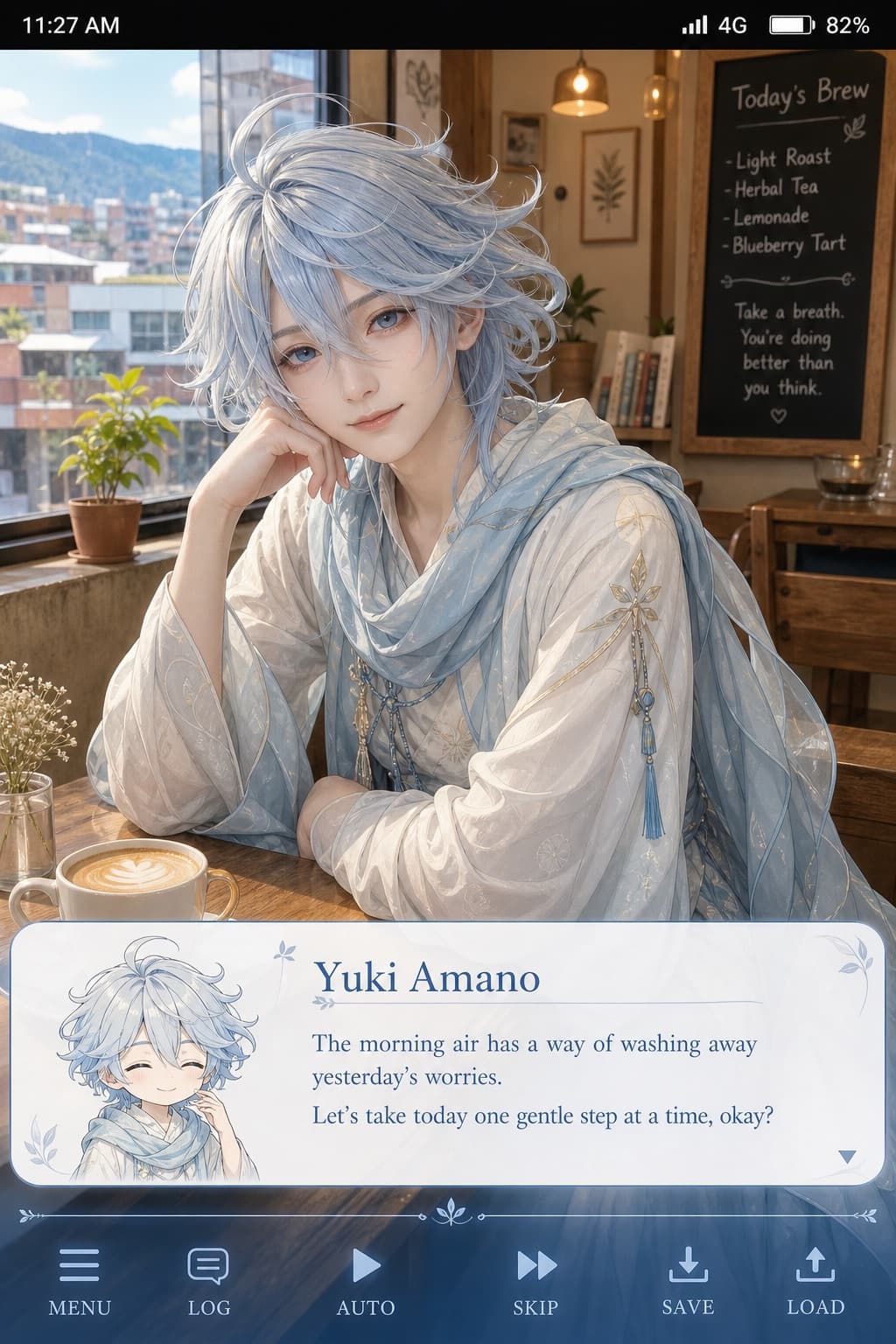
Image generated by us with gpt-image-2. Prompt by 小红书号944846927
Prompt
Generate a vertical phone-screenshot-style image, with an overall aspect ratio close to 9:16. The center-upper area of the frame features a real-life cosplayer portraying the character [CHARACTER_NAME] from an uploaded reference image. The character should be rendered in a realistic style, but with facial features carrying a slight anime feel: delicate skin, slightly enlarged eyes, and a gentle expression looking at the camera. The subject is seated in a casual indoor setting, such as [SCENE_SETTING], with props matching the scene in the background. At the very top of the image, add a phone system status bar UI, including time, battery, signal, and network icons, so the whole image looks like an actual phone screenshot. At the bottom of the image, overlay a wide, semi-transparent galgame-style dialogue box. On the left side of the dialogue box, place a small anime or chibi-style avatar corresponding to the character in the image. On the right side of the dialogue box, arrange the text as follows: the first line displays the same character name in a larger font, [CHARACTER_NAME]; below it, one to two lines display a piece of dialogue text written in [LANGUAGE], matching a gentle, healing personality suited to this character, to be creatively written by the generator. Below the dialogue box, add an action bar styled after typical galgame UI. Overall the style should be high-definition, richly detailed, with soft lighting, naturally blending anime aesthetics with realistic photography.
4 placeholders still empty. Copied as is, the generator will draw the brackets literally inside the image.
Editable variables
Change any value and the prompt rewrites above. Copy the finished result.
The name of the fictional anime or game character being cosplayed, displayed as text inside the dialogue box.
The casual indoor location where the character is seated, providing context and background props for the scene.
The language in which the in-image dialogue text should be written.
Generate the image here
With your own OpenAI key. Free for us, and what you spend is yours.
Kept in this browser only and sent straight to OpenAI's API: it never passes through a server of ours, because there is no server of ours in between. Check it yourself in the network tab.
This prompt starts from a photo of yours
It goes straight to OpenAI with the prompt. It never passes through a server of ours.
Fill in the remaining variables before generating, or the model will draw the brackets.