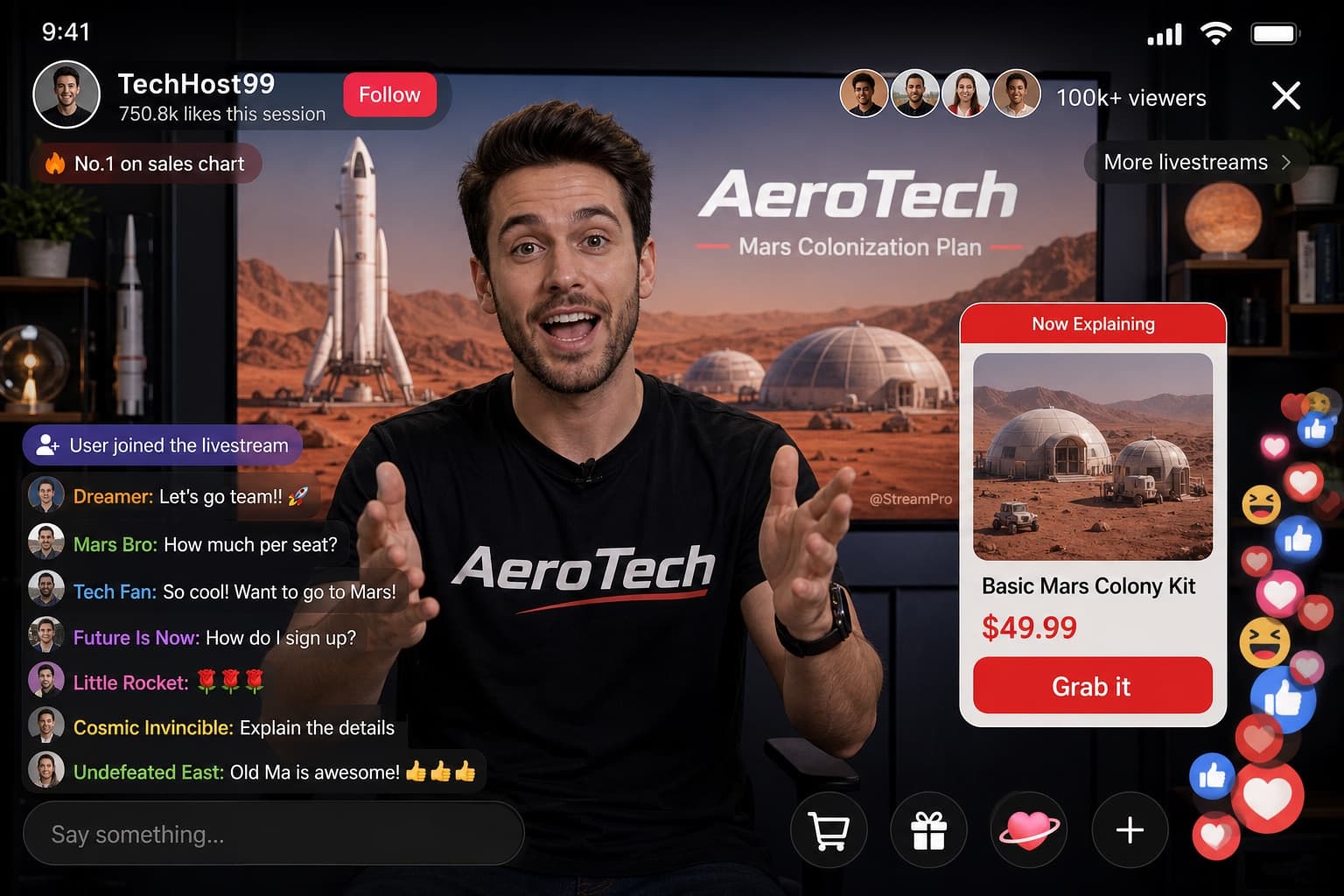
Live Stream Product Launch UI
A dark-mode streaming platform mockup showing a live product launch presentation with sample images and playback controls.
Budget models do not render typography reliably; this case needs a higher tier.
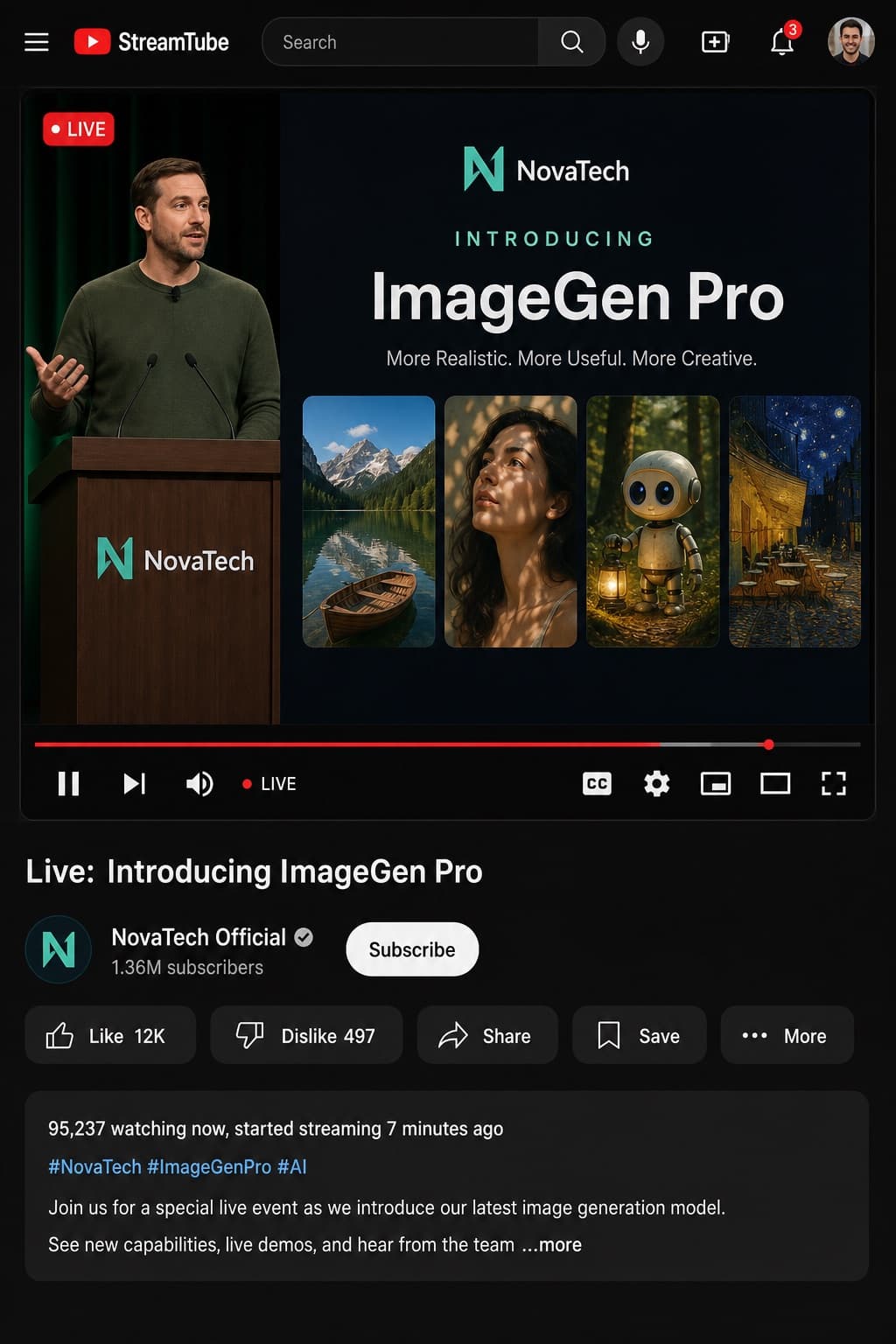
Image generated by us with gpt-image-2. Prompt by @tehno_maniak
Prompt
Design a realistic desktop UI mockup of a dark-mode video streaming platform interface, styled like [PLATFORM]. The header includes the [PLATFORM] logo, a search bar labeled 'Search', and five icons: search, microphone, create, notifications, and profile picture. The main video player shows a 'LIVE' badge in the top-left corner. On the left side of the video, depict [PRESENTER_DESCRIPTION] standing behind a podium branded with the [COMPANY] logo. On the right side, show a presentation slide with the text elements '[COMPANY]', 'INTRODUCING', '[PRODUCT_NAME]', and the tagline '[TAGLINE]', accompanied by four sample generated images: a mountain lake with a boat, a woman's portrait lit by dappled light, a cute robot holding a lantern in a forest, and a starry night café painting. Below the video, add ten playback controls: pause, next, volume, a 'LIVE' label, a red progress bar, closed captions (CC), settings, miniplayer, theater mode, and fullscreen. Beneath the player, display the video title '[VIDEO_TITLE]', the channel name '[CHANNEL_NAME]' with a verified badge, '[SUBSCRIBER_COUNT]' subscribers, and a 'Subscribe' button. Include five action buttons: 'Like [LIKE_COUNT]', 'Dislike [DISLIKE_COUNT]', 'Share', 'Save', and 'More'. Add a description box showing '[VIEWER_COUNT] watching now, started streaming [STREAM_DURATION] ago', hashtags '[HASHTAGS]', and a description text: '[DESCRIPTION_TEXT]'. Render the entire mockup in a clean, realistic UI illustration style with a dark mode color scheme.
16 placeholders still empty. Copied as is, the generator will draw the brackets literally inside the image.
Editable variables
Change any value and the prompt rewrites above. Copy the finished result.
The video streaming platform whose interface style is being mimicked.
The company name shown on the podium and presentation slide.
A short visual description of the presenter standing at the podium.
The name of the product being introduced in the presentation.
A short marketing tagline displayed under the product name.
The title of the live stream video shown below the player.
The name of the channel broadcasting the live stream.
The number of subscribers displayed under the channel name.
The number of likes shown on the like button.
The number of dislikes shown on the dislike button.
The number of people currently watching the live stream.
How long ago the live stream started.
The hashtags displayed in the video description box.
The full description text explaining the live stream event.
Generate the image here
With your own OpenAI key. Free for us, and what you spend is yours.
Kept in this browser only and sent straight to OpenAI's API: it never passes through a server of ours, because there is no server of ours in between. Check it yourself in the network tab.
Fill in the remaining variables before generating, or the model will draw the brackets.