Scientific Scale Zoom Infographic
A hyper-realistic 3D infographic sequence revealing a subject at multiple scales, from microscopic detail to full contextual view.
Budget models do not render typography reliably; this case needs a higher tier.
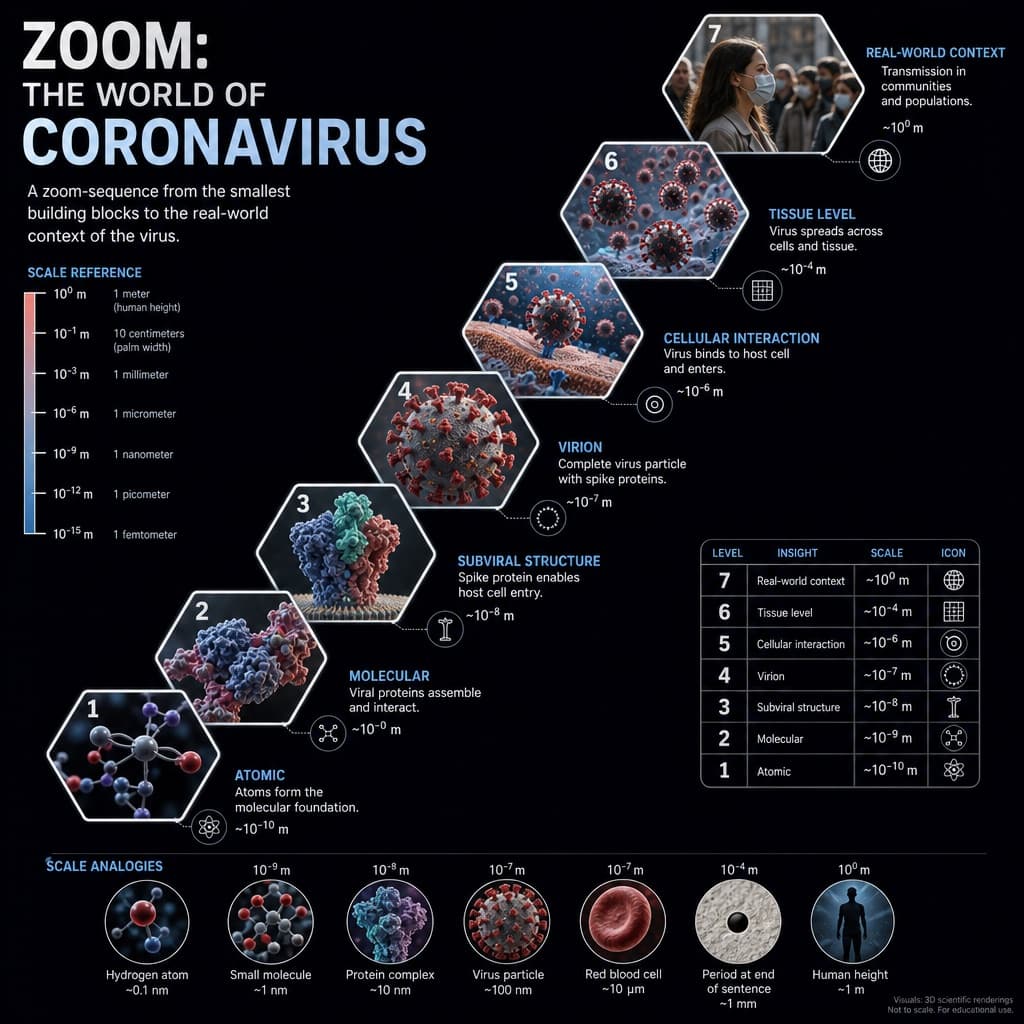
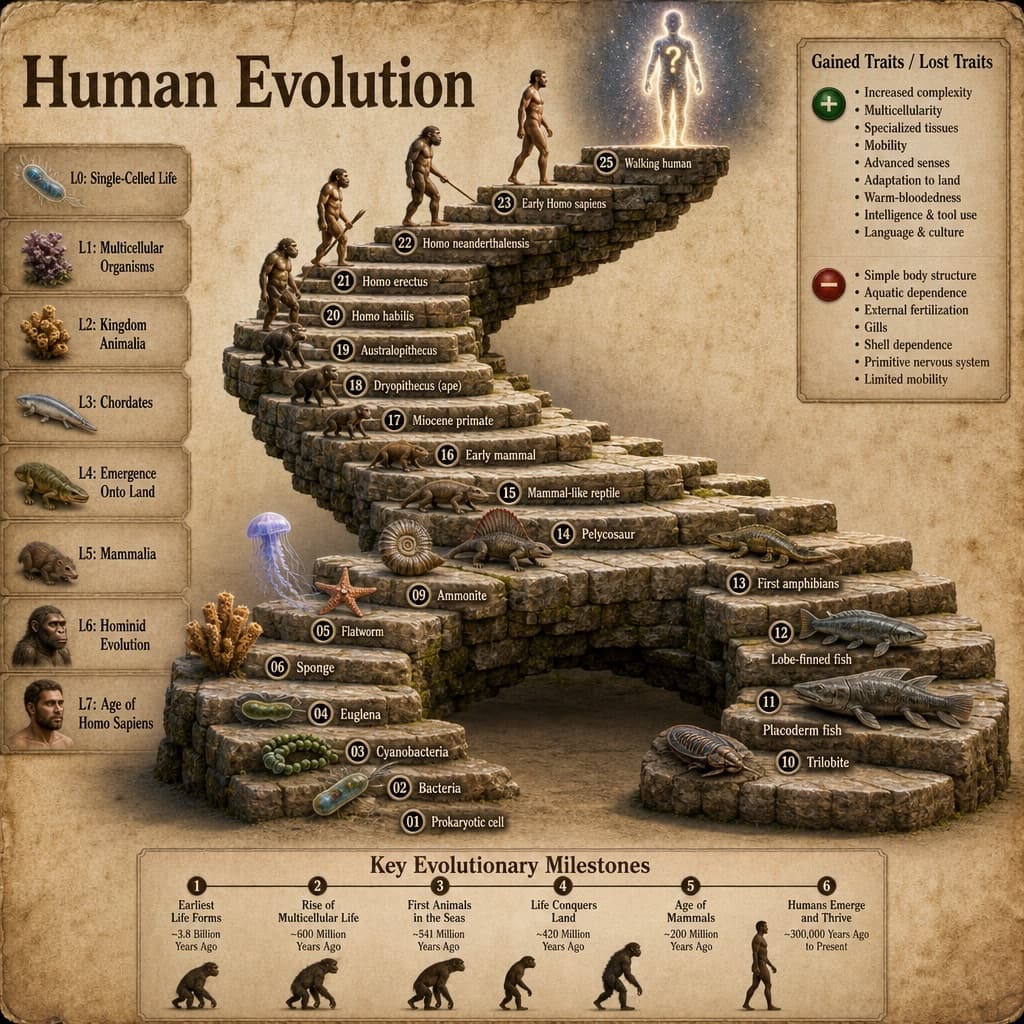
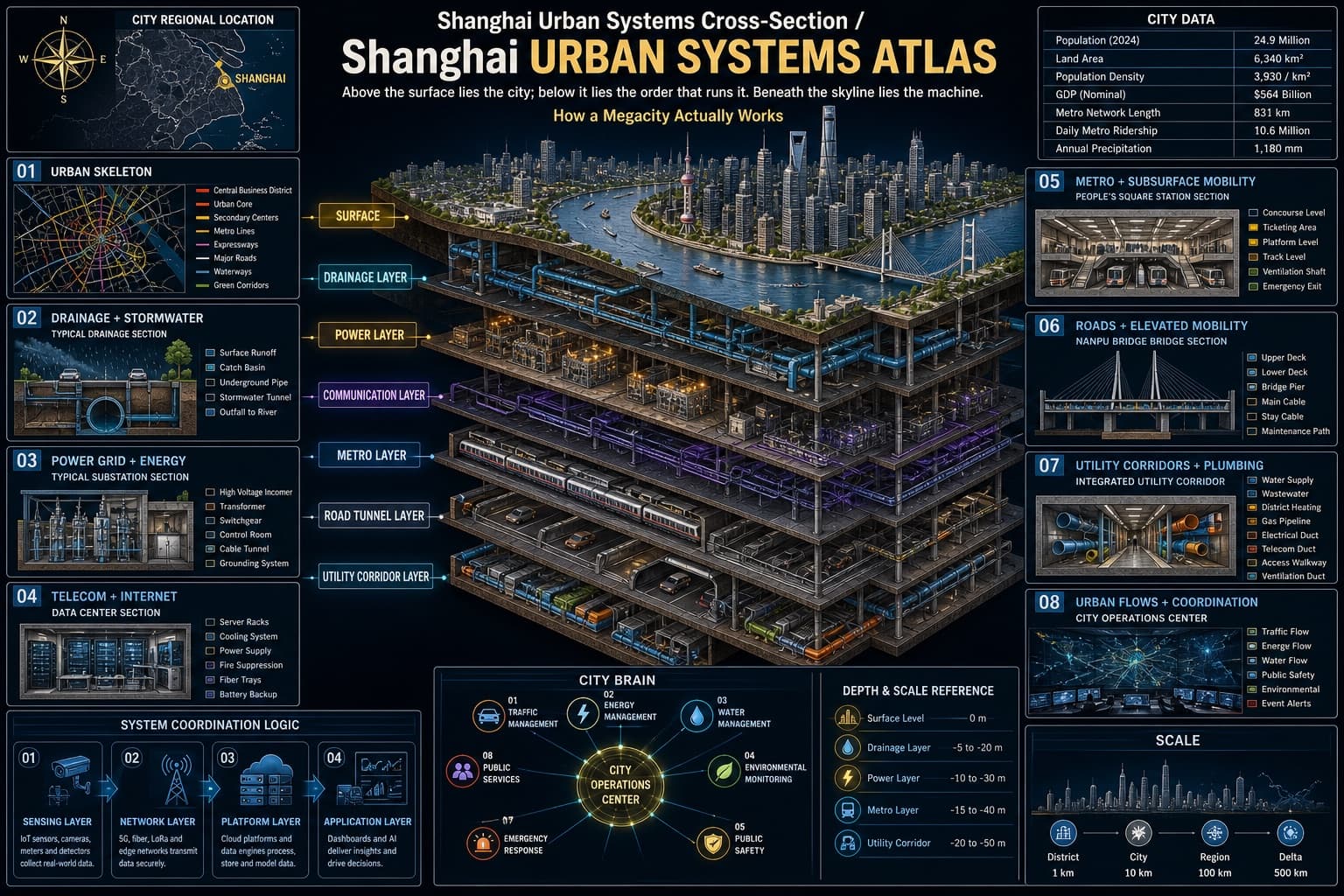
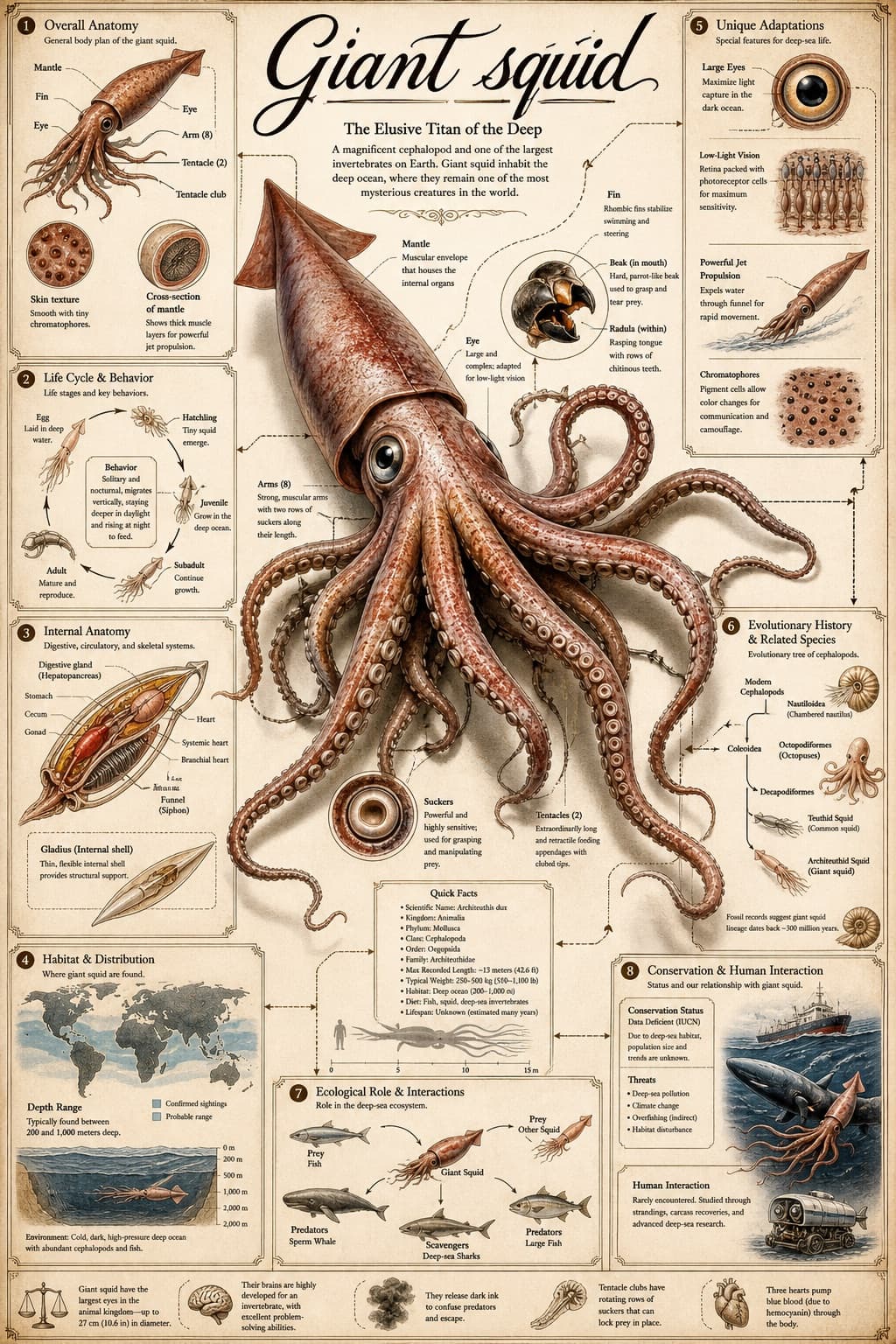
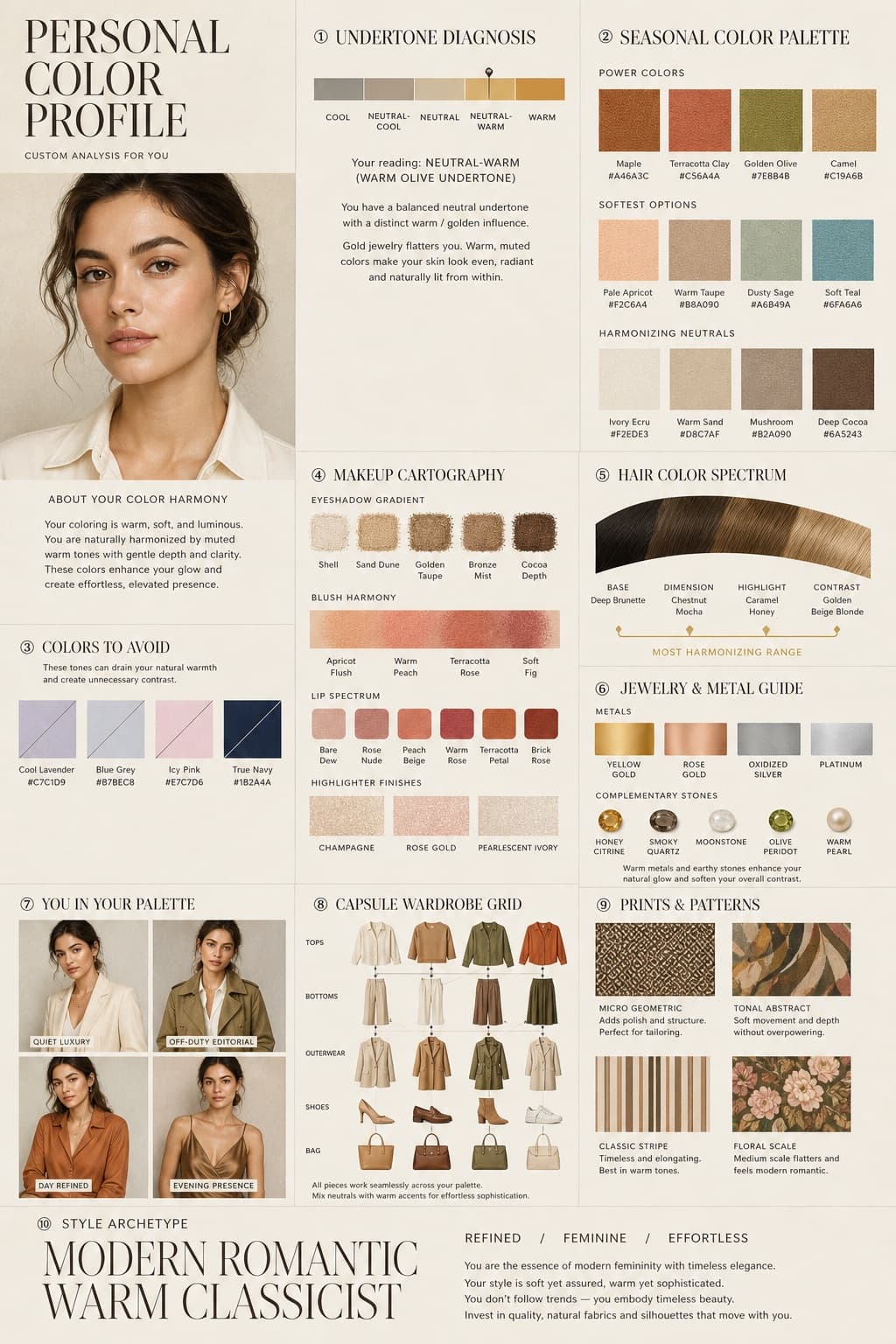
Image generated by us with gpt-image-2. Prompt by @Gdgtify
Prompt
Create a hyper-realistic 3D zoom-sequence infographic generated from a single subject: [SUBJECT]. The system should auto-detect scale layers from the atomic/subcomponent level up to the full contextual view. Layout structure (critical): arrange 6 to 8 circular or hexagonal frames in an expanding sequence, where the innermost frame shows the smallest detectable detail and the outermost frame shows the full subject in its environment. Connect the frames with subtle zoom-path lines. Do not repeat scales — each frame must show a new level of detail. Frame design: each zoom level should include a hyper-detailed 3D render at that scale, a micro label stating the scale name (e.g., 'molecular,' 'cellular,' 'structural') plus a 3-5 word insight, and optionally a measurement tag or magnification factor. Contextual halo: around the sequence, include only scale-specific references such as measurement units, scientific notation, or cultural scale metaphors (avoid generic magnifying glass icons). Alternative layout option: a scale panel listing the zoom level, a key insight (3-5 words), a scale factor tag, and a detail icon (grid, wave, particle, etc.). Title text: '[SUBJECT]: AT EVERY SCALE' or 'ZOOM: THE WORLD OF [SUBJECT]'. Style: ultra-realistic 3D render, scientific editorial infographic, precise macro lighting, global illumination, shallow depth of field, clean sequential layout.
3 placeholders still empty. Copied as is, the generator will draw the brackets literally inside the image.
Editable variables
Change any value and the prompt rewrites above. Copy the finished result.
The main scientific or natural subject being visualized at different scales, from microscopic to macroscopic.
Generate the image here
With your own OpenAI key. Free for us, and what you spend is yours.
Kept in this browser only and sent straight to OpenAI's API: it never passes through a server of ours, because there is no server of ours in between. Check it yourself in the network tab.
Fill in the remaining variables before generating, or the model will draw the brackets.