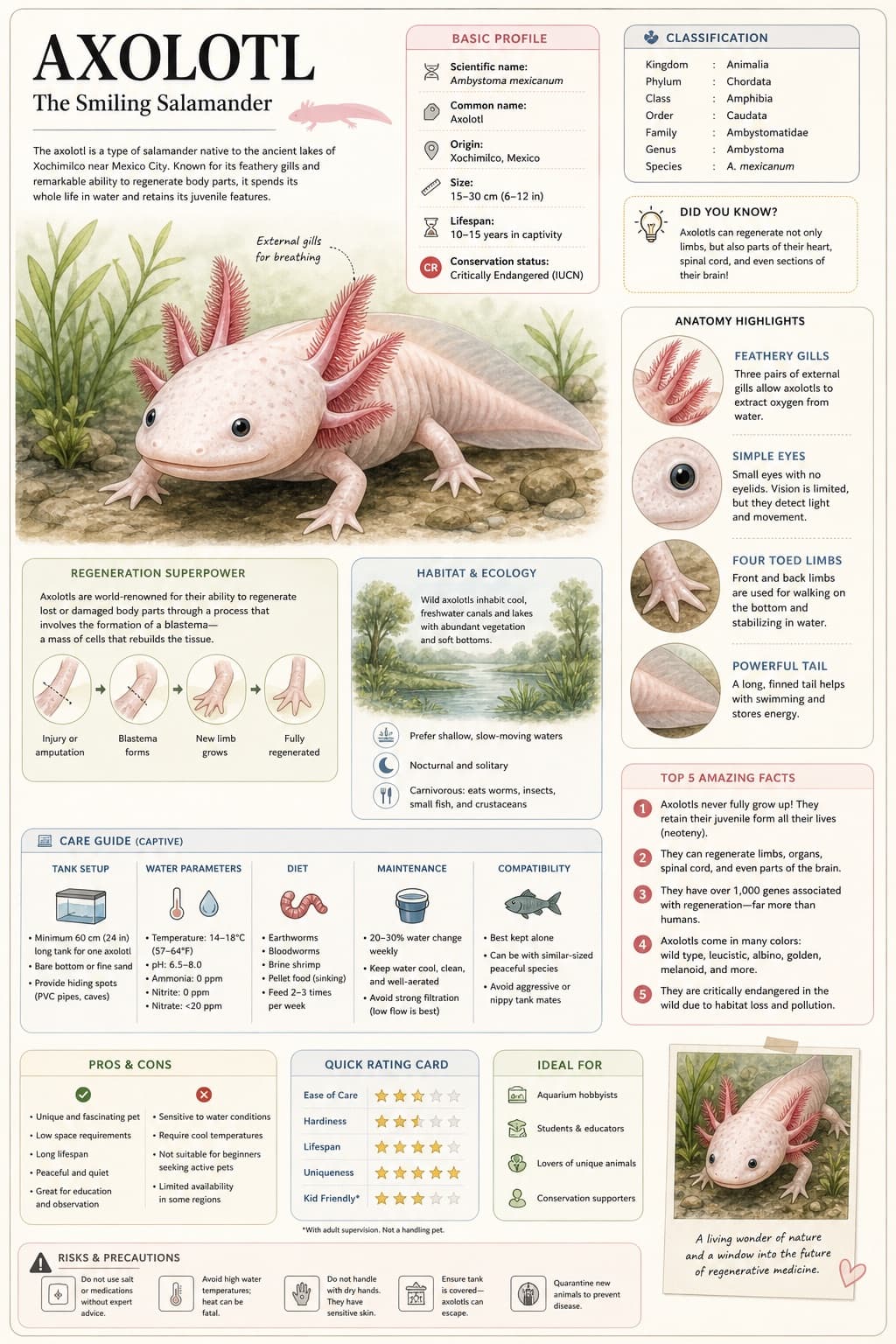
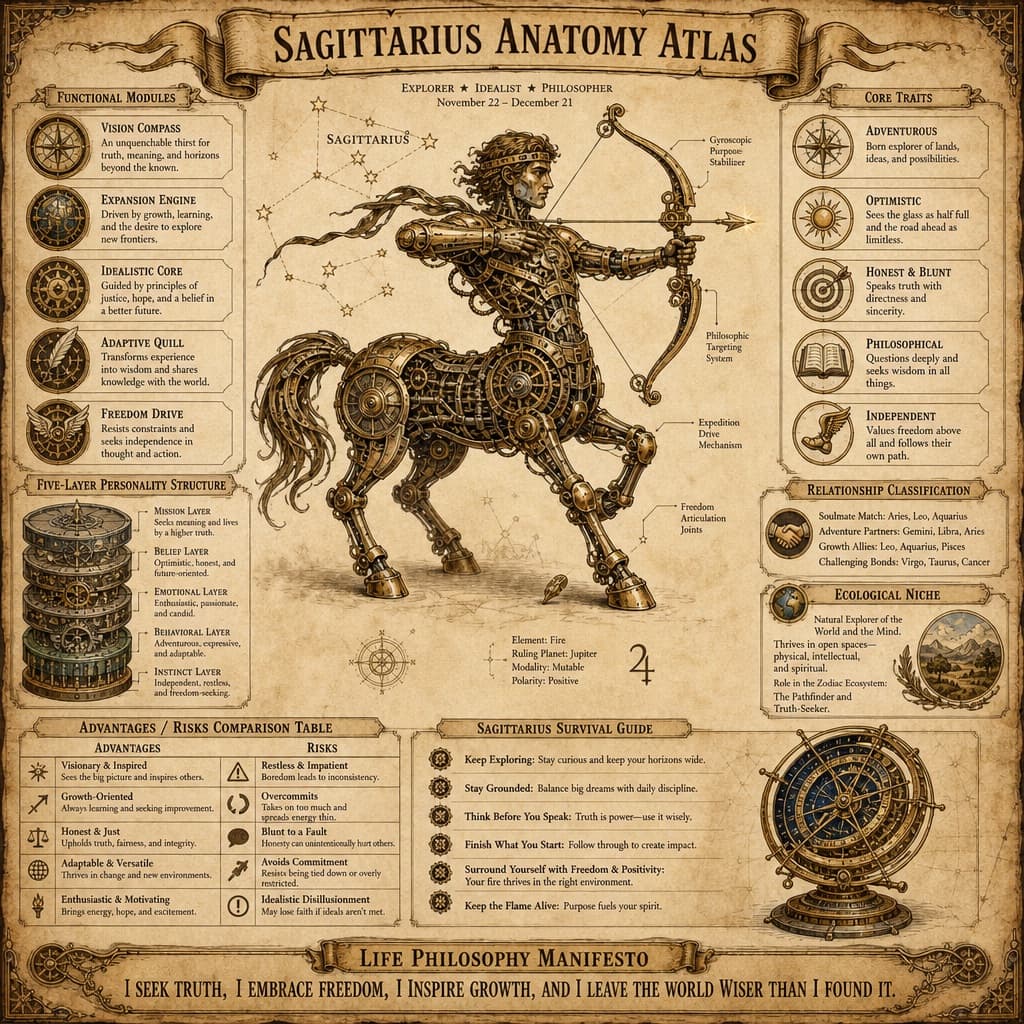
Scientific Encyclopedia Knowledge Infographic
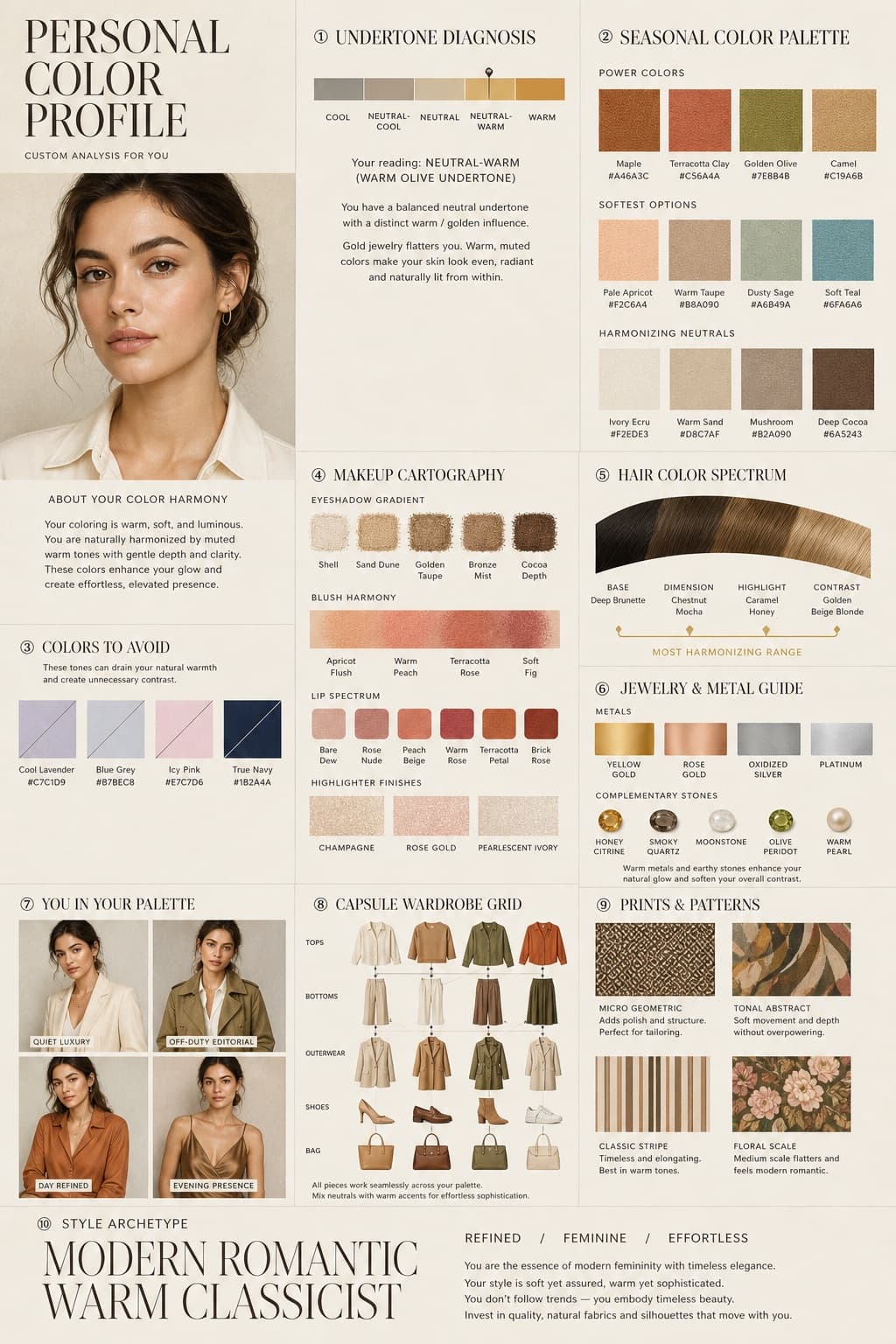
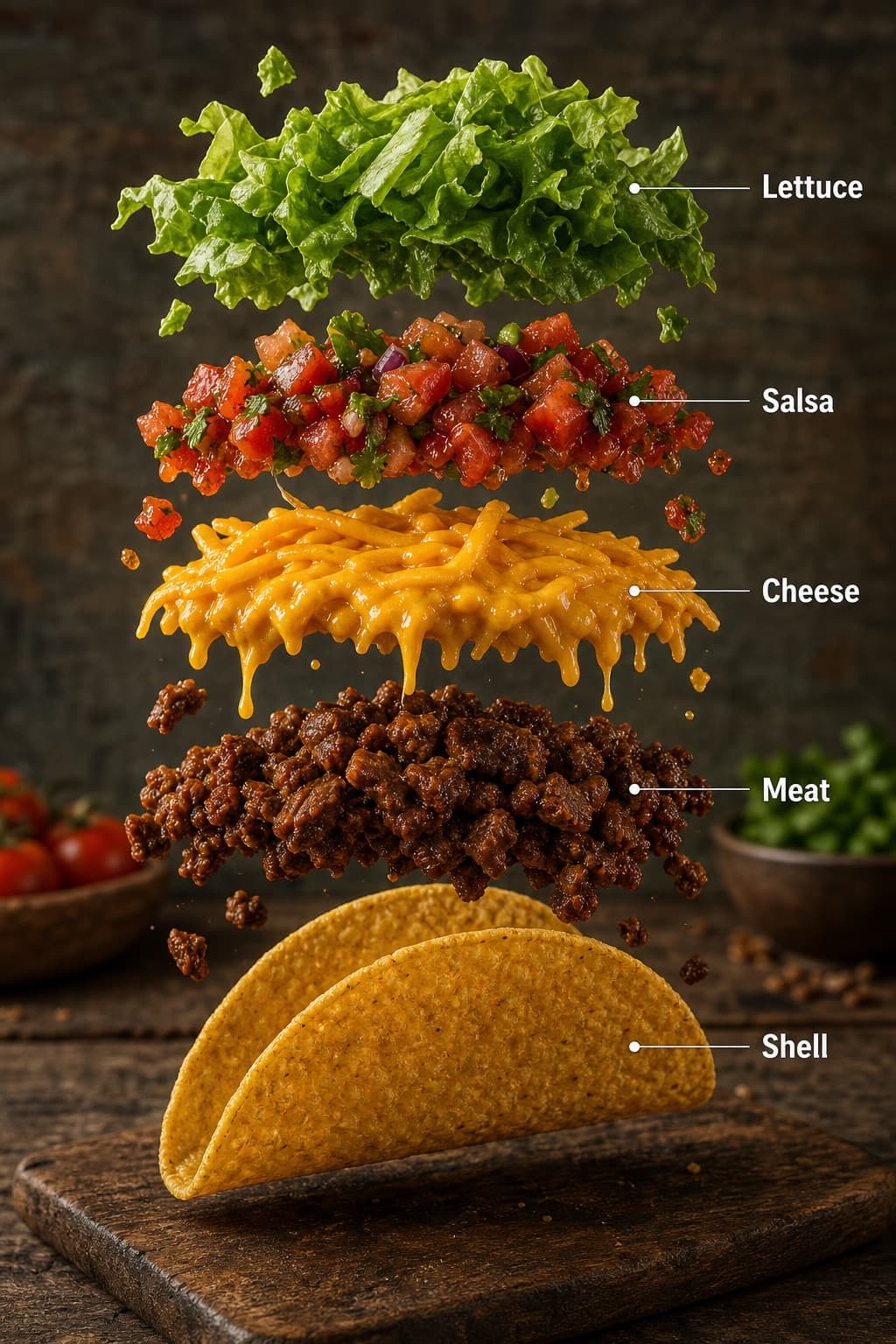
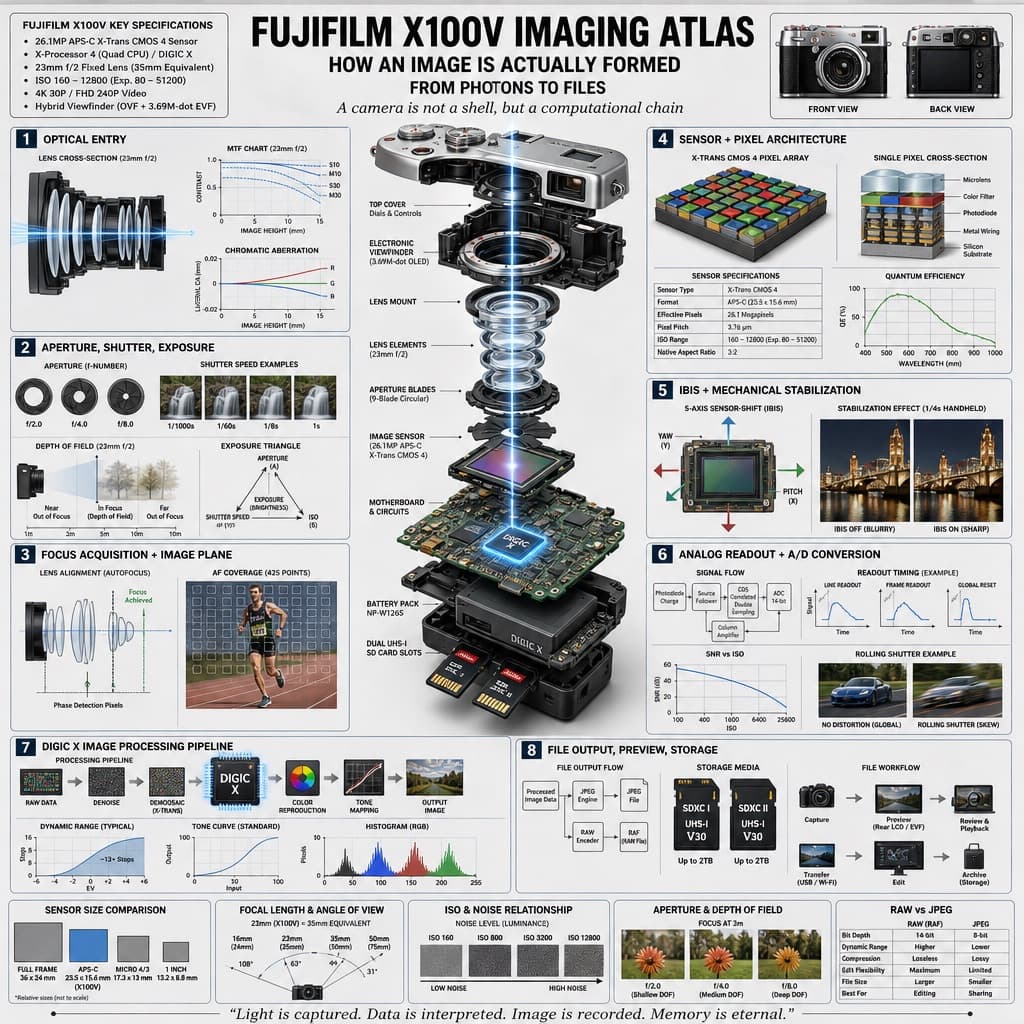
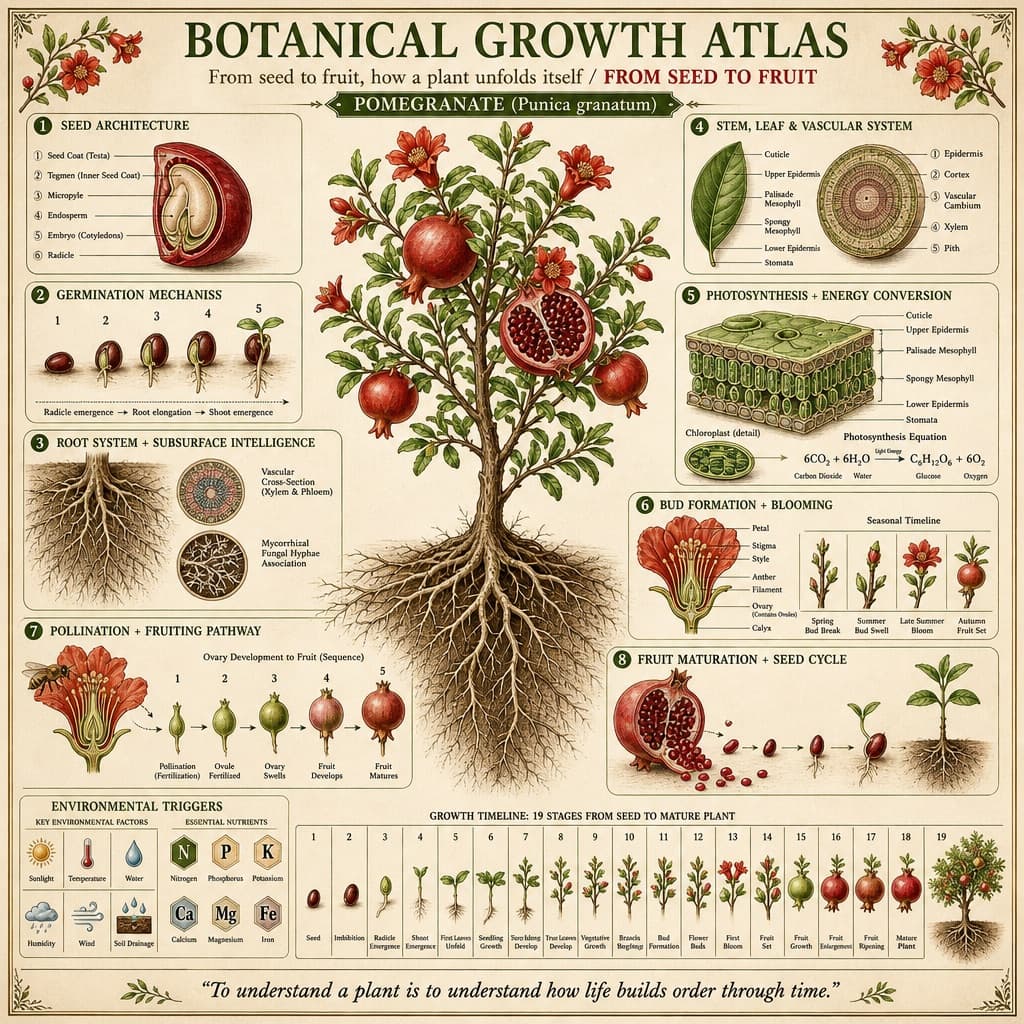
A richly detailed encyclopedia-style infographic showing a hyper-realistic 3D subject bursting from the page, surrounded by annotated knowledge modules.
Budget models do not render typography reliably; this case needs a higher tier.
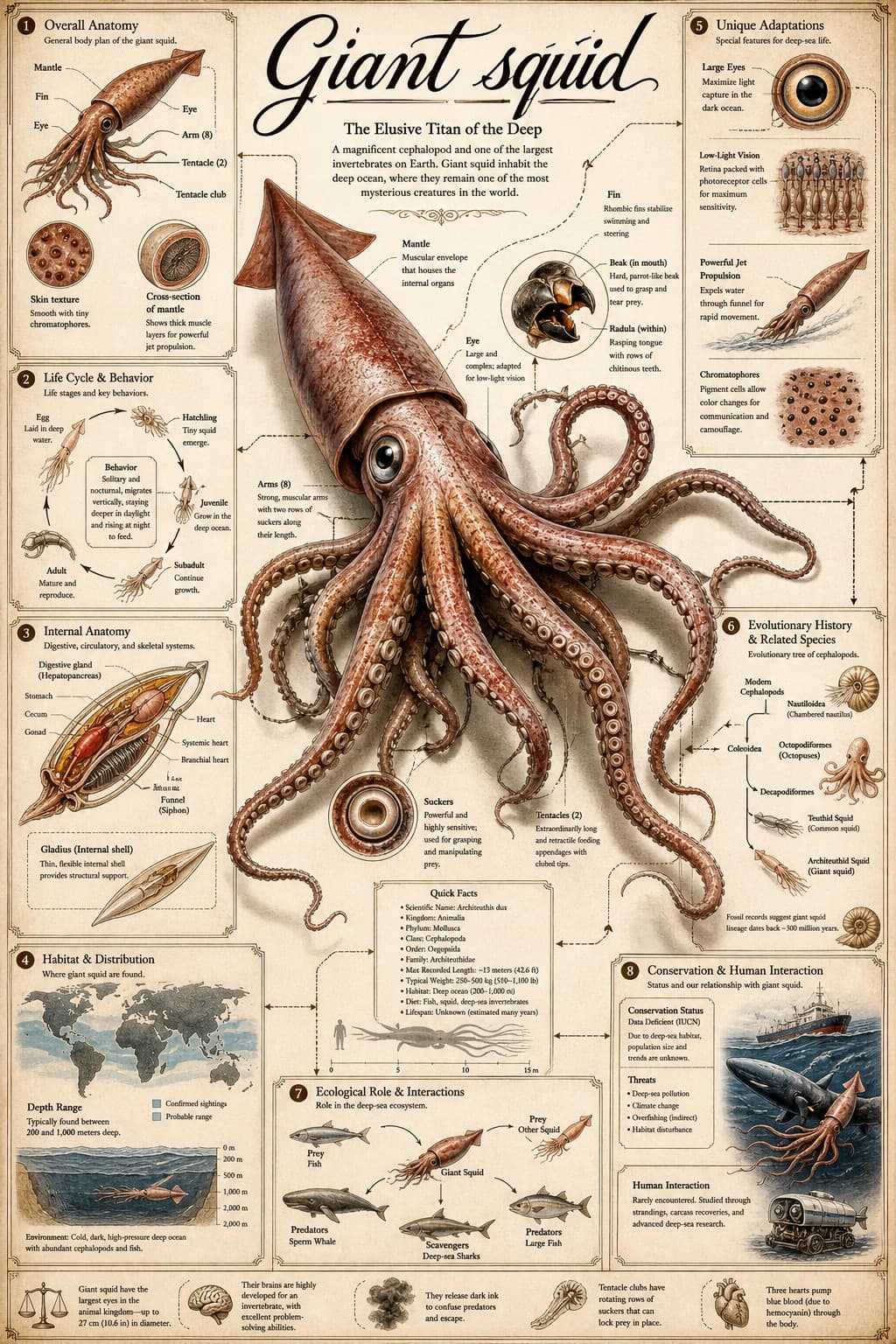
Image generated by us with gpt-image-2. Prompt by @GeekCatX
Prompt
Role: World-class scientific encyclopedia illustrator and knowledge-graph architect.

Task: Create a highly detailed, extremely intricate, and visually stunning 'Universal Illustrated Encyclopedia Science Infographic' in a classic, unbranded (no logos) scientific encyclopedia style.

Subject matter: choose one category — person, plant, or animal.
Specific subject: [SUBJECT] (for example, a giant squid, a historical inventor, or a redwood tree).

Style: fine, detailed scientific illustration on a retro, aged beige paper background, with delicate, precise linework; the overall look is intricate, professional, and academically rigorous.

Key visual requirements:

1. Lifelike 3D effect for the central subject: the subject occupies the visual center ('C position') of the composition and must be rendered with extraordinary realism and dynamic tension. Create a dramatic sense of depth so the figure, plant, or animal appears to break the frame, leaping or bursting out of the flat paper toward the viewer, similar to an anamorphic 3D or dynamic pop-out effect, rendered with high-precision realism.

2. Layout and strategic negative space: the central subject dominates the middle of the composition, with deliberately planned white space around it to enhance the pop-out effect and make it the undeniable focal point. The surrounding area (top, bottom, left, right, and all four corners) must contain 6 to 8 distinct, highly organized knowledge modules appropriate to the chosen subject category, giving a sense of organized information density rather than clutter. Each module must have a clear border, a header/title bar, and rich, detailed content.

3. Connective structure: use a complex, logically clear network of fine leader lines, arrows, brackets, dotted lines, and small connection nodes to link the central subject to every surrounding module, and to interconnect the modules with one another, forming a unified knowledge system.

4. Text and annotation (hard requirement — must be clear text in [LANGUAGE]):
   - Main title: the specific subject's name [SUBJECT] rendered in large, elegant calligraphy in [LANGUAGE].
   - Calligraphic accents: important terms within the main illustration and module headers should also use beautiful, clear calligraphy in [LANGUAGE].
   - Standard text: all other explanatory text, abundant handwritten annotations, module content, and captions must be rendered in clear, legible [LANGUAGE], with no garbled or unreadable symbols; legibility is the top priority.
   - Leader-line labeling: every small structure, detail, sub-module, diagram, and illustration inside each module must be labeled with a detailed leader line (in the style of an anatomical diagram) pointing directly to the corresponding part, maximizing the sense of professionalism and educational value so that every structural element is annotated.

Subject-specific module structure (reference example):

A. For a person:
   - Module 1: anatomy and skeletal structure (with magnified cross-sections)
   - Module 2: physiological processes (e.g., circulatory system, nervous system)
   - Module 3: biographical background and timeline (key achievements)
   - Module 4: major contributions, diagrammed in detail
   - Module 5: cognitive patterns and psychological traits
   - Module 6: genetic profile and evolutionary origins
   - Module 7: global influence and cultural impact
   - Module 8: artistic representation and legacy

B. For an animal:
   - Module 1: overall body sketch and anatomy (with microscope-level magnified circular details)
   - Module 2: behavioral patterns and life cycle (e.g., mating, migration, in flowchart form)
   - Module 3: digestive and skeletal systems
   - Module 4: habitat and distribution map (with environmental detail)
   - Module 5: unique adaptations (e.g., camouflage, hunting organs)
   - Module 6: evolutionary history and related species
   - Module 7: symbiotic relationships and ecological role
   - Module 8: conservation status and human interaction

C. For a plant:
   - Module 1: overall plant sketch and anatomy (with magnified leaf and root detail)
   - Module 2: photosynthesis and life-cycle process (with environmental icons)
   - Module 3: cellular structure (magnified circular views)
   - Module 4: medicinal value and practical applications
   - Module 5: environmental adaptations and unique traits
   - Module 6: distribution map and growing environment
   - Module 7: genetic variation and cultivation methods
   - Module 8: historical uses and folklore

Overall composition requirements: extremely high information density, organized cleanly into 6 to 8 structured modules, balanced against strategic empty space at the center so the hyper-realistic subject can visually pop. The style should be rigorous, professional, and academic, with strong visual appeal driven by the dynamic 3D central figure. No branding or logos from any real encyclopedia [BRAND] should appear anywhere in the image. All labels must be clearly legible, and all handwritten annotations must be neat and readable. The main title must be rendered in calligraphy in [LANGUAGE]. Aspect ratio: 3:4.
8 placeholders still empty. Copied as is, the generator will draw the brackets literally inside the image.
Editable variables
Change any value and the prompt rewrites above. Copy the finished result.
The specific person, animal, or plant to be illustrated as the central subject of the infographic.
A well-known encyclopedia or publishing brand whose logo or branding must NOT appear in the image.
The language in which all text, titles, calligraphy, and annotations inside the image must be written.
Generate the image here
With your own OpenAI key. Free for us, and what you spend is yours.
Kept in this browser only and sent straight to OpenAI's API: it never passes through a server of ours, because there is no server of ours in between. Check it yourself in the network tab.
Fill in the remaining variables before generating, or the model will draw the brackets.