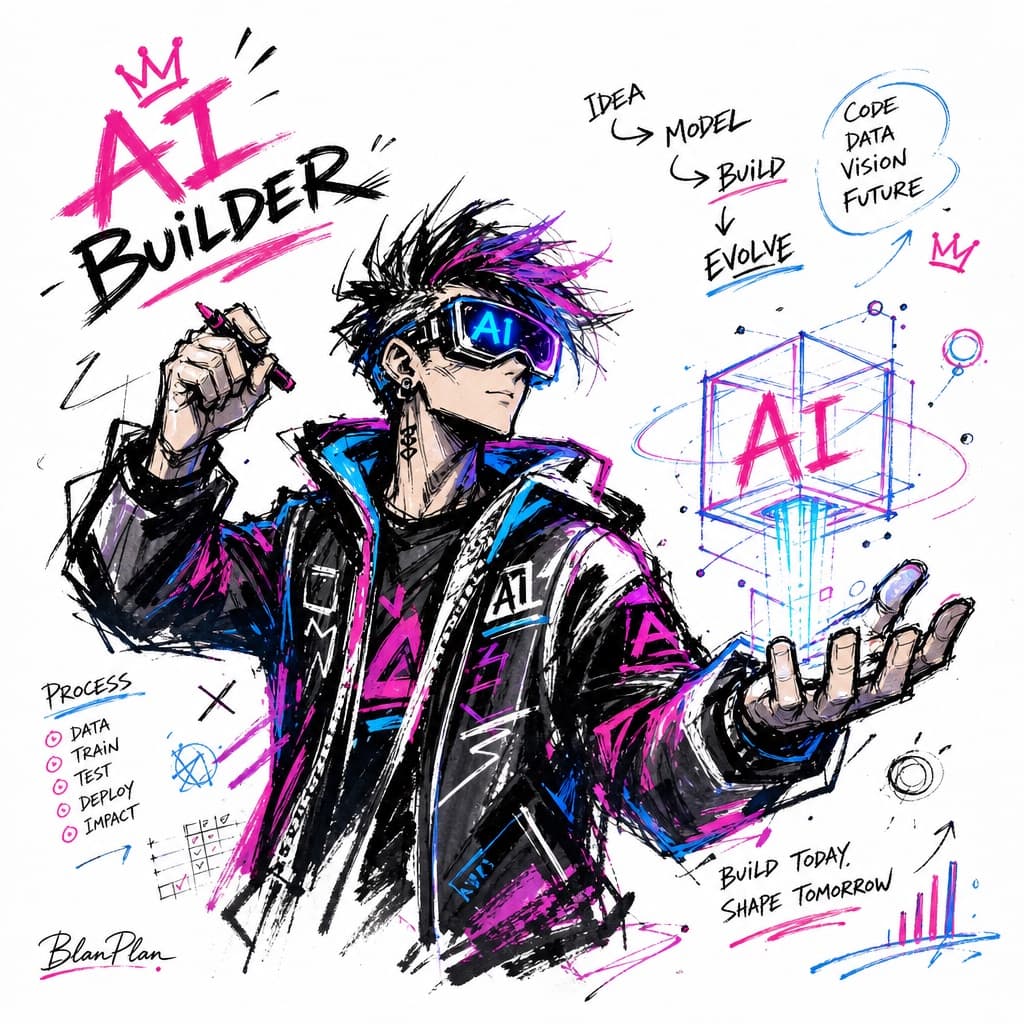
Graffiti Sketch Style Illustration
A loose, expressive graffiti-sketch illustration of a chosen subject rendered in dry-brush color blocks with a minimal background and subtle signature.
Budget models do not render typography reliably; this case needs a higher tier.
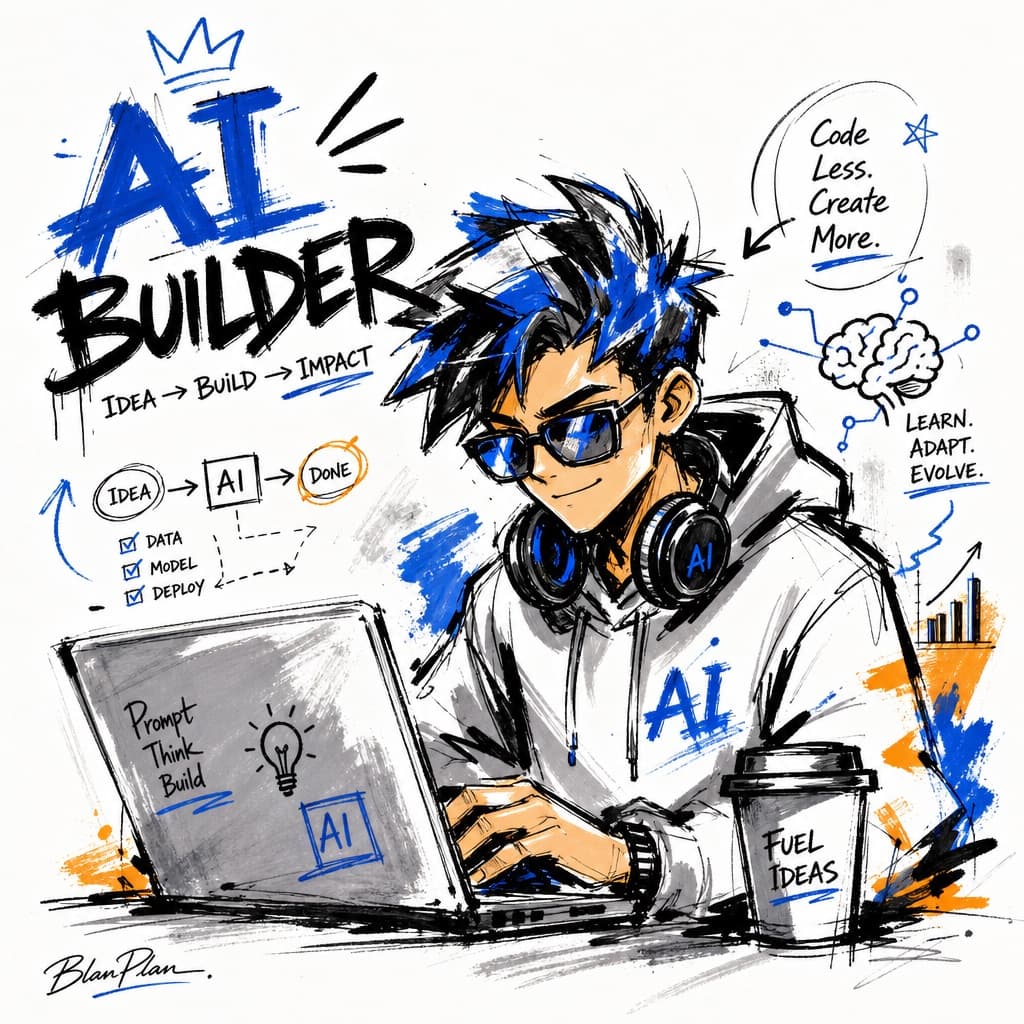
Image generated by us with gpt-image-2. Prompt by OpenNana
Prompt
Illustrate [SUBJECT] in a graffiti sketch style, presenting an overall visual effect of quick sketching, free-form deformation, impromptu hand-drawing, and a draft-like quality. The linework should be casual, exaggerated, and vary in thickness — slightly messy but rhythmic and expressive — emphasizing summarization, exaggeration, playfulness, and spontaneity rather than rigorous realism or fine detail. Colors should be rendered in rough blocks with an obvious dry-brush feel, retaining uneven smearing marks, brush strokes, flying-white gaps, and overlapping coverage; the color palette should automatically adapt to [SUBJECT], while maintaining an overall graffiti-style, sketch-style, summarized expression. Do not use transparent watercolor bleeding effects, delicate watercolor transitions, paper texture, soft atomization, or dreamy textures. The background should be mostly blank, keeping the composition simple, relaxed, unfinished-looking, and design-forward; a small number of auxiliary symbols, arrows, marks, circled doodles, repeated lines, casually handwritten text, or other graffiti elements may be added to enhance the sketchbook or notebook-style visual language, but it must not become cluttered or disrupt the subject and the sense of negative space. The picture's content does not need to be predetermined in detail — automatically infer and generate the most suitable subject depiction, pose, related elements, symbols, or simplified scene for [SUBJECT], while keeping a unified graffiti sketch style and exaggerated, summarized expression, avoiding complex realistic backgrounds or excessive elaboration. Naturally incorporate the exclusive signature "[SIGNATURE_TEXT]" into the image as part of the composition, positioned low-key but legible — in the bottom-left corner, bottom-right corner, or near the title — matching the overall layout style, like an artist's signature or design sign-off; the signature typography should be refined, restrained, and high-end, not too large, and must not disrupt the main composition or appear abrupt or cheap.
4 placeholders still empty. Copied as is, the generator will draw the brackets literally inside the image.
Editable variables
Change any value and the prompt rewrites above. Copy the finished result.
The main subject, character, or concept to be depicted in the illustration
The signature or watermark text displayed subtly within the image, like an artist's sign-off
Generate the image here
With your own OpenAI key. Free for us, and what you spend is yours.
Kept in this browser only and sent straight to OpenAI's API: it never passes through a server of ours, because there is no server of ours in between. Check it yourself in the network tab.
Fill in the remaining variables before generating, or the model will draw the brackets.