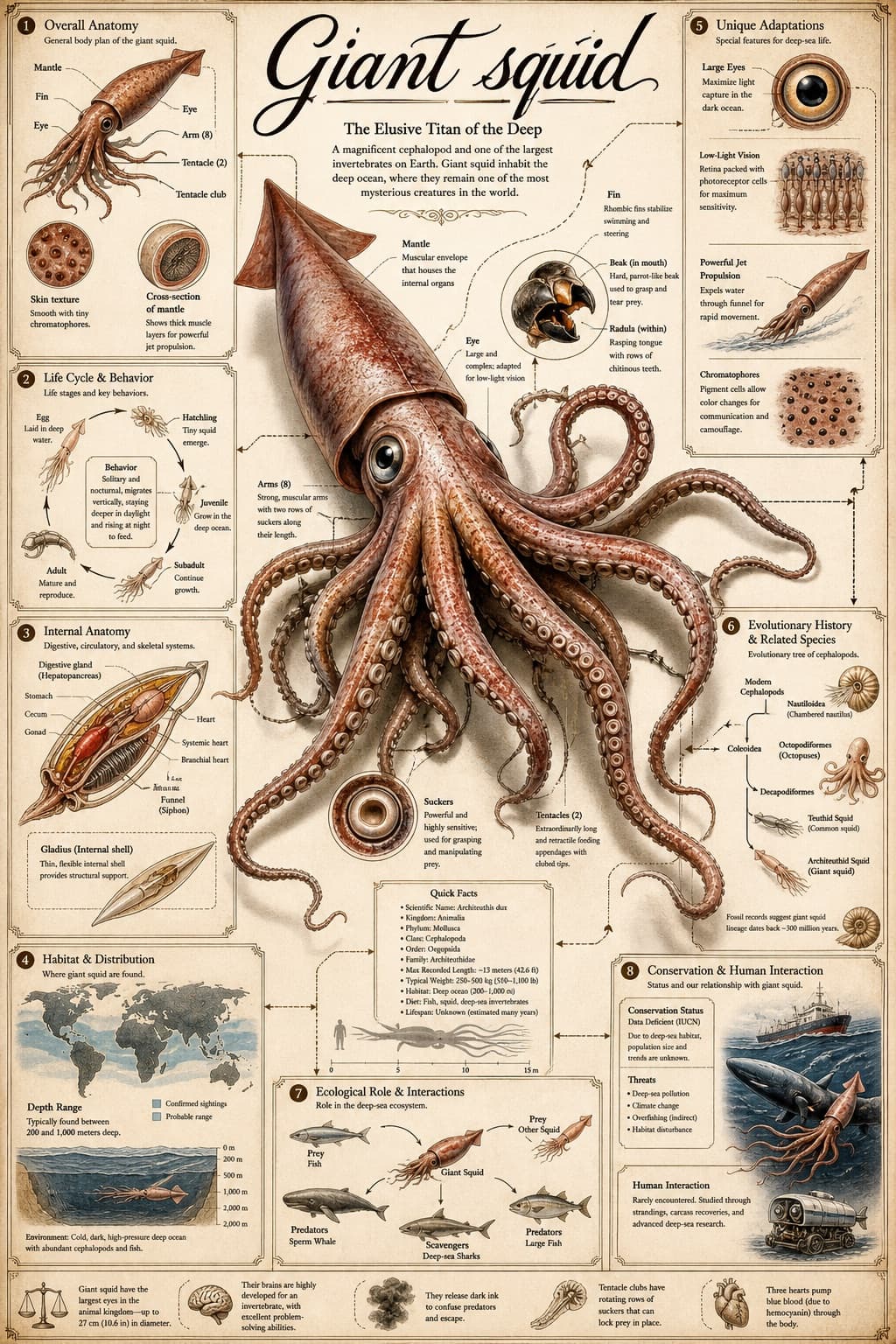
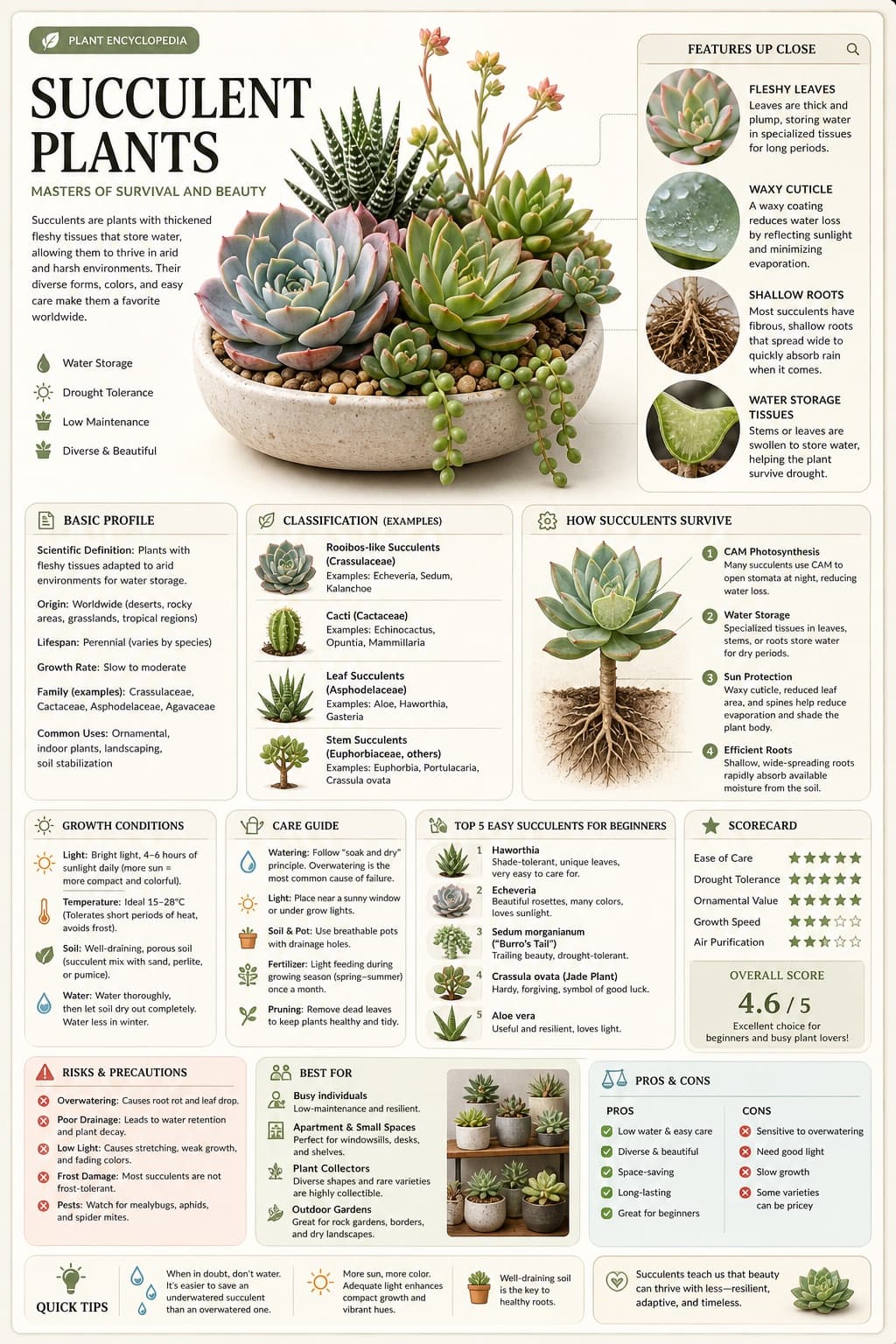
Fruit Vocabulary Learning Card
A bright, minimal preschool vocabulary card pairing a realistic whole fruit with its part, labeled in bold uppercase for early learners.
Budget models do not render typography reliably; this case needs a higher tier.
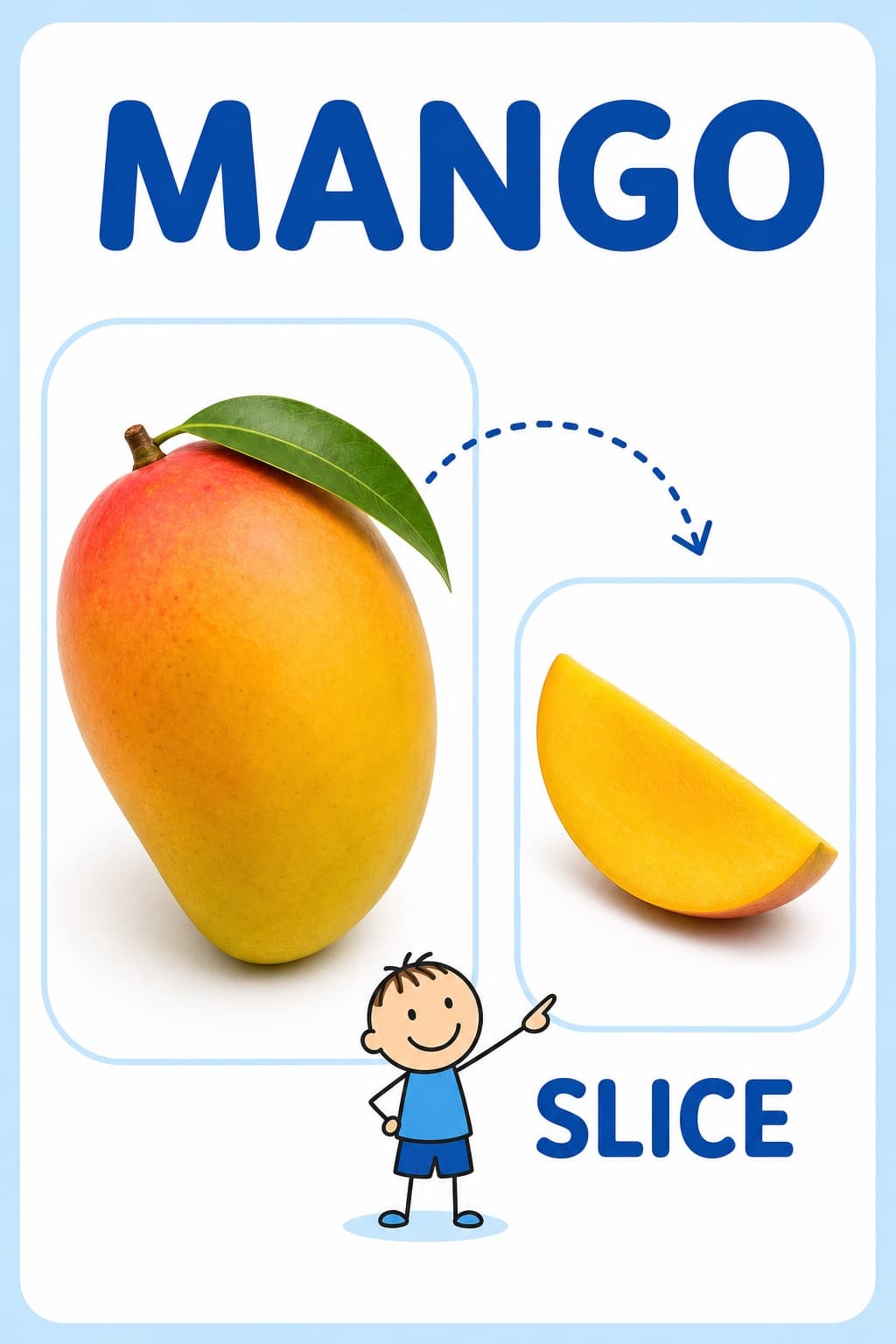
Image generated by us with gpt-image-2. Prompt by @Naiknelofar788
Prompt
Create a clean, child-friendly educational vocabulary poster designed for preschool or kindergarten children, inspired by a simple visual learning card.

Feature a [FRUIT] as the main large realistic object on the left, and show a [FRUIT_PART] of the same fruit on the right. Connect the two with a playful dotted curved arrow and a tiny simple stick-figure child pointing toward the smaller part.

Add the word "[FRUIT_NAME]" in large bold uppercase letters at the top, and "[PART_NAME]" in large bold uppercase letters underneath the smaller image. Use a soft white and very light pastel-blue background, rounded image panels, clean spacing, realistic fruit photography, simple blue typography, and minimal playful illustrations.

The overall design should feel bright, educational, modern, uncluttered, and easy for young children to understand, like a premium preschool vocabulary learning card. Vertical 4:5 composition, high resolution, soft lighting, clear labels, no unnecessary decorations.
4 placeholders still empty. Copied as is, the generator will draw the brackets literally inside the image.
Editable variables
Change any value and the prompt rewrites above. Copy the finished result.
The whole fruit shown as the main realistic object on the left side of the card.
The specific part, slice, or segment of the fruit shown on the right side of the card.
The bold uppercase word displayed at the top labeling the whole fruit.
The bold uppercase word displayed under the smaller image labeling the fruit part.
Generate the image here
With your own OpenAI key. Free for us, and what you spend is yours.
Kept in this browser only and sent straight to OpenAI's API: it never passes through a server of ours, because there is no server of ours in between. Check it yourself in the network tab.
Fill in the remaining variables before generating, or the model will draw the brackets.