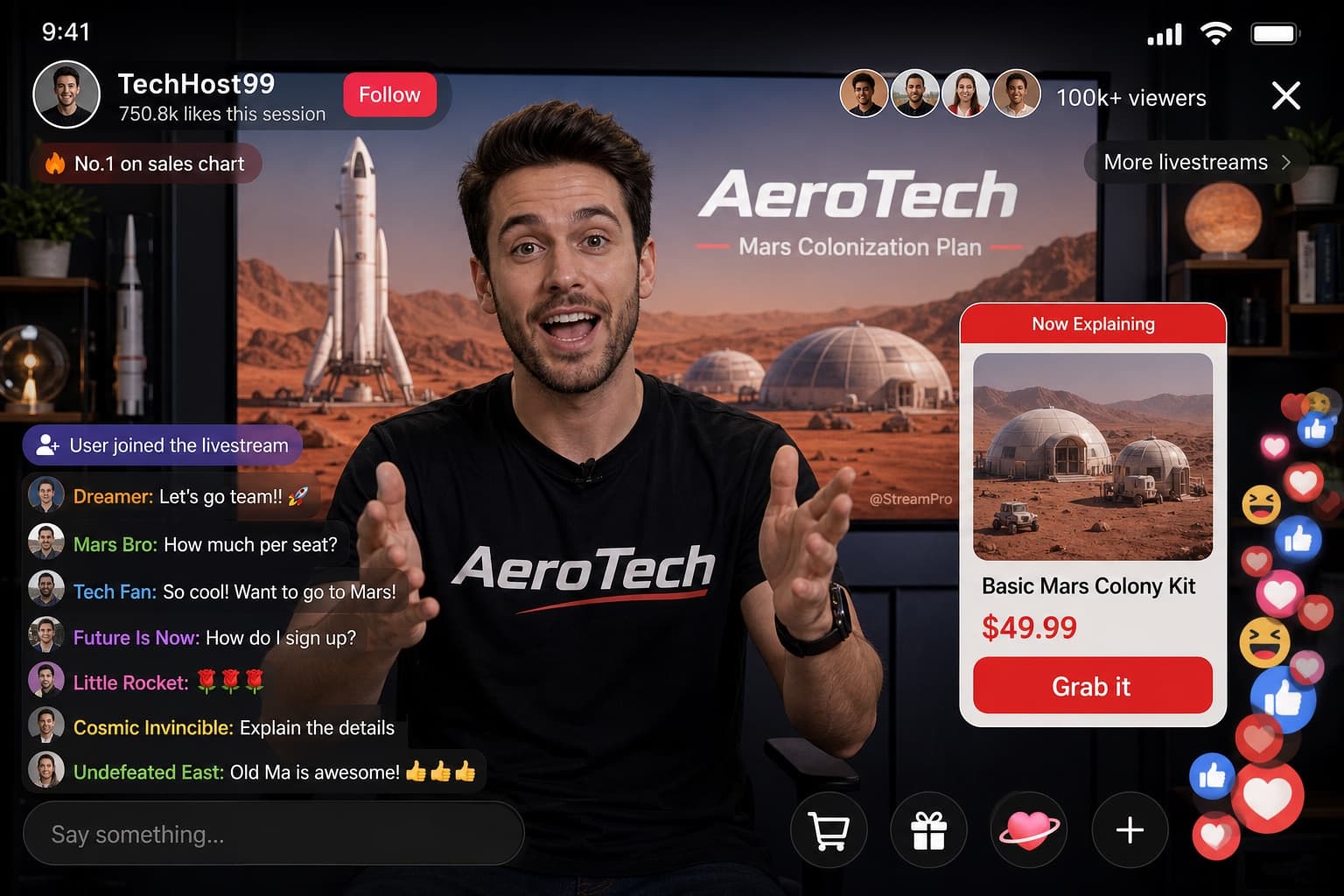
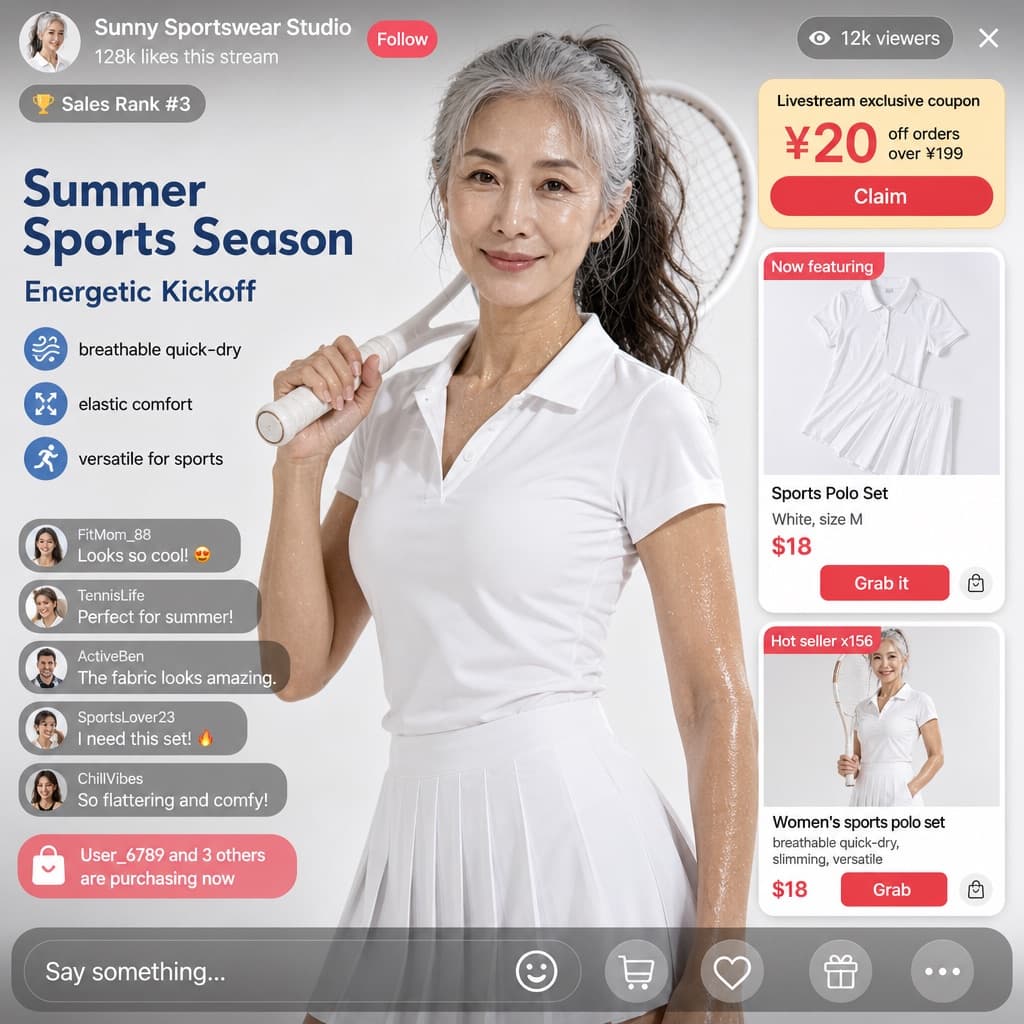
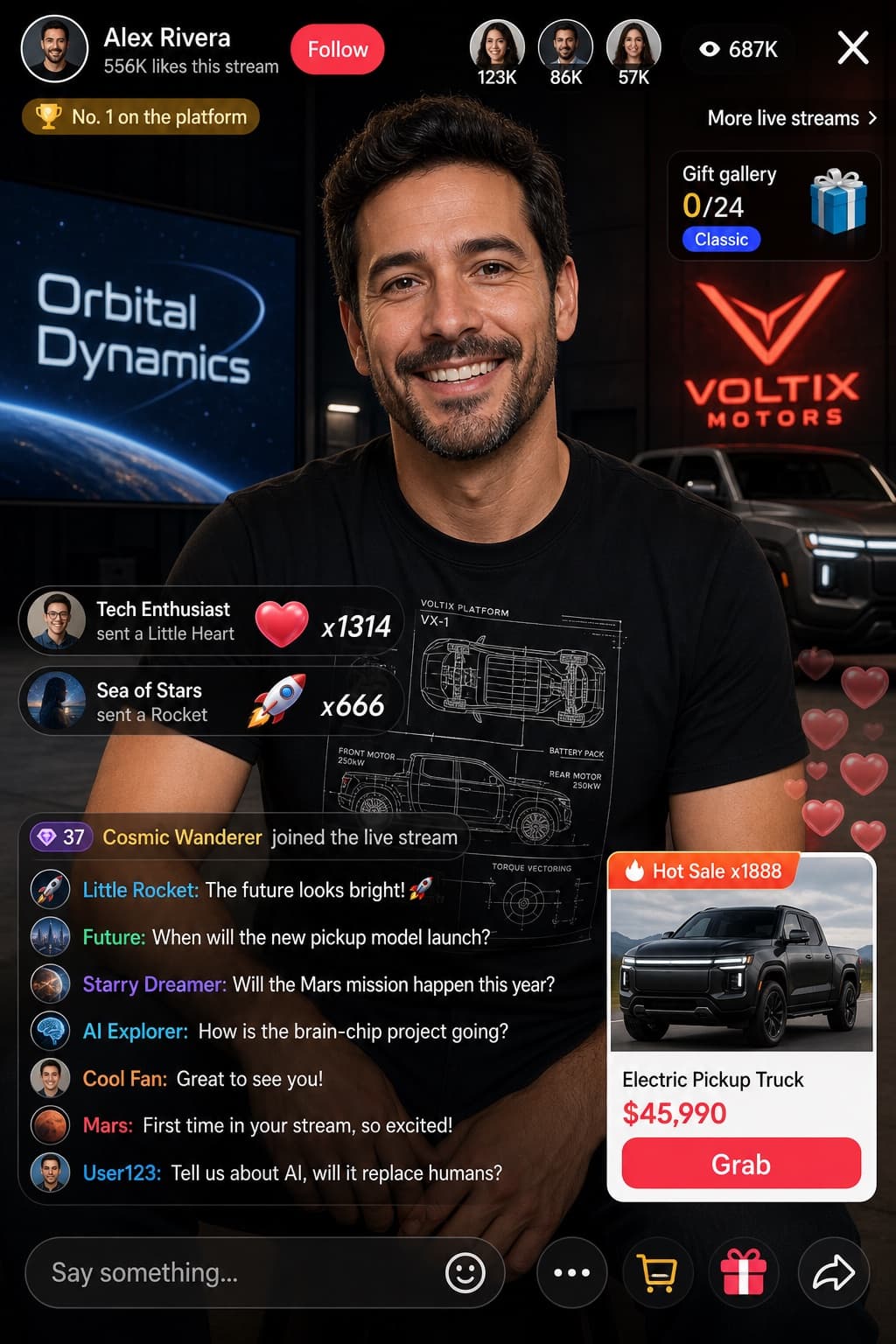
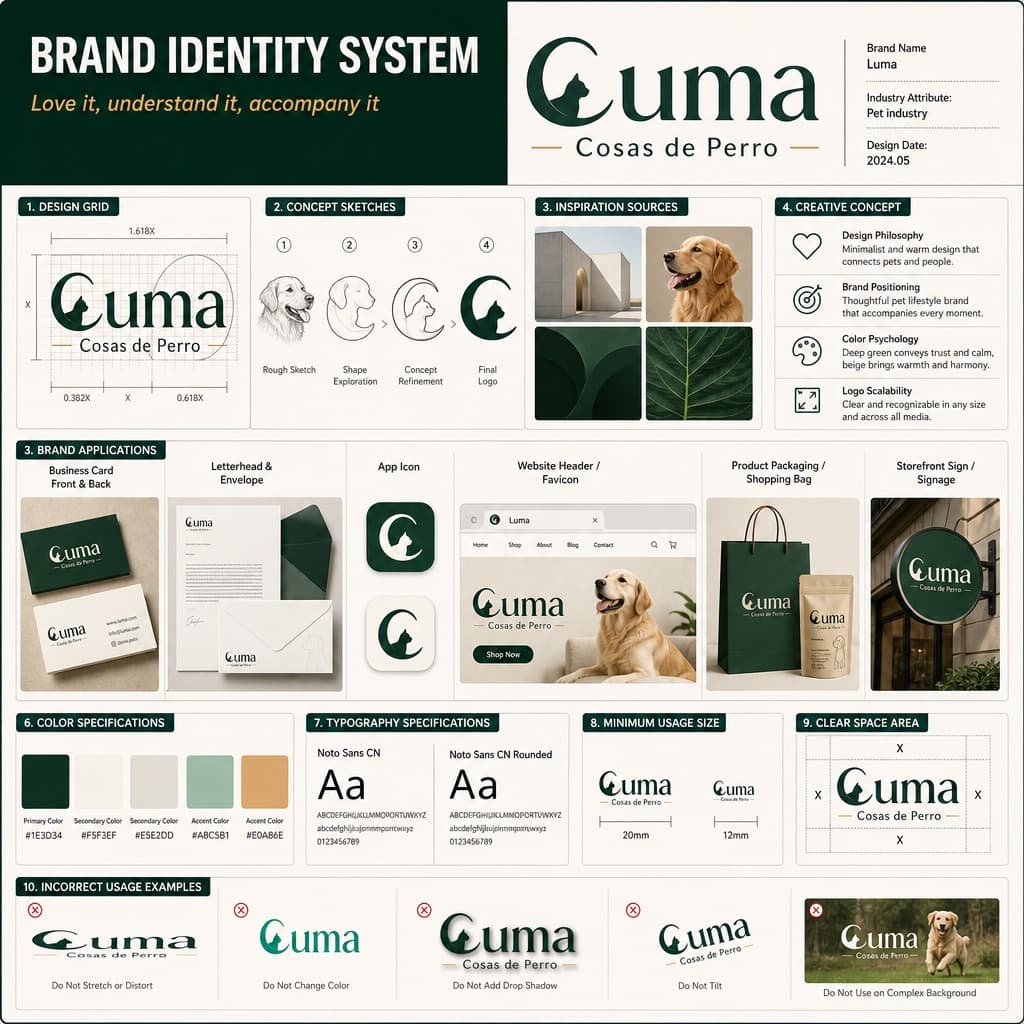
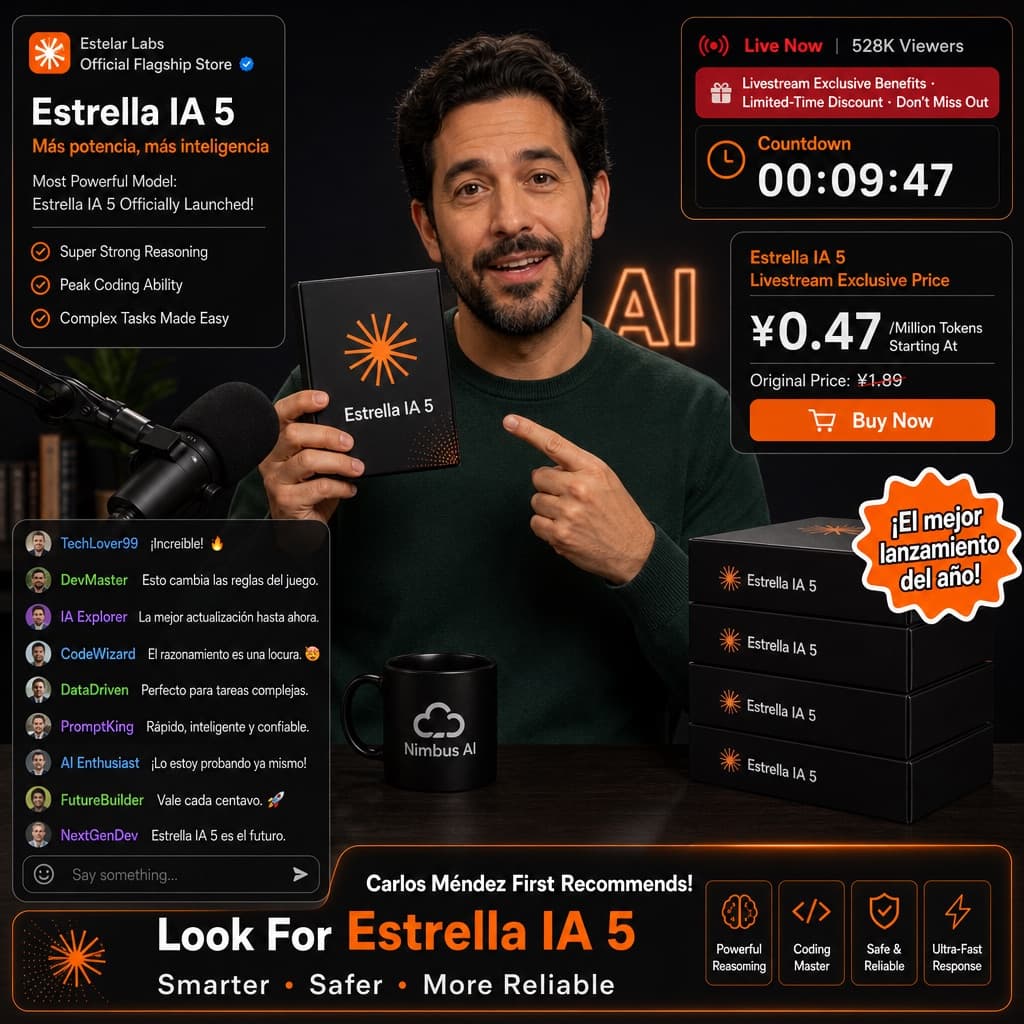
Interfaz de compras en directo deportivo
Maqueta realista de interfaz de comercio electrónico en directo con presentadora deportiva, tarjetas de producto, cupones y chat en vivo.
Los modelos económicos no renderizan tipografía de forma fiable; este caso necesita un nivel superior.
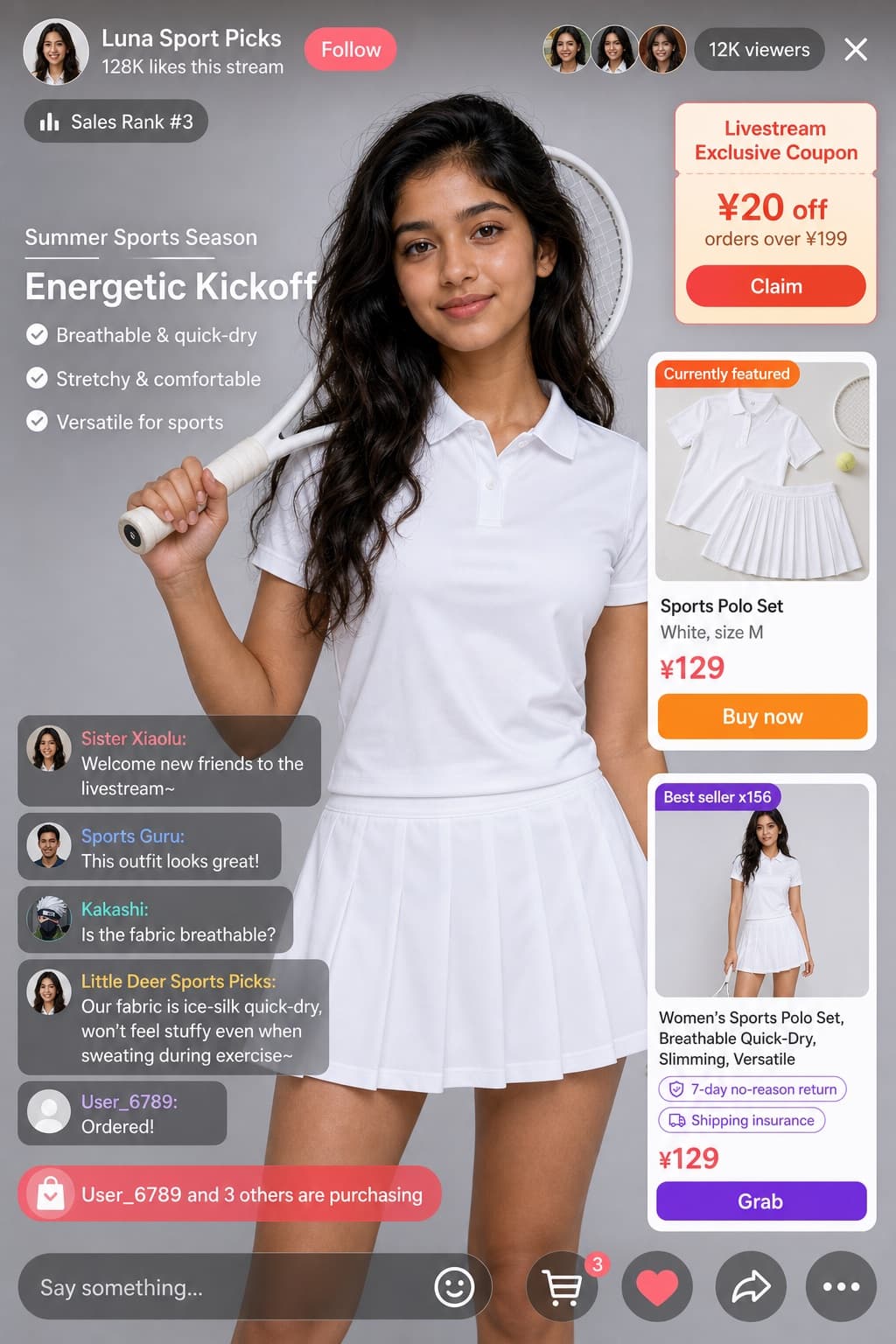
Imagen generada por nosotros con gpt-image-2. Prompt de @coconut_256
Prompt
Create a realistic e-commerce livestream interface mockup with a UI/product photography style, formatted as a mobile app screenshot. All interface text, labels, and chat messages must be in [LANGUAGE].

Subject: [PERSON_LOOK] with long wavy dark hair, wearing a white short-sleeve polo shirt and a white pleated tennis skirt, holding a white tennis racket over her right shoulder, looking directly at the camera with a soft expression. Background: soft light grey studio background.

Header layout — left side: a circular female portrait avatar, host display name '[HOST_NAME]' (e.g. default 'Little Deer Sports Picks'), stats text '128K likes this stream', a 'Follow' button labeled 'Follow', and a badge reading 'Sales Rank #3'. Header right side: a cluster of 3 small viewer avatars, a viewer counter showing '12K viewers', and a close 'X' icon.

Floating UI elements over the video feed:
1. Top right — a coupon card titled 'Livestream Exclusive Coupon', with details '¥20 off orders over ¥199', and a 'Claim' button labeled 'Claim'.
2. Mid left — promotional campaign text with subtitle 'Summer Sports Season', a bold headline '[HEADLINE]' (e.g. default 'Energetic Kickoff'), and 3 bullet points: 'Breathable & quick-dry', 'Stretchy & comfortable', 'Versatile for sports'.
3. Mid right — an active product card with a badge reading 'Currently featured', a flat-lay image of the white polo and skirt, a title '[PRODUCT_NAME]' (e.g. default 'Sports Polo Set'), details 'White, size M', a price '[PRICE]' (e.g. default '¥129'), and a 'Buy now' button labeled 'Buy now'.
4. Bottom right — a secondary product card with a badge 'Best seller x156', an image of a model wearing the outfit, title 'Women's Sports Polo Set, Breathable Quick-Dry, Slimming, Versatile', tags '7-day no-reason return' and 'Shipping insurance', price '¥129', and a 'Grab' button labeled 'Grab'.

Chat overlay, bottom left, showing 5 stacked messages:
- 'Sister Xiaolu: Welcome new friends to the livestream~'
- 'Sports Guru: [CHAT_MESSAGE]' (e.g. default 'This outfit looks great!')
- 'Kakashi: Is the fabric breathable?'
- 'Little Deer Sports Picks: Our fabric is ice-silk quick-dry, won't feel stuffy even when sweating during exercise~'
- 'User_6789: Ordered!'
Below the chat, a purchase alert reads 'User_6789 and 3 others are purchasing'.

Footer: a text input bar reading 'Say something...', plus 5 icons: smile, shopping cart, heart, share, and more.
Quedan 7 huecos sin rellenar. Si copias así, el generador dibujará los corchetes tal cual dentro de la imagen.
Variables editables
Cambia cualquier valor y el prompt se reescribe arriba. Copia el resultado ya listo.
Nombre visible de la presentadora del directo mostrado en la cabecera superior izquierda.
Titular promocional en negrita mostrado en el banner de campaña central izquierdo.
Nombre del producto destacado mostrado en la tarjeta de producto activa.
Valor del precio con símbolo de moneda mostrado en la tarjeta de producto destacado.
Comentario de una espectadora mostrado en la superposición de chat en directo.
Aspecto fisico y origen etnico de la persona que aparece en el video del livestream, incluyendo rango de edad y genero, para sustituir en la escena.
El idioma en el que debe aparecer todo el texto, etiquetas y mensajes dentro de la imagen.
Genera la imagen aquí
Con tu propia clave de OpenAI. Gratis para nosotros, lo que gastes es tuyo.
Se guarda solo en este navegador y va directa a la API de OpenAI: no pasa por ningún servidor nuestro, porque no hay ninguno en medio. Puedes comprobarlo en la pestaña de red del inspector.
Rellena las variables que quedan antes de generar: si no, el modelo dibujará los corchetes.