You and your animated twin
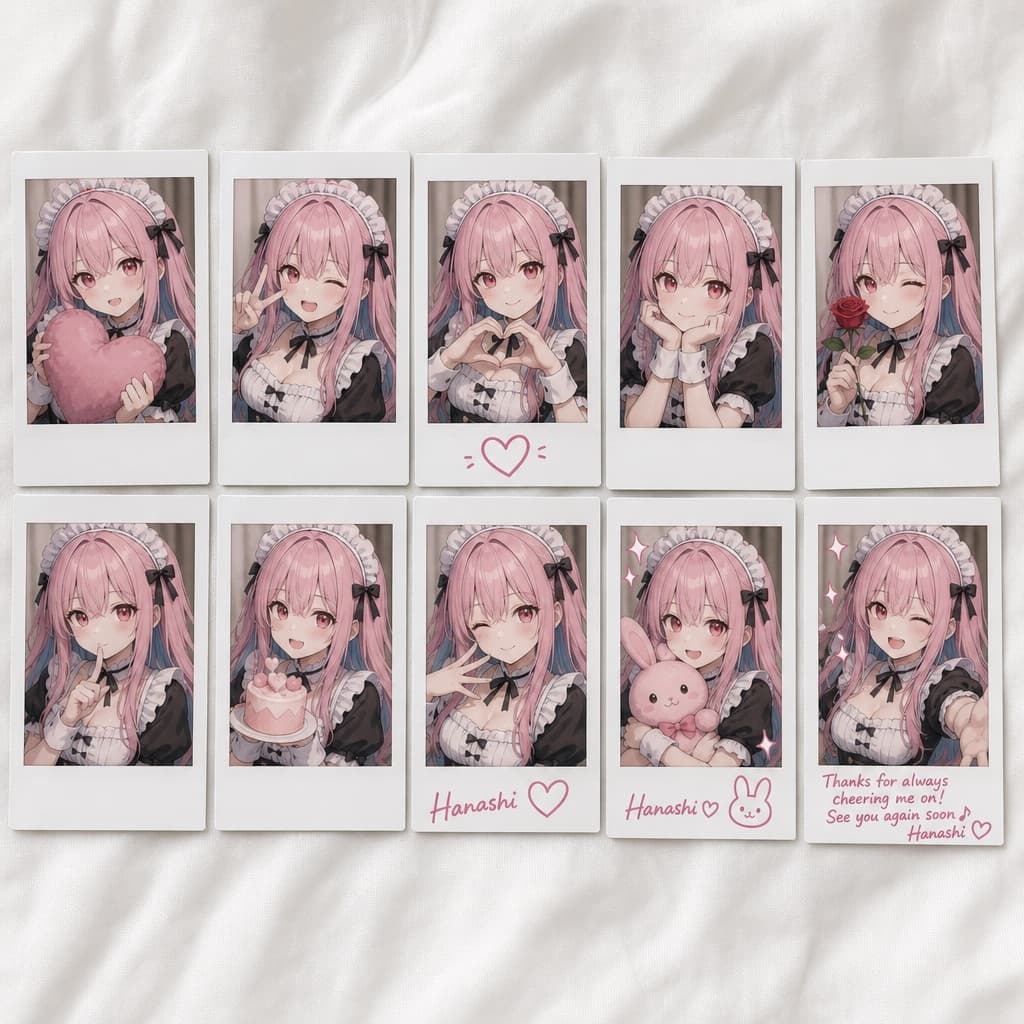
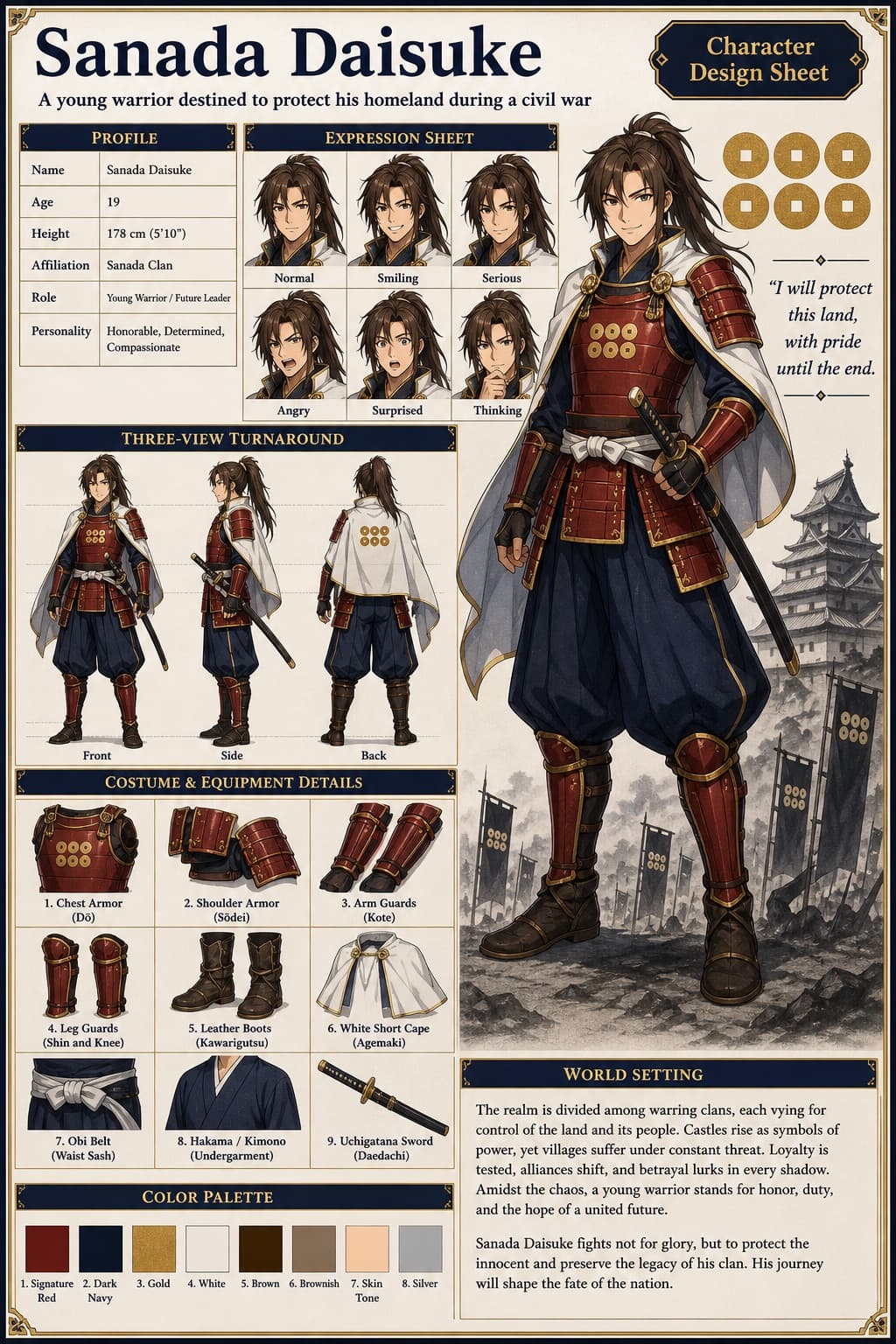
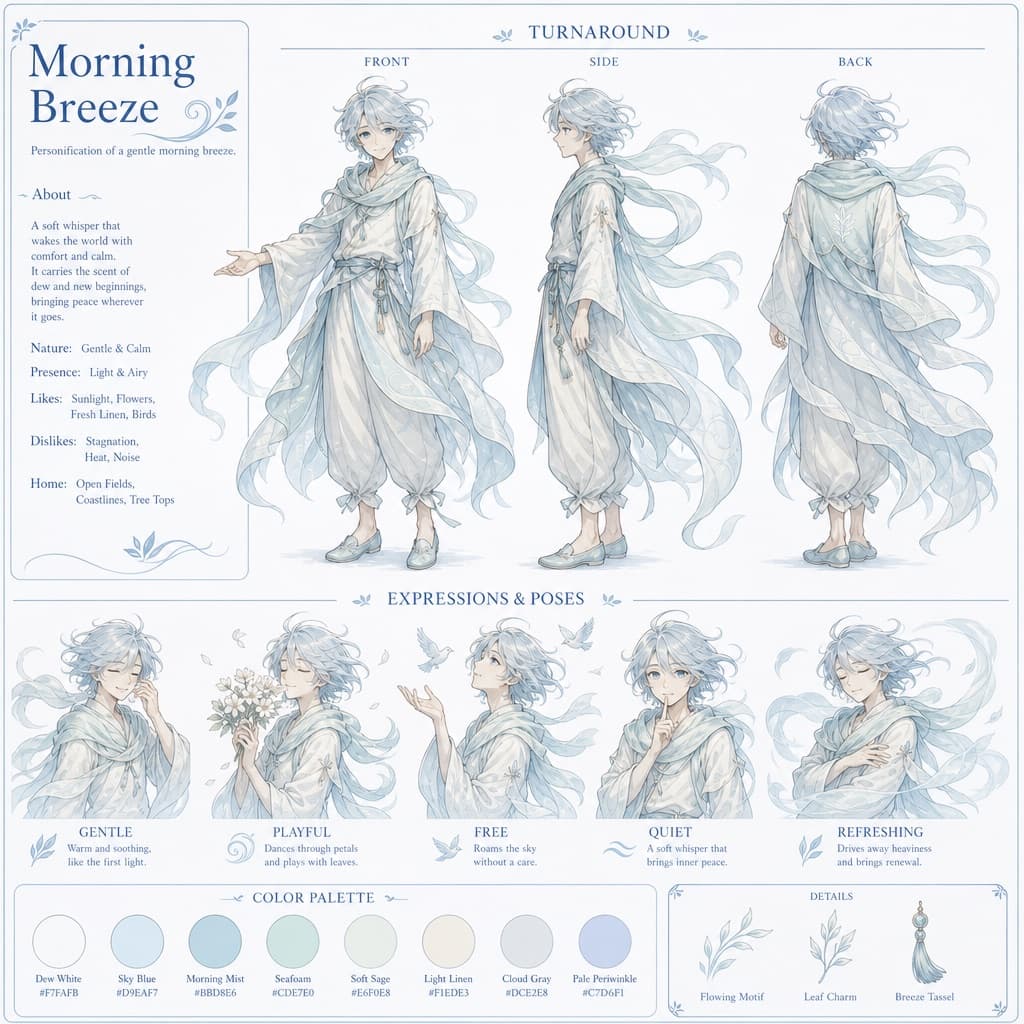
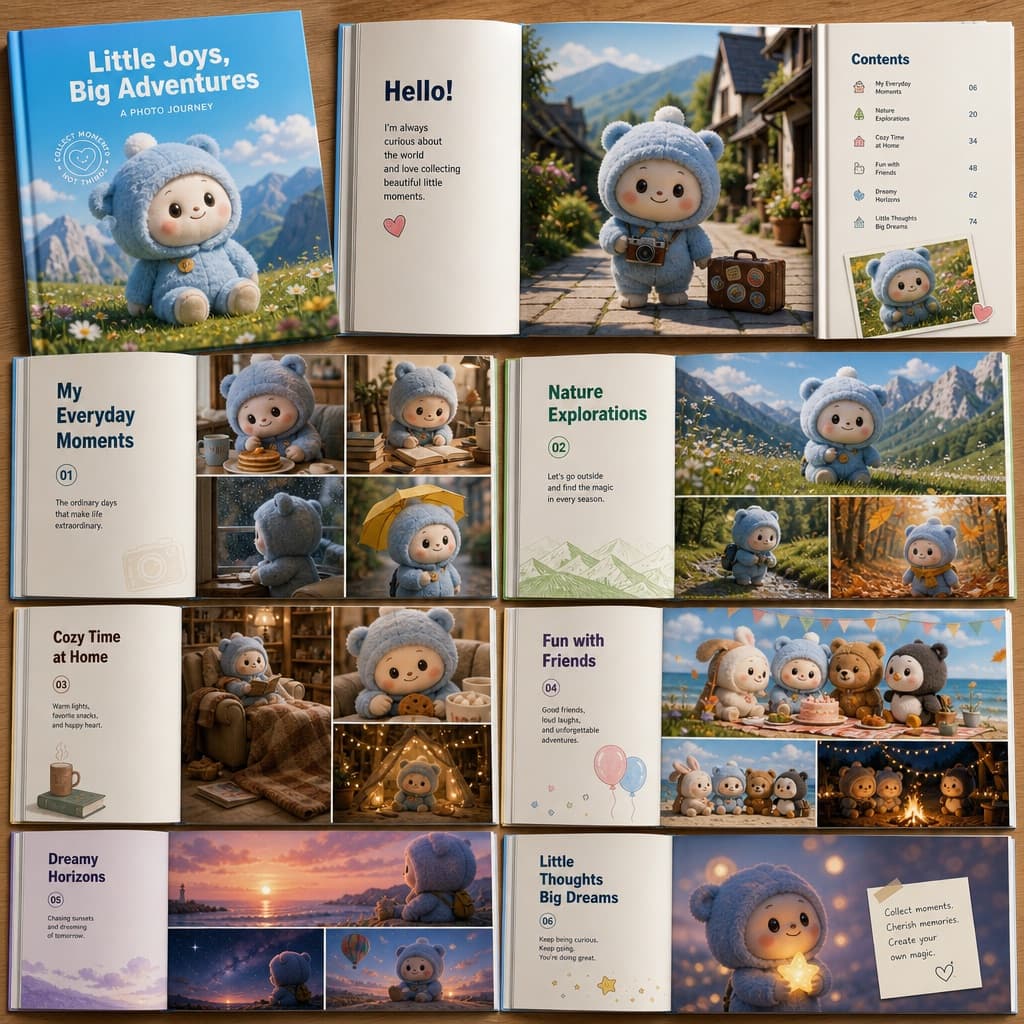
Turns a reference photo into a hyper-realistic scene of the same person standing beside a giant animated version of themselves, matching pose and outfit.
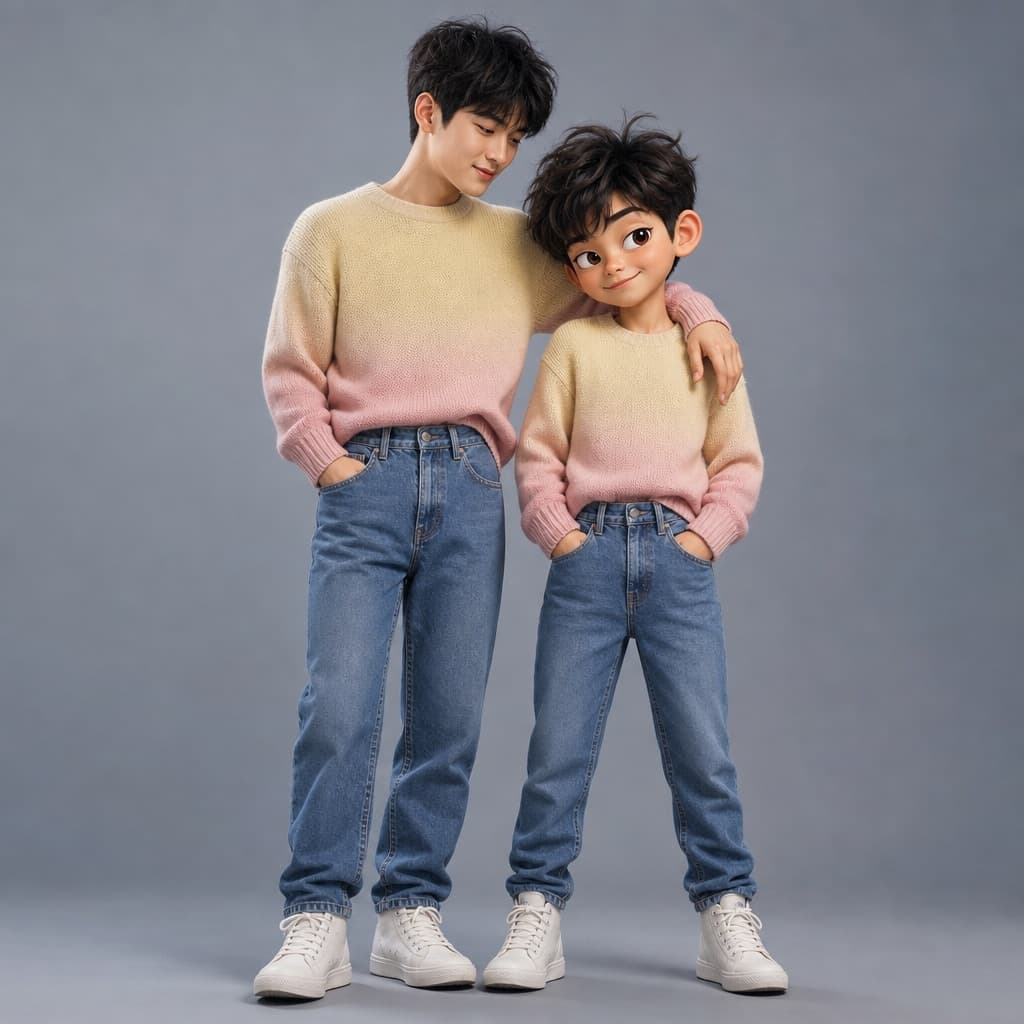
Image generated by us with gpt-image-2. Prompt by @Kashberg_0
Prompt
Ultra-high-quality hyper-realistic photo featuring the real person from the uploaded reference image standing next to a giant [ANIMATION_STYLE] version of themselves. Both figures must have identical facial structure, hairstyle, facial expression, body proportions, and clothing, exactly matching the reference photo's pose, head tilt, and body language. Both wear a knitted sweater with a gradient from [SWEATER_COLOR_START] to [SWEATER_COLOR_END], high-waisted [JEANS_COLOR] jeans, and [SNEAKER_COLOR] high-top sneakers. The real person stands relaxed with a friendly smile, hand naturally resting on the shoulder of the animated character. The animated version stands slightly wider, arms confidently near the pockets, with a playful sly smirk, one raised eyebrow, and expressive stylized eyes, proportionally larger but anatomically identical to the real person. Clean [BACKGROUND_COLOR] studio background, soft even studio lighting, realistic shadows, crisp fabric texture, smooth stylized skin shading, cinematic sharpness. Do not change the pose, expression, clothing, or proportions from the reference.
6 placeholders still empty. Copied as is, the generator will draw the brackets literally inside the image.
Editable variables
Change any value and the prompt rewrites above. Copy the finished result.
The look of the animated character (avoid naming a specific studio or franchise).
Starting color of the sweater's gradient.
Ending color of the sweater's gradient.
Color of the high-waisted jeans.
Color of the high-top sneakers.
Color of the studio background.
Generate the image here
With your own OpenAI key. Free for us, and what you spend is yours.
Kept in this browser only and sent straight to OpenAI's API: it never passes through a server of ours, because there is no server of ours in between. Check it yourself in the network tab.
Fill in the remaining variables before generating, or the model will draw the brackets.