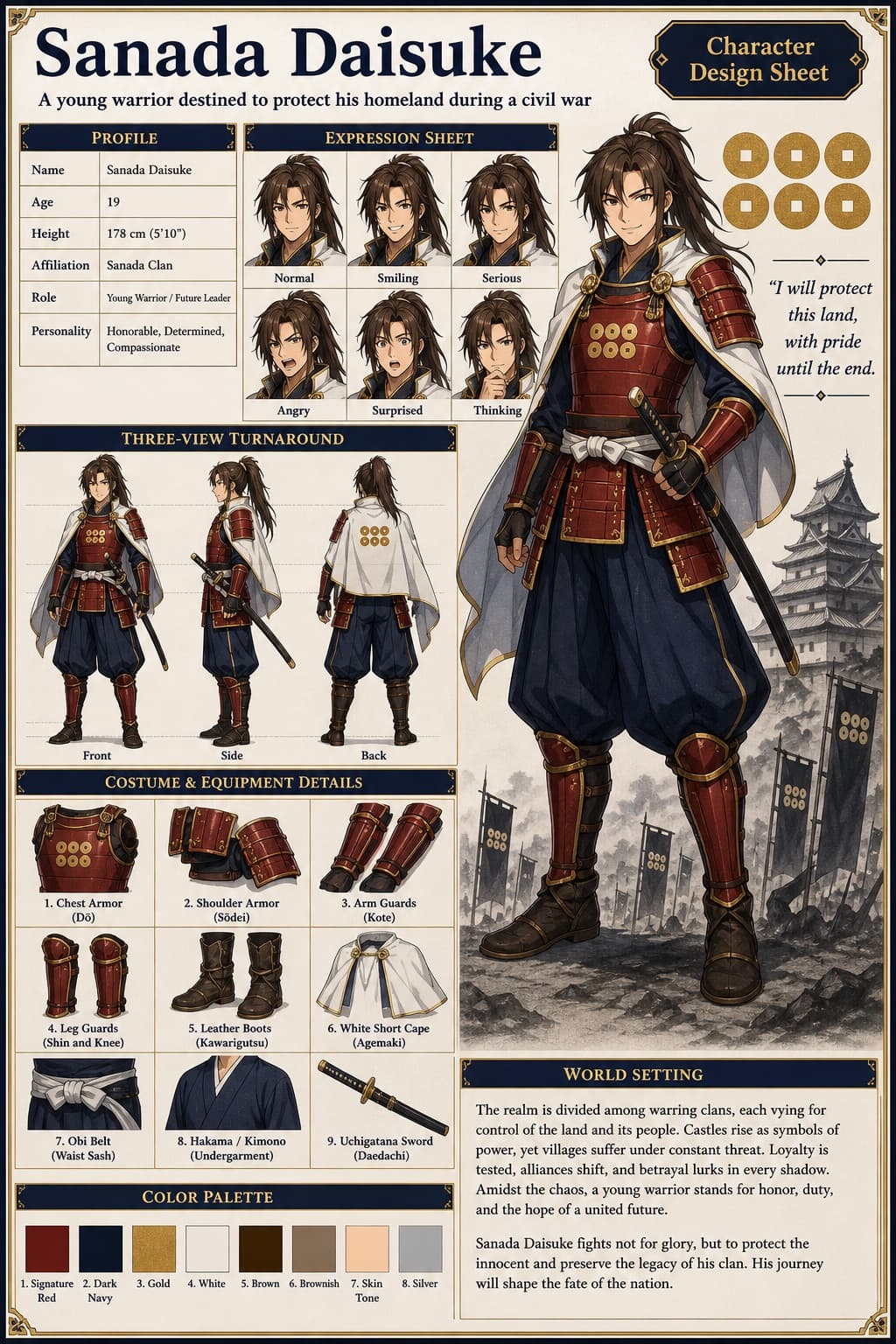
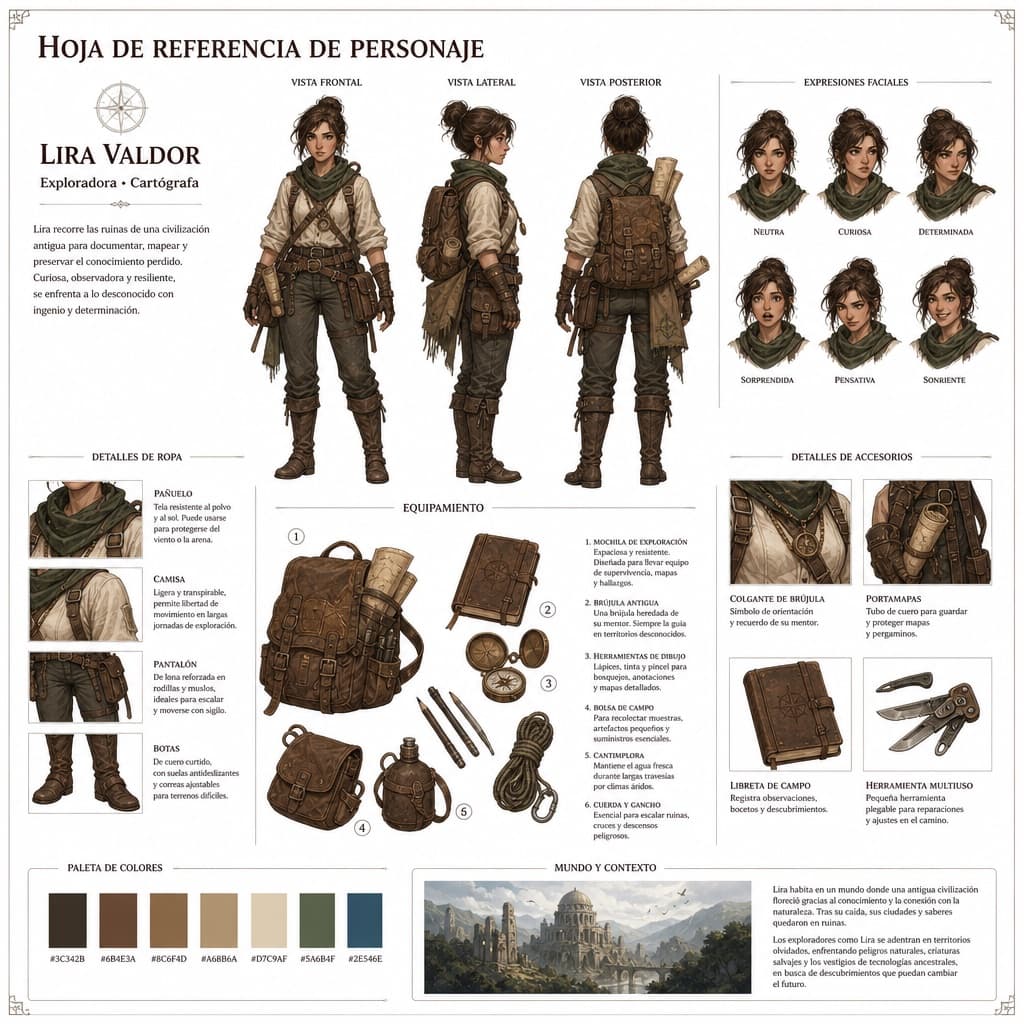
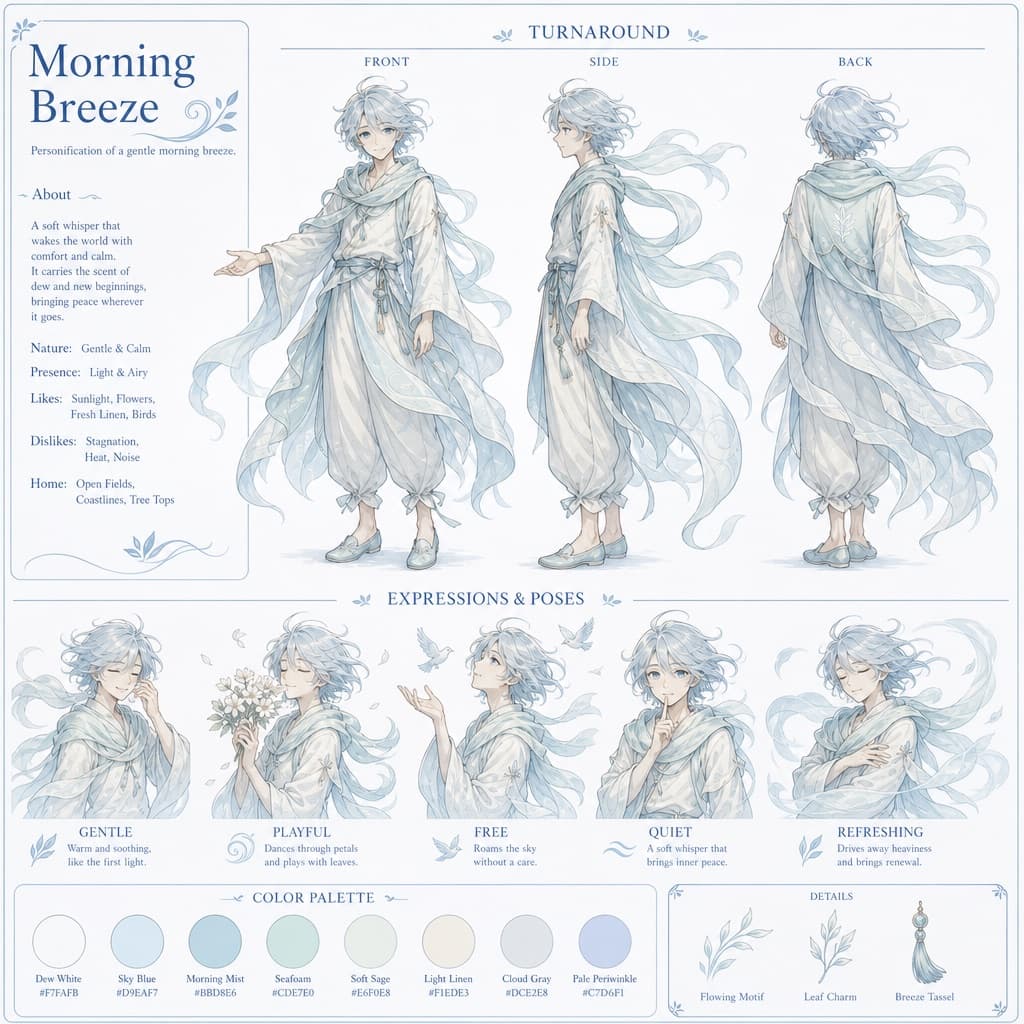
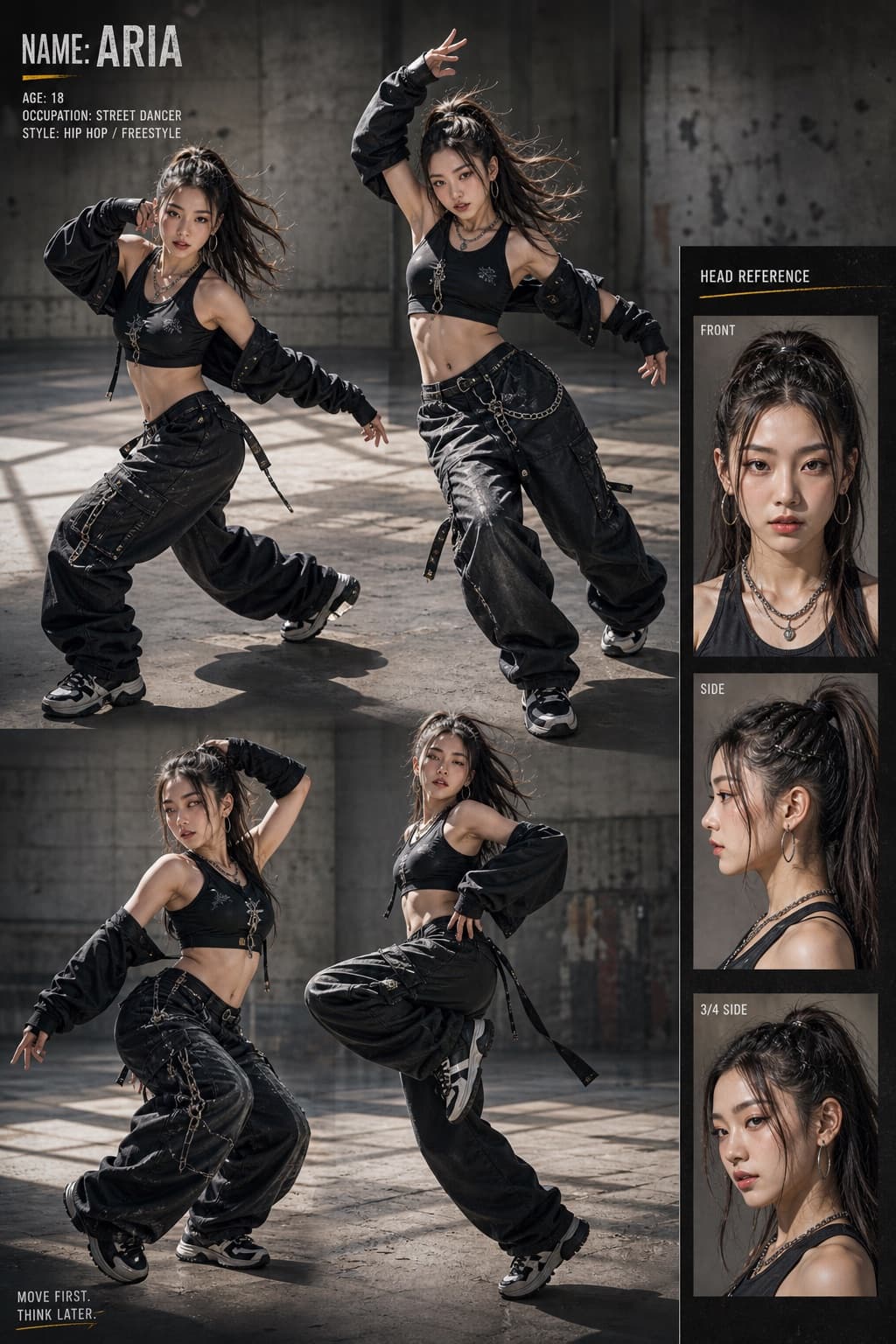
Anime Character Profile Page
Illustrated visual-novel style character introduction page featuring chibi and standing artwork with customizable name, stats and catchphrase.
Budget models do not render typography reliably; this case needs a higher tier.
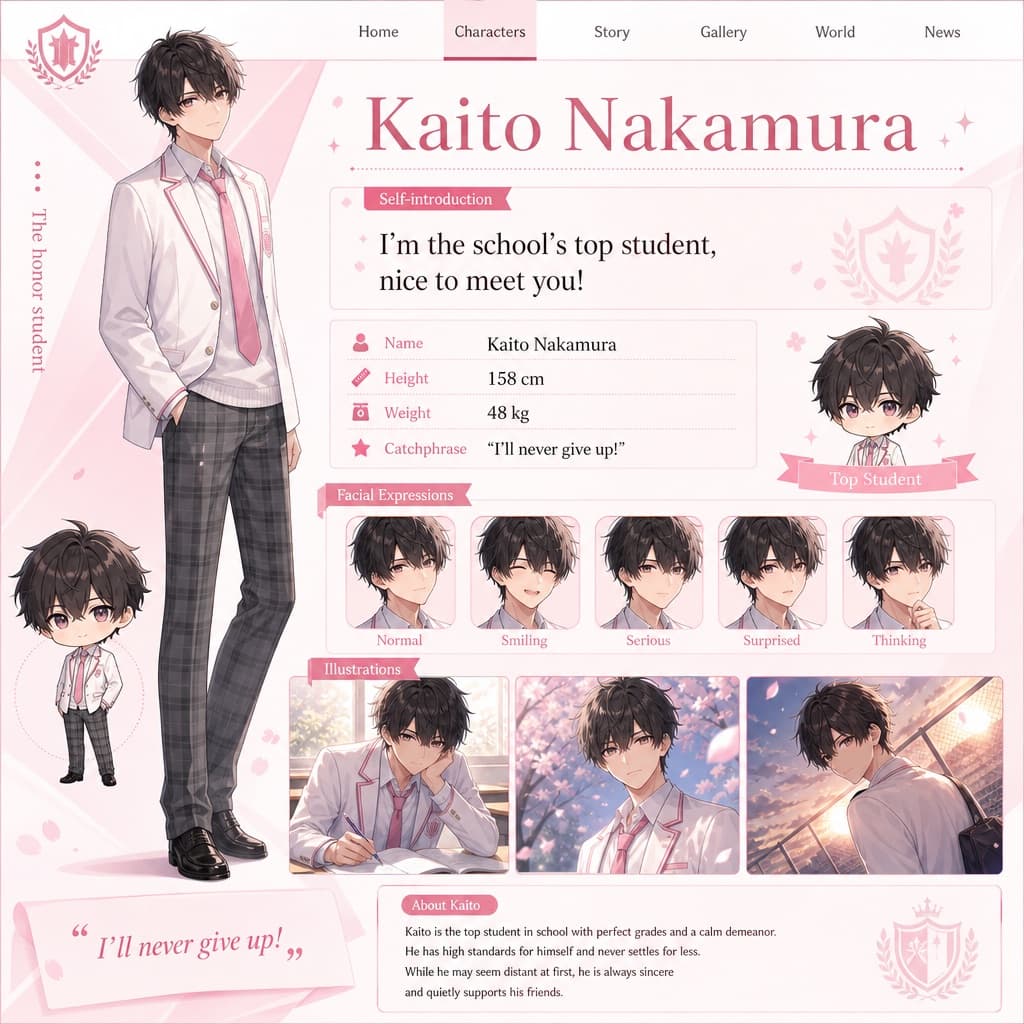
Image generated by us with gpt-image-2. Prompt by @09lyco
Prompt
Using the latest AI image generation model, create a character introduction page illustration styled like a real website, based on a chibi character illustration and a full-body standing character picture. The result should look convincing enough to be used as an actual in-game or fan-site character introduction page. Aim for high quality reminiscent of a visual novel (gal game) character profile page: include facial expression variations, CG-style illustrations, and a chibi character alongside the main artwork. The page should display the following text elements clearly laid out in a clean, professional character-sheet layout:

Self-introduction: "[SELF_INTRODUCTION]"
Name: [CHARACTER_NAME]
Image color: [IMAGE_COLOR]
Height: [HEIGHT_CM] cm
Weight: [WEIGHT_KG] kg
Catchphrase: "[CATCHPHRASE]"
6 placeholders still empty. Copied as is, the generator will draw the brackets literally inside the image.
Editable variables
Change any value and the prompt rewrites above. Copy the finished result.
Short self-introduction text spoken by the character, shown as flavor text on the profile page.
Fictional name of the character being introduced on the profile page.
Signature color associated with the character, used as a visual theme accent.
Character's height displayed in centimeters on the profile page.
Character's weight displayed in kilograms on the profile page.
Memorable line of dialogue used as the character's catchphrase on the profile page.
Generate the image here
With your own OpenAI key. Free for us, and what you spend is yours.
Kept in this browser only and sent straight to OpenAI's API: it never passes through a server of ours, because there is no server of ours in between. Check it yourself in the network tab.
Fill in the remaining variables before generating, or the model will draw the brackets.