Retro Automotive Travel Poster
A customizable 1970s-style silkscreen travel poster template showcasing a classic car in a scenic destination with vintage typography.
Budget models do not render typography reliably; this case needs a higher tier.
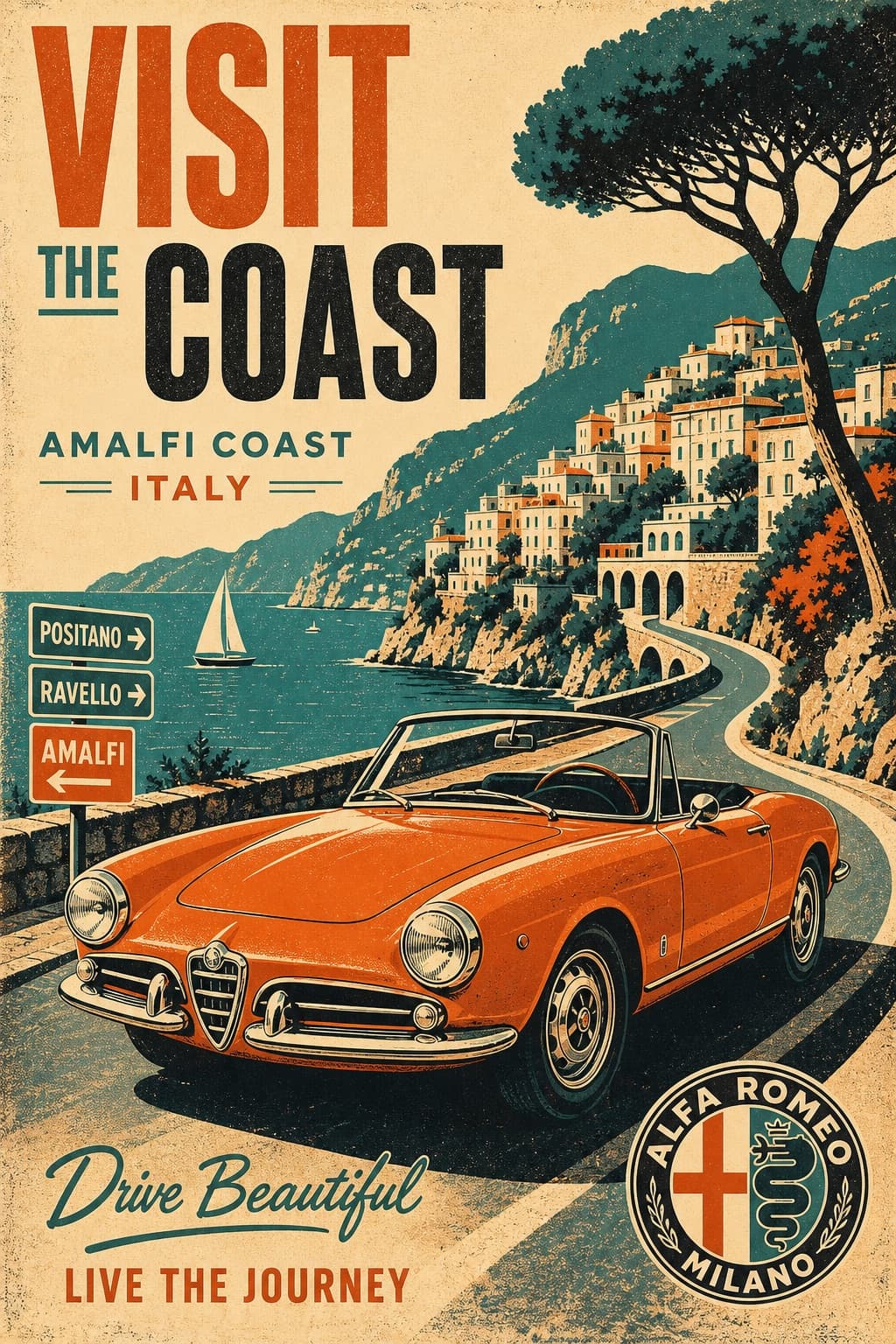
Image generated by us with gpt-image-2.
Prompt
Create a vertical retro automotive travel poster featuring [CAR_MODEL] either parked or driving through [SCENERY]. Use a bold 1970s printmaking style with a strict 4-color palette only: [COLOR_PALETTE]. Build the image with flat silkscreen-style color blocking, strong contrast shadows, simplified geometric reflections, slight ink misregistration, subtle paper grain, distressed print texture, and graphic halftone shading.

Avoid gradients, photorealism, glossy 3D rendering, and modern digital polish. The car should feel iconic and graphic, with thick simplified contour shapes and a warm nostalgic travel-ad atmosphere.

Include vintage advertisement typography that reads "[TITLE_TEXT]" and integrate an authentic [BRAND_LOGO] naturally into the layout. Add stylized trees, buildings, road signs, landscape shapes, or location details in the background so the setting clearly supports the travel-poster story.

The composition should feel like a strong mid-century tourism poster: balanced, editorial, poster-ready, and visually bold. Keep the design clean and intentional, with no stamp border.
5 placeholders still empty. Copied as is, the generator will draw the brackets literally inside the image.
Editable variables
Change any value and the prompt rewrites above. Copy the finished result.
The vintage or classic car model depicted as the poster's central subject.
The landscape or location setting through which the car is driving or parked.
The strict four-color palette used for the silkscreen-style print design.
The vintage advertisement headline text displayed on the poster.
A fictional or generic automotive brand emblem integrated naturally into the poster layout.
Generate the image here
With your own OpenAI key. Free for us, and what you spend is yours.
Kept in this browser only and sent straight to OpenAI's API: it never passes through a server of ours, because there is no server of ours in between. Check it yourself in the network tab.
Fill in the remaining variables before generating, or the model will draw the brackets.