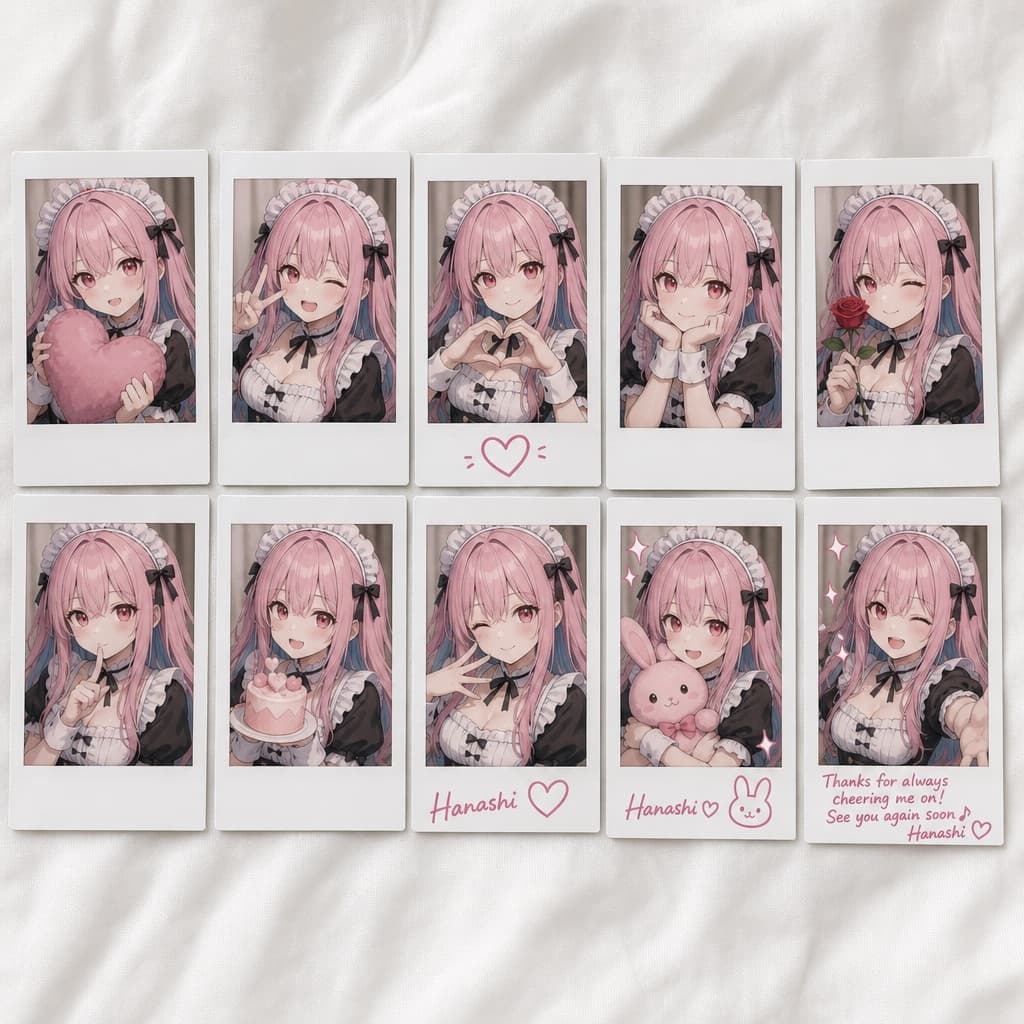
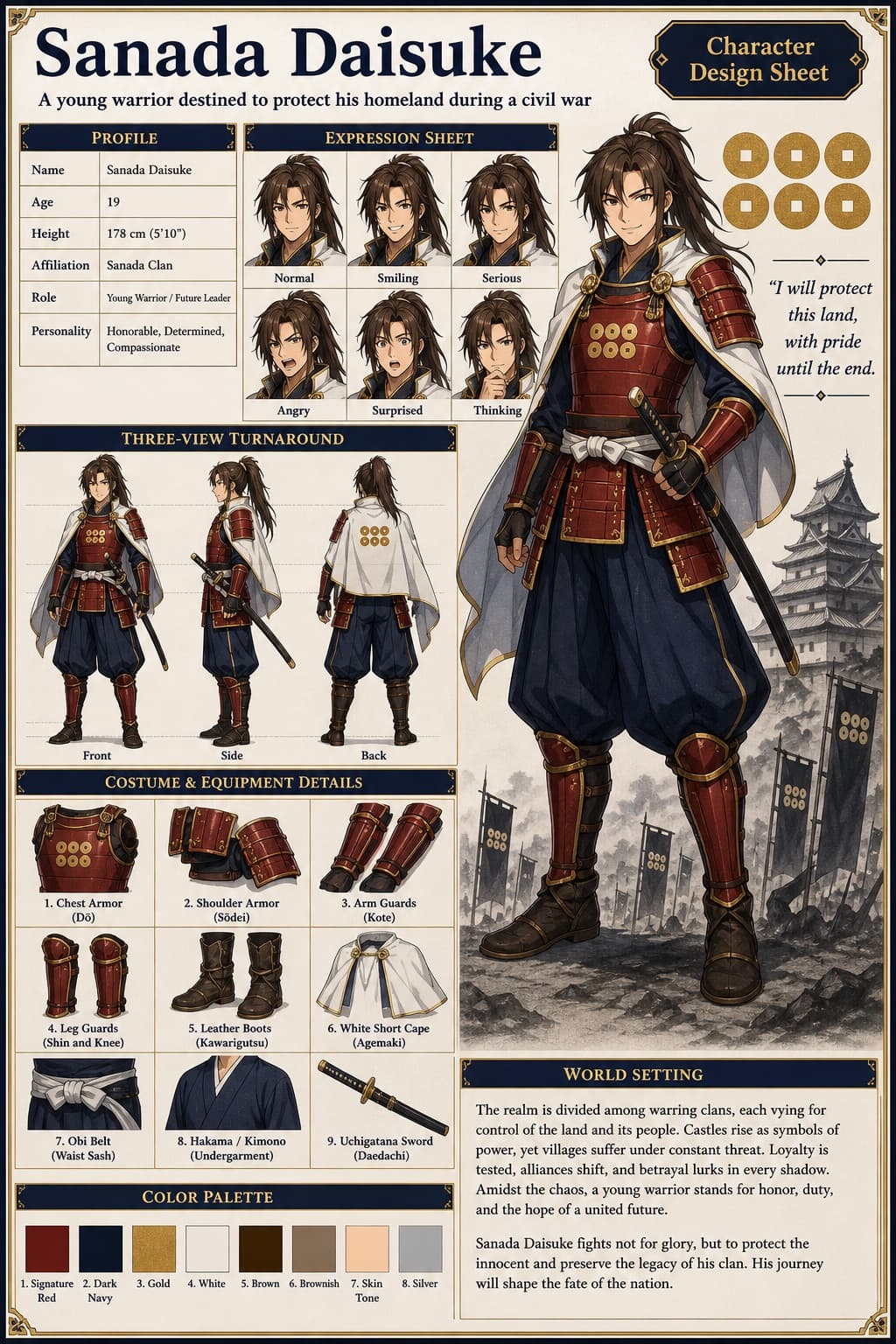
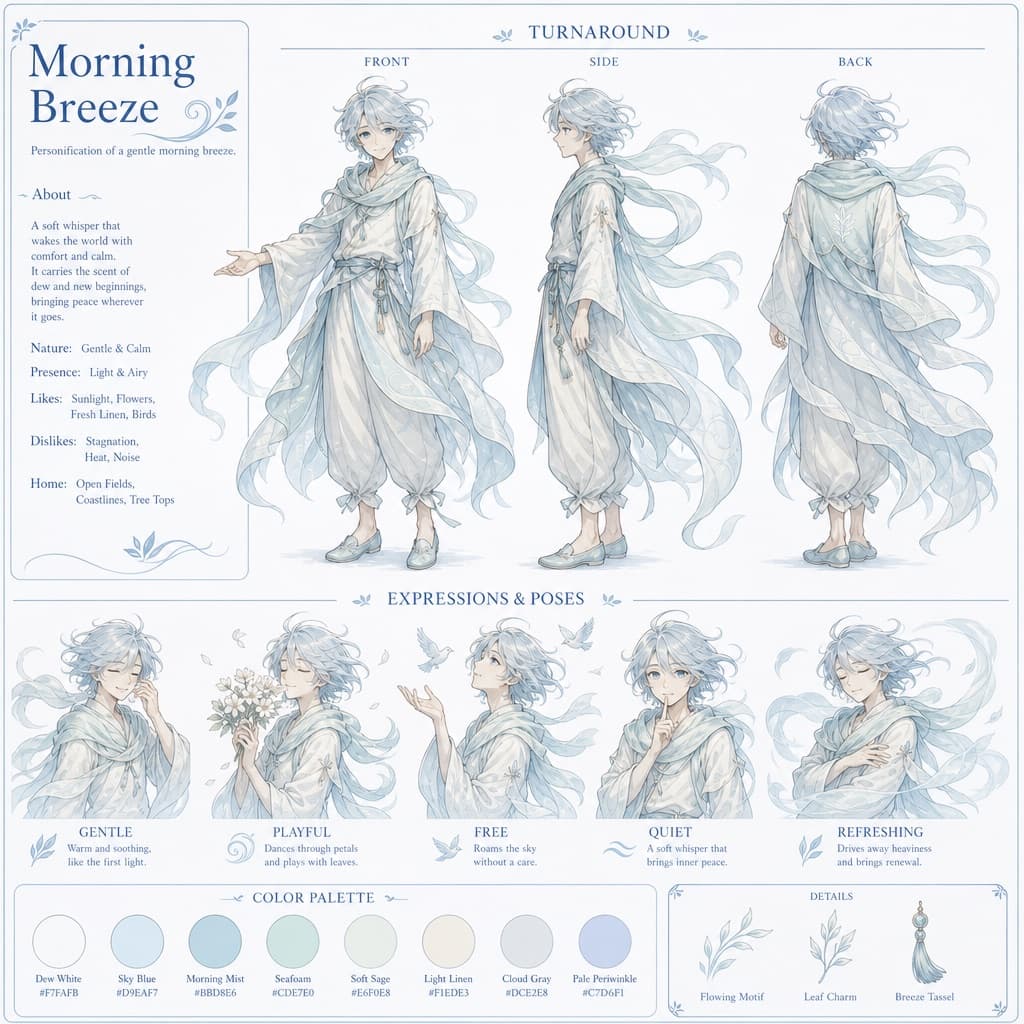
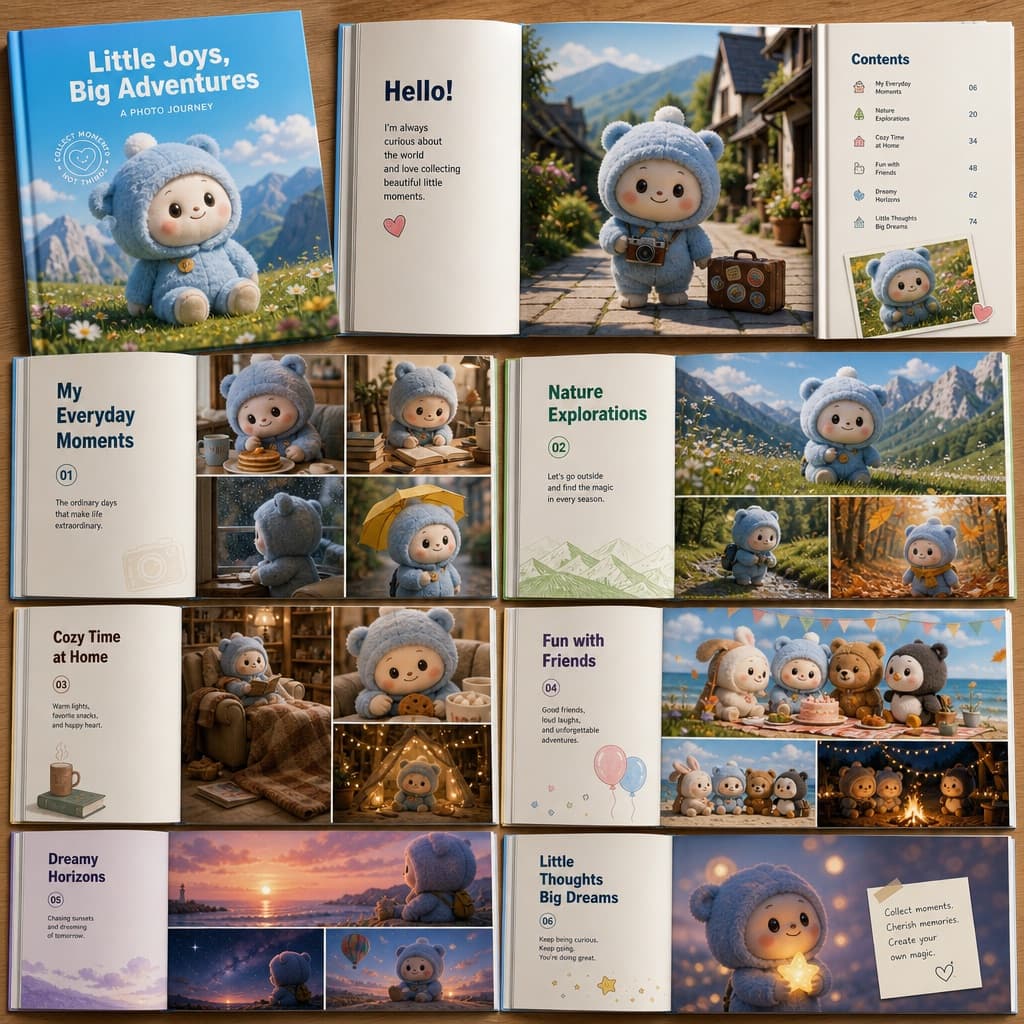
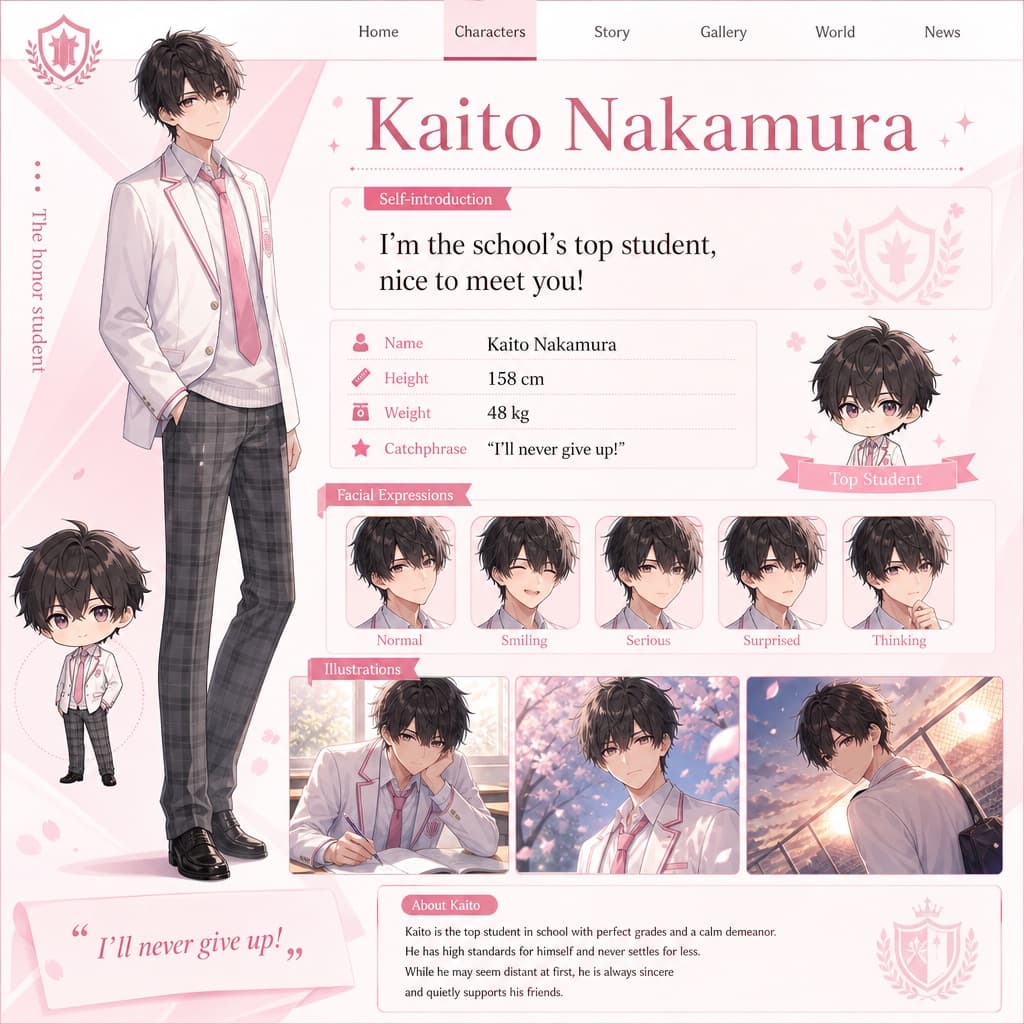
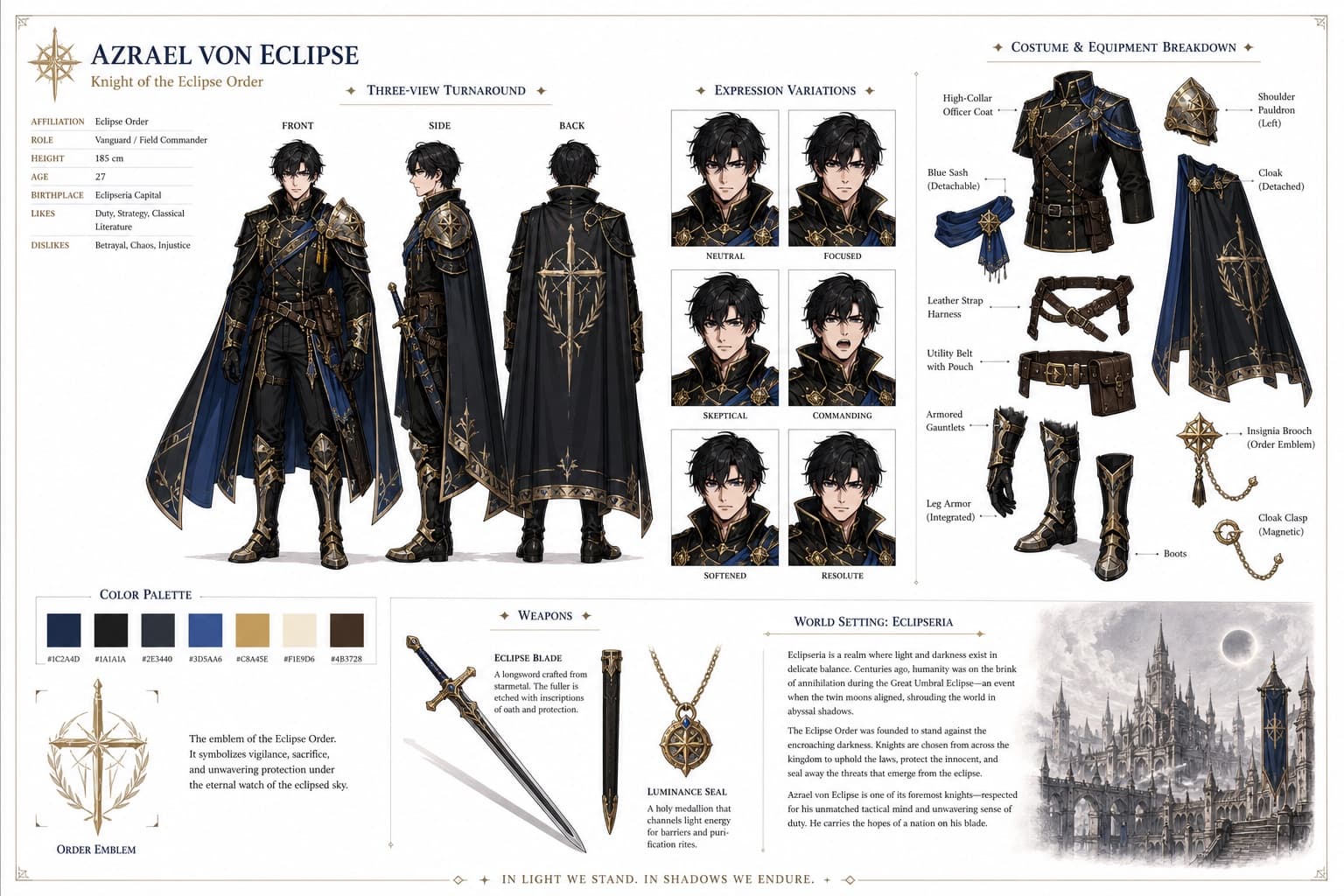
Original Animated Character Design Sheet
A production-ready character design sheet showing multiple views, poses, and color details for an original animated hero or creature.
Budget models do not render typography reliably; this case needs a higher tier.
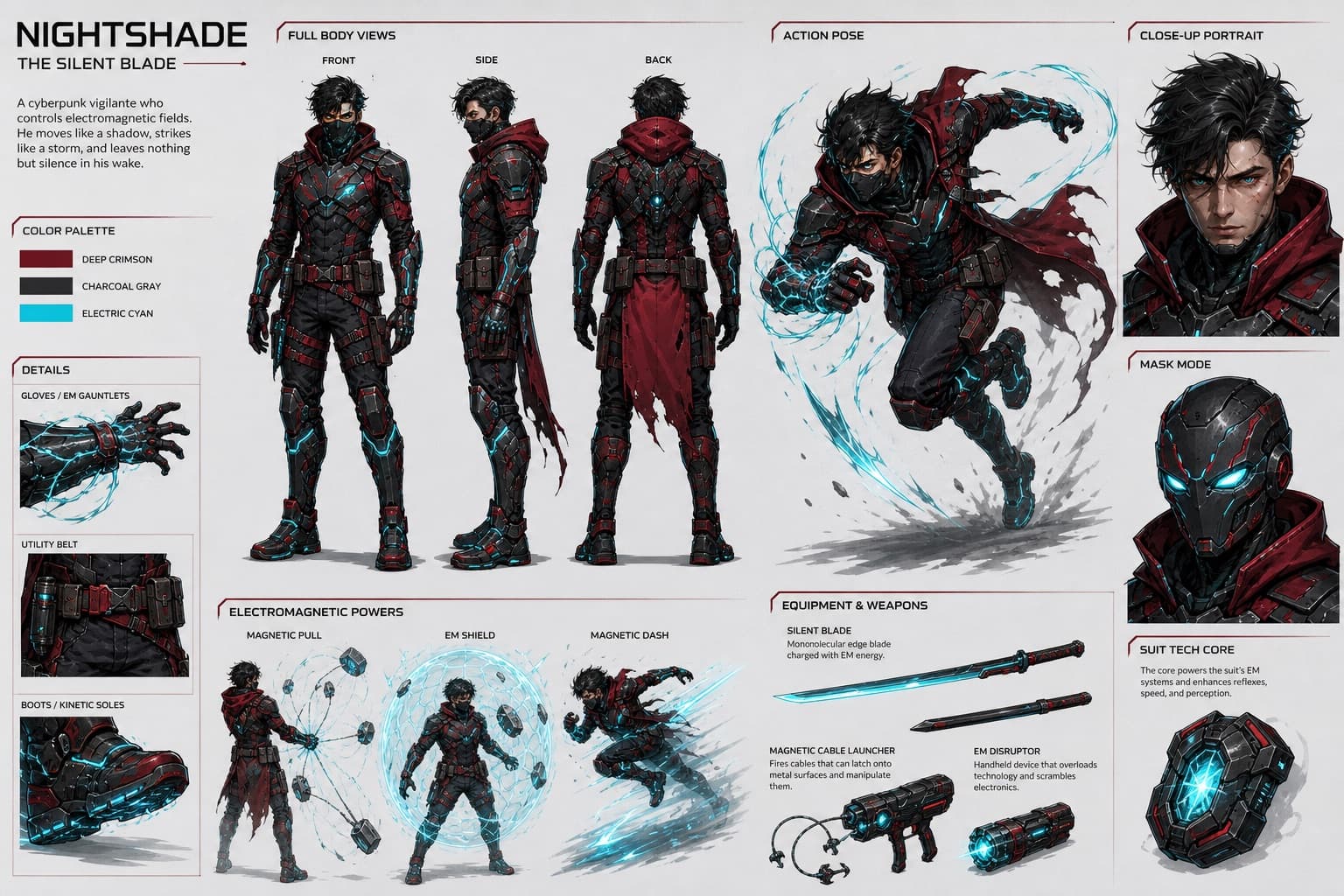
Image generated by us with gpt-image-2.
Prompt
Create a highly detailed, full-color character design sheet in 16:9 horizontal format for an original [CHARACTER_TYPE].

STYLE:
Stylized cinematic character design, high-quality animated feature look, clean readable shapes, strong silhouette, premium concept art presentation, bold graphic color palette, comic-book inspired energy, polished but production-ready design, clear anatomy and costume readability.

CHARACTER IDENTITY:
[CHARACTER_NAME]
[AGE_SPECIES]
[PERSONALITY_ARCHETYPE]
[POWER_SKILL_EQUIPMENT]

MAIN DESIGN:
The character should have a distinctive, memorable silhouette. Use a clear costume language with recognizable shapes, strong color blocking, and functional details. The design must feel original, not based on any existing franchise character. No copyrighted logos, no recognizable existing superhero symbols, no direct imitation of known characters.

OUTFIT / ARMOR:
[COSTUME_DESCRIPTION]
Include practical design details: gloves or wrist devices, boots or shoes, belt gear, armor plates, fabric folds, glowing elements if needed, and utility tools or weapons if needed.

COLOR PALETTE:
Main color: [MAIN_COLOR]
Secondary color: [SECONDARY_COLOR]
Accent color: [ACCENT_COLOR]
Use a bold cinematic palette with strong contrast. The colors should be clear enough for animation and video generation consistency.

CHARACTER SHEET LAYOUT:
Show the same character in multiple views on one clean sheet: front view full body, side view full body, back view full body, three-quarter action pose, close-up face or mask expression, hand or glove or equipment detail, and special ability or weapon detail.

POSES:
Use confident, readable poses. The action pose should show the character's main movement style: [MOVEMENT_STYLE].

EQUIPMENT / POWER DETAIL:
Show how the character's signature equipment or power works, such as magnetic grappling cables, energy gauntlets, kinetic boots, a utility belt, a glowing power core, mechanical wings, an elemental weapon, or a custom ability system.

BACKGROUND:
Clean, light neutral background, minimal graphic design, no complex environment, no text-heavy poster design; small visual notes are allowed only if clean and readable.

QUALITY:
High detail, sharp clean rendering, consistent proportions across all views, the same face and body structure in every pose, clear costume continuity, production-ready character sheet, suitable as a reference image for storyboard and AI video generation.
10 placeholders still empty. Copied as is, the generator will draw the brackets literally inside the image.
Editable variables
Change any value and the prompt rewrites above. Copy the finished result.
The general category of the original character being designed.
The invented name or narrative role of the fictional character.
The character's age range, species, and general body type.
The dominant personality archetype that defines the character's attitude.
The special power, skill, or signature equipment that defines the character.
A detailed description of the costume or armor worn by the character.
The dominant color of the character's design.
The secondary supporting color of the character's palette.
The accent color used for highlights and glowing details.
The primary movement or action style shown in the action pose.
Generate the image here
With your own OpenAI key. Free for us, and what you spend is yours.
Kept in this browser only and sent straight to OpenAI's API: it never passes through a server of ours, because there is no server of ours in between. Check it yourself in the network tab.
Fill in the remaining variables before generating, or the model will draw the brackets.