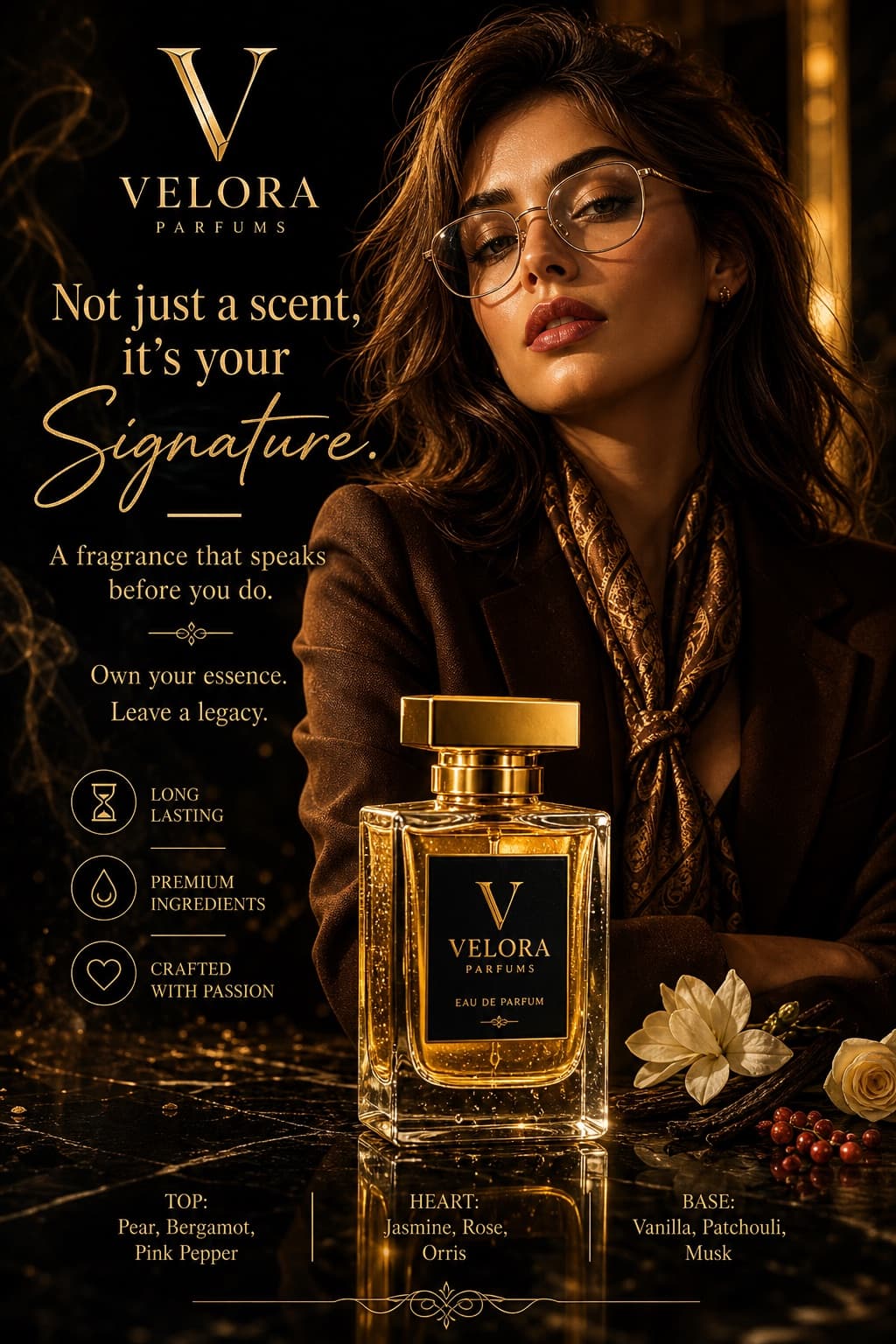
Luxury Chess Fashion Campaign
Dramatic low-angle luxury menswear poster featuring a confident model holding a chess king in a regal, cinematic setting.
Budget models do not render typography reliably; this case needs a higher tier.
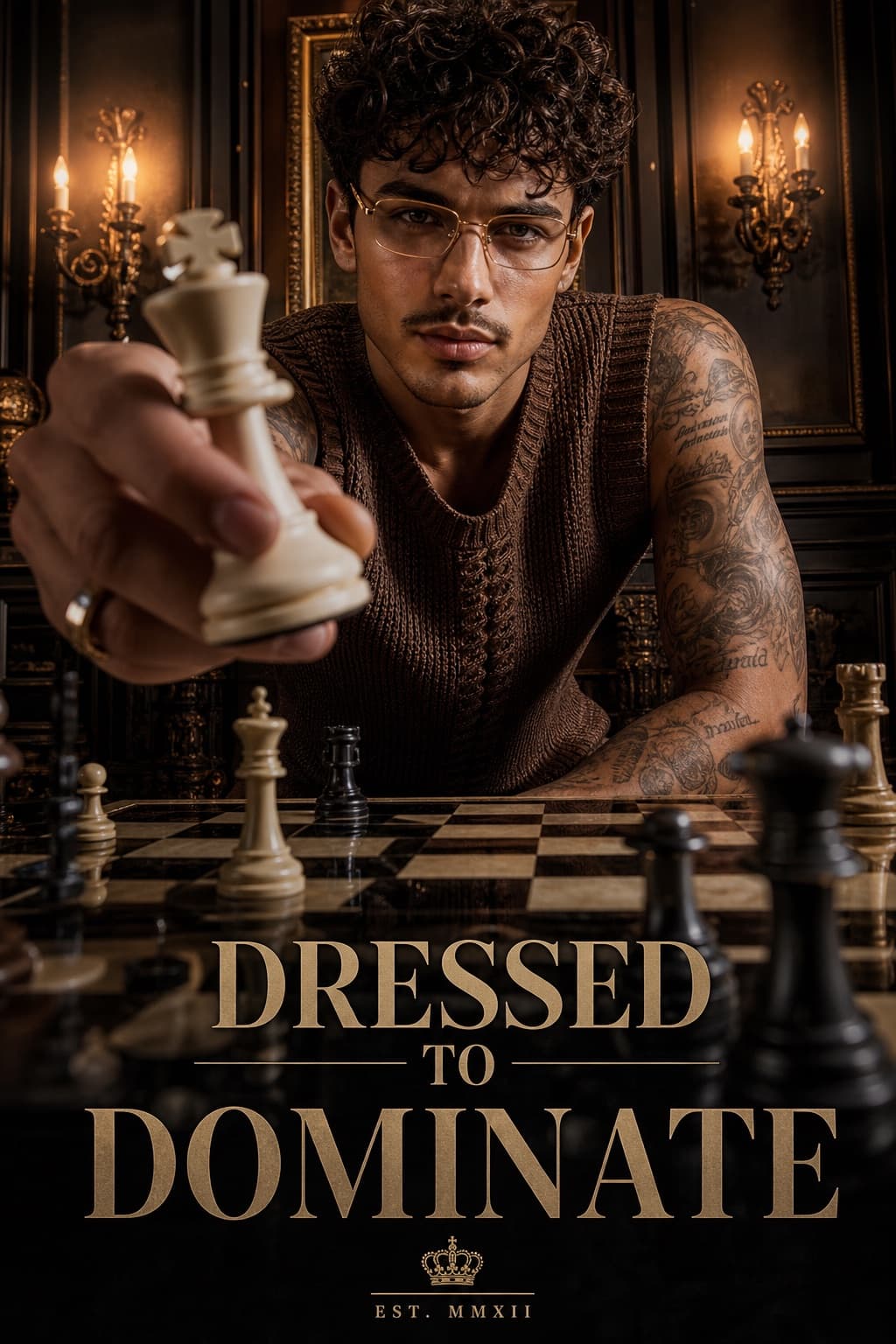
Image generated by us with gpt-image-2. Prompt by @harboriis
Prompt
Ultra-realistic luxury fashion campaign poster shot from a dramatic low-angle perspective across a glossy chessboard table. A stylish young male model with sharp facial features and textured curly hair wears thin luxury glasses and a fitted sleeveless knitted brown vest, leaning forward in a confident pose. One hand extends toward the camera holding a large white king chess piece in forced perspective, dominating the foreground. Tattooed arms are visible, with an intense, confident facial expression and direct eye contact. The background shows an elegant vintage royal interior with dark paneled walls, warm chandelier wall lights, cinematic amber lighting, and moody shadows, creating a luxury editorial atmosphere. Chess pieces are scattered on the board in the foreground and background for added depth. The style is high-contrast premium fashion advertising with ultra-detailed skin texture, sharp focus on the face and chess piece, shallow depth of field, and glossy reflections on the chessboard, evoking dramatic commercial campaign photography and a luxury menswear brand aesthetic. Bold typography at the bottom reads “[SLOGAN]”, in a premium poster layout with cinematic color grading, high-end fashion ad quality, editorial magazine finish, 4:5 aspect ratio.
1 placeholder still empty. Copied as is, the generator will draw the brackets literally inside the image.
Editable variables
Change any value and the prompt rewrites above. Copy the finished result.
Bold tagline text displayed at the bottom of the poster.
Generate the image here
With your own OpenAI key. Free for us, and what you spend is yours.
Kept in this browser only and sent straight to OpenAI's API: it never passes through a server of ours, because there is no server of ours in between. Check it yourself in the network tab.
Fill in the remaining variables before generating, or the model will draw the brackets.