Low-Angle Summer Track Portrait
A photorealistic low-angle selfie-style portrait of a woman lying on a colored track under bright summer sunlight on a modern bridge.
Budget models do not render typography reliably; this case needs a higher tier.
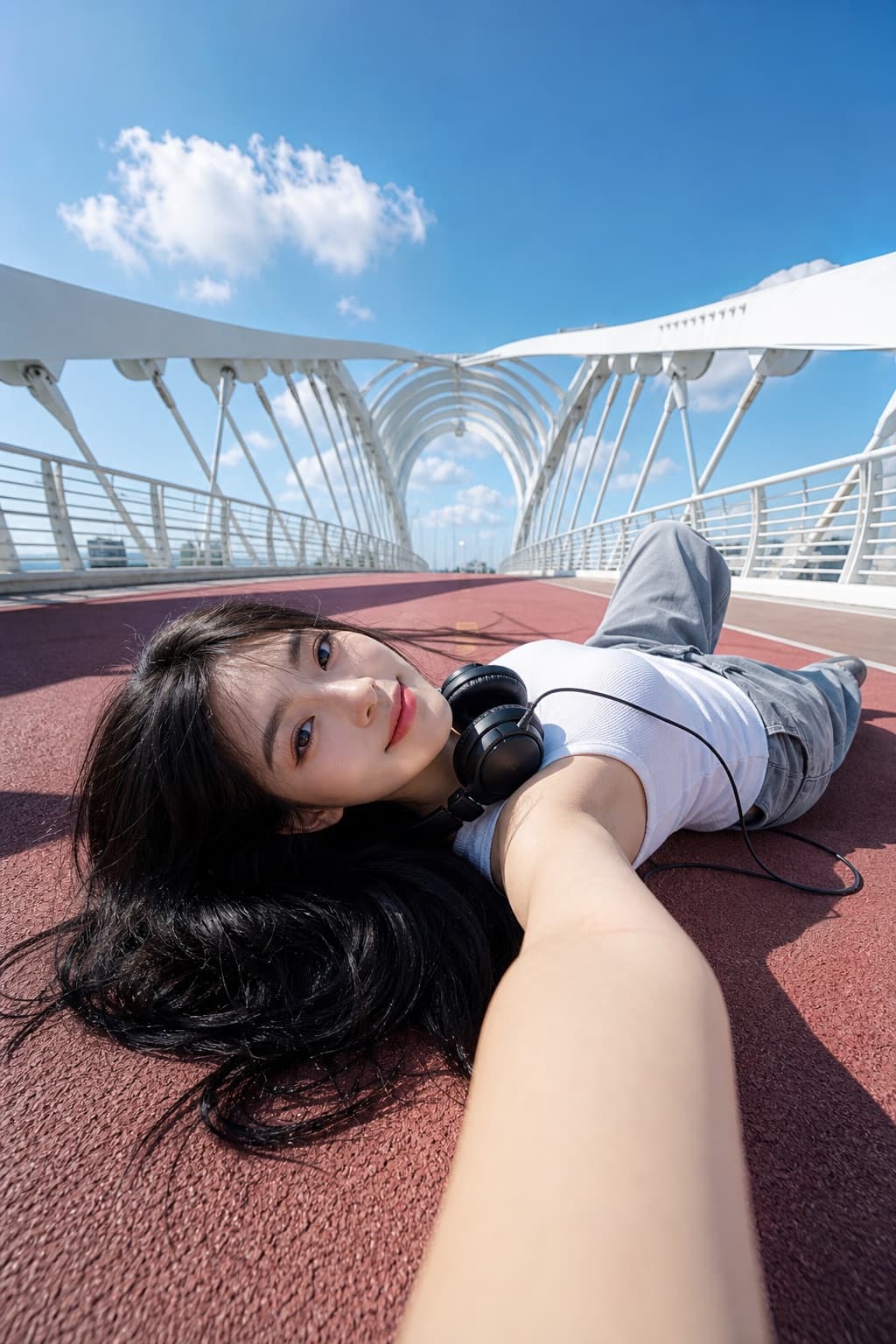
Image generated by us with gpt-image-2. Prompt by @Shinning1010
Prompt
Use the uploaded portrait photo as the appearance reference for the person. Create a bright photorealistic outdoor portrait of a young woman lying on a [TRACK_COLOR] running track on a modern white arch pedestrian bridge. Ultra-wide low-angle selfie perspective, her arm reaching toward the camera in the foreground, relaxed pose, wired headphones around her neck, [TOP_COLOR] sleeveless top, loose [PANTS_COLOR] pants, black hair spread on the ground. Clean blue sky with soft white clouds, strong midday sunlight, crisp shadows, high clarity, fresh youthful mood, architectural symmetry, realistic skin texture, cinematic composition, 3:4 vertical image.

Negative Prompt:

watermark, logo, text, caption, signature, AI label, extra fingers, deformed hands, distorted face, wrong identity, duplicate person, blurry face, low resolution, over-smoothed skin, plastic skin, unnatural anatomy, bad perspective, messy background, harsh artifacts, overexposure, underexposure
3 placeholders still empty. Copied as is, the generator will draw the brackets literally inside the image.
Editable variables
Change any value and the prompt rewrites above. Copy the finished result.
Color of the running track surface the subject is lying on.
Color of the sleeveless top worn by the subject.
Color of the loose pants worn by the subject.
Generate the image here
With your own OpenAI key. Free for us, and what you spend is yours.
Kept in this browser only and sent straight to OpenAI's API: it never passes through a server of ours, because there is no server of ours in between. Check it yourself in the network tab.
Fill in the remaining variables before generating, or the model will draw the brackets.