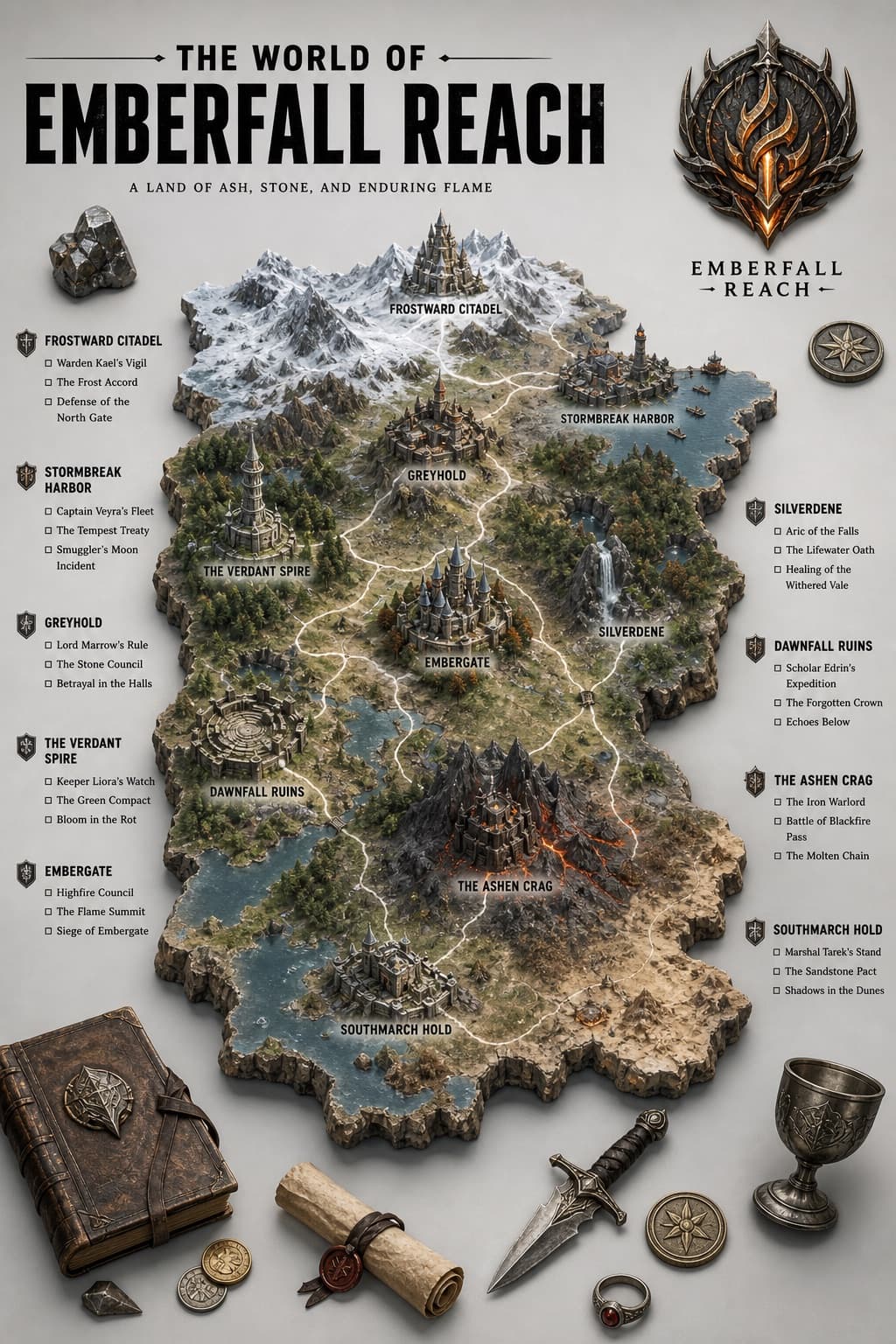
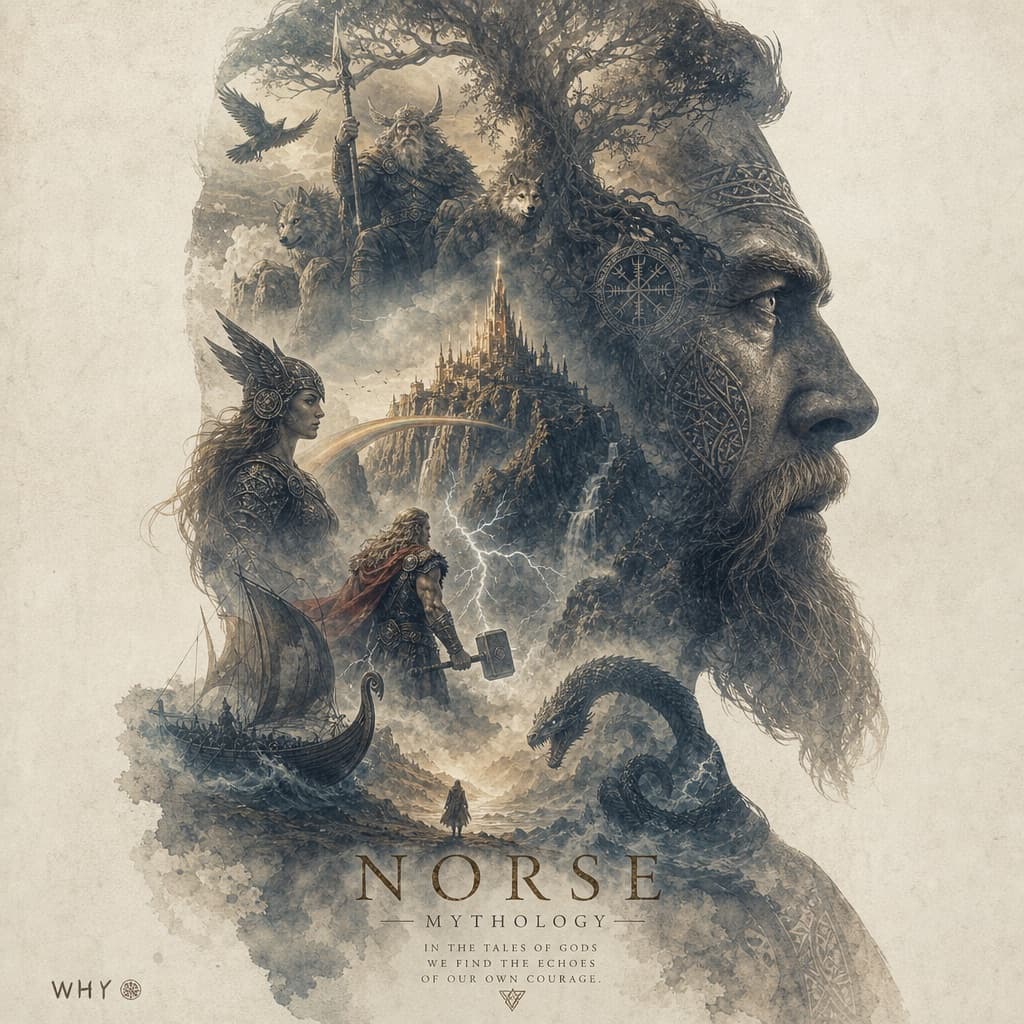
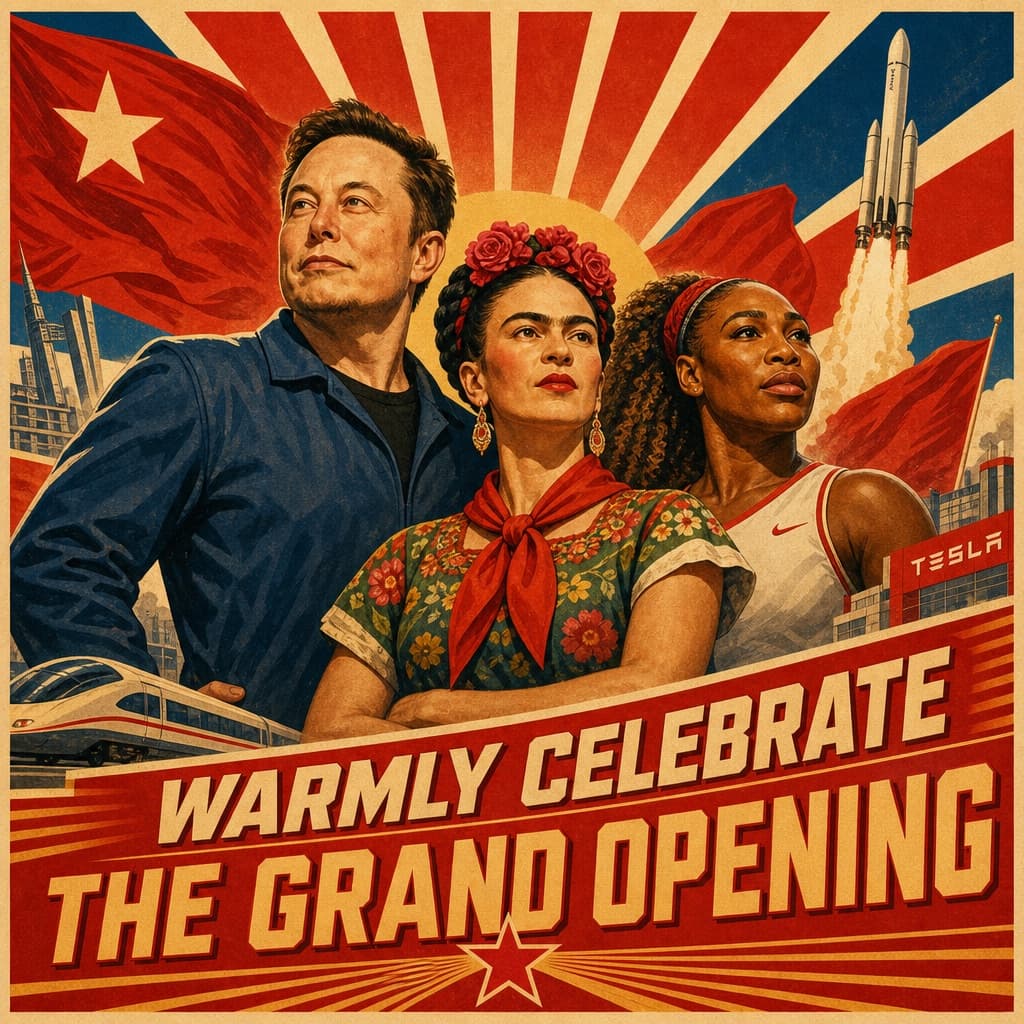
3D map travel guide poster
A photorealistic 3D infographic poster shaped like a country's terrain, complete with miniature landmarks, travel props, and a city attraction checklist.
Budget models do not render typography reliably; this case needs a higher tier.
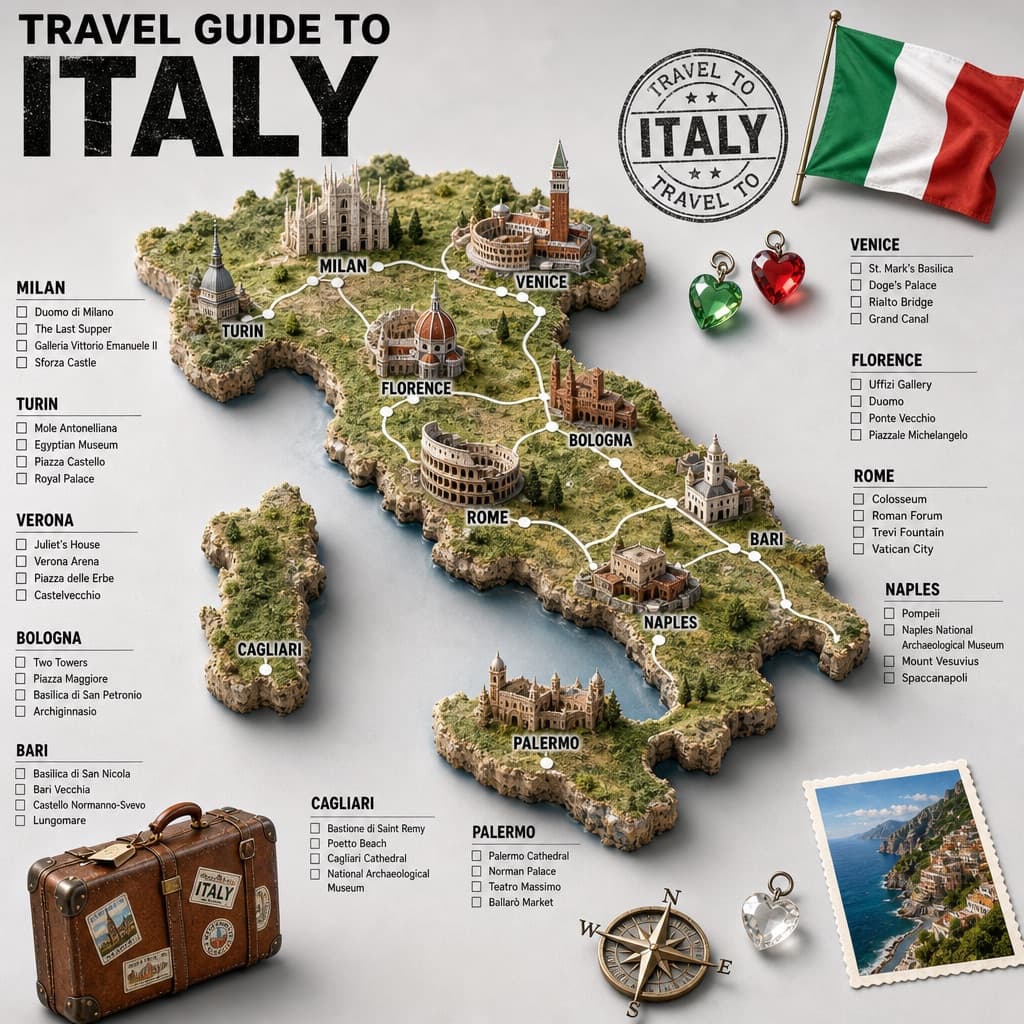
Image generated by us with gpt-image-2. Prompt by @TechieBySA
Prompt
A hyper-realistic 3D travel guide infographic poster for [COUNTRY]. The country's shape is rendered as a raised, textured terrain map floating on a clean light gray surface. Iconic landmarks are placed as miniature 3D sculpted models at their correct geographic locations across the map — each one highly detailed and photorealistic. Roads or railway lines connect key cities as white paths across the terrain. Around the map, floating 3D decorative props related to travel are scattered: a vintage leather suitcase with travel stickers, a compass rose, crystal heart charms, and a postage stamp seal reading "Travel to [COUNTRY]". The national flag of [COUNTRY] is shown as a small realistic folded flag in the upper right corner. Each major city has a bold black label on the map, and beside the map, each city has a neat checklist of its top attractions in clean sans-serif typography. A large bold title at the top reads "TRAVEL GUIDE TO [COUNTRY]" in black uppercase typography, with the country name in heavy bold. The overall aesthetic is premium editorial travel content — soft studio lighting, photorealistic 3D render, white/light gray background, clean layout.
4 placeholders still empty. Copied as is, the generator will draw the brackets literally inside the image.
Editable variables
Change any value and the prompt rewrites above. Copy the finished result.
The country the travel guide poster is about
Generate the image here
With your own OpenAI key. Free for us, and what you spend is yours.
Kept in this browser only and sent straight to OpenAI's API: it never passes through a server of ours, because there is no server of ours in between. Check it yourself in the network tab.
Fill in the remaining variables before generating, or the model will draw the brackets.