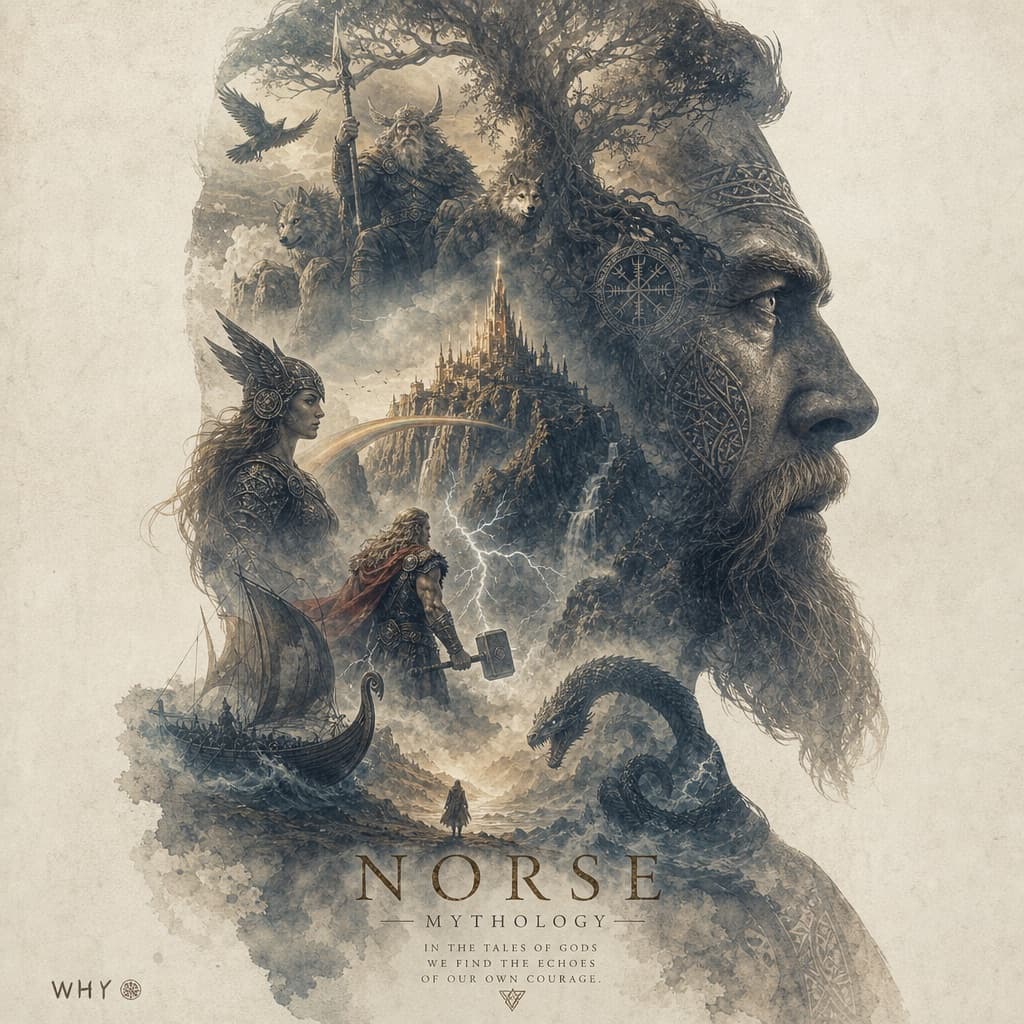
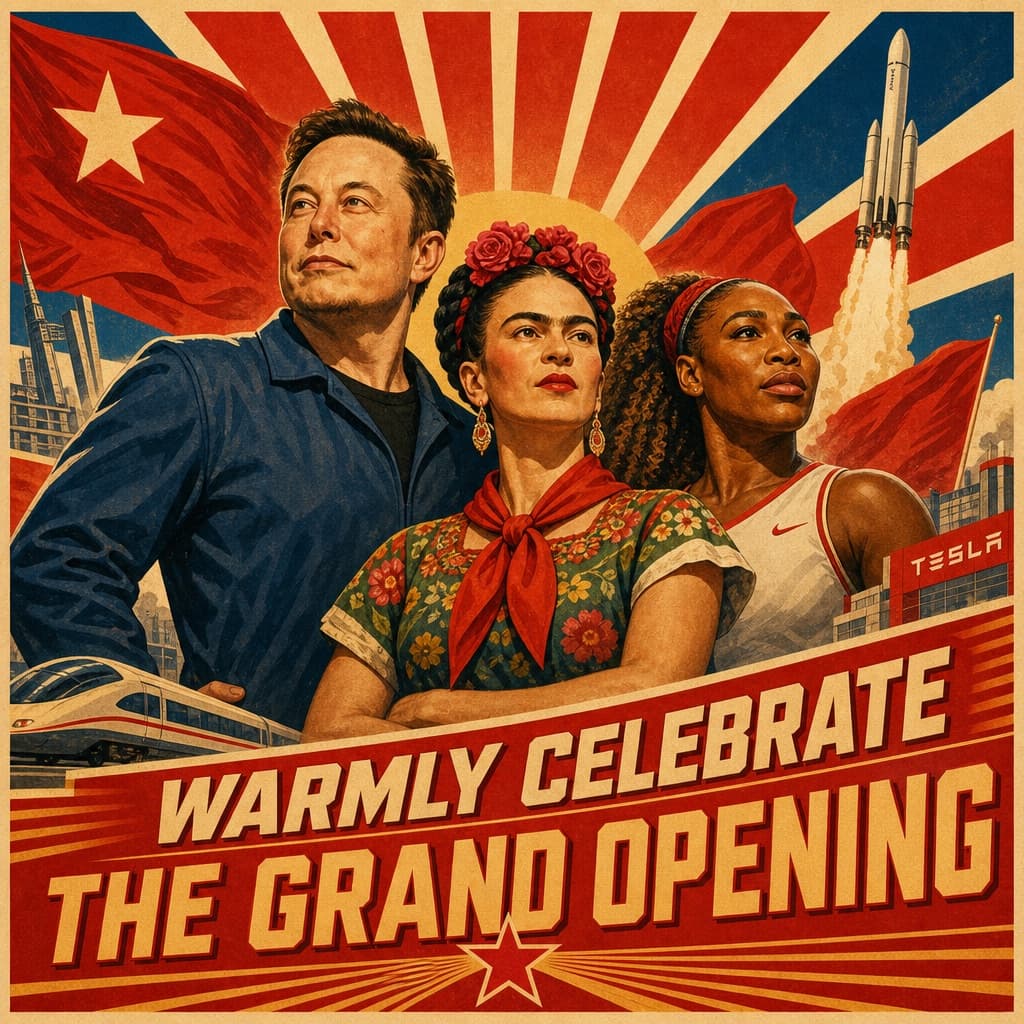
3D Liquid Art Explosion Poster
Vibrant vertical poster showcasing glossy 3D liquid blob sculptures colliding in a colorful splash with bold typography.
Budget models do not render typography reliably; this case needs a higher tier.
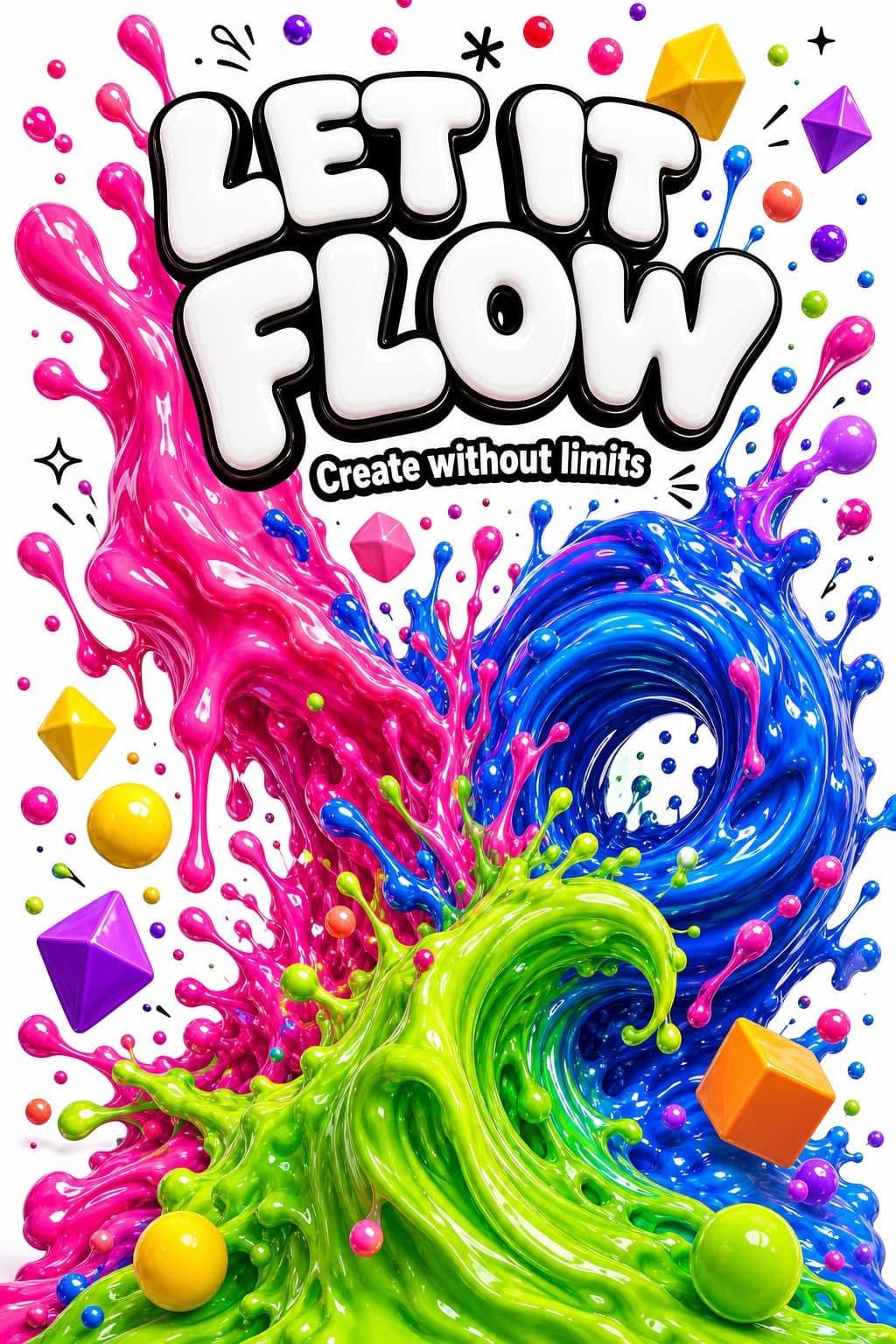
Image generated by us with gpt-image-2.
Prompt
A mesmerizing and explosively colorful vertical poster featuring giant 3D liquid fluid sculpture forms, enormous glossy morphing blob shapes in vivid electric colors — a massive melting form in hot magenta pink flowing and dripping downward, intersecting with a giant swirling wave of electric cobalt blue, a third liquid mass in neon lime green curling upward like a breaking ocean wave, all three liquid forms colliding at the center in a spectacular splash explosion with hundreds of flying colorful droplets frozen mid-air, each liquid surface rendered with a perfect mirror-glossy finish reflecting the surrounding colors in dazzling distorted highlights, the background a clean bright white making the vivid color explosions pop with maximum visual impact, smaller floating 3D geometric shapes — spheres, cubes and diamonds — in candy yellow, coral orange and violet orbiting the main liquid forms, bold heavy rounded white typography outlined in black at the top reading "[HEADLINE_TEXT]" in massive bouncy letters, smaller subtitle below reading "[SUBTITLE_TEXT]", tiny spark and splash symbols scattered as accents, ultra-saturated maximum color impact, premium 3D render quality, 9:16 vertical ratio
2 placeholders still empty. Copied as is, the generator will draw the brackets literally inside the image.
Editable variables
Change any value and the prompt rewrites above. Copy the finished result.
Main bold headline text displayed at the top of the poster
Smaller subtitle text placed below the main headline
Generate the image here
With your own OpenAI key. Free for us, and what you spend is yours.
Kept in this browser only and sent straight to OpenAI's API: it never passes through a server of ours, because there is no server of ours in between. Check it yourself in the network tab.
Fill in the remaining variables before generating, or the model will draw the brackets.