Campaña minimalista de estudio coral
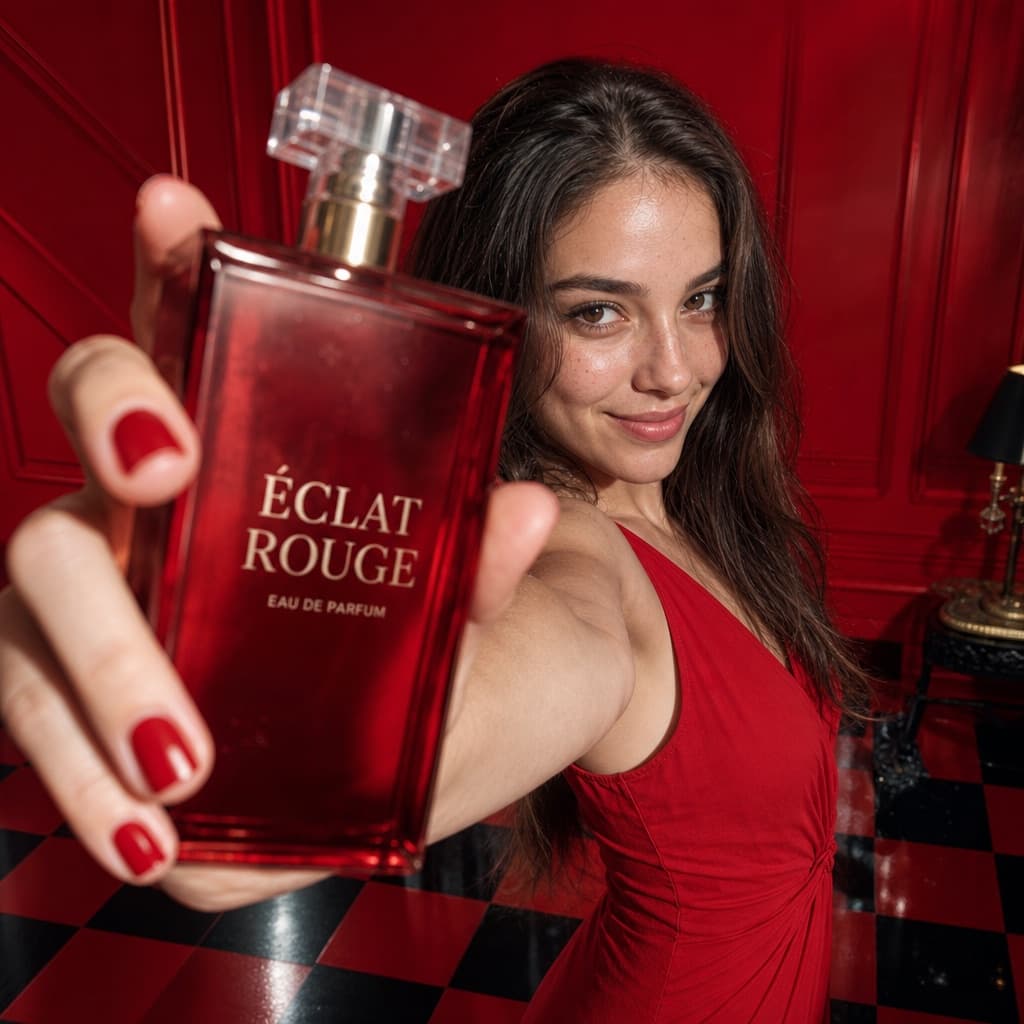
Campaña publicitaria ultrarrealista con fondo de estudio monocromático, producto en primer plano y modelo con actitud segura.
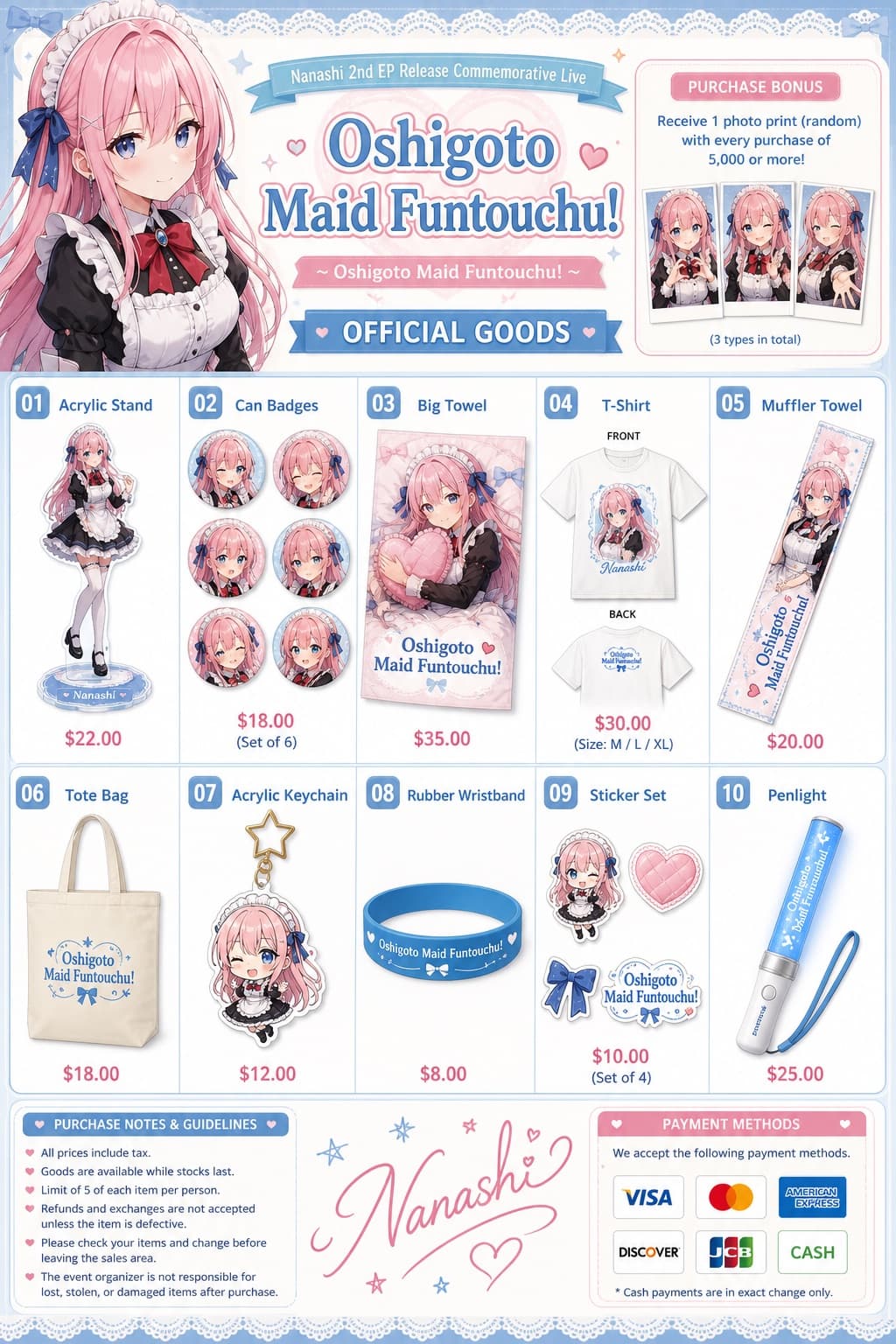
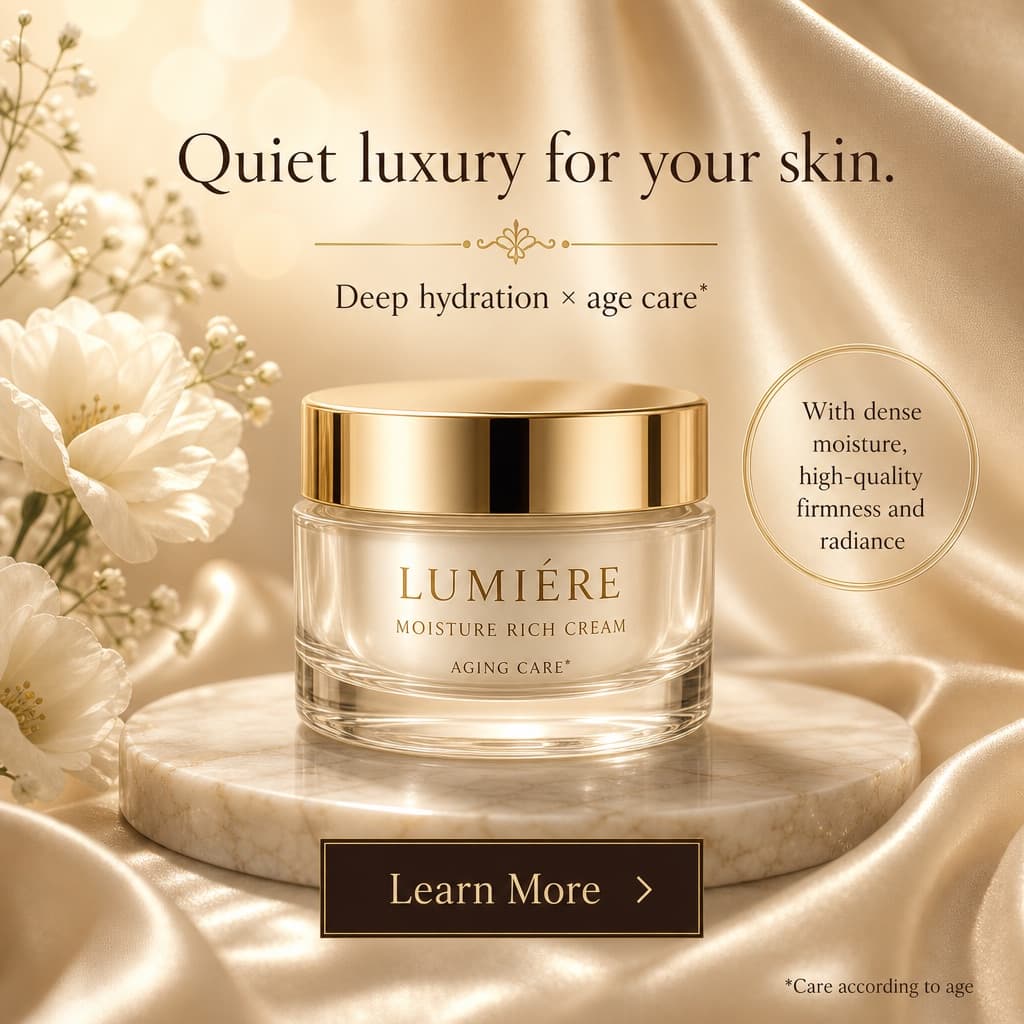
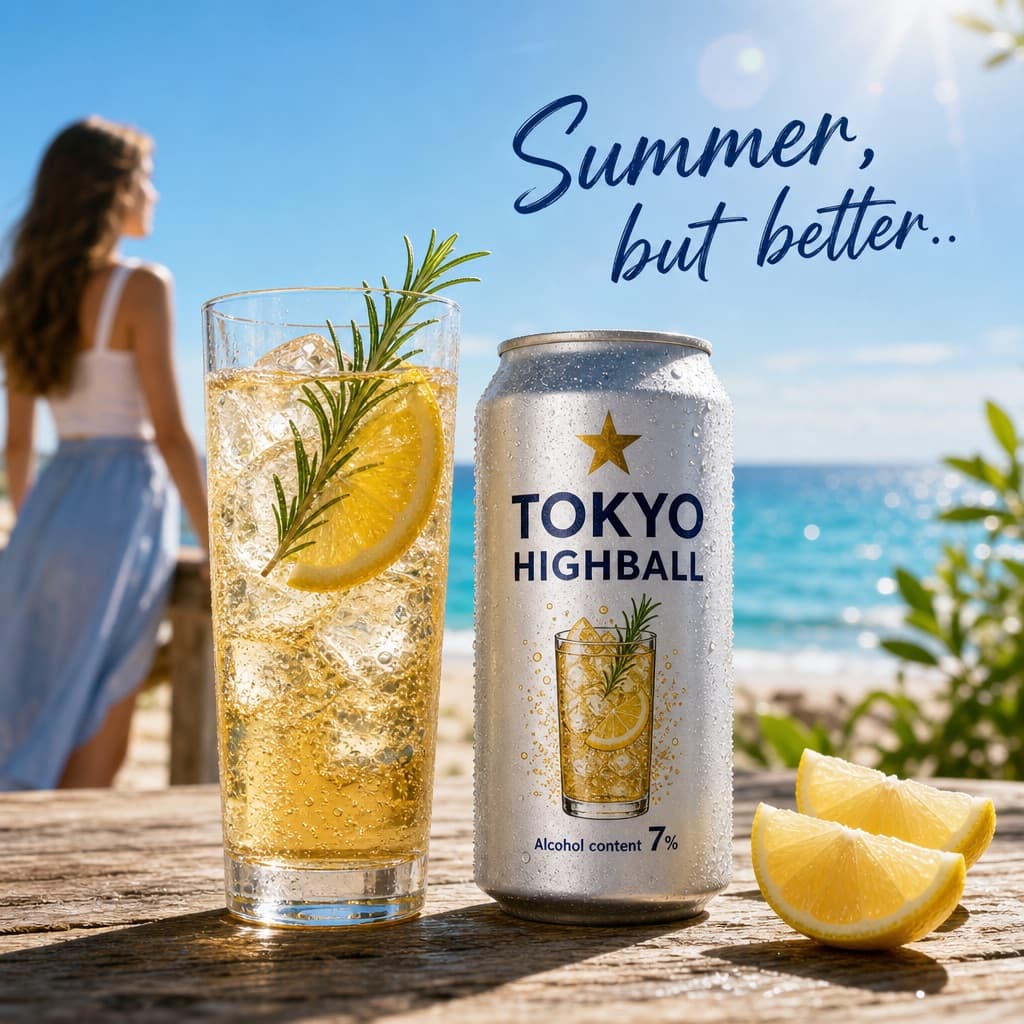
Los modelos económicos no renderizan tipografía de forma fiable; este caso necesita un nivel superior.
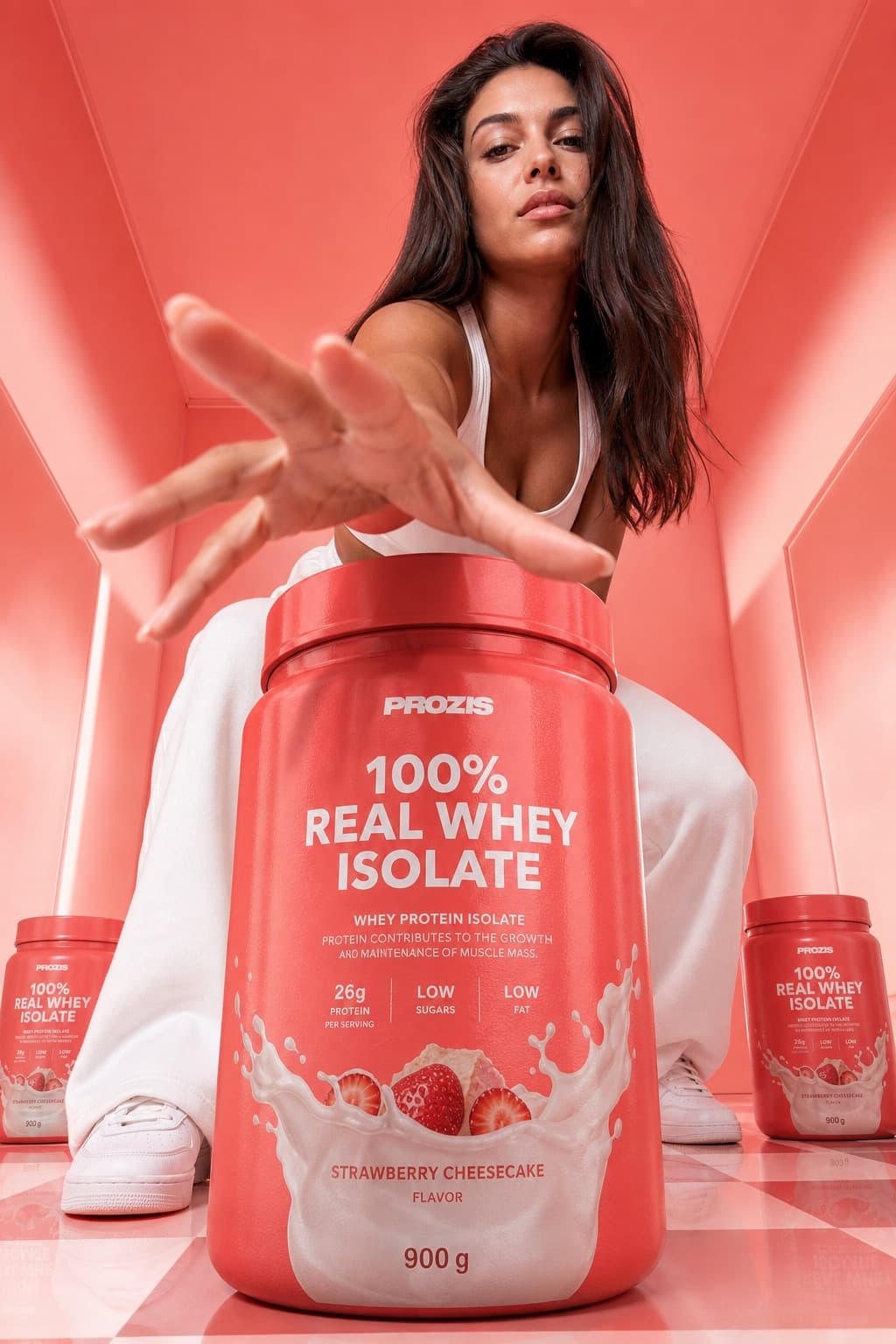
Imagen generada por nosotros con gpt-image-2. Prompt de @Maercihh
Prompt
Ultra-realistic, high-fashion commercial campaign image that uses the uploaded model photo as a strict identity reference. Preserve the exact facial features, proportions, and natural skin texture — no retouching, no reshaping.
Scene: a [COLOR] monochrome studio box featuring a glossy reflective checkerboard floor or a minimal polished floor, with clean geometric walls showing soft light gradients.
Product: the product is placed oversized in the center foreground, dominating the frame due to a wide-angle perspective. The packaging is ultra-sharp and fully readable, with realistic reflections and material texture. Smaller product units may be placed symmetrically in the background.
Model pose: standing behind the product, slightly crouched or leaning forward, one hand reaching toward the camera to create a sense of depth. Strong, confident expression with a fashion-forward attitude.
Camera: low-angle 24–35mm lens look, dramatic perspective distortion, deep focus on both the product and the model.
Lighting: bright commercial studio lighting, soft shadows, glossy highlights on the packaging, high-end campaign finish. 4K–8K photorealism, no watermark, no embedded text. Aspect ratio 9:13.
Queda 1 hueco sin rellenar. Si copias así, el generador dibujará los corchetes tal cual dentro de la imagen.
Variables editables
Cambia cualquier valor y el prompt se reescribe arriba. Copia el resultado ya listo.
Color monocromático dominante usado para el fondo y el piso del estudio.
Genera la imagen aquí
Con tu propia clave de OpenAI. Gratis para nosotros, lo que gastes es tuyo.
Se guarda solo en este navegador y va directa a la API de OpenAI: no pasa por ningún servidor nuestro, porque no hay ninguno en medio. Puedes comprobarlo en la pestaña de red del inspector.
Rellena las variables que quedan antes de generar: si no, el modelo dibujará los corchetes.