Transformación en lápiz de color
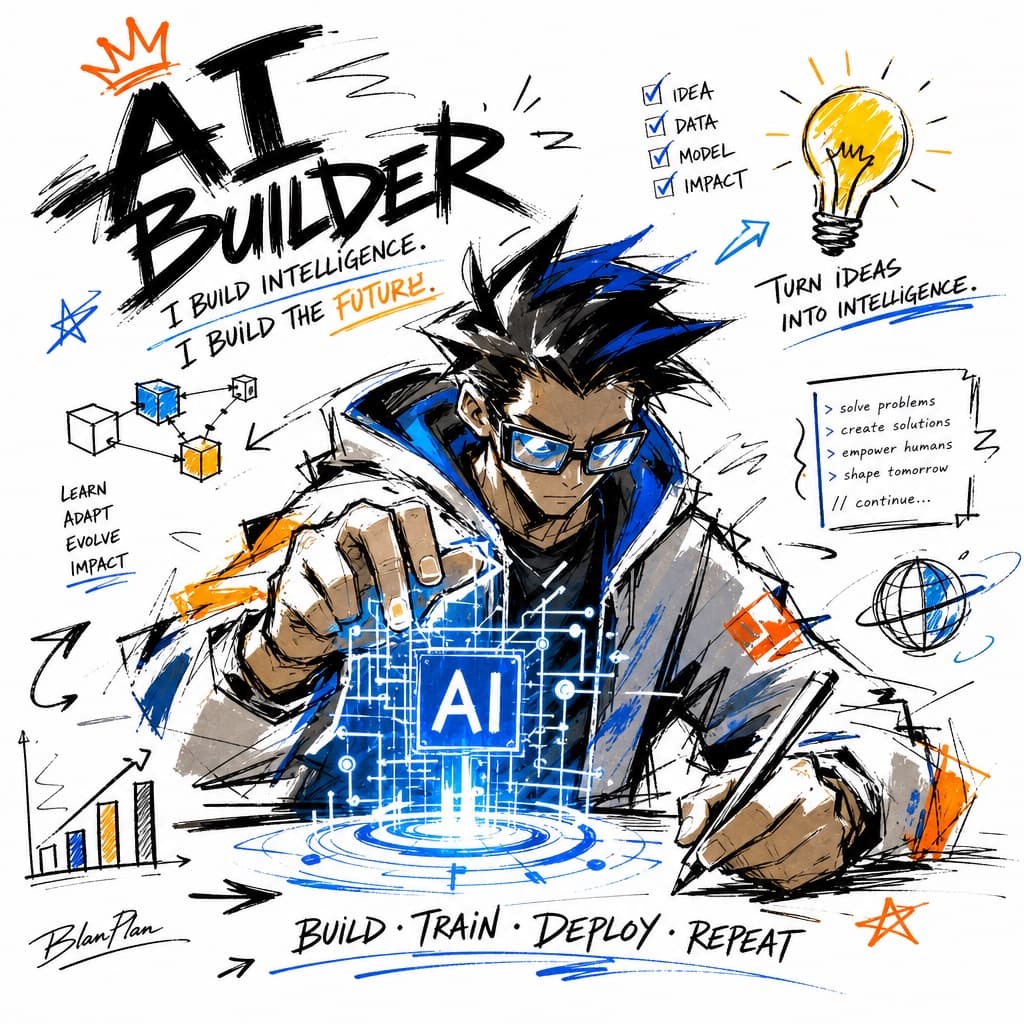
Convierte una foto subida en una ilustración a lápiz de color con doodles, incluyendo una miniatura realista con el efecto antes y después.
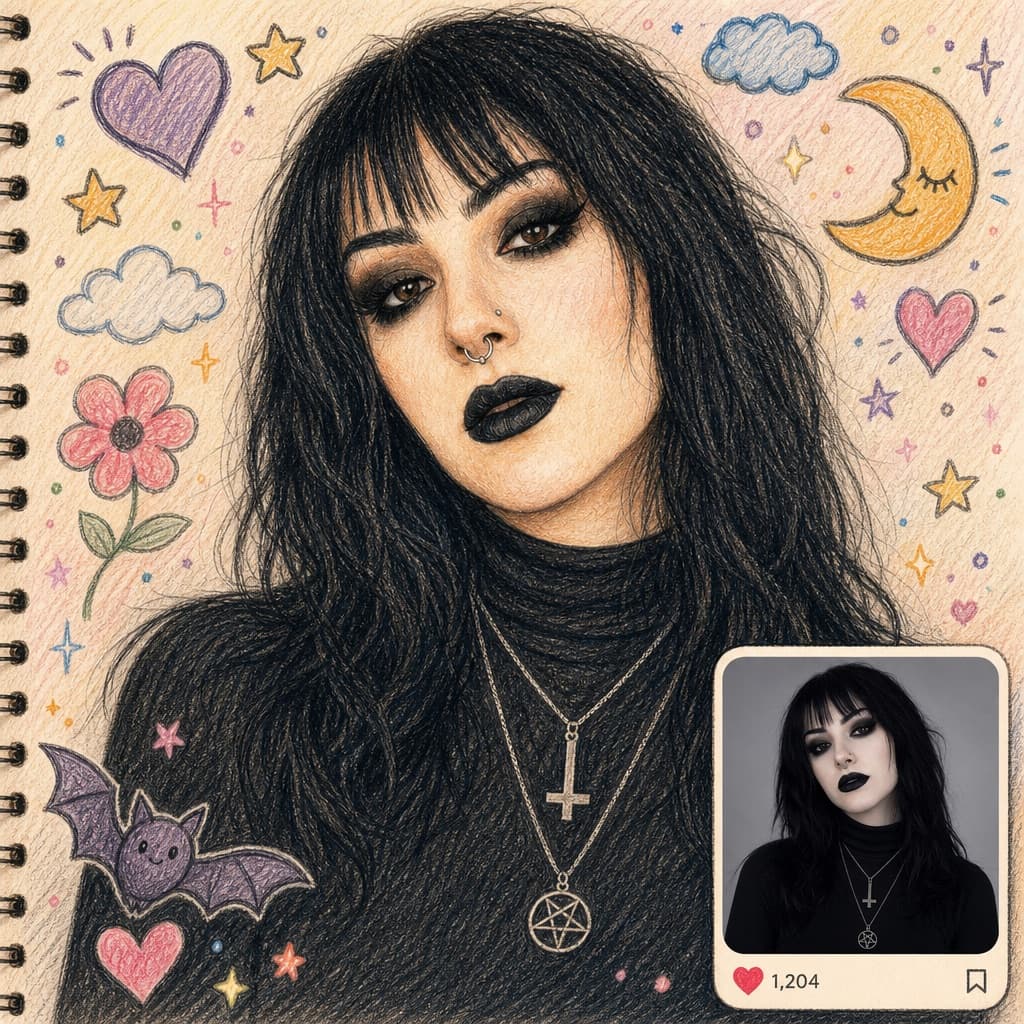
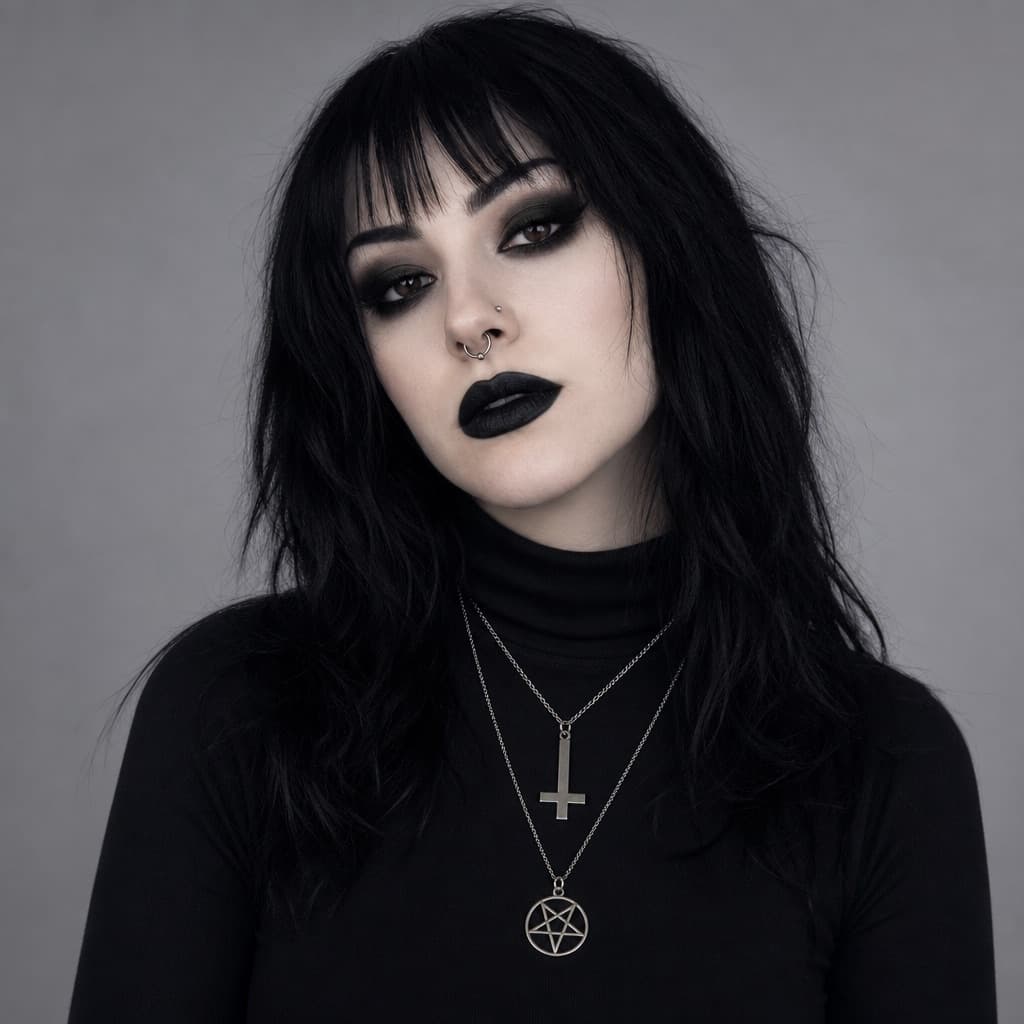
Este prompt parte de una foto tuya. Arrastra para comparar el antes y el después.
Imagen generada por nosotros con gpt-image-2.
Prompt
Transform the uploaded photo into a charming hand-drawn colored-pencil and crayon illustration while preserving the person's exact pose, facial features, outfit, expression, and background composition. Create a warm, whimsical sketchbook aesthetic with visible pencil strokes, crayon textures, and soft pastel colors.

Place the illustrated version as the main full-frame artwork. Add playful doodles around the scene such as hearts, stars, flowers, clouds, sparkles, and cute hand-drawn elements that complement the environment. Use textured paper as the canvas background and maintain a cozy, nostalgic, storybook feel.

In the bottom-right corner, include a rounded-rectangle inset containing the original unedited photo as a realistic reference image. The inset should resemble a social media post preview with subtle UI elements like a heart icon and an engagement count showing [LIKE_COUNT]. Ensure the illustrated version perfectly matches the original photo in composition, creating a striking before-and-after transformation effect.

Highly detailed, colored pencil illustration, crayon art style, hand-sketched textures, vibrant yet soft pastel palette, Instagram-style layout, whimsical doodles, premium artwork, realistic reference inset, masterpiece, ultra-detailed, 4K.
Queda 1 hueco sin rellenar. Si copias así, el generador dibujará los corchetes tal cual dentro de la imagen.
Variables editables
Cambia cualquier valor y el prompt se reescribe arriba. Copia el resultado ya listo.
El número de interacciones que se muestra junto al ícono de corazón en la miniatura estilo red social.
Genera la imagen aquí
Con tu propia clave de OpenAI. Gratis para nosotros, lo que gastes es tuyo.
Se guarda solo en este navegador y va directa a la API de OpenAI: no pasa por ningún servidor nuestro, porque no hay ninguno en medio. Puedes comprobarlo en la pestaña de red del inspector.
Este prompt parte de una foto tuya
Se envía directa a OpenAI junto al prompt. No pasa por ningún servidor nuestro.
Rellena las variables que quedan antes de generar: si no, el modelo dibujará los corchetes.