Despiece técnico del sistema de una cámara
Un cartel infográfico técnico y detallado que ilustra los componentes internos despiezados y la cadena de procesamiento de imagen de una cámara profesional.
Los modelos económicos no renderizan tipografía de forma fiable; este caso necesita un nivel superior.
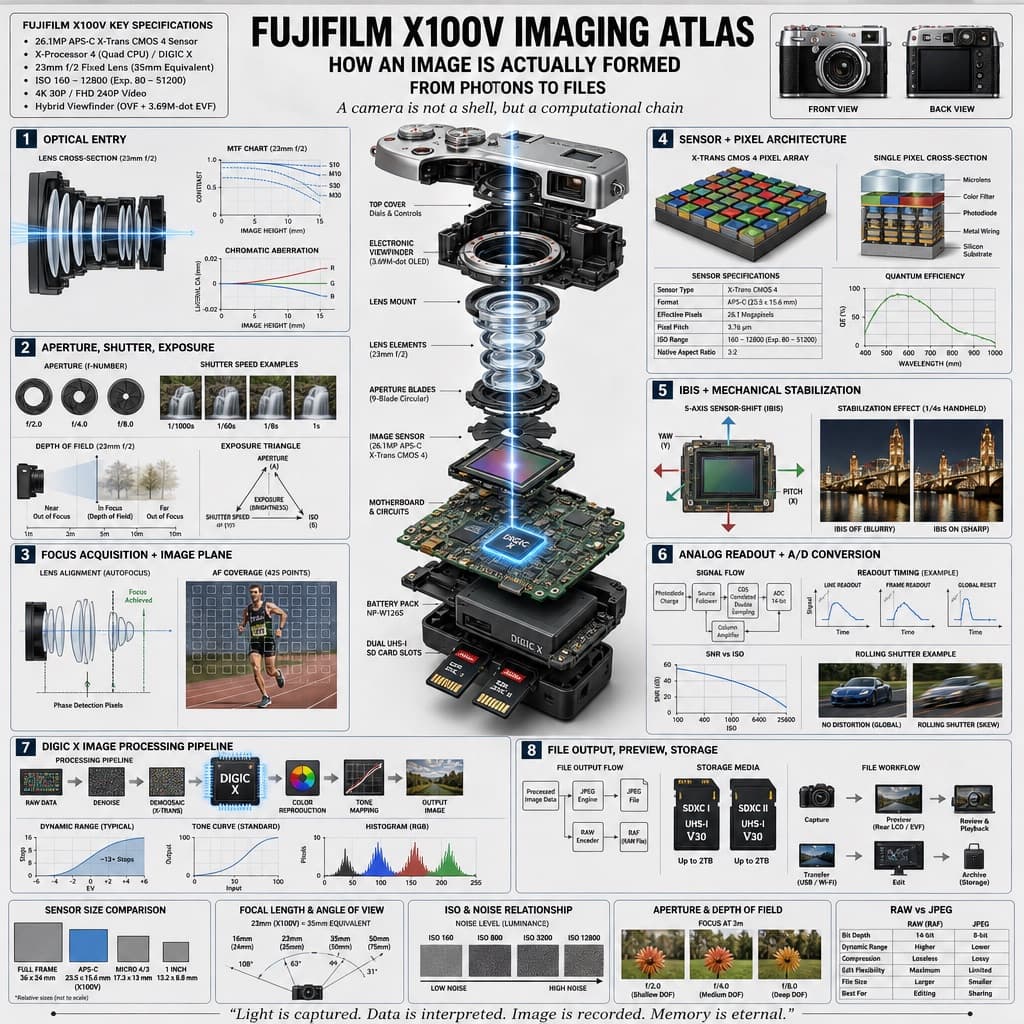
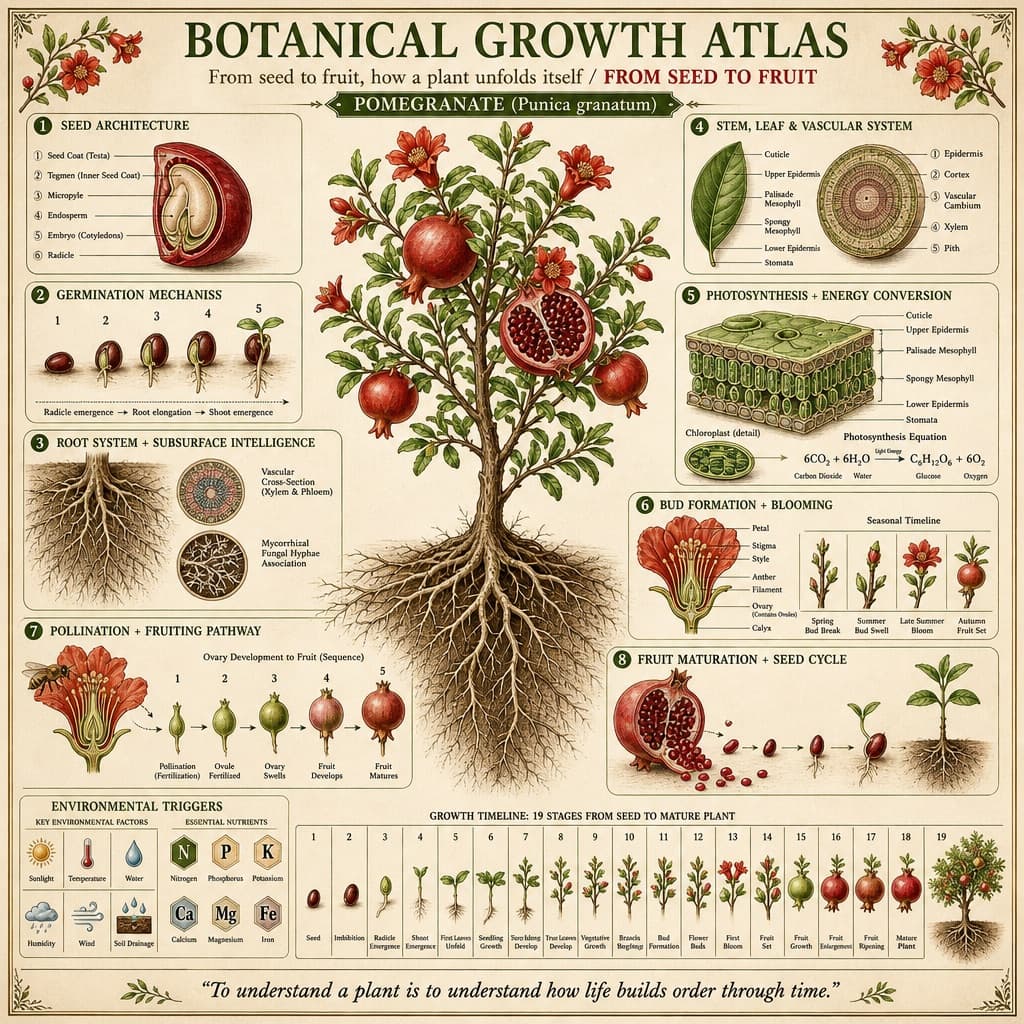
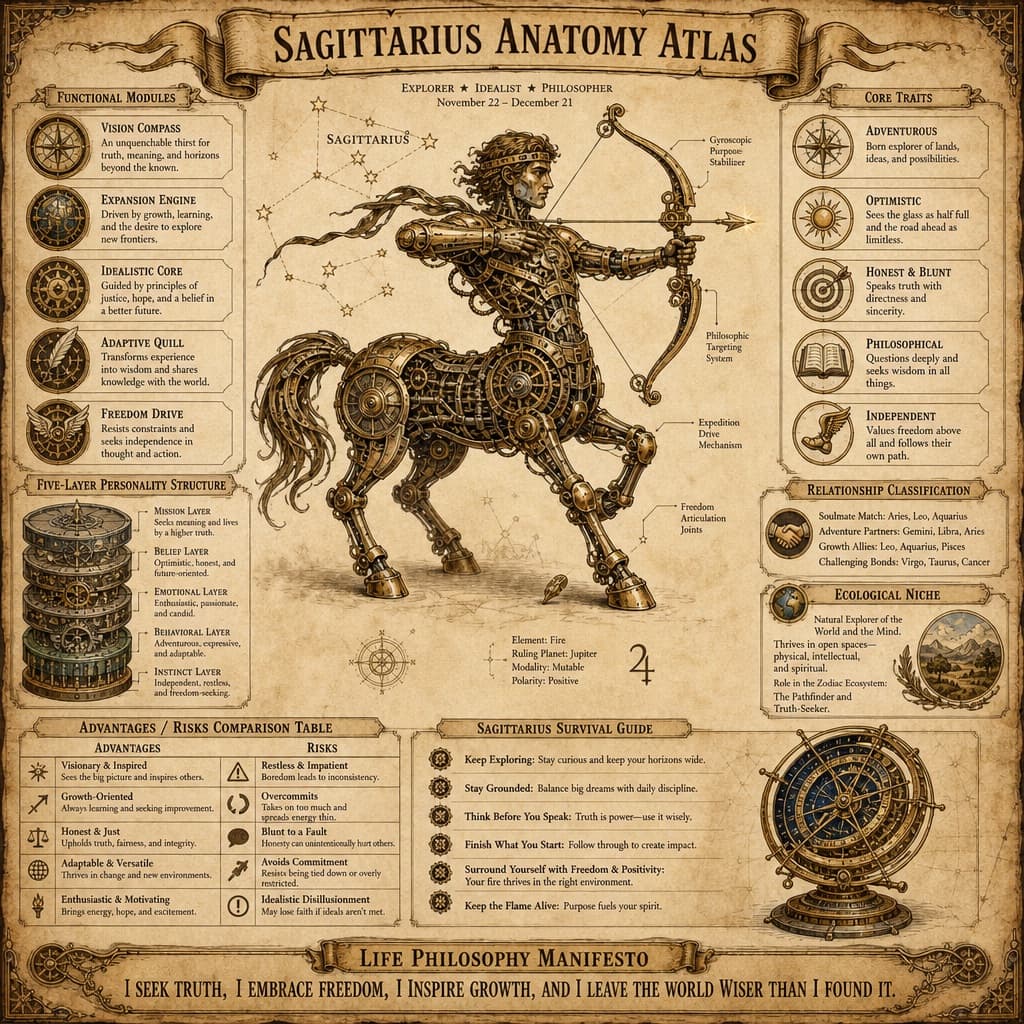
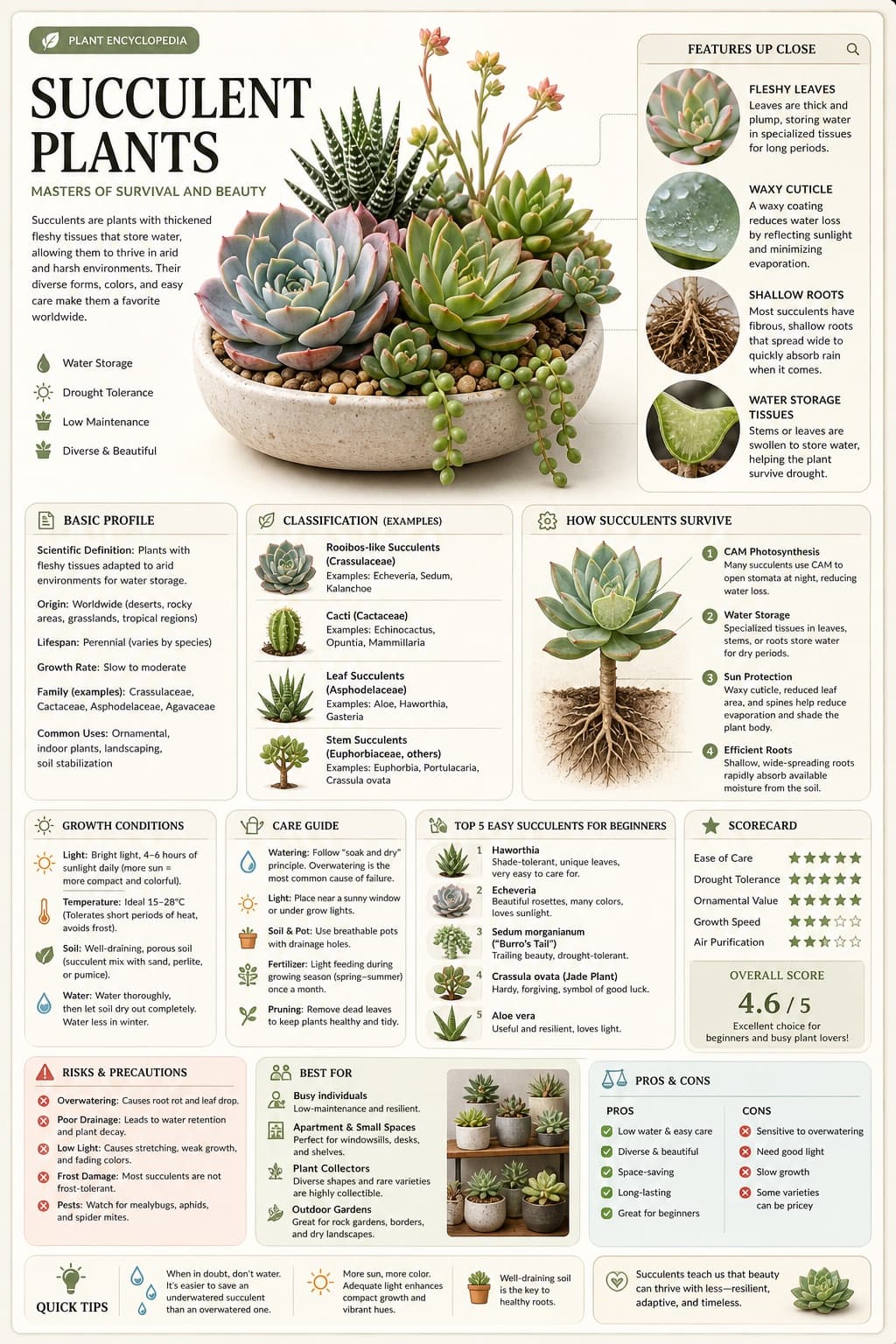
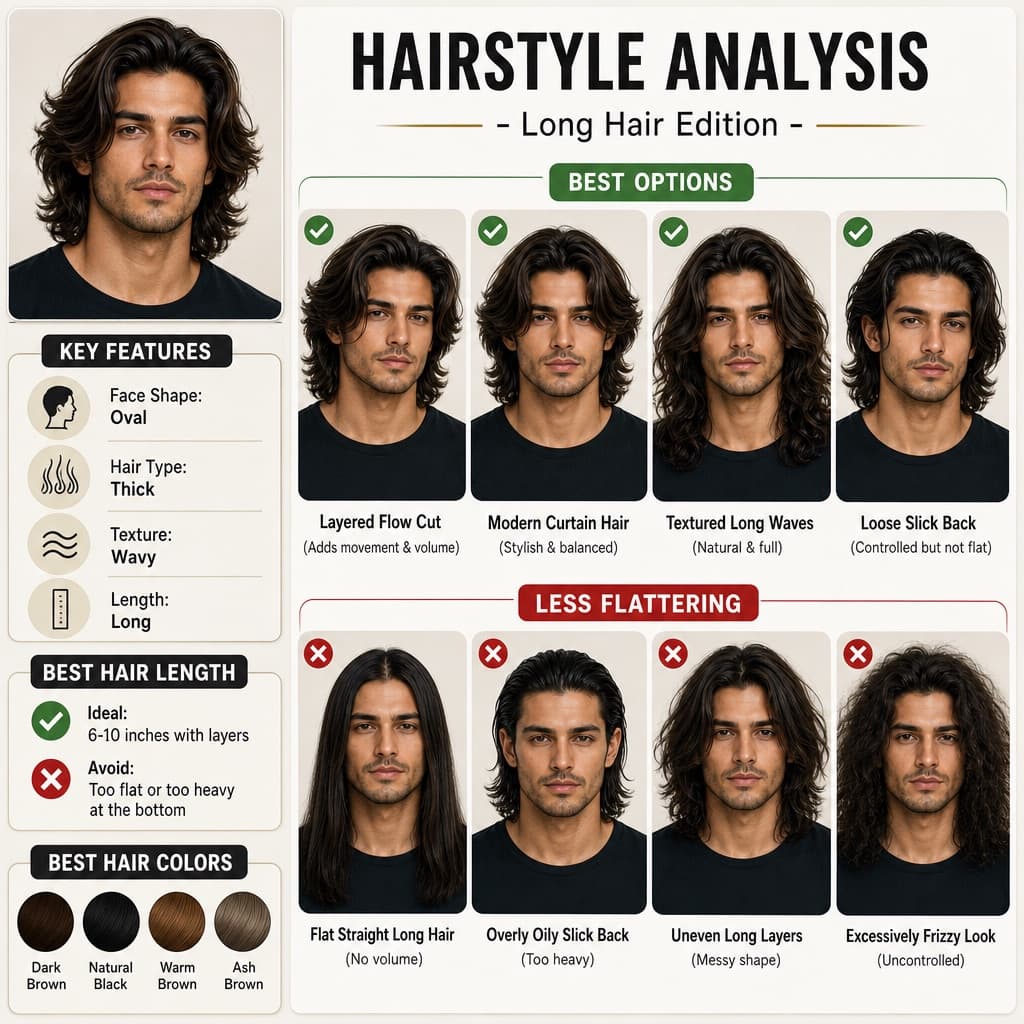
Imagen generada por nosotros con gpt-image-2. Prompt de @hx831126
Prompt
Design a highly detailed technical infographic and exploded-view diagram poster explaining how a camera captures and processes an image, rendered in a clean, technical, photorealistic style with blueprint-style annotations, a light gray background, and precise typography.

Header: Display the main title '[CAMERA_MODEL] IMAGING ATLAS' prominently at the top. Below it, include three subtitles: 'HOW AN IMAGE IS ACTUALLY FORMED', 'FROM PHOTONS TO FILES', and 'A camera is not a shell, but a computational chain'. In the top-left corner, place a box titled '[CAMERA_MODEL] KEY SPECIFICATIONS' containing 6 bullet points of key specifications. In the top-right corner, place two images showing the front and back views of the camera body.

Centerpiece: In the middle of the poster, render a highly detailed 3D exploded view of the [CAMERA_MODEL] camera, showing its internal components separated vertically along a central axis. Visible components should include: the lens mount, lens elements with glowing blue light rays passing through them, the image sensor, the motherboard with a glowing [PROCESSOR_NAME] chip, the battery pack, dual memory card slots, and the electronic viewfinder (EVF).

Layout: Arrange eight numbered technical sections around the centerpiece, each with a title and supporting diagrams, graphs, or photos:
1. OPTICAL ENTRY — a lens cross-section with light rays and 2 line graphs.
2. APERTURE, SHUTTER, EXPOSURE — 3 aperture blade diagrams, 4 shutter speed example photos, a depth of field diagram, and an exposure triangle diagram.
3. FOCUS ACQUISITION + IMAGE PLANE — a lens alignment diagram and an autofocus coverage photo of a runner.
4. SENSOR + PIXEL ARCHITECTURE — a 3D pixel array diagram, a single pixel cross-section diagram, a sensor spec table, and a quantum efficiency graph.
5. IBIS + MECHANICAL STABILIZATION — a sensor-shift mechanism diagram showing yaw/pitch/roll axes, and 2 stabilization effect comparison photos.
6. ANALOG READOUT + A/D CONVERSION — a signal flowchart, 3 readout timing graphs, a signal-to-noise ratio graph, and a rolling shutter example photo of a car.
7. [PROCESSOR_NAME] IMAGE PROCESSING PIPELINE — a processing flowchart with the central chip, a dynamic range graph, a tone curve graph, and a histogram.
8. FILE OUTPUT, PREVIEW, STORAGE — a file output flowchart, 2 storage card icons, and a file workflow diagram.

At the bottom, include 5 comparison panels labeled: 'SENSOR SIZE COMPARISON', 'FOCAL LENGTH & ANGLE OF VIEW', 'ISO & NOISE RELATIONSHIP', 'APERTURE & DEPTH OF FIELD', and 'RAW vs JPEG'.

Footer: Display the quote '[FOOTER_QUOTE]' at the very bottom of the poster.

Overall style: clean, technical, highly detailed, with photorealistic rendering of components, blueprint-style annotations, a light gray background, and precise, legible typography throughout.
Quedan 6 huecos sin rellenar. Si copias así, el generador dibujará los corchetes tal cual dentro de la imagen.
Variables editables
Cambia cualquier valor y el prompt se reescribe arriba. Copia el resultado ya listo.
El nombre del modelo de cámara que es el sujeto del despiece del sistema de imagen.
El nombre del chip interno de procesamiento de imagen que aparece en la placa base y en la sección de la cadena de procesamiento.
Una breve cita bilingüe de cierre ubicada al pie del cartel que resume el proceso de captura de imagen.
Genera la imagen aquí
Con tu propia clave de OpenAI. Gratis para nosotros, lo que gastes es tuyo.
Se guarda solo en este navegador y va directa a la API de OpenAI: no pasa por ningún servidor nuestro, porque no hay ninguno en medio. Puedes comprobarlo en la pestaña de red del inspector.
Rellena las variables que quedan antes de generar: si no, el modelo dibujará los corchetes.