Watercolor City Park Travel Poster
A vintage-inspired watercolor and ink travel illustration of a lively city park with a skyline, couple, and stone bridge.
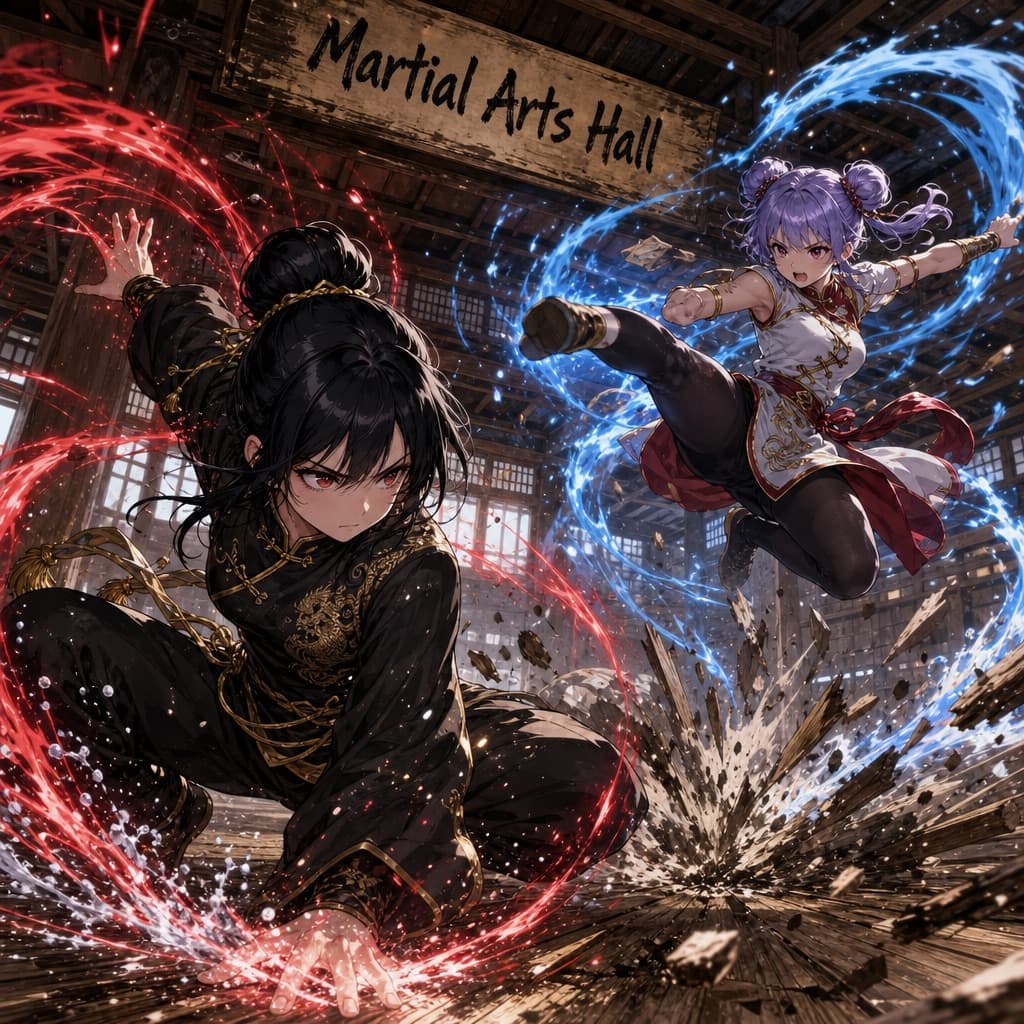
Budget models do not render typography reliably; this case needs a higher tier.
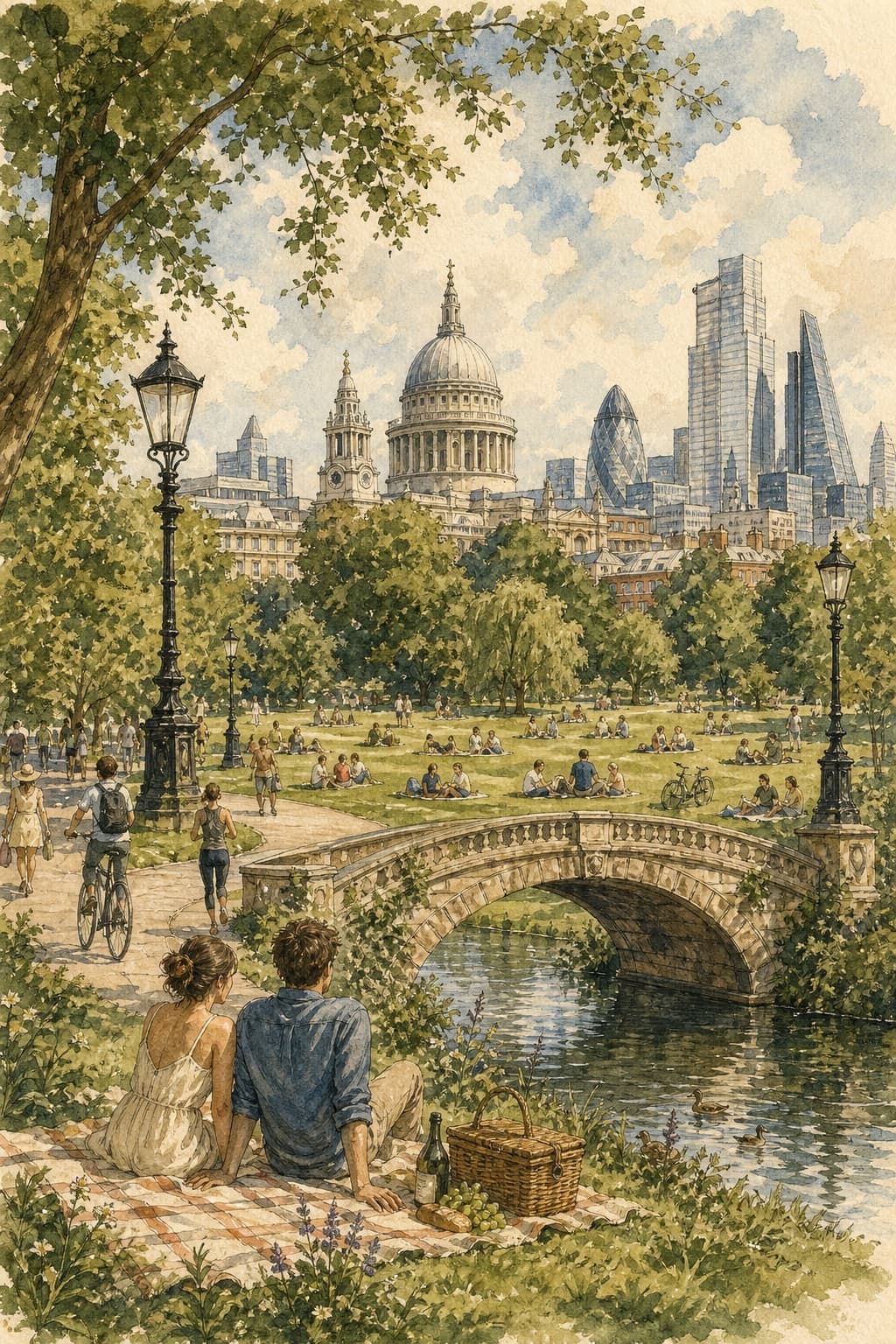
Image generated by us with gpt-image-2. Prompt by @Taaruk_
Prompt
Create a vertical editorial travel illustration inspired by vintage European travel posters, featuring a peaceful summer afternoon in a grand city park with a recognizable [CITY]-style skyline in the background. Use delicate hand-drawn ink outlines combined with soft, slightly imperfect watercolor washes on warm textured cream paper. Show a wide green lawn filled with people relaxing, reading, walking, jogging, cycling, and having picnics. In the foreground, a casually dressed young couple sits together on a picnic blanket beside a woven basket. Include elegant black vintage park lamps, winding pathways, dense leafy trees framing the composition, and detailed historic and modern skyscrapers rising behind the park. Add a small picturesque stone arch bridge over a calm pond near the bottom of the artwork. Use muted sage green, olive, warm beige, soft blue, pale gray, and subtle golden sunlight, with natural watercolor bleeding, paper grain, fine pen hatching, and an airy sophisticated travel-journal aesthetic. No text, no letters, no logos, no typography, no captions, no signs. Vertical 4:5 composition, highly detailed, elegant, nostalgic, handcrafted watercolor-and-ink illustration.
1 placeholder still empty. Copied as is, the generator will draw the brackets literally inside the image.
Editable variables
Change any value and the prompt rewrites above. Copy the finished result.
The city whose iconic skyline silhouette appears in the background, evoking its distinctive architecture.
Generate the image here
With your own OpenAI key. Free for us, and what you spend is yours.
Kept in this browser only and sent straight to OpenAI's API: it never passes through a server of ours, because there is no server of ours in between. Check it yourself in the network tab.
Fill in the remaining variables before generating, or the model will draw the brackets.