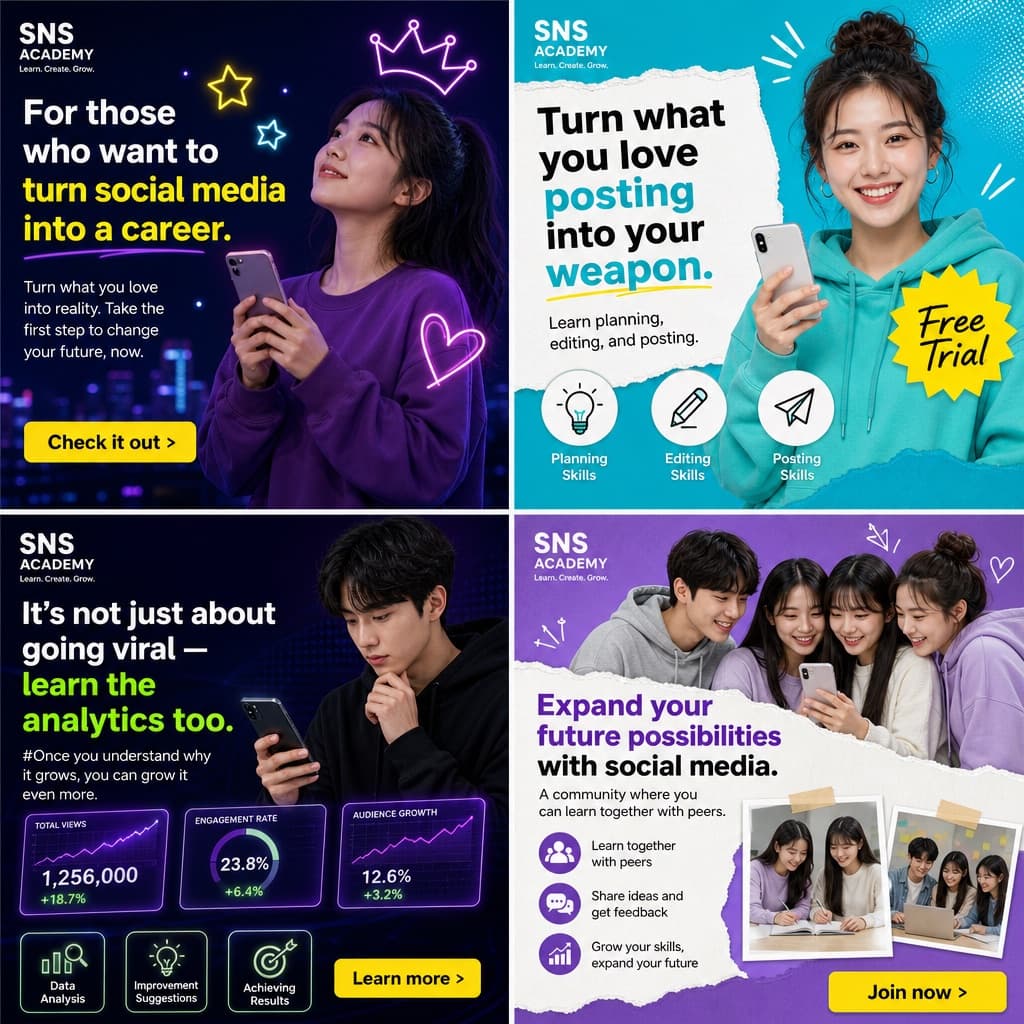
Warm Lifestyle Banner Ad Grid
A soft, welcoming 2x2 banner ad grid mixing photography and watercolor illustration to promote an online course for parents.
Budget models do not render typography reliably; this case needs a higher tier.
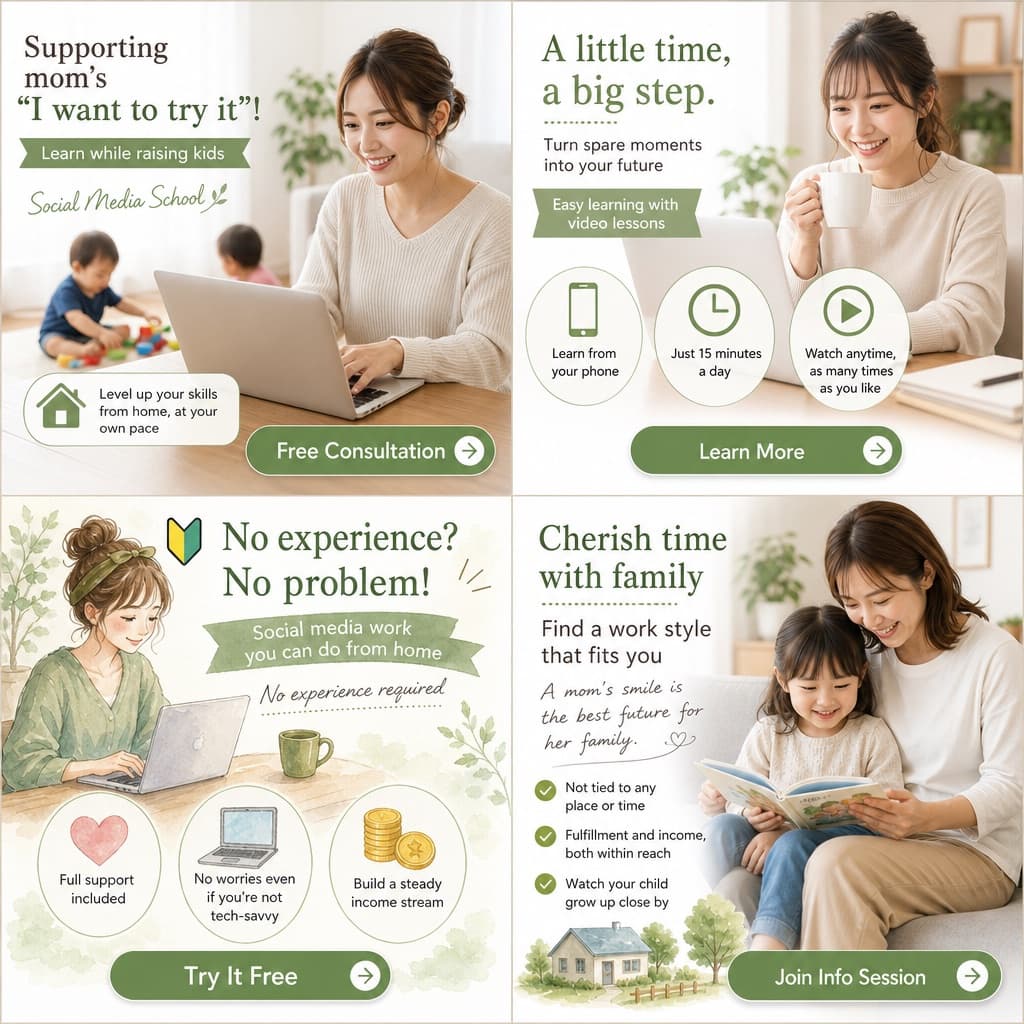
Image generated by us with gpt-image-2. Prompt by @masapark95
Prompt
{
  "type": "2x2 grid of banner advertisements",
  "theme": "[MAIN_THEME] for [TARGET_AUDIENCE]",
  "design_style": "soft, approachable, bright lighting, featuring [COLOR_PALETTE]",
  "layout": {
    "sections": [
      {
        "position": "top-left",
        "visual_style": "photography",
        "image_description": "Smiling woman working on a laptop at a table, a toddler playing with toys in the blurred background.",
        "headlines": ["Supporting mom's \"I want to try it\"!", "Learn while raising kids", "Social Media School"],
        "features": {
          "count": 1,
          "type": "icon with text",
          "labels": ["Level up your skills from home, at your own pace (with house icon)"]
        },
        "call_to_action_button": "Free Consultation"
      },
      {
        "position": "top-right",
        "visual_style": "photography",
        "image_description": "Smiling woman holding a white mug, looking at a laptop.",
        "headlines": ["A little time, a big step.", "Turn spare moments into your future", "Easy learning with video lessons"],
        "features": {
          "count": 3,
          "type": "circular icons with text below",
          "labels": ["Learn from your phone (smartphone icon)", "Just 15 minutes a day (clock icon)", "Watch anytime, as many times as you like (play button icon)"]
        },
        "call_to_action_button": "Learn More"
      },
      {
        "position": "bottom-left",
        "visual_style": "watercolor illustration",
        "image_description": "Illustration of a woman with hair in a bun, smiling at a laptop with a green mug nearby.",
        "headlines": ["No experience? No problem! (with beginner mark)", "Social media work you can do from home", "No experience required"],
        "features": {
          "count": 3,
          "type": "circular icons with text below",
          "labels": ["Full support included (heart icon)", "No worries even if you're not tech-savvy (laptop icon)", "Build a steady income stream (coin icon)"]
        },
        "call_to_action_button": "Try It Free"
      },
      {
        "position": "bottom-right",
        "visual_style": "photography",
        "image_description": "Smiling mother and young daughter sitting on a sofa reading a picture book together.",
        "headlines": ["Cherish time with family", "Find a work style that fits you", "A mom's smile is the best future for her family."],
        "features": {
          "count": 3,
          "type": "checkmark bullet points",
          "labels": ["Not tied to any place or time", "Fulfillment and income, both within reach", "Watch your child grow up close by"]
        },
        "extra_graphics": "Small illustration of a house and trees at the bottom left.",
        "call_to_action_button": "Join Info Session"
      }
    ],
    "common_elements": "All panels feature a [BUTTON_STYLE] at the bottom."
  }
}
4 placeholders still empty. Copied as is, the generator will draw the brackets literally inside the image.
Editable variables
Change any value and the prompt rewrites above. Copy the finished result.
The main subject or service being advertised across the banner set.
The demographic group the advertisement is designed to appeal to.
The overall color scheme applied consistently across all banner panels.
The visual style of the call-to-action button repeated across all panels.
Generate the image here
With your own OpenAI key. Free for us, and what you spend is yours.
Kept in this browser only and sent straight to OpenAI's API: it never passes through a server of ours, because there is no server of ours in between. Check it yourself in the network tab.
Fill in the remaining variables before generating, or the model will draw the brackets.