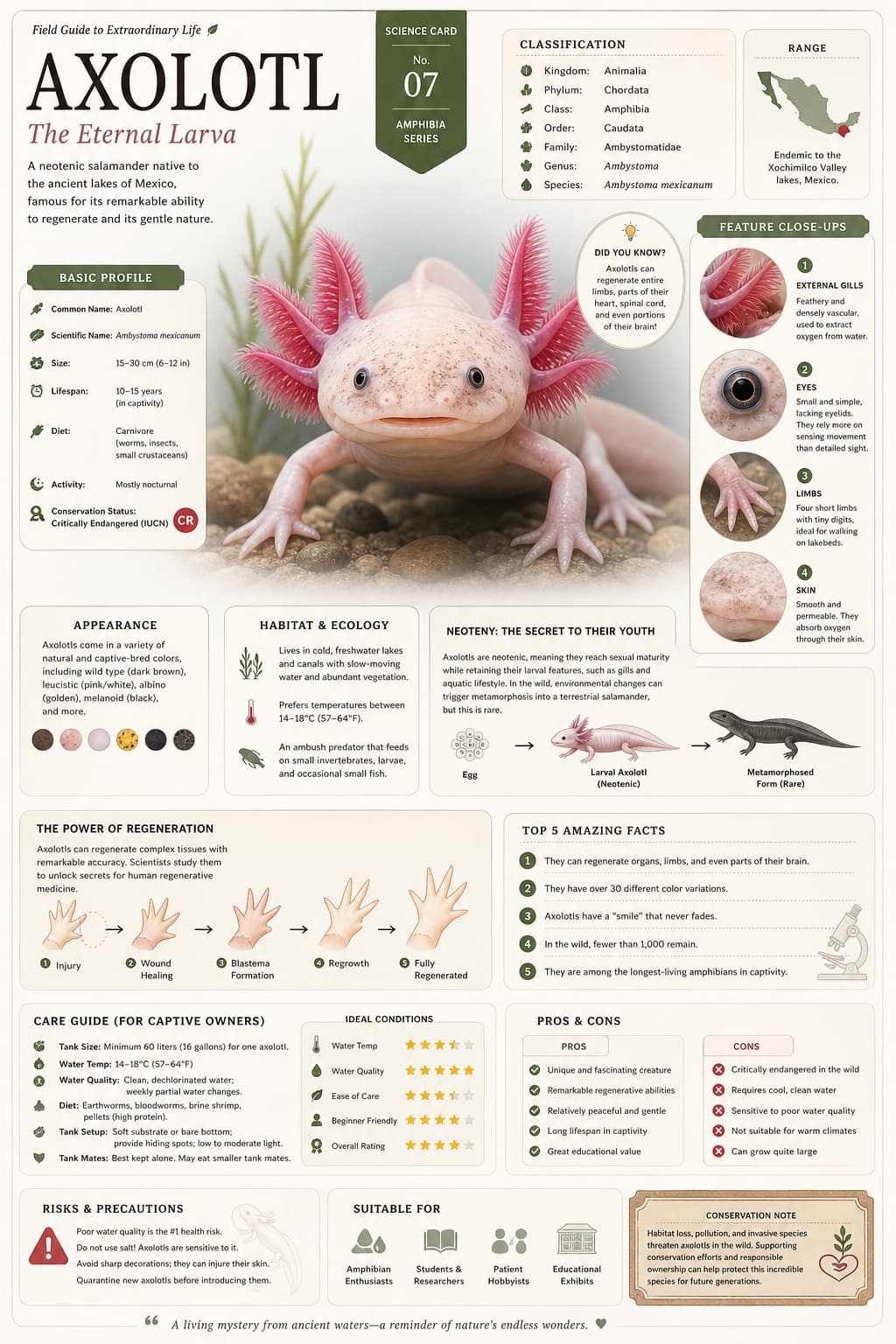
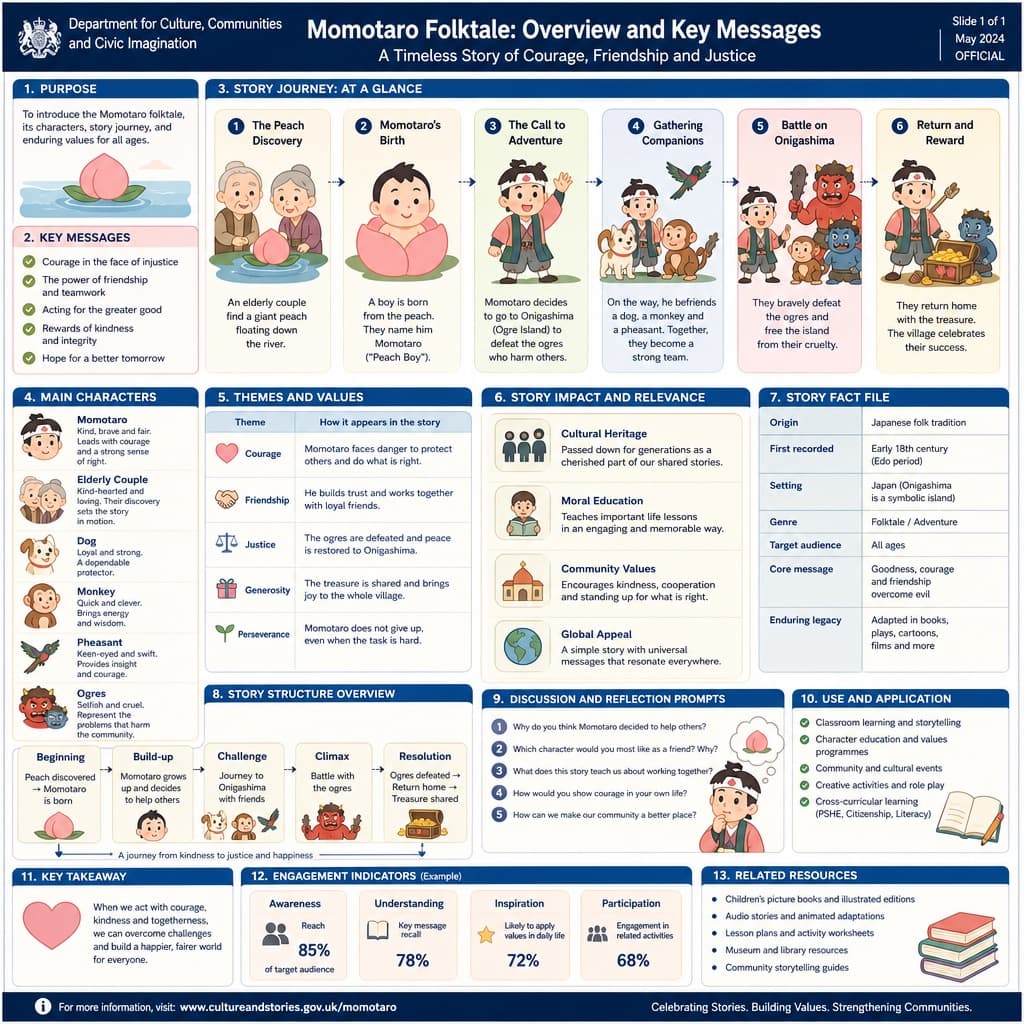
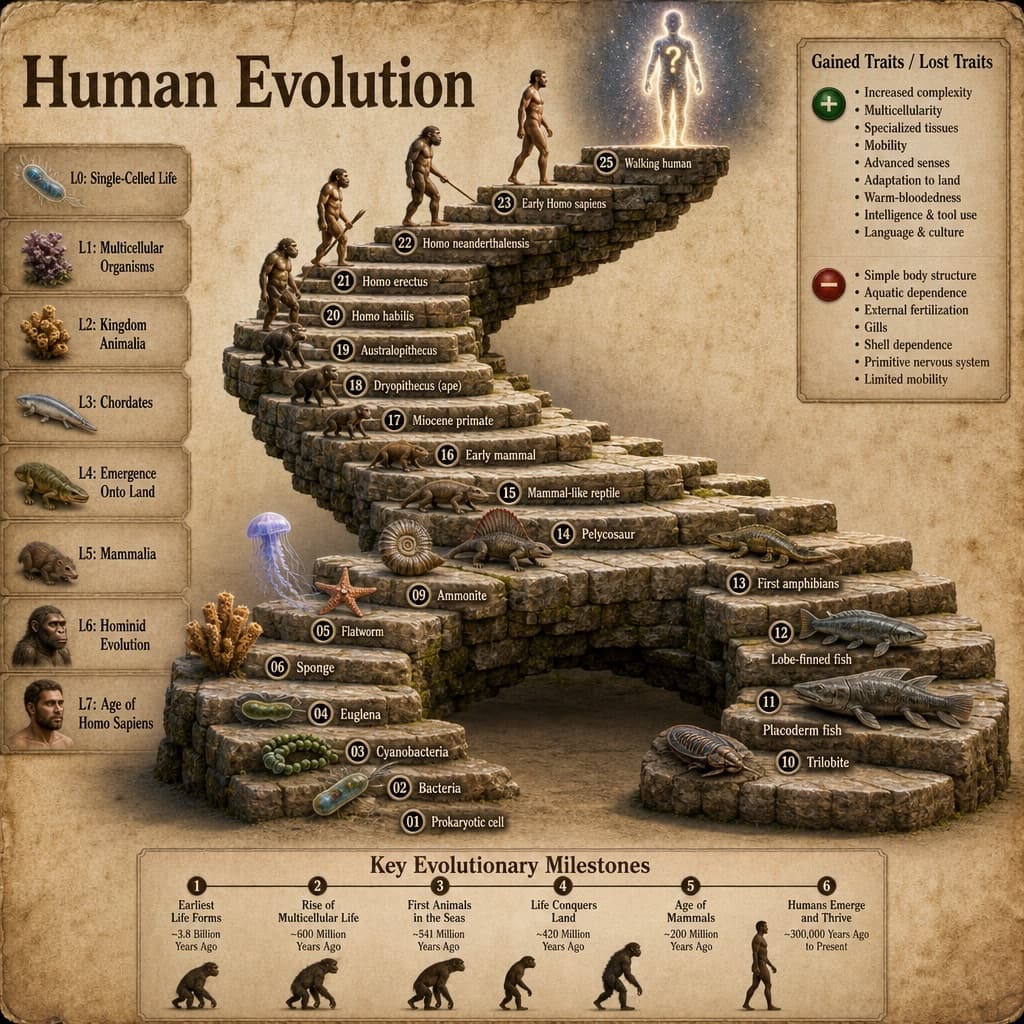
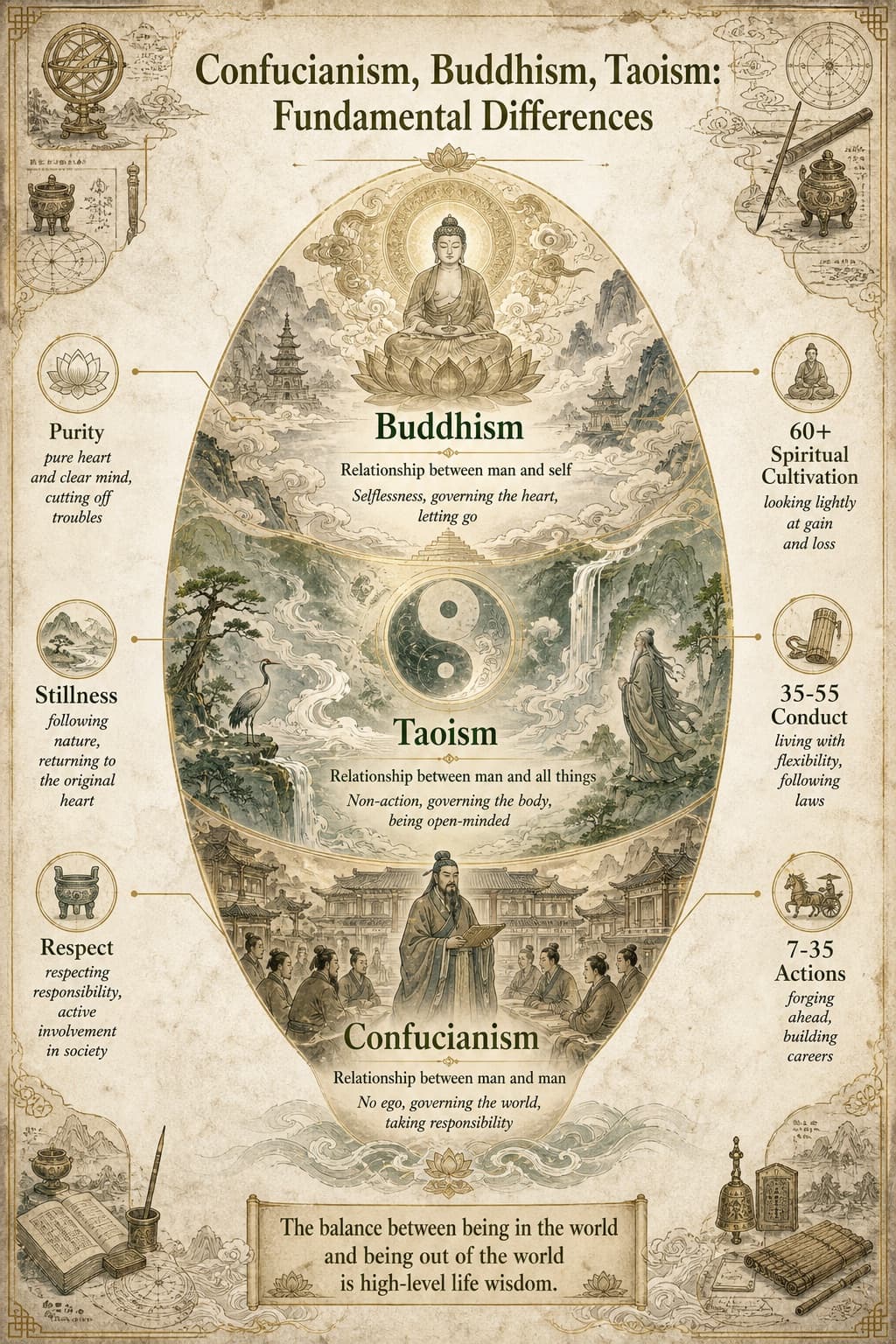
Technical teardown infographic
An isometric photoreal-meets-blueprint teardown of any product, complete with color-coded callouts and a hand-drawn title box.
Budget models do not render typography reliably; this case needs a higher tier.
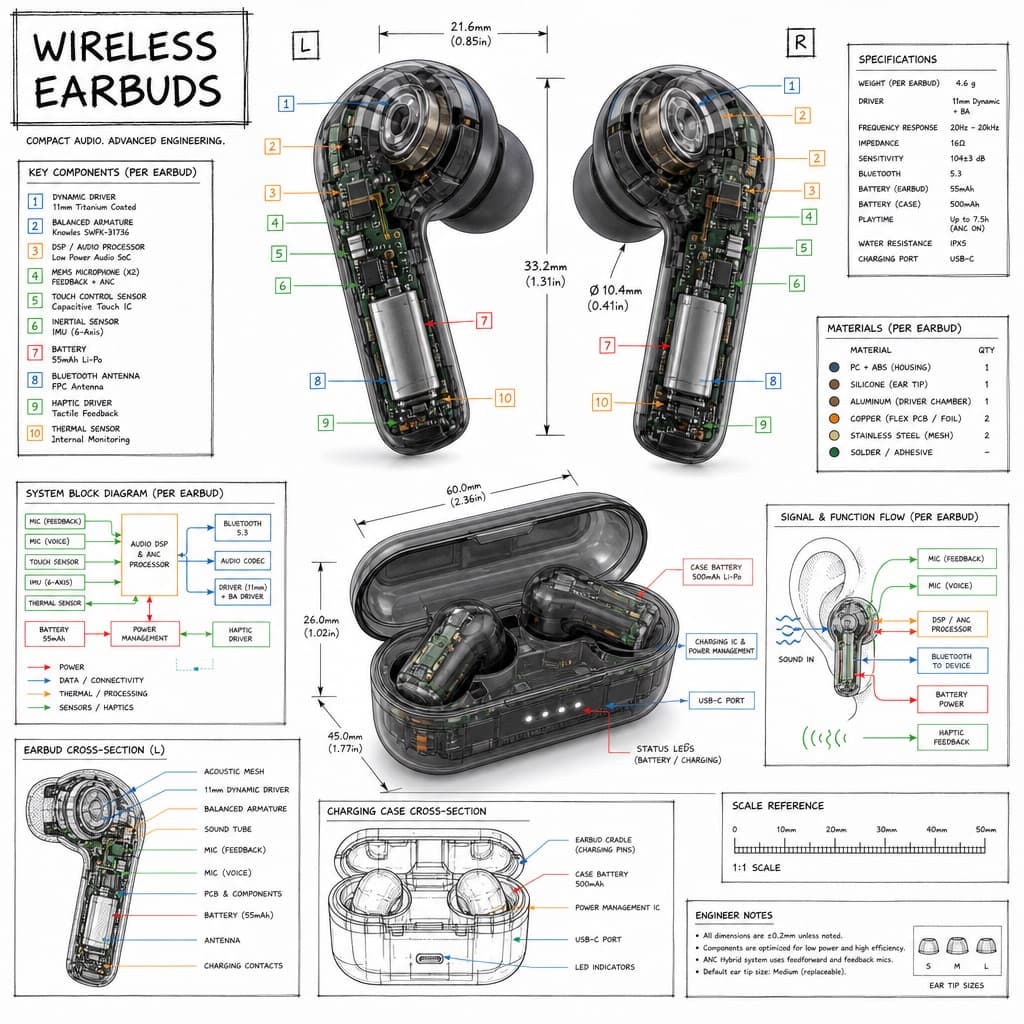
Image generated by us with gpt-image-2. Prompt by @TechieBySA
Prompt
Create a technical infographic of [OBJECT] with a 45-degree isometric 3D perspective, the device slightly tilted to reveal depth and dimension. Combine a realistic photoreal render of [OBJECT] with black ink technical annotations on a pure white background. Include: key component labels with color-coded callout boxes; internal component visibility through transparent/cutaway sections; measurements, dimensions, and precise scale markers; material callouts and quantities; color-coded arrows for function/flow (red for power/battery, blue for data/connectivity, orange for thermal/processor, green for sensors/haptics); and simple schematics or cross-sectional diagrams where relevant. Place the title "[OBJECT]" in a hand-drawn technical box in the top-left corner. Style: black linework (technical pen/architectural), sketched but precise, with the object remaining clearly visible, evoking an educational museum-exhibit vibe with clean composition and balanced negative space. Perspective: isometric 3D angle, tilted to show depth, dimension, and internal architecture dramatically, like a professional product teardown or engineering manual. Colors: roughly 10-15% accent density, black dominant, white background. Output at 1080x1080, ultra-crisp, social-feed optimized.
3 placeholders still empty. Copied as is, the generator will draw the brackets literally inside the image.
Editable variables
Change any value and the prompt rewrites above. Copy the finished result.
The device or product to illustrate as a technical teardown
Generate the image here
With your own OpenAI key. Free for us, and what you spend is yours.
Kept in this browser only and sent straight to OpenAI's API: it never passes through a server of ours, because there is no server of ours in between. Check it yourself in the network tab.
Fill in the remaining variables before generating, or the model will draw the brackets.