Rubber Tubing Brand Sculpture
A hyper-realistic 3D render of a brand shape sculpted from industrial rubber tubing, colored with official brand hues on a white studio backdrop.
Budget models do not render typography reliably; this case needs a higher tier.
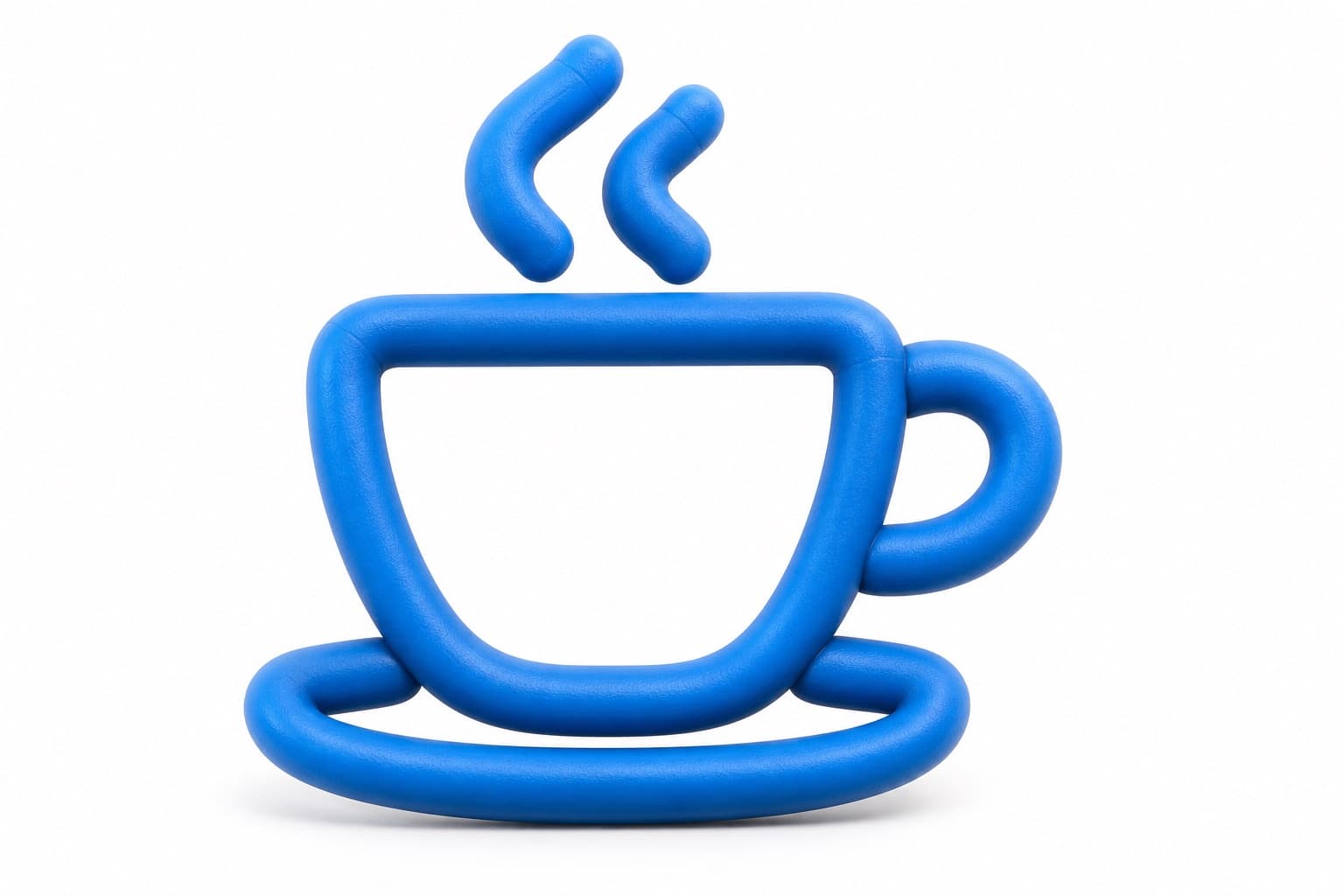
Image generated by us with gpt-image-2. Prompt by @Just_sharon7
Prompt
Create an ultra-detailed, hyper-realistic 3D render of [OBJECT], formed from thick industrial rubber tubing bent into the exact shape of the design. The structure should appear flexible yet dense, with smooth rounded contours, a subtle matte finish, and realistic elastomer texture. Include faint molded seam lines, soft tension at each curve, and authentic material compression and stretch behavior, with a slightly grippy surface quality that conveys engineered object realism. Color the tubing using the authentic official brand color palette of [BRAND], with faithful brand-matching hues applied across the tubing and accurate color blocking that follows the original logo design. Render in a premium studio product photography aesthetic, isolated on a pure white seamless background, with soft diffused studio lighting and realistic contact shadow. Emphasize macro detail and razor-sharp focus, photorealistic quality, 8k resolution, 16:9 aspect ratio, no watermark, no extra text.
2 placeholders still empty. Copied as is, the generator will draw the brackets literally inside the image.
Editable variables
Change any value and the prompt rewrites above. Copy the finished result.
The specific object, shape, or logo form to be rendered as rubber tubing sculpture
The brand whose official color palette will be used to color the rubber tubing
Generate the image here
With your own OpenAI key. Free for us, and what you spend is yours.
Kept in this browser only and sent straight to OpenAI's API: it never passes through a server of ours, because there is no server of ours in between. Check it yourself in the network tab.
Fill in the remaining variables before generating, or the model will draw the brackets.