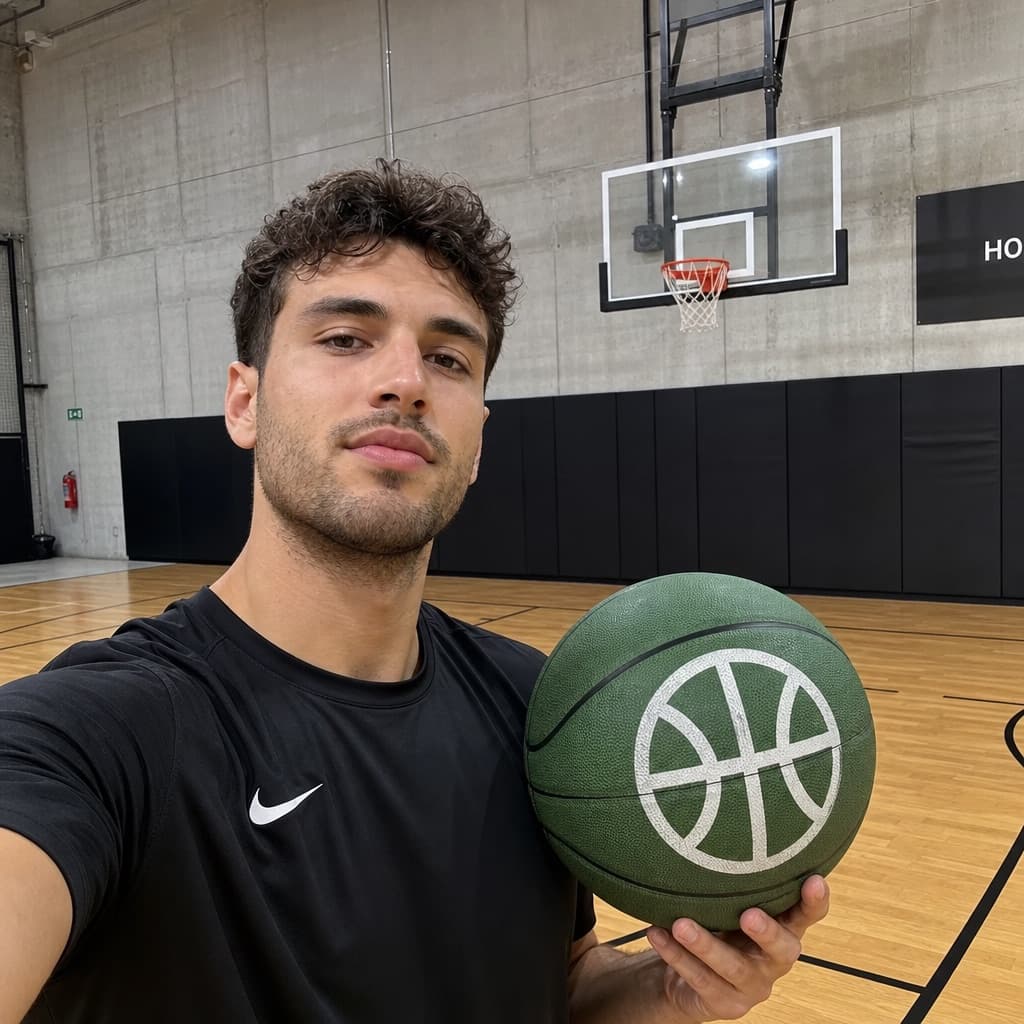
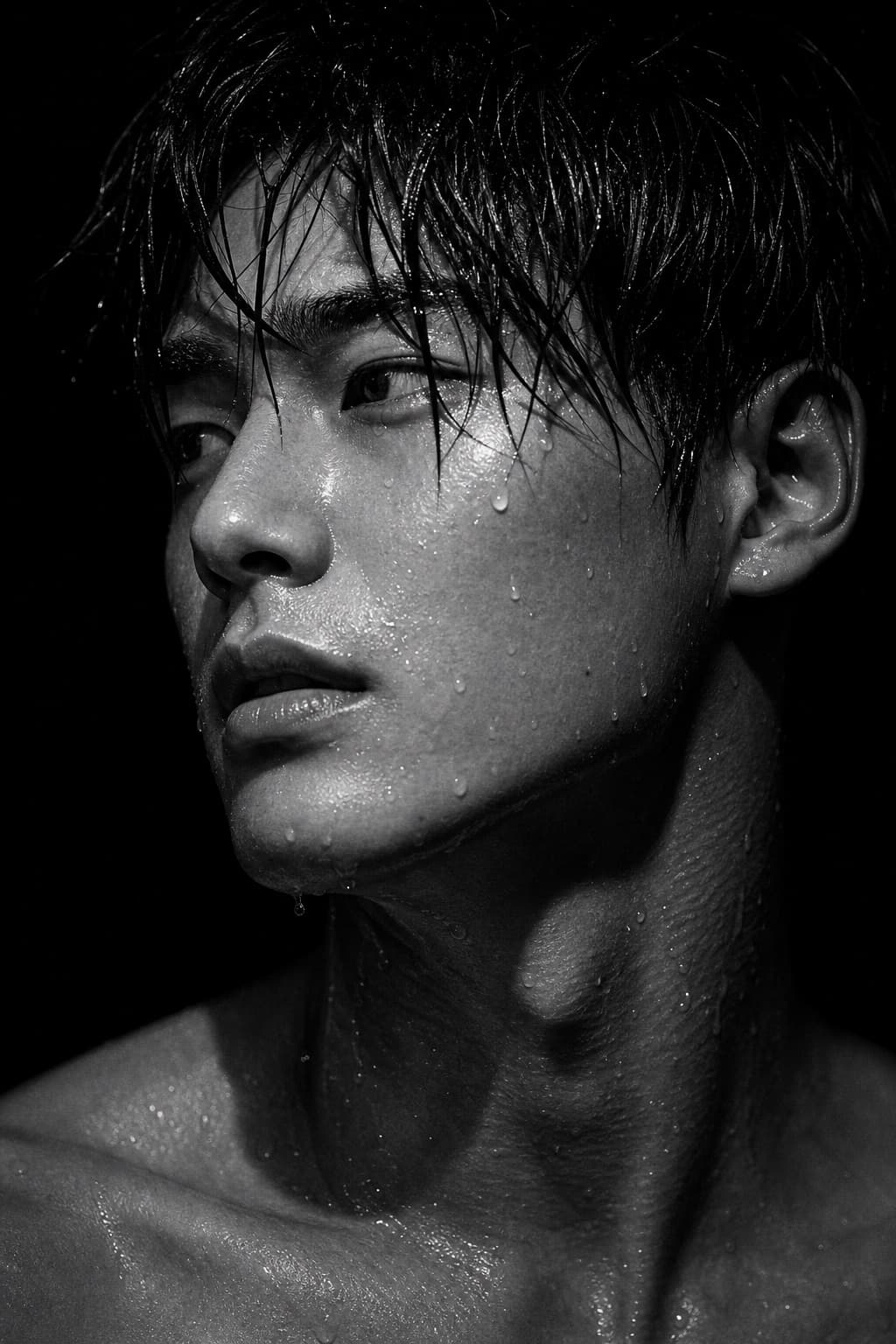
Retro 1990s Flash Portrait
Recreate a candid 1990s flash-camera portrait with red-eye, overexposure, grain, and a vintage timestamp for nostalgic realism.
Budget models do not render typography reliably; this case needs a higher tier.
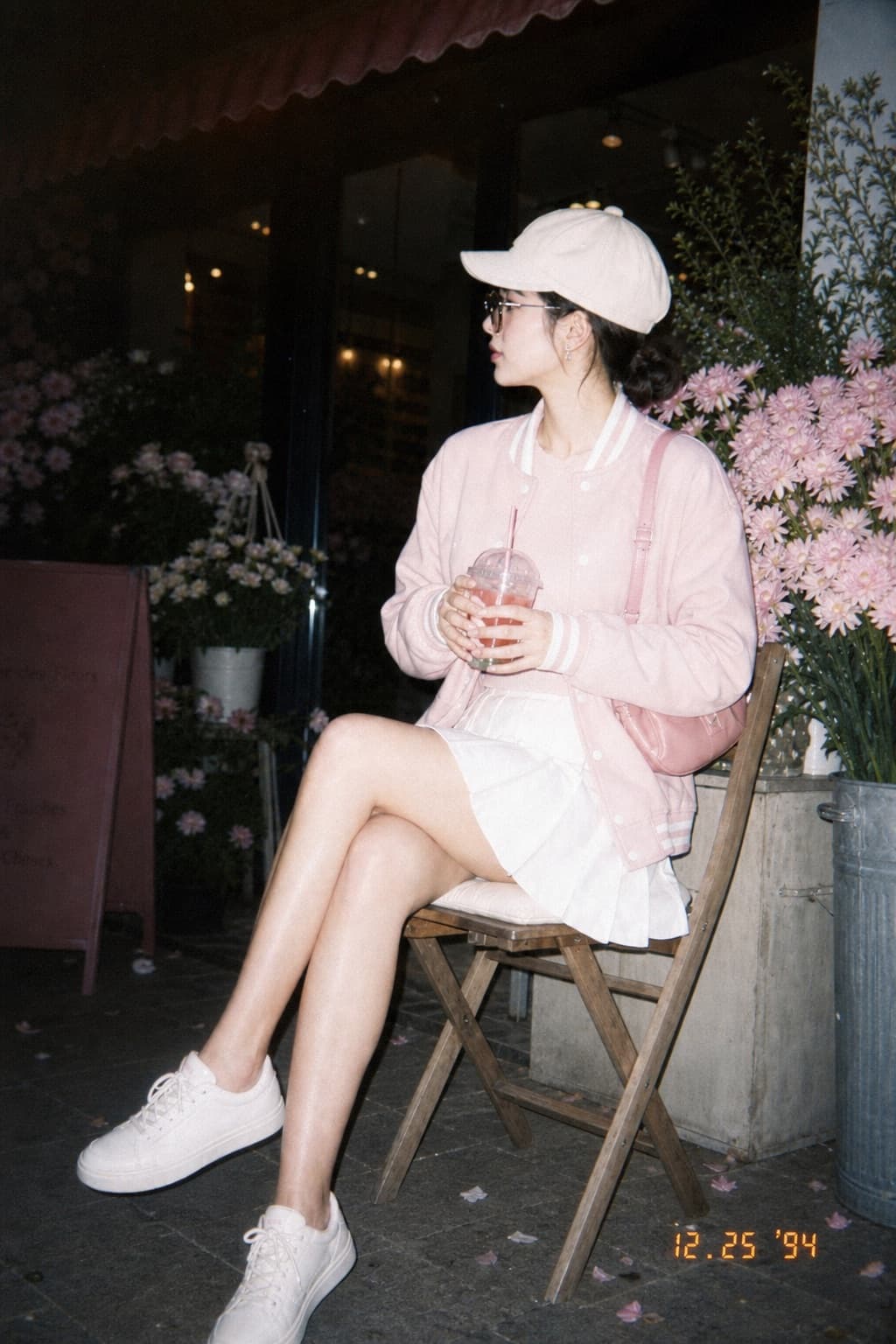
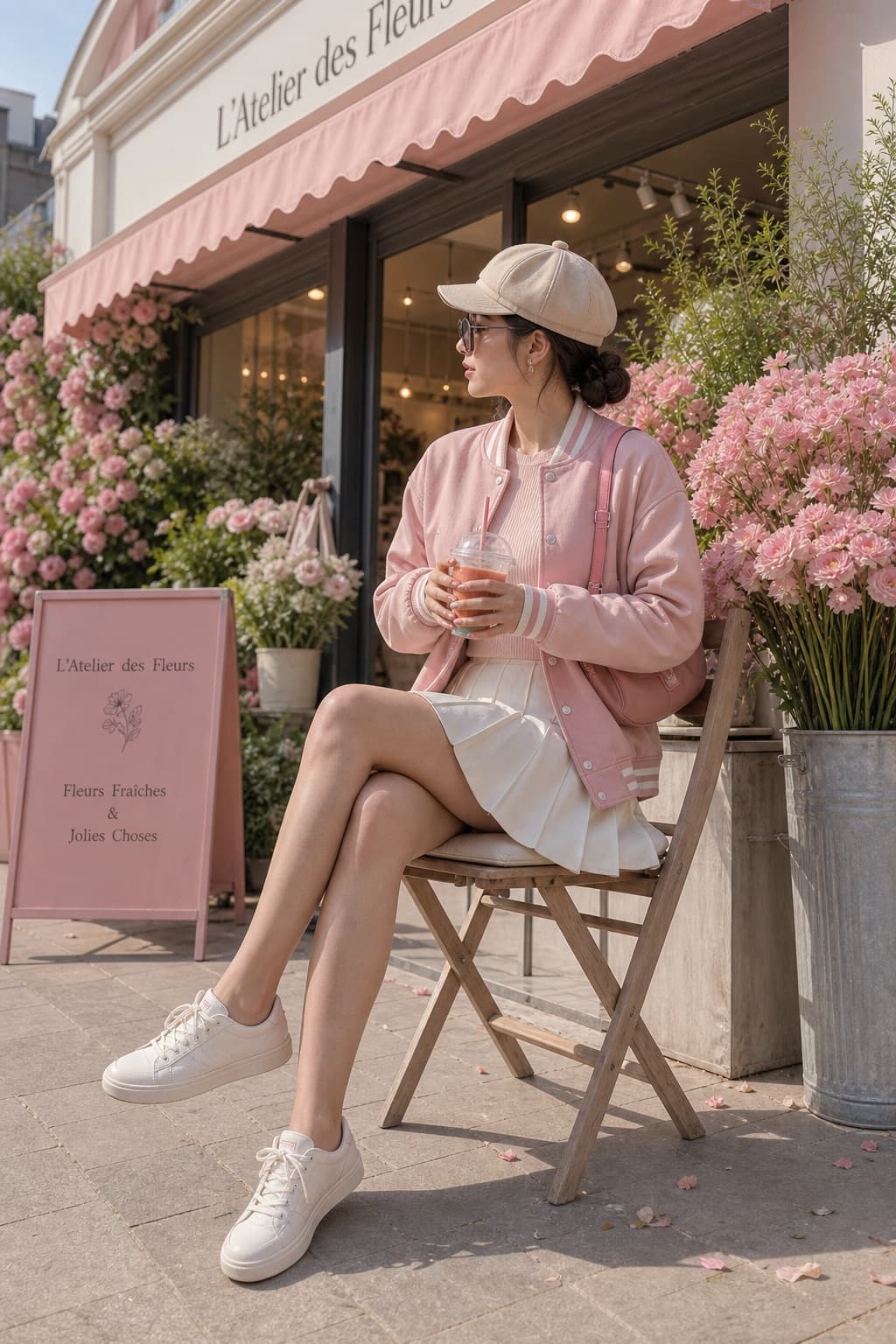
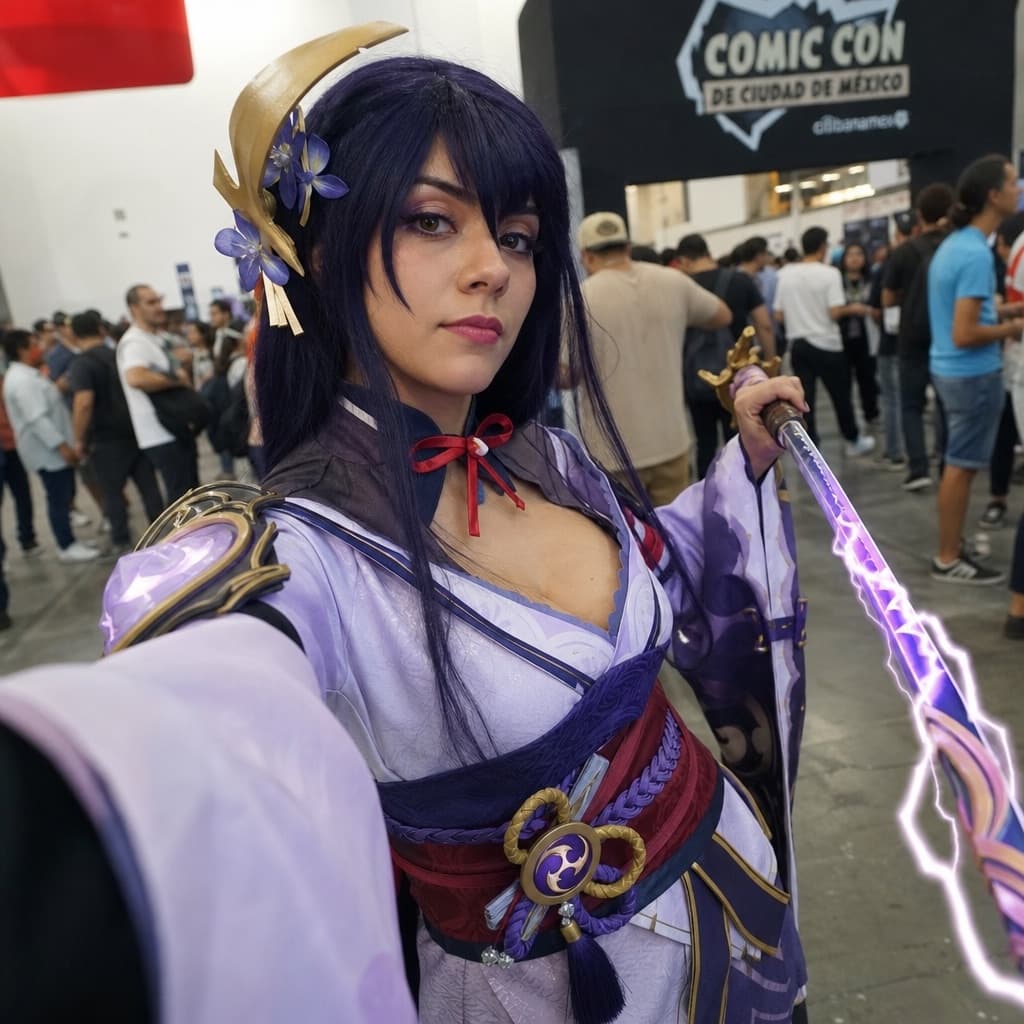
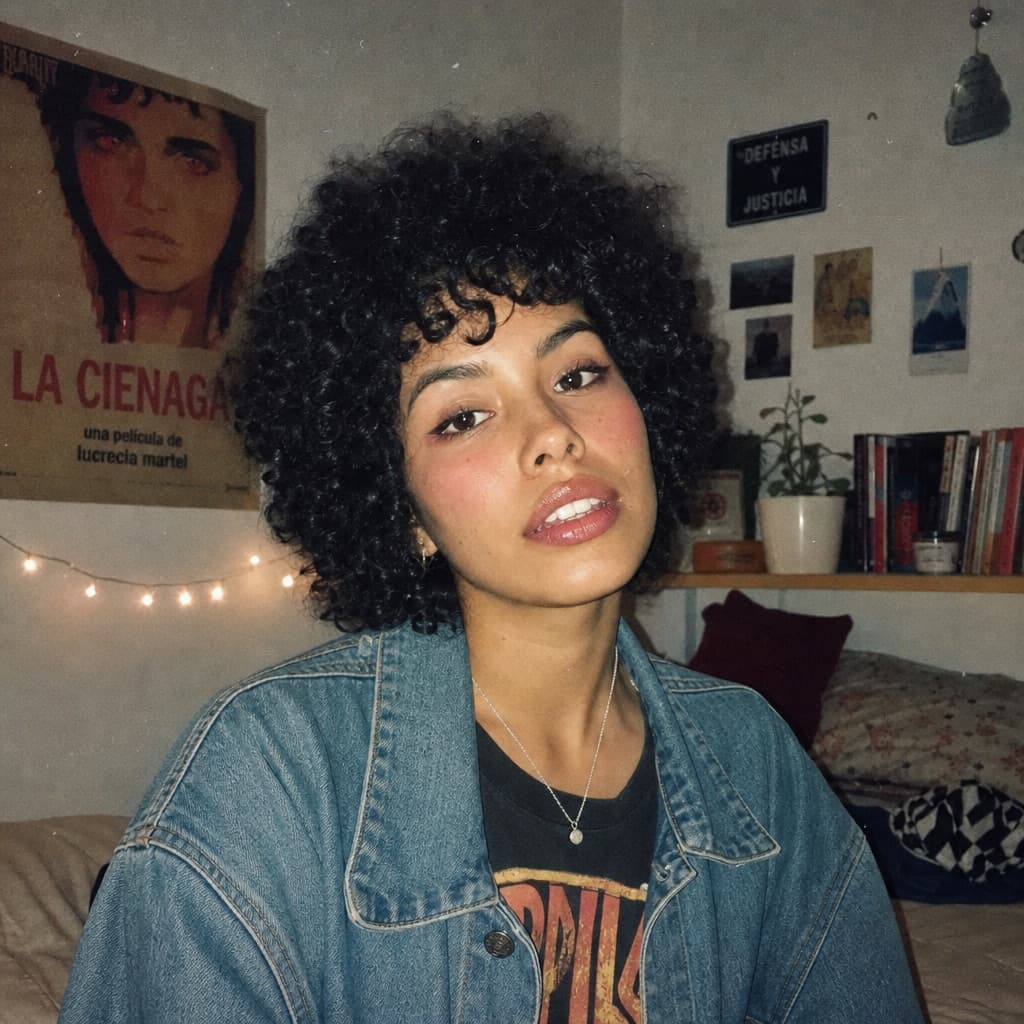
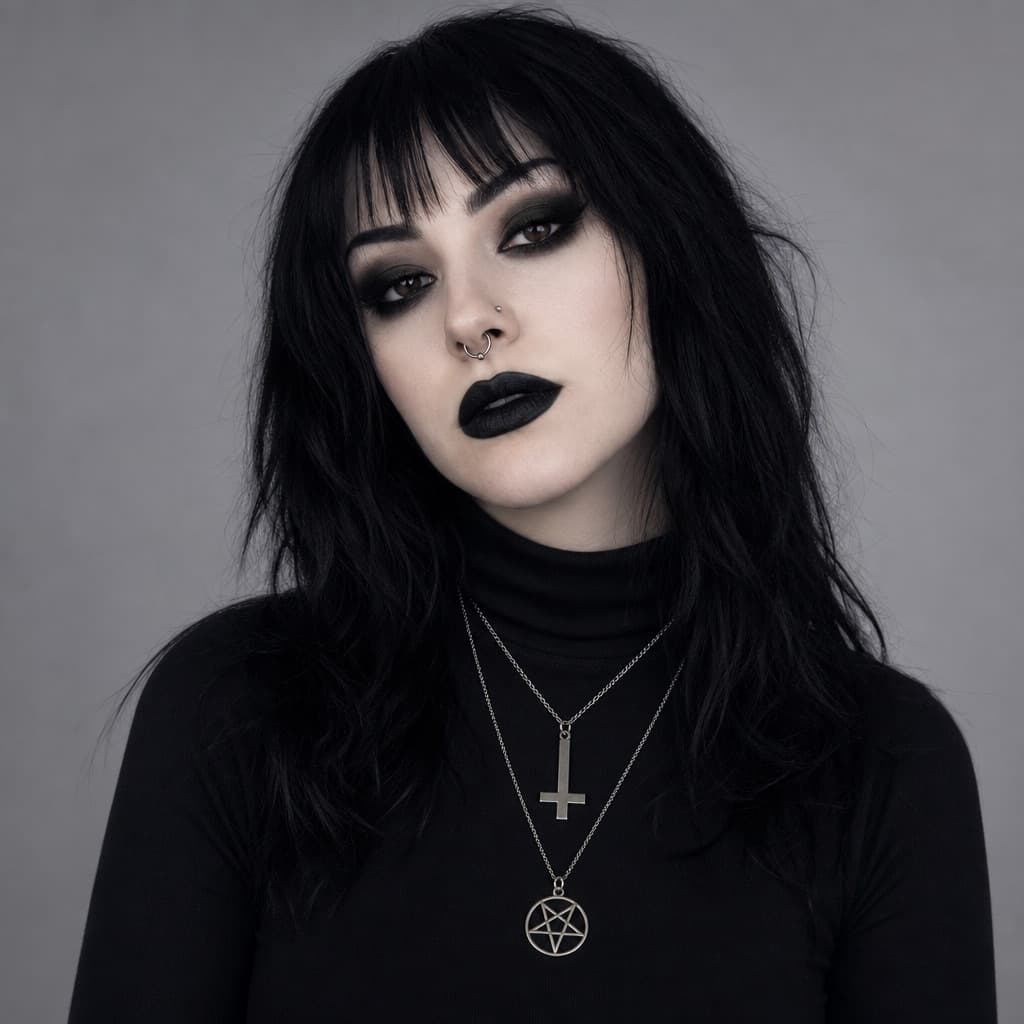
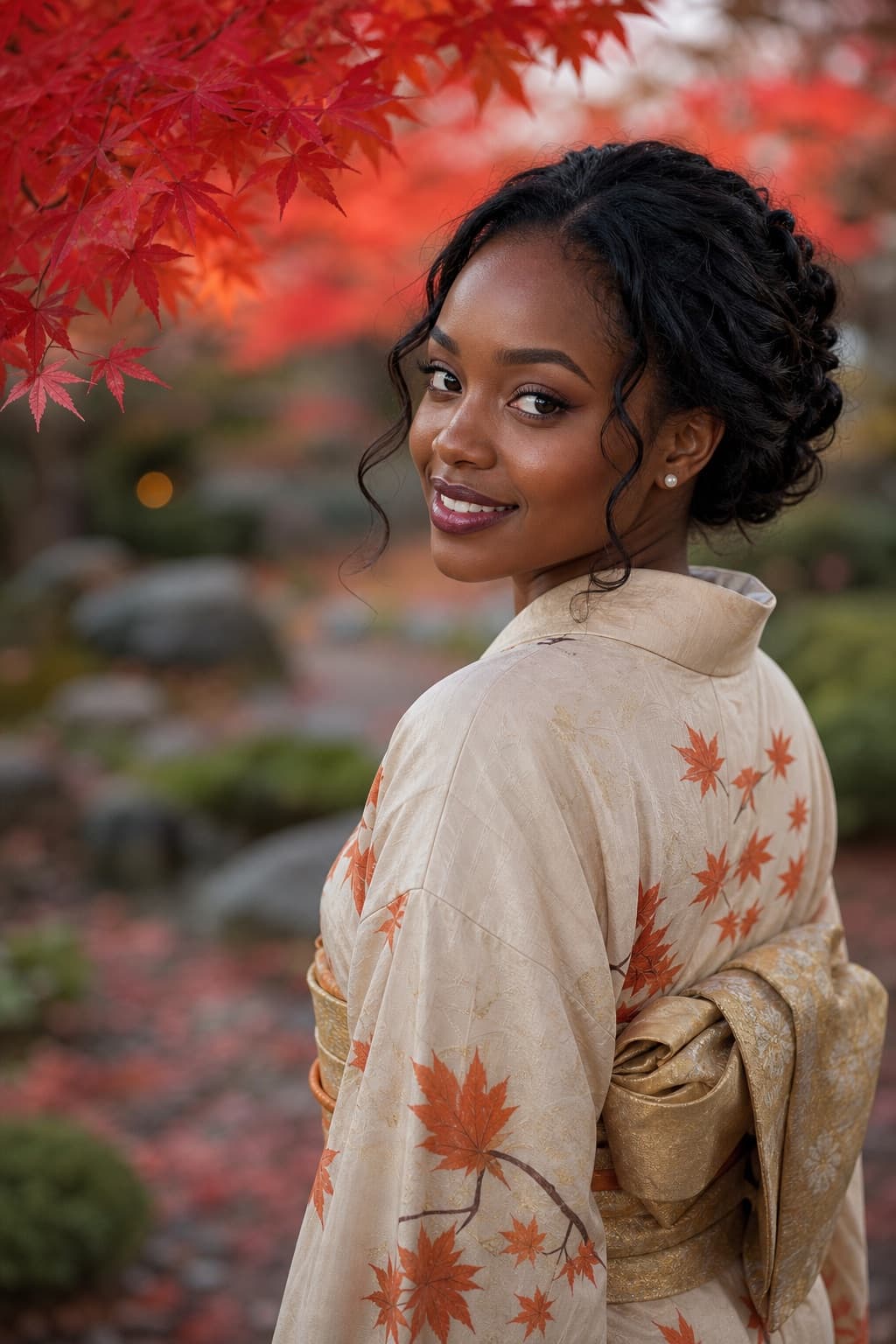
This prompt starts from a photo of yours. Drag to compare before and after.
Image generated by us with gpt-image-2.
Prompt
Early 1990s flash camera portrait style, based on a [BRAND] image generation prompt template. Use the uploaded image as the main reference. Transform the uploaded photo into a realistic candid portrait with an early 1990s digital camera aesthetic. Preserve the subject's identity, facial features, pose, outfit, and overall composition, but restyle the image with harsh blown-out flash highlights, a subtle red-eye effect, low-resolution image quality, raw snapshot imperfections, nostalgic flash-filter styling, and a vintage timestamp look. The final image should feel candid, imperfect, and authentic, like an old retro party or personal snapshot taken with an early consumer digital camera. Keep the background dark or naturally subdued when appropriate, maintain a direct-flash look, and give the image a raw, unpolished, memory-like atmosphere.

Include:
- harsh direct camera flash
- overexposed or blown-out highlights
- subtle red-eye effect
- low-resolution / soft digital detail
- slight grain or noisy texture
- authentic retro snapshot feeling
- vintage date/timestamp aesthetic in one corner showing [DATE_TEXT]
- candid, natural, imperfect energy

Avoid:
- cartoon or anime style
- overly polished beauty retouching
- studio lighting
- ultra-sharp modern DSLR look
- glossy AI skin
- text, logos, watermarks, or graphic overlays other than the timestamp aesthetic
- distorted anatomy or altered identity

Aspect ratio: 3:4.
2 placeholders still empty. Copied as is, the generator will draw the brackets literally inside the image.
Editable variables
Change any value and the prompt rewrites above. Copy the finished result.
Name of the AI image generation platform or tool referenced in the prompt template.
The vintage-style date or timestamp text displayed in the corner of the photo, mimicking old camera date stamps.
Generate the image here
With your own OpenAI key. Free for us, and what you spend is yours.
Kept in this browser only and sent straight to OpenAI's API: it never passes through a server of ours, because there is no server of ours in between. Check it yourself in the network tab.
This prompt starts from a photo of yours
It goes straight to OpenAI with the prompt. It never passes through a server of ours.
Fill in the remaining variables before generating, or the model will draw the brackets.