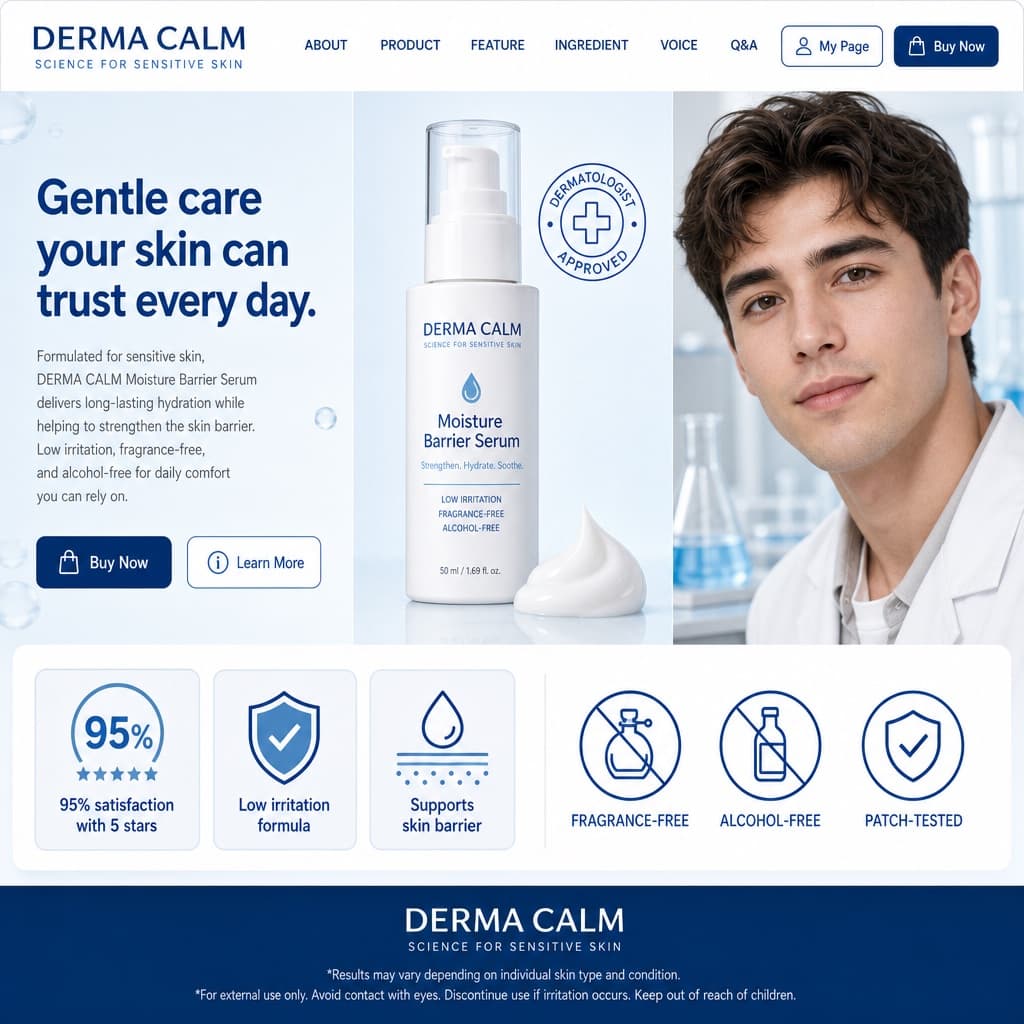
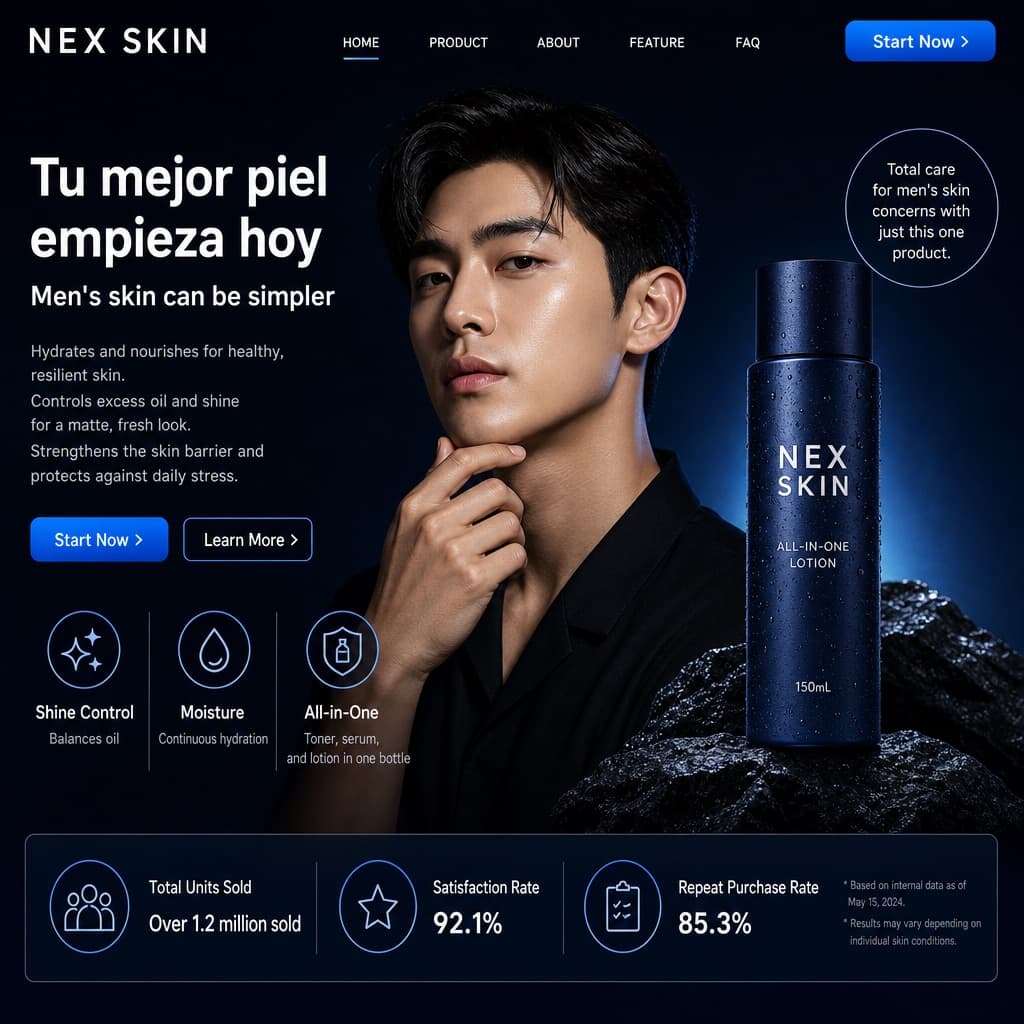
Product breakout ad composition
A studio-style advertisement with a gradient square, a person gripping a product that breaks its frame, and customizable brand typography.
Budget models do not render typography reliably; this case needs a higher tier.
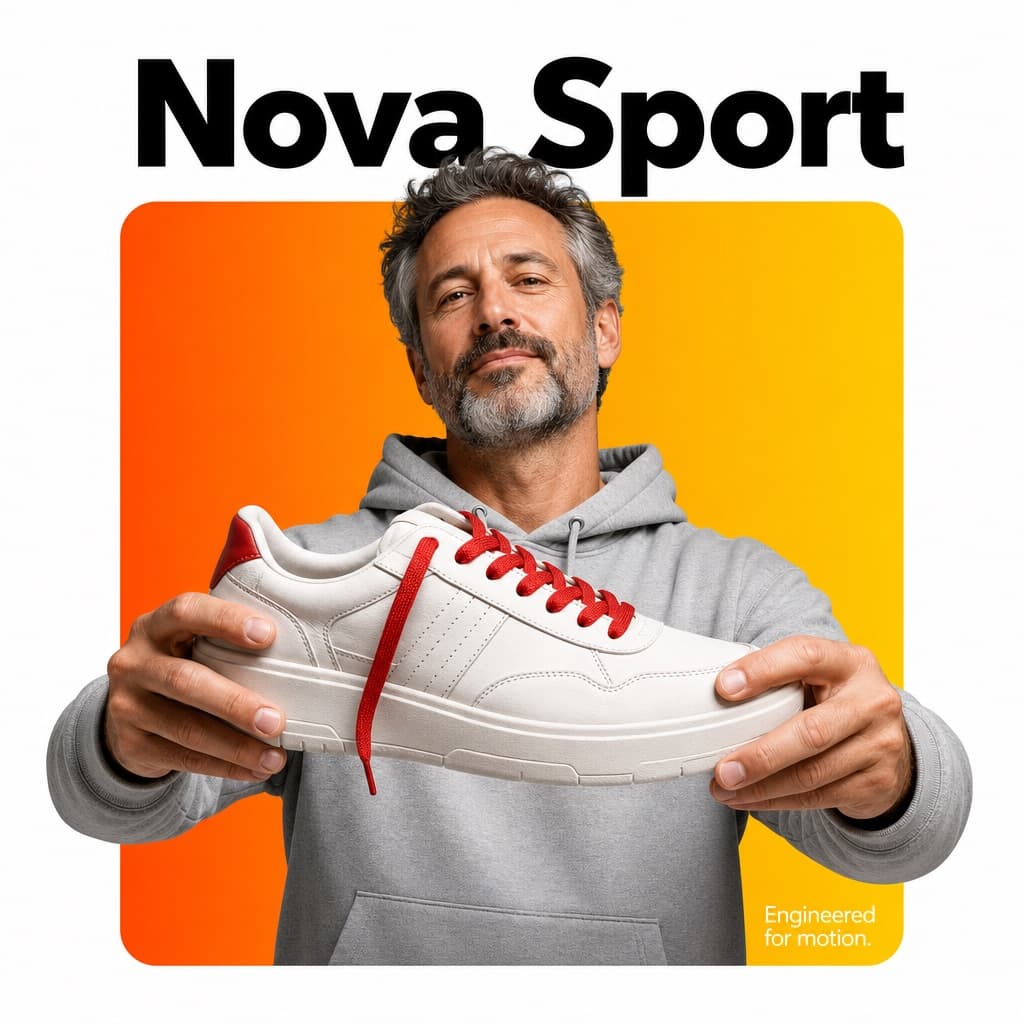
Image generated by us with gpt-image-2. Prompt by @Arminn_Ai
Prompt
A professional high-end graphic design advertisement composition on a pure solid white canvas. Centered is a perfectly symmetrical, large solid rounded square (not a hollow frame). The entire interior of this square is filled with a smooth, vibrant color gradient fading from [TOP_LEFT_COLOR] to [BOTTOM_RIGHT_COLOR].

A [CHARACTER_DESCRIPTION] is positioned such that the bottom of their torso is perfectly flush and aligned with the very bottom edge of the square, leaving no thick colored border visible beneath them. Crucially, the person and their clothing maintain natural, realistic colors and textures, illuminated by professional studio lighting that is independent of the background gradient (preventing any color cast on their skin or clothes).

They are firmly and realistically gripping [PRODUCT_DESCRIPTION]. Crucially, the top of their head and hair break the top boundary of the square, partially overlapping the white background. Their hands and the [PRODUCT_NAME] also break the side boundaries for a powerful 3D breakout effect, extending onto the white canvas.

Typography Layout: At the top, in the white space distinctly above the square with a clear gap, is the [FONT_STYLE] brand text '[BRAND_NAME]' in [TOP_TEXT_COLOR]. In the bottom-right corner, layered directly on top of the gradient inside the square, is a block of small, thin, clean [BOTTOM_TEXT_COLOR] descriptive text: '[SLOGAN]'.

The lighting is [LIGHTING_TYPE], crisp, and commercial, emphasizing the textures of both the subject and the product.
11 placeholders still empty. Copied as is, the generator will draw the brackets literally inside the image.
Editable variables
Change any value and the prompt rewrites above. Copy the finished result.
Color at the top-left of the gradient inside the square.
Color at the bottom-right of the gradient inside the square.
Appearance of the person shown, including hair, clothing and expression.
Full description of the product being held, including material and detail.
Short name of the product used for the breakout visual effect.
Typography style for the brand name at the top.
The invented brand name displayed above the square.
Color of the brand name text at the top.
Color of the small descriptive text inside the gradient square.
Short tagline or descriptive copy placed in the bottom-right corner.
Overall lighting quality of the composition.
Generate the image here
With your own OpenAI key. Free for us, and what you spend is yours.
Kept in this browser only and sent straight to OpenAI's API: it never passes through a server of ours, because there is no server of ours in between. Check it yourself in the network tab.
Fill in the remaining variables before generating, or the model will draw the brackets.