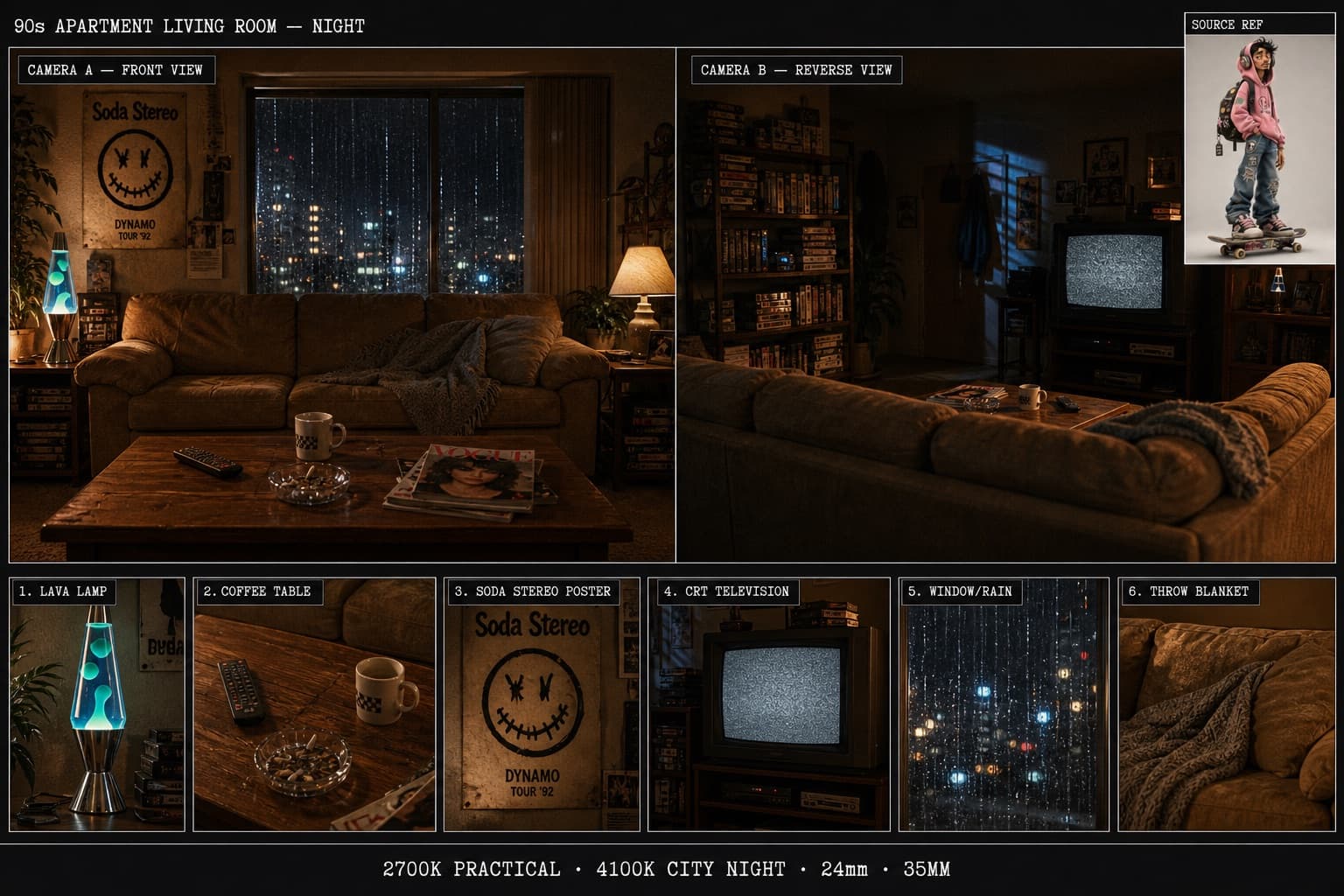
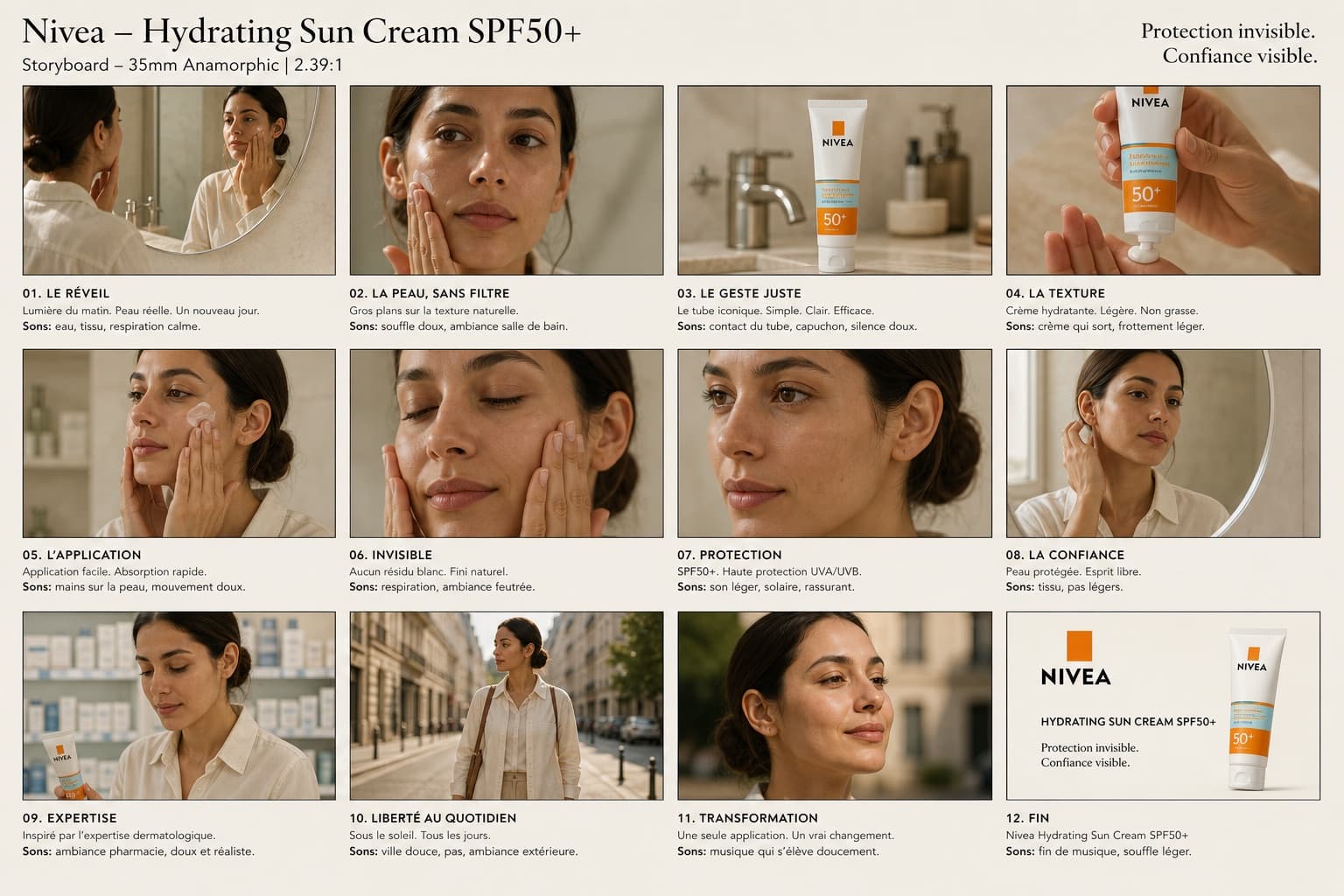
Miniature City Map Travel Poster
A tilt-shift miniature travel poster blending a real cityscape with a vintage map, featuring a vehicle on a winding elevated road.
Budget models do not render typography reliably; this case needs a higher tier.
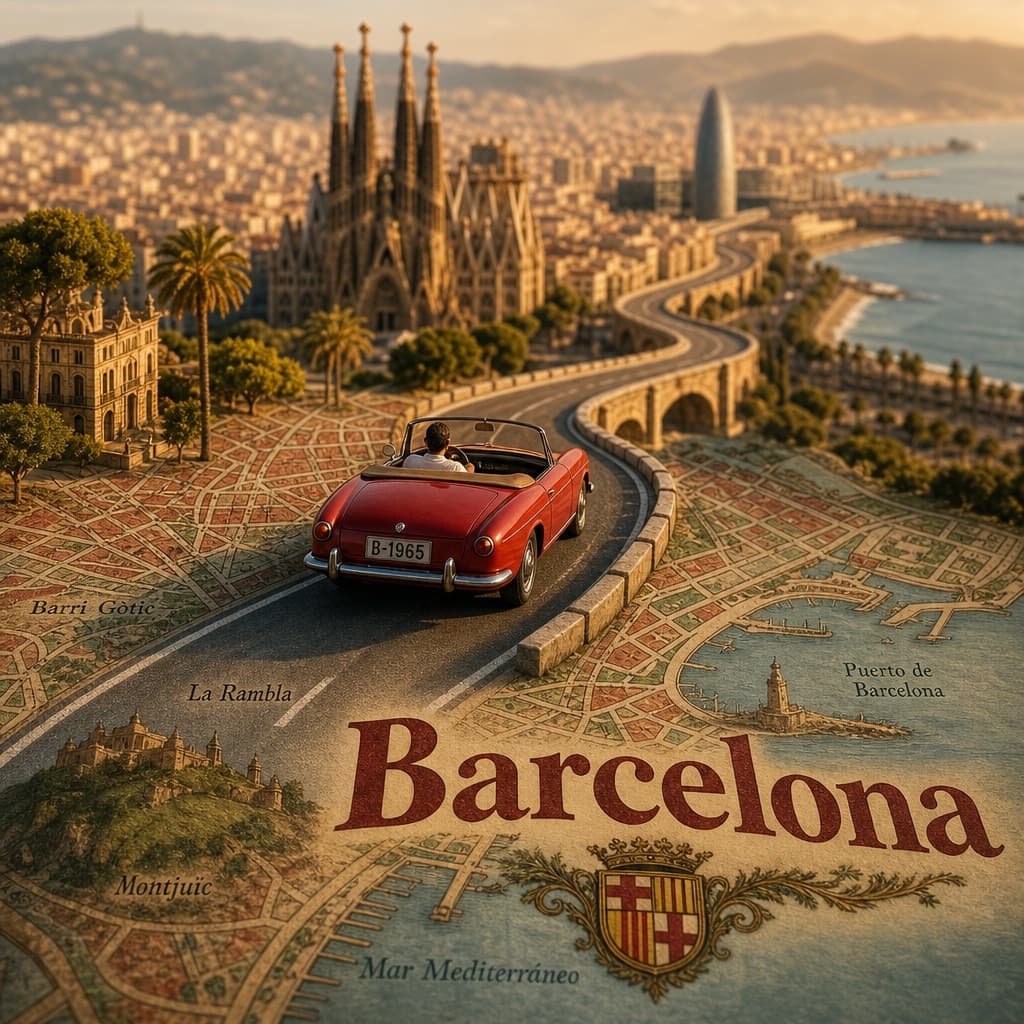
Image generated by us with gpt-image-2. Prompt by @SimplyAnnisa
Prompt
Create a highly detailed cinematic miniature tilt-shift travel scene of [CITY NAME] featuring a realistic [VEHICLE NAME] driving along a winding elevated road that emerges naturally from a printed vintage-style city map. The road should curve dramatically toward the background skyline and landmarks of [CITY NAME], while the vehicle remains the clear focal point in the foreground.

Blend the real city seamlessly with the illustrated map surface so the road appears integrated into the map itself. Include recognizable local landmarks, waterways, architecture, vegetation, and atmosphere associated with [CITY NAME], but keep the composition clean and uncluttered.

Show large bold typography of "[CITY NAME]" printed directly on the map in the foreground. Use warm golden-hour lighting, shallow depth of field, realistic textures, cinematic shadows, aerial perspective, and photorealistic detail. The overall aesthetic should feel like a premium Instagram travel poster mixed with a miniature diorama.

Aspect ratio 1:1.
5 placeholders still empty. Copied as is, the generator will draw the brackets literally inside the image.
Editable variables
Change any value and the prompt rewrites above. Copy the finished result.
The city whose skyline, landmarks and name appear on the map poster.
The type or style of vehicle shown driving along the elevated road in the miniature scene.
Generate the image here
With your own OpenAI key. Free for us, and what you spend is yours.
Kept in this browser only and sent straight to OpenAI's API: it never passes through a server of ours, because there is no server of ours in between. Check it yourself in the network tab.
Fill in the remaining variables before generating, or the model will draw the brackets.