Cross-Section Food Diagram
Generates a hyperreal, labeled cross-section illustration of a dish styled like a scientific diagram.
Budget models do not render typography reliably; this case needs a higher tier.
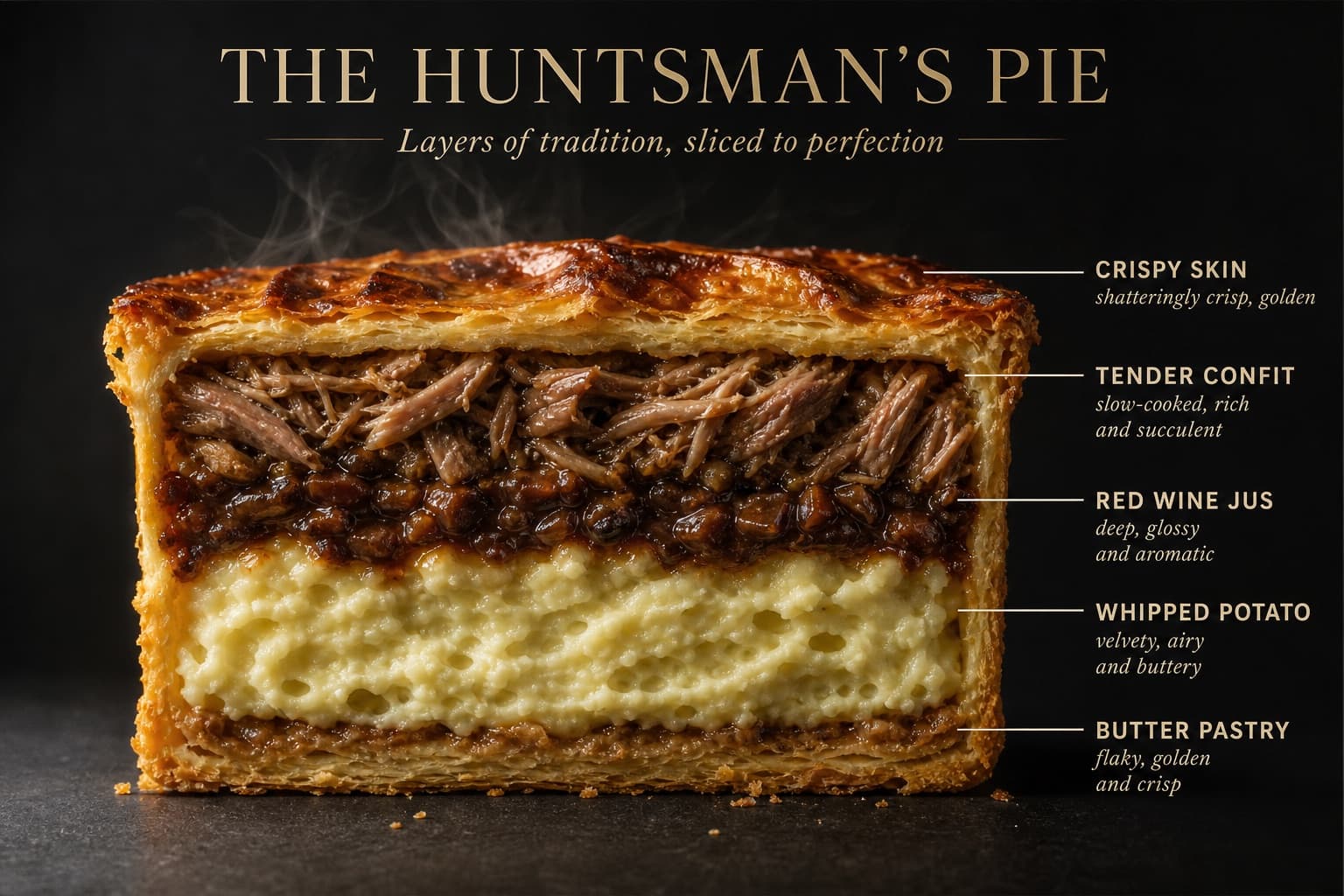
Image generated by us with gpt-image-2. Prompt by @AllaAisling
Prompt
Perfect cinematic cross-section cut through [DISH], sliced cleanly down the center revealing every internal layer in full detail. The cut face is facing the camera straight-on, like a geological diagram of flavor. Each visible layer is labeled with a thin horizontal line extending to the right — uppercase sans-serif ingredient names such as [INGREDIENT_LABELS] with an italic descriptor below each. Background: flat matte [COLOR]. Lighting: dramatic side light from left casting long shadows, single warm spotlight on the cut face. Every texture hyperreal — visible moisture, air pockets, char, glaze, and steam. Mood: architectural food photography meets scientific illustration, with the meticulous symmetrical framing of a quirky arthouse film director paired with Michelin-star kitchen precision. Dish name "[DISH_NAME]" in large elegant type at top. Subtitle: "[TAGLINE]". 4K, tack sharp.
5 placeholders still empty. Copied as is, the generator will draw the brackets literally inside the image.
Editable variables
Change any value and the prompt rewrites above. Copy the finished result.
The food item being cut in cross-section.
A comma-separated list of the internal layers or ingredients to label.
The flat matte background color behind the dish.
The stylized name of the dish shown as the title text.
A short subtitle phrase shown beneath the dish name.
Generate the image here
With your own OpenAI key. Free for us, and what you spend is yours.
Kept in this browser only and sent straight to OpenAI's API: it never passes through a server of ours, because there is no server of ours in between. Check it yourself in the network tab.
Fill in the remaining variables before generating, or the model will draw the brackets.